
1. Entwodiksyon
This manual provides essential information for setting up, operating, maintaining, and troubleshooting your Alienware AW Pro Wireless Gaming Headset. Please read this manual thoroughly before using the product to ensure optimal performance and longevity.

Figure 1: Alienware Pro Wireless Gaming Headset and accessories.
2. Pake kontni
Verifye ke tout atik yo prezan nan pakè ou a:
- Alienware Pro Wireless Headset
- USB-C Wireless Dongle
- USB-A USB-C adaptè
- USB-A pou USB-C kab
- Detachable Boom Mic
- Mic Shield
- Dokimantasyon (manyèl sa a)
3. Enstalasyon
3.1 Premye chaj
Before first use, fully charge your headset. Connect the provided USB-A to USB-C cable to the headset's USB-C port and a power source. A full charge provides up to 75 hours of battery life via Bluetooth (ANC off) or 70 hours via 2.4GHz (ANC off). A 15-minute rapid charge can provide up to 8 hours of playback (ANC off).
3.2 Konekte Mikwofòn nan
Insert the detachable boom mic into the designated port on the left earcup. Ensure it is securely connected. The mic shield can be placed over the microphone for reduced plosive sounds.
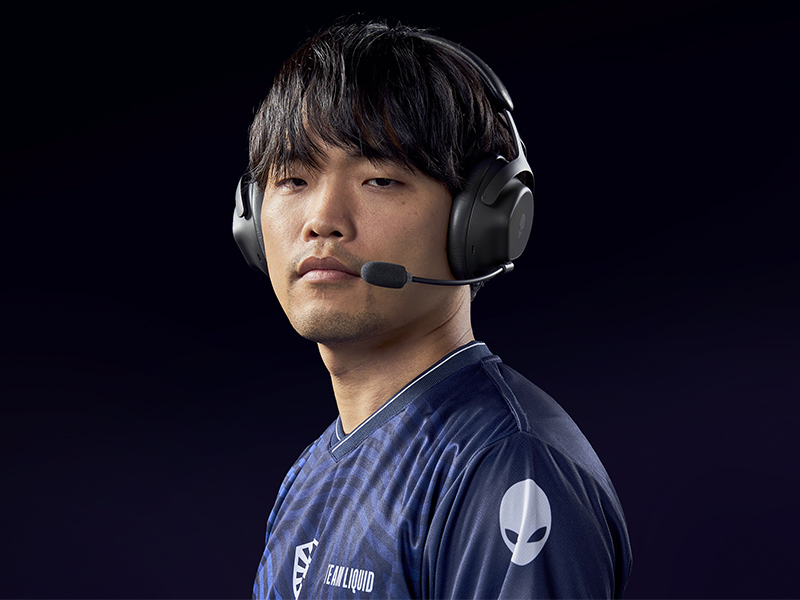
Figure 2: Attaching the detachable boom microphone.
3.3 Opsyon koneksyon
The headset supports tri-mode connectivity: 2.4GHz wireless, Bluetooth 5.3, and USB wired connection.
3.3.1 Koneksyon san fil 2.4GHz
- Insert the USB-C Wireless Dongle into a compatible USB-C port on your device (PC, gaming console). Use the USB-A to USB-C adapter if your device only has USB-A ports.
- Power on the headset. It should automatically connect to the dongle. The LED indicator on the headset will confirm connection.
3.3.2 Bluetooth Koneksyon
- Pouvwa sou headset la.
- Activate Bluetooth pairing mode on the headset (refer to the operating controls section for specific button presses).
- On your device (PC, mobile, etc.), go to Bluetooth settings and select "Alienware Pro Headset" from the list of available devices.
- The headset supports Bluetooth 5.3 with a range of up to 30 meters.
3.3.3 USB Wired Connection
Connect the headset directly to your device using the USB-A to USB-C cable for a wired audio and charging connection.
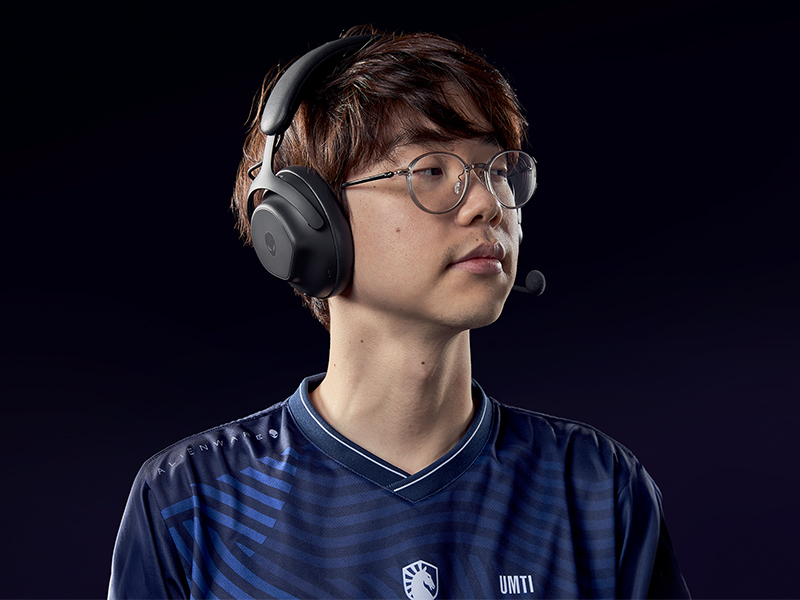
Figure 3: Connectivity options with dongle and adapter.
3.4 Enstalasyon lojisyèl
For full customization and advanced features, install the Alienware Command Center software on your PC. This software allows you to tailor your sound experience, including Dolby Atmos integration, and manage headset settings.
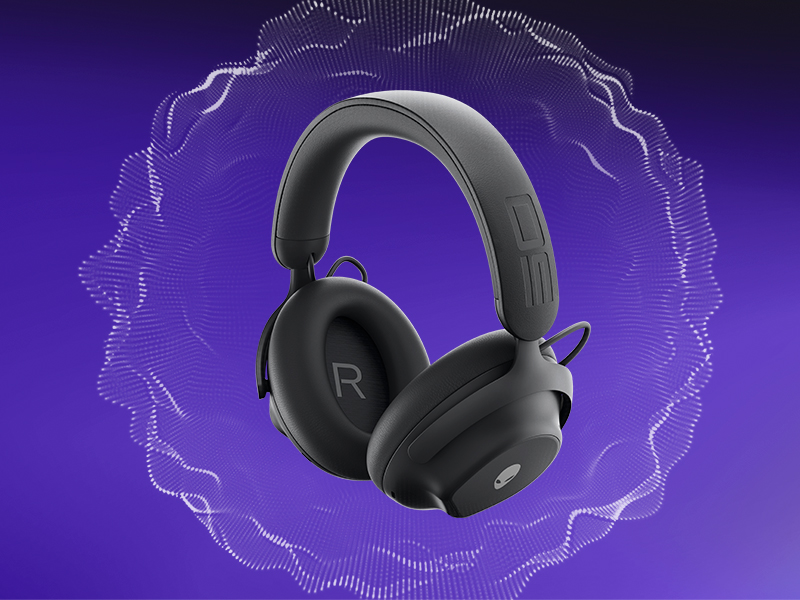
Figure 4: Customizing audio settings via Alienware Command Center.
4. Itilizasyon kas ekoutè a
4.1 Kontwòl souview
The headset features intuitive controls for power, volume, microphone, and ANC modes. Refer to the product diagram for exact button locations.
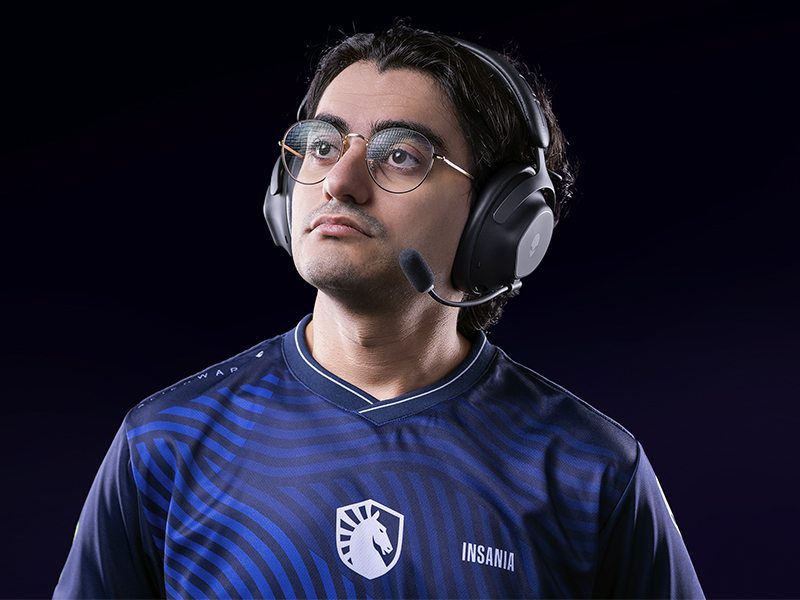
Figure 5: Built-in controls on the headset.
4.2 Karakteristik odyo
4.2.1 50mm Graphene-Coated Drivers
The headset is equipped with 50mm graphene-coated dynamic drivers, providing high-fidelity audio with a frequency response up to 40 KHz for an immersive sound experience.
Video 1: Demonstration of Alienware 50mm Graphene-Coated Drivers technology.
4.2.2 Anilasyon aktif bri (ANC)
Engage Active Noise Cancellation to minimize external distractions and maintain focus during gameplay or other activities. The headset features Hybrid Noise Cancellation technology.
Video 2: Explanation of Alienware Active Noise Cancellation feature.
4.2.3 Mòd transparans
Transparency Mode allows you to hear your surroundings without removing the headset, useful for situational awareness.
4.3 Itilizasyon Mikwofòn
The two-mic AI Noise Cancellation system focuses on your voice, ensuring clear communication by filtering out background noise. Adjust microphone volume and settings via the Alienware Command Center software.
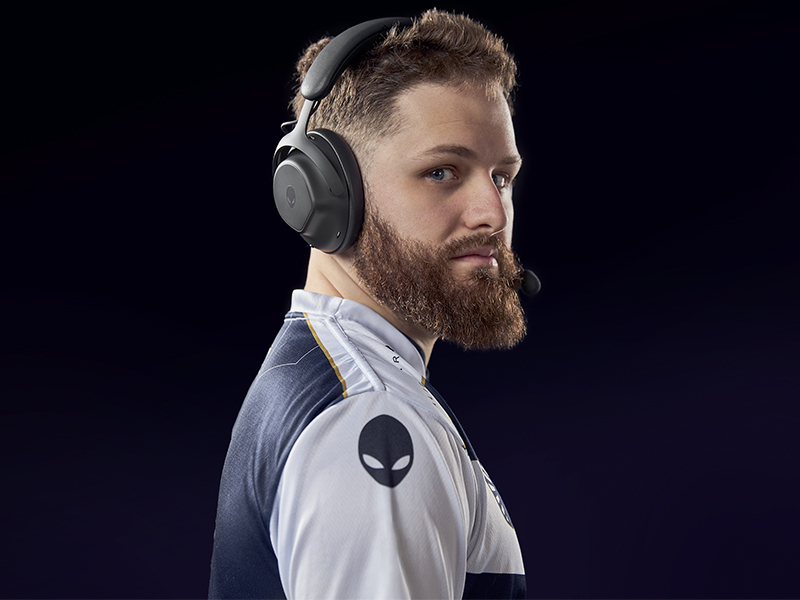
Figure 6: Two-Mic AI Noise Cancellation in action.
5. Antretyen
5.1 Netwayaj
To clean your headset, use a soft, dry cloth. Avoid abrasive cleaners, solvents, or harsh chemicals. For earcups, gently wipe with a slightly damp twal epi kite l seche nèt nan lè a anvan ou itilize li.
5.2 Depo
Store the headset in a cool, dry place away from direct sunlight and extreme temperatures. When not in use, it is recommended to store it in a protective case to prevent damage.
NAN. Depanaj
If you encounter issues with your Alienware Pro Wireless Gaming Headset, refer to the following common solutions:
6.1 No Audio or Intermittent Sound
- Tcheke Koneksyon: Ensure the 2.4GHz dongle is properly inserted, or Bluetooth is correctly paired. For wired connection, verify the USB cable is secure.
- Pouvwa ak batri: Confirm the headset is powered on and has sufficient battery charge.
- Nivo volim: Check both the headset's volume control and your device's audio output settings.
- Sous odyo: Asire w ke ou chwazi bon aparèy pwodiksyon odyo a sou òdinatè w la oswa konsole w la.
- Chofè/Lojisyèl: Update your audio drivers and Alienware Command Center software to the latest version.
6.2 Pwoblèm Mikwofòn
- Koneksyon Mikwofòn: Ensure the detachable boom mic is fully inserted into its port.
- Estati bèbè: Check if the microphone is muted on the headset or in your device's settings.
- Aparèy Antre: Verify that the Alienware Pro Headset microphone is selected as the default input device in your system's sound settings.
- Anviwònman lojisyèl: Adjust microphone sensitivity and AI Noise Cancellation settings within Alienware Command Center.
6.3 Pwoblèm koneksyon
- Rekonekte Bluetooth la: If Bluetooth connection is unstable, unpair and re-pair the headset with your device.
- Dongle Re-connection: For 2.4GHz, try unplugging and re-inserting the USB dongle.
- Entèferans: Ale lwen lòt aparèy san fil ki ka lakòz entèferans.
- Mizajou mikrolojisyèl: Check for and install any available firmware updates for the headset via Alienware Command Center.
7. Espesifikasyon
| Karakteristik | Detay |
|---|---|
| Non modèl | AW Pro Headset |
| Koneksyon Teknoloji | Bluetooth / 2.4 GHz radio frequency / USB |
| Teknoloji kominikasyon san fil | 2.4GHz, Bluetooth 5.3 |
| Gamme Bluetooth | 30 mèt |
| Kontwòl bri | Anilasyon Bri Ibrid |
| Kalite chofè odyo | Dynamic Driver (50mm Graphene-Coated) |
| Repons Frekans | 40 KHz |
| Lavi batri | Jiska 75 èdtan (Bluetooth, ANC etenn) |
| Tan pou chaje | 15 minutes for up to 8 hours playback (ANC off) |
| Mikwofòn | Detachable Boom Mic with 2-Mic AI Noise Cancellation, Beamforming |
| Karakteristik espesyal | Hearing Protection, Transparency Mode |
| Aparèy konpatib | Gaming Consoles, Computers, Mobile Devices |
| Pwa atik | 11 ons (312g) |
| Dimansyon pwodwi | 3.55 x 5.91 x 8.07 pous (9.02 x 15.01 x 20.50 cm) |
| UPC | 884116469728 |
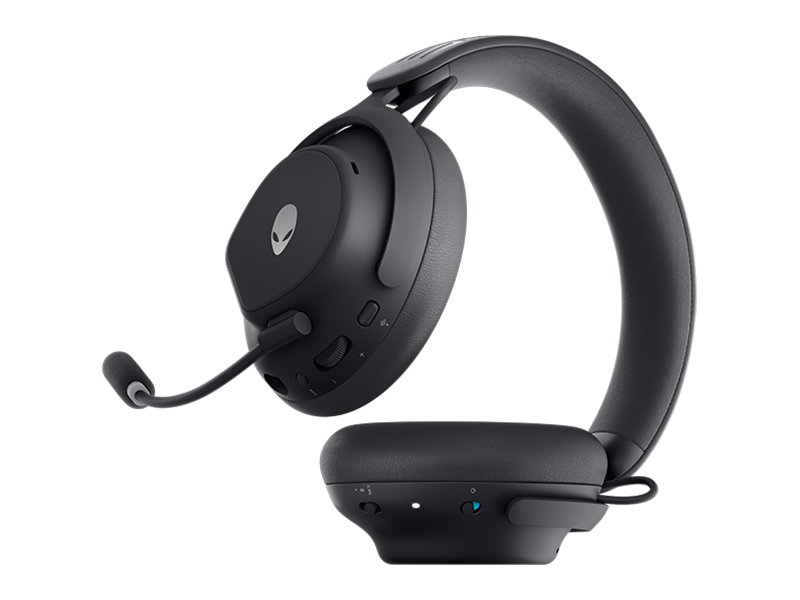
Figure 7: Headset dimensions.
8. Garanti ak sipò
For warranty information, technical support, or further assistance, please visit the official Alienware or Dell support website. You can find drivers, firmware updates, and detailed troubleshooting guides there.
Manifakti: Dell