
Entwodiksyon
This user manual provides essential information for the safe and effective use of your CJP-Geek UL 12V Power Adapter, model PSCJQ918WPR-248. This adapter is designed to provide a stable 12V power supply for compatible mini PCs and desk computers, including AWOW AK-41, AK34-J, NYi3, and Beelink T4 models. Please read this manual thoroughly before use and retain it for future reference.
Enfòmasyon sou Sekirite
Pou asire yon operasyon an sekirite epi pou anpeche domaj, tanpri obsève prekosyon sekirite sa yo:
- Antre Voltage: Asire w vòltaj priz kouran antage is within the specified range of 100-240V AC.
- Karakteristik pwoteksyon: The adapter includes built-in Over Voltage Protection, Over Current Protection, Short Circuit Protection, and Input Protection to safeguard your devices.
- Kondisyon anviwònman: Use the adapter in a dry environment. Avoid exposure to water, moisture, or high humidity.
- Vantilasyon: Do not cover the adapter during use, as this may lead to overheating.
- Domaj Fizik: Do not drop, disassemble, or attempt to repair the adapter. If damaged, discontinue use immediately.
- Swen kab: Do not place heavy objects on the power cord or subject it to excessive bending or pulling.
- Timoun: Kenbe adaptè a soti nan atenn timoun yo.
Kontni pake
Verifye ke tout atik yo prezan lè w ap ouvri pake a:
- CJP-Geek UL 12V Power Adapter (Model: PSCJQ918WPR-248)
Pwodwi souview
Familiarize yourself with the components and features of your power adapter.

Figi 1: Prensipal view of the CJP-Geek 12V Power Adapter, showing the adapter block with a 2-prong plug and the attached DC output cable with a round tip connector.
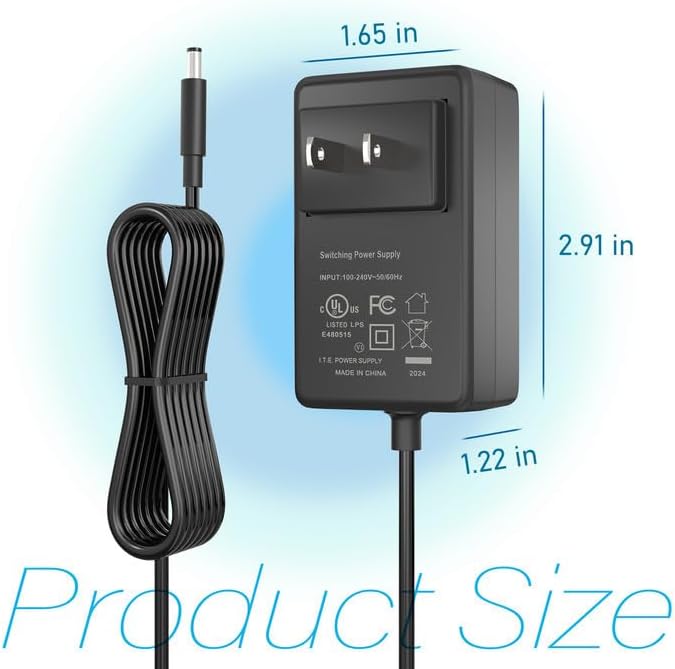
Figi 2: Product dimensions of the CJP-Geek 12V Power Adapter. The adapter block measures approximately 1.65 inches in width, 2.91 inches in height, and 1.22 inches in depth.

Figi 3: Diagram illustrating the multi-certification security features of the CJP-Geek 12V Power Adapter, including Over Temperature Protection, Overcharge Protection, Short Circuit Protection, Overvoltage Protection, Overcurrent Protection, and Overpower Protection.
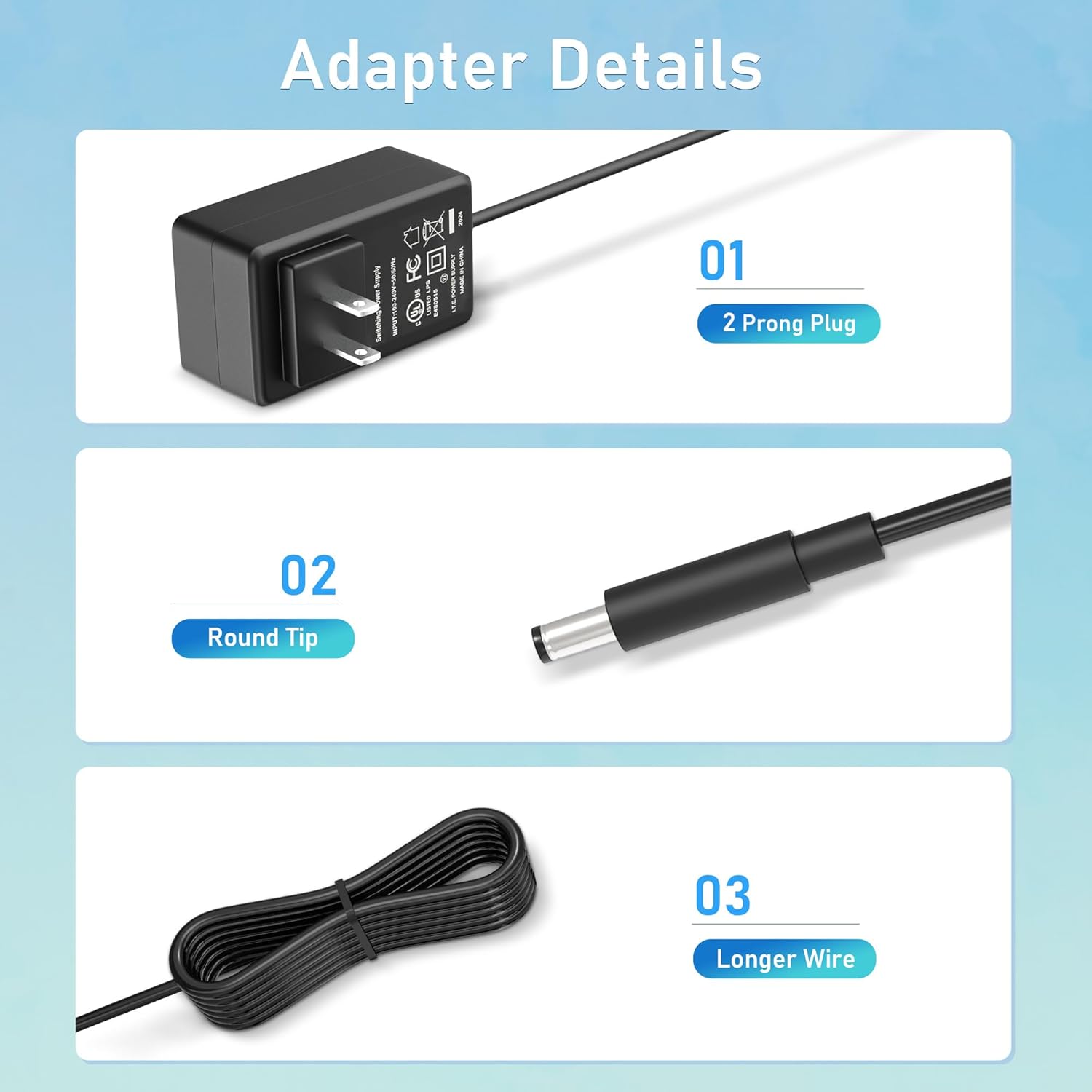
Figi 4: Detaye view of the adapter's key components: (01) a standard 2-prong plug for wall outlets, (02) a round tip DC connector for device input, and (03) a longer wire for extended reach.
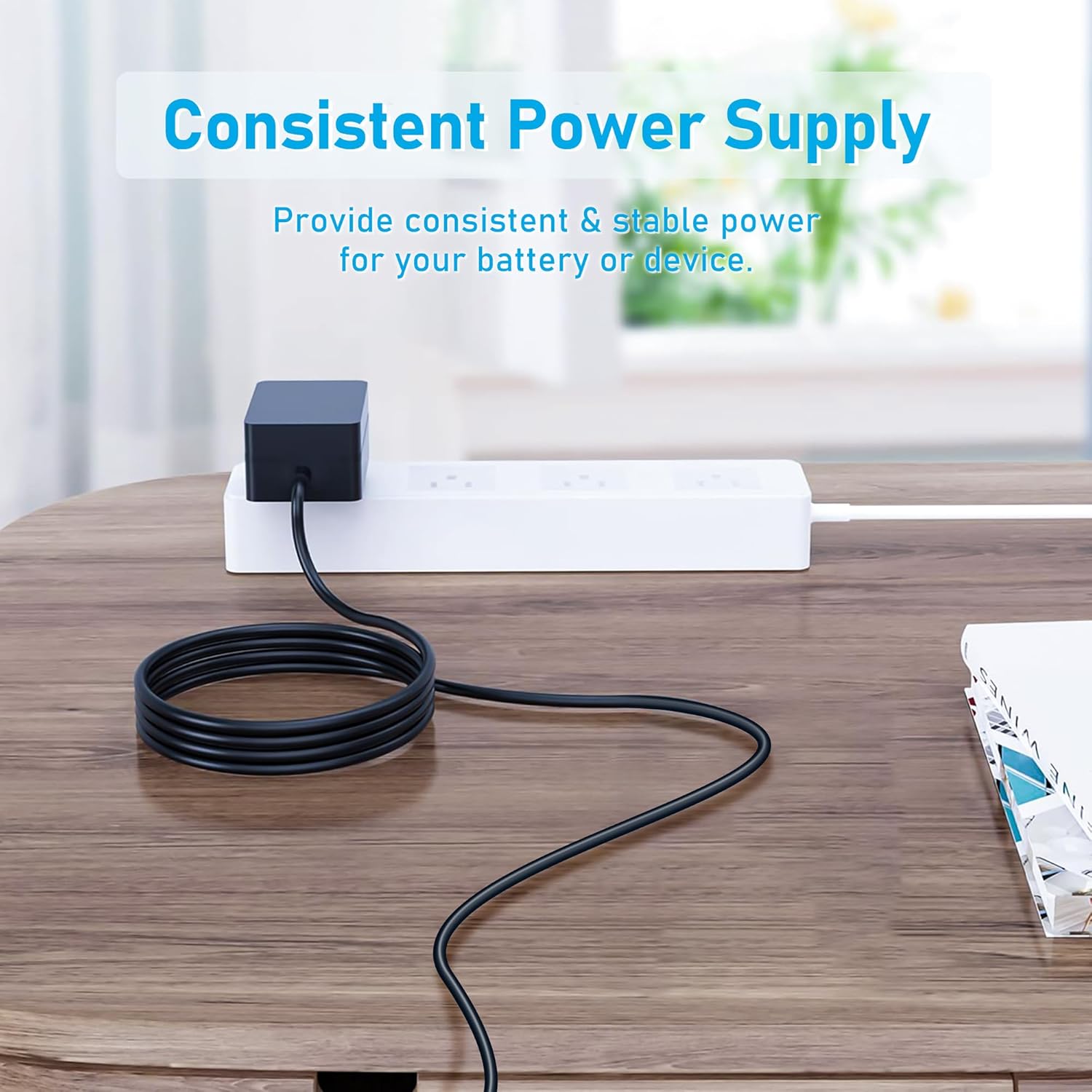
Figi 5: The CJP-Geek 12V Power Adapter connected to a power strip, demonstrating its ability to provide consistent and stable power to a device (not shown) on a desk.
Enstriksyon Enstalasyon
- Verifye konpatibilite: Ensure your device requires a 12V DC input and has a compatible round tip power port. Refer to your device's manual for power specifications.
- Konekte ak aparèy: Insert the round tip DC connector of the CJP-Geek power adapter firmly into the power input port of your mini PC or compatible device.
- Konekte nan priz kouran: Plug the 2-prong AC plug of the power adapter into a standard 100-240V AC wall outlet or power strip.
- Pouvwa sou: Once connected, your device should receive power. Follow your device's instructions to power it on.
Enstriksyon Operasyon
The CJP-Geek 12V Power Adapter operates automatically once connected to a power source and a compatible device. It provides a continuous and stable power supply. No user intervention is required for its basic operation.
- Asire w ke adaptè a mete nan yon zòn ki byen ayere pou anpeche li chofe twòp.
- Dekonekte adaptè a nan priz kouran an lè w pa itilize li pou yon bon bout tan.
Antretyen
Proper maintenance ensures the longevity and reliable performance of your power adapter:
- Netwayaj: Disconnect the adapter from all power sources before cleaning. Use a soft, dry cloth to wipe the exterior. Do not use liquid cleaners or abrasive materials.
- Depo: Sere adaptè a nan yon kote ki fre epi sèk, lwen limyè solèy dirèk ak tanperati ekstrèm lè w pa ap itilize li.
- Enspeksyon kab: Periodically inspect the power cord and connectors for any signs of damage, fraying, or loose connections. If damage is found, discontinue use.
Depanaj
If you encounter issues with your power adapter, refer to the following common solutions:
- Pa gen kouran nan aparèy la:
- Asire w adaptè a byen branche nan yon priz miray ki fonksyone.
- Verify that the DC connector is fully inserted into your device's power port.
- Teste priz miray la ak yon lòt aparèy pou konfime si li fonksyone.
- Check for any visible damage to the adapter or cable.
- Surchof adaptè:
- Asire w adaptè a nan yon zòn ki byen ayere epi ki pa kouvri.
- Confirm that your device's power requirements do not exceed the adapter's specifications.
- Device Not Charging/Powering On:
- Confirm that the adapter's output voltage (12V) and connector type are compatible with your device.
- If the issue persists, consult your device's manual or contact customer support.
Espesifikasyon
| Karakteristik | Spesifikasyon |
|---|---|
| Nimewo Modèl | PSCJQ918WPR-248 |
| Antre Voltage | 100-240V AC |
| Antre frekans | 50/60HZ |
| Sòti Voltage | 12V DC |
| Kalite Connector | Round Tip |
| Kalite ploge | 2-Prong US Standard |
| Koulè | Nwa |
| Pwa atik | 3 ons (apeprè 85 gram) |
| Karakteristik sekirite | Plis pase Voltage Protection, Over Current Protection, Short Circuit Protection, Input Protection, Over Temperature Protection, Overcharge Protection, Overpower Protection |
| Aparèy konpatib | AWOW AK-41, AK34-J, NYi3, Beelink T4 Mini PC Desk Computer, and other devices requiring 12V DC with a compatible round tip connector. |
Garanti ak sipò
For warranty information or technical support, please refer to the product packaging or contact CJP-Geek customer service through their official channels. Keep your purchase receipt as proof of purchase.