
Entwodiksyon
Mèsi paske w te chwazi Black laview AirBuds 7 Wireless Earbuds. This manual provides essential information for setting up, operating, and maintaining your earbuds. Please read it carefully before use to ensure optimal performance and longevity of your device.
Kontni pake
Verifye ke tout atik ki nan lis anba a yo enkli nan pakè ou a:
- Nwaview Ekoutè AirBuds 7 (gòch ak dwat)
- Ka chaje
- USB Chaje Kab
- Manyèl itilizatè
Videyo: Unboxing and overview nan Nwa aview AirBuds 7, showing the package contents including the earbuds, charging case, USB cable, and user manual.
Pwodwi souview
Nwa aview AirBuds 7 feature a compact design with a charging case that includes an LED display for battery status. The earbuds are designed for comfortable in-ear fit and deliver clear audio.
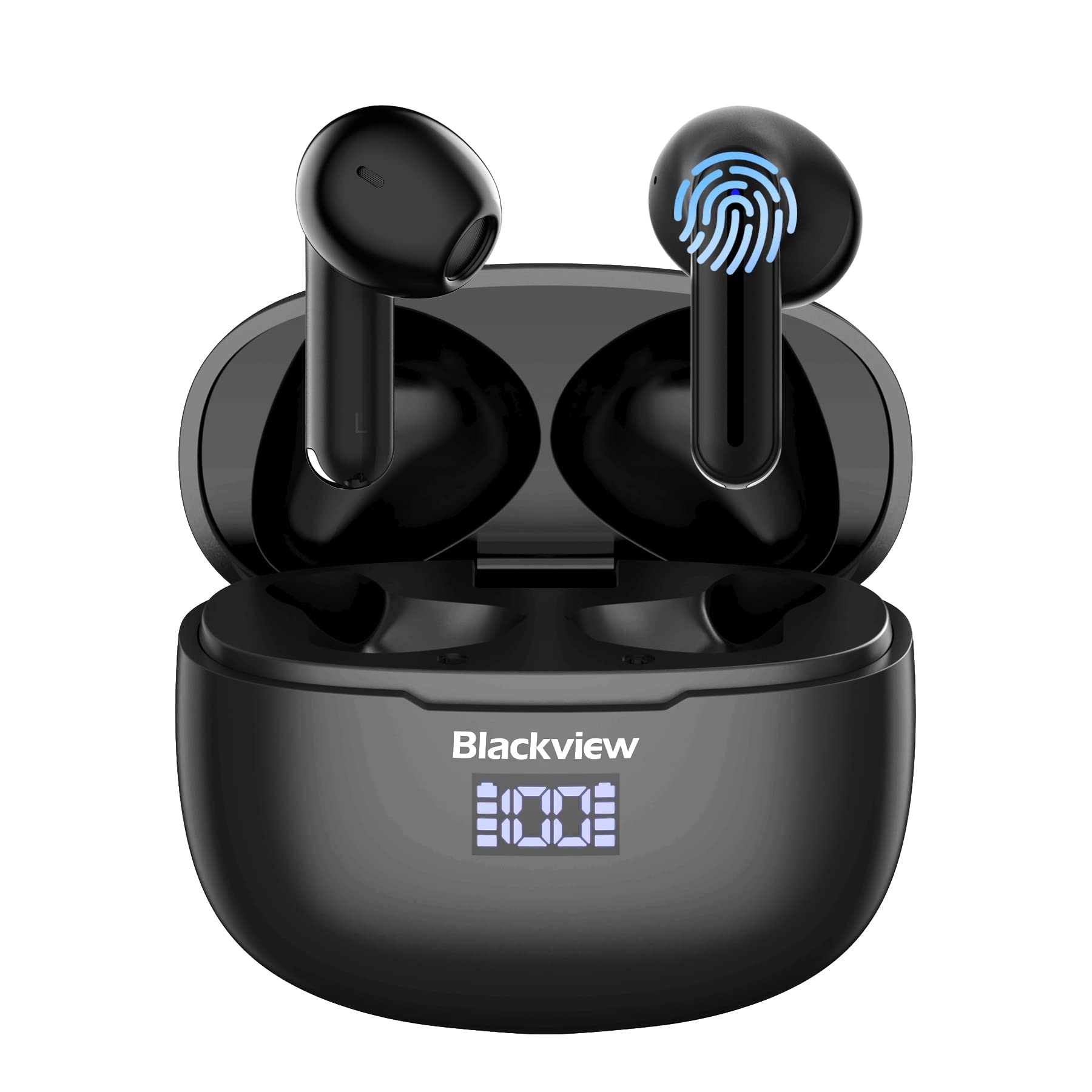
Imaj: Nwaview AirBuds 7 wireless earbuds and their charging case, showcasing ekspozisyon pouvwa dijital la.

Imaj: Gwo plan sou Nwa aview AirBuds 7 charging case, highlighting the digital LED power display for both the case and individual earbuds.
Enstalasyon ak Pairing
Swiv etap sa yo pou konekte AirBuds 7 ou yo ak aparèy ou an:
- Ekoutè Chaje: Asire ekoutè yo ak ka chaje yo konplètman chaje anvan premye itilize.
- Aktive mòd pè: Open the charging case and remove both earbuds. They will automatically enter pairing mode.
- Pèmèt Bluetooth: Sou telefòn entelijan ou oswa lòt aparèy ki gen Bluetooth, ale nan paramèt Bluetooth yo.
- Chèche ak Konekte: Chèche pou available devices and select "AirBuds 7" from the list.
- Konfimasyon: Yon fwa konekte, w ap tande yon envit odyo, epi ekoutè yo ap pare pou itilize.
After the initial pairing, the earbuds will automatically connect to your device when removed from the charging case, provided Bluetooth is enabled on your device.

Imaj: A smartphone displaying its Bluetooth settings, showing a successful connection to 'AirBuds 7', with the charging case and earbuds nearby.
Chaje
The AirBuds 7 charging case features both USB-C and wireless charging capabilities. The LED display on the case indicates the battery level of both the case and the earbuds.
- Chaje ekoutè: Place the earbuds back into the charging case. They will automatically begin charging.
- Case Charging (USB-C): Connect the provided USB charging cable to the USB-C port on the charging case and to a power source.
- Case Charging (Wireless): Mete bwat chaje a sou yon sipò chaje san fil konpatib.
A full charge for the earbuds provides up to 6 hours of music playback. The charging case provides an additional 4-5 charges, extending total playtime to approximately 30 hours. The charging time for the case is approximately 75 minutes.

Imaj: Nwa aview AirBuds 7 charging case being charged wirelessly on a pad, also showing the option for USB-C cable charging.
Enstriksyon Operasyon
Kontwòl Smart Touch
The AirBuds 7 feature intuitive touch controls on each earbud. Refer to the diagram below for specific functions:

Imaj: A visual guide to the touch controls on the Blackview AirBuds 7, detailing actions for music playback, calls, and volume.
- Jwe/Poz: Double tap Left (L) or Right (R) earbud.
- Reponn/Ranke apèl: Double tap Left (L) or Right (R) earbud.
- Chante Previous: Triple tap Left (L) earbud.
- Pwochen chante: Triple tap Right (R) earbud.
- Ogmante Volim: Single tap Right (R) earbud.
- Diminye Volim: Single tap Left (L) earbud.
Rezistans dlo (IPX7)
Nwa aview AirBuds 7 are rated IPX7 waterproof, meaning they can withstand immersion in water up to 1 meter for 30 minutes. This protection makes them suitable for use during workouts or in light rain. However, the charging case is not waterproof. Avoid exposing the charging case to water.
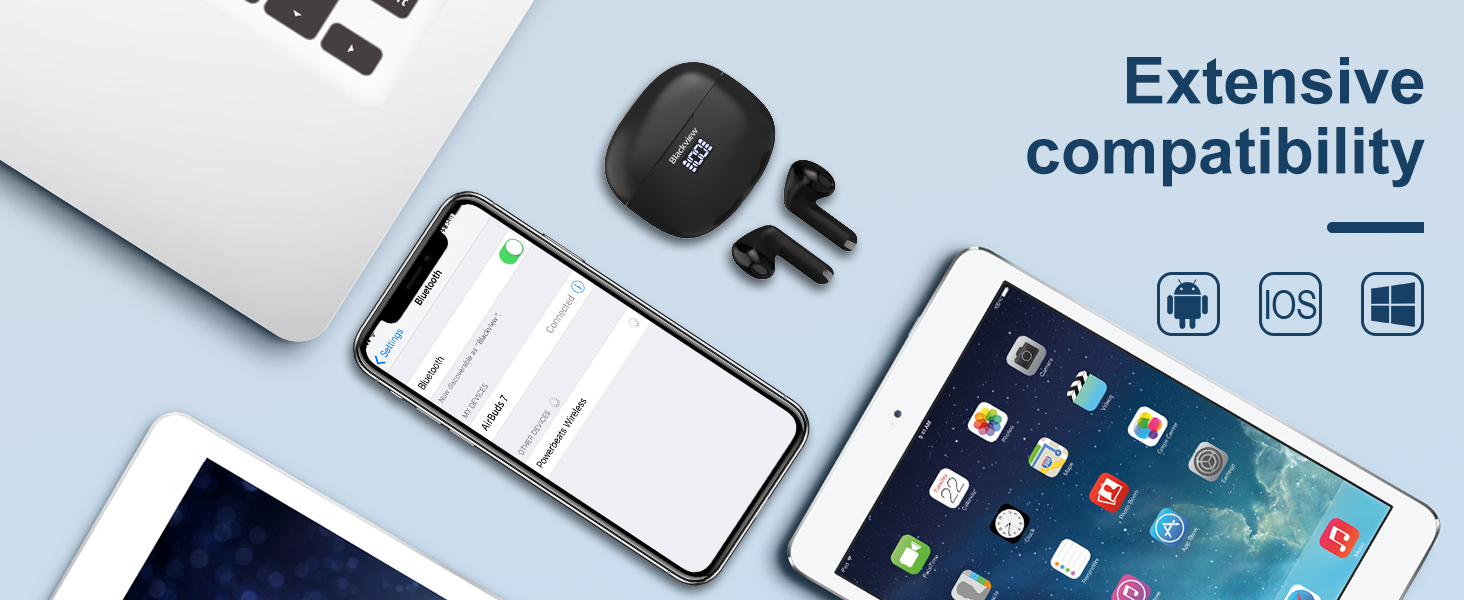
Imaj: A person being splashed with water, demonstrating the IPX7 waterproof capability of the AirBuds 7 earbuds, protecting them from sweat and raindrops.
Anilasyon bri anviwònman an (ENC)
The AirBuds 7 incorporate Dual-Mic Environmental Noise Cancellation (ENC) technology and a Dialogue Noise Cancellation (DNS) algorithm. This system automatically activates during calls to reduce background noise, ensuring clearer conversations even in noisy environments like public transport or busy streets.
Imaj: A graph illustrating the effectiveness of environmental noise cancellation, showing how noise is suppressed while vocal clarity is maintained.
Antretyen
- Netwayaj: Netwaye ekoutè yo ak bwat chaje a regilyèman avèk yon twal mou, sèk, ki pa gen pousyè. Pa sèvi ak pwodui chimik ki agresif oswa materyèl abrazif.
- Konsèy zòrèy: Ensure ear tips are clean and free of earwax buildup for optimal sound quality and hygiene.
- Depo: Lè w pa ap itilize ekoutè yo, sere yo nan bwat chaje yo pou pwoteje yo epi kenbe yo chaje.
- Evite kondisyon ekstrèm: Do not expose the earbuds or case to extreme temperatures, humidity, or direct sunlight for extended periods.
Depanaj
| Pwoblèm | Solisyon |
|---|---|
| Ekoutè pa asosye | Ensure earbuds are charged. Turn off and on Bluetooth on your device. Forget "AirBuds 7" in Bluetooth settings and re-pair. |
| Se yon sèl ekoutè k ap travay | Place both earbuds back in the case, close it, then open and remove them again. Check battery levels for both earbuds. |
| Volim ki ba oswa kalite son ki pa bon | Clean earbud tips and speaker mesh. Adjust volume on your device. Ensure earbuds are properly seated in your ears. |
| Ka chaje pa chaje | Check USB cable connection and power source. Ensure wireless charging pad is active and case is correctly placed. |
Espesifikasyon
| Karakteristik | Detay |
|---|---|
| Non modèl | Airbuds 7 |
| Mak | Nwaview |
| Koneksyon Teknoloji | San fil (Bluetooth 5.3) |
| Kalite chofè odyo | Chofè dinamik |
| Gwosè Chofè Audio | 13 Milimèt |
| Dire batri (ekoutè) | Jiska 6 èdtan |
| Tan total pou jwe (ak bwat) | Jiska 30 èdtan |
| Tan chaje (Ka) | 75 minit |
| Nivo rezistans dlo | IPX7 (koutè sèlman) |
| Kontwòl bri | Adaptive Noise Cancellation (ENC) |
| Mikwofòn | Enkli |
| Entèfas chaje | USB-C, Chaje san fil |
| Materyèl | Plastik, An poliyiretàn (PU) |
| Pwa atik | 5.3 ons |
| UPC | 810175522289 |
Enfòmasyon sou Sekirite
- Pa demonte oswa modifye ekoutè yo oswa bwat chaje a.
- Kenbe lwen timoun ak bèt kay.
- Evite koute gwo volim pou peryòd pwolonje pou anpeche domaj tande.
- Do not use the earbuds in situations where you need to hear your surroundings, such as driving or cycling.
- Jete pwodwi a yon fason responsab dapre règleman lokal yo.
Garanti ak sipò
Nwaview products come with a standard manufacturer's warranty. For detailed warranty information, technical support, or service inquiries, please refer to the warranty card included in your package or visit the official Blackview websit la. Tanpri konsève prèv acha ou a pou reklamasyon garanti.
Nwa Ofisyèlview Websit: www.blackview.hk