
1. Entwodiksyon
This user manual provides essential information for the proper use, installation, and maintenance of your Plyisty Silicone Camera Protective Case. Designed for specific action camera models, this case offers robust protection against impacts, scratches, and foreign objects, ensuring the longevity and pristine condition of your device.
Please read this manual thoroughly before using the product to ensure optimal performance and safety.
2. Enfòmasyon sou Sekirite
AVÈTISMAN:
Store the product separately from children's toys and other items to avoid accidental ingestion or choking.
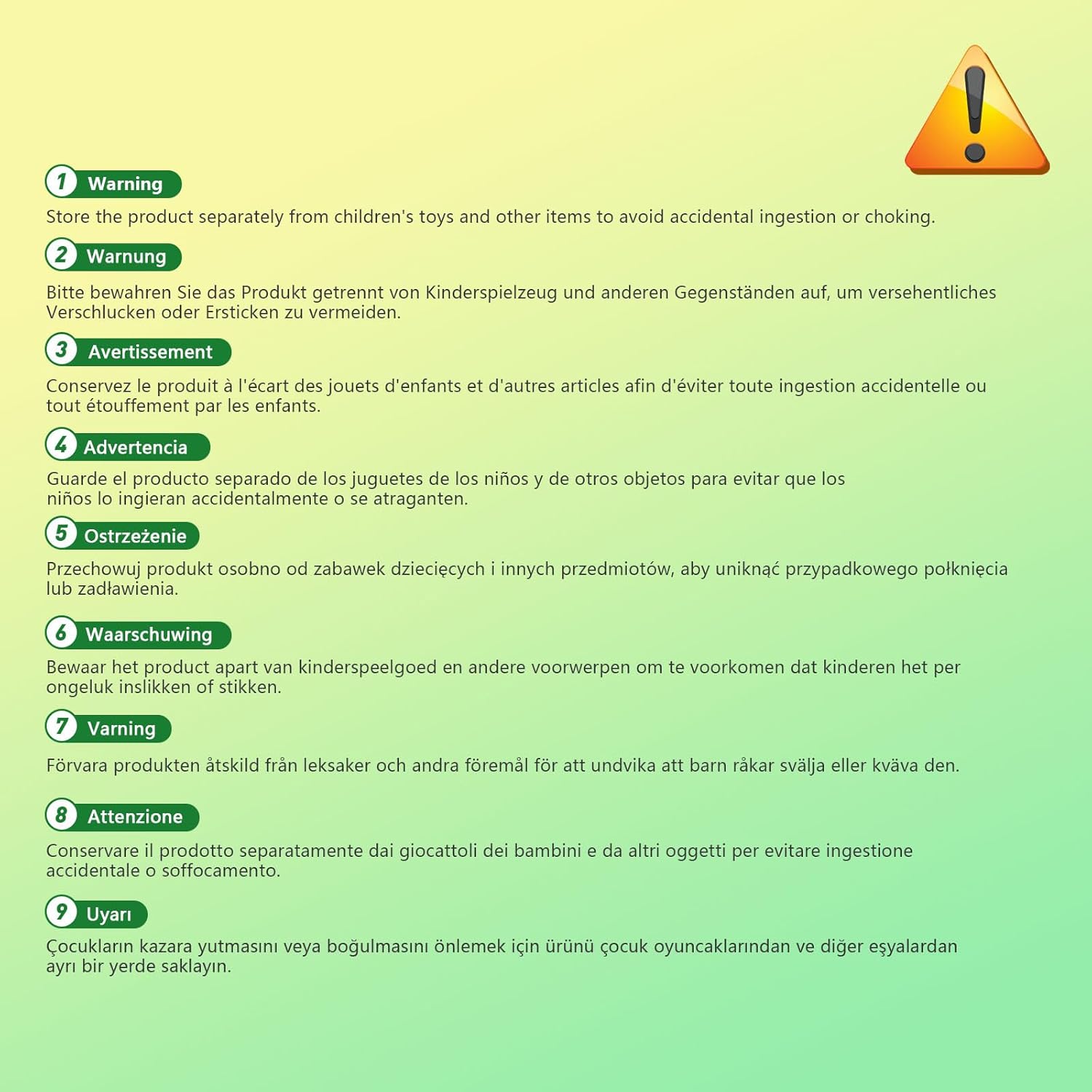
Image: A warning label in multiple languages advising to keep the product away from children's toys to prevent accidental ingestion or choking.
3. Pwodwi Features
- Premium Silicone Material: Crafted from soft, high-quality silicone, the case effectively prevents foreign objects from impacting or scratching your camera body.
- Flexible and Soft Design: The silicone material allows for free kneading without curling or deforming, ensuring long-lasting protection and durability. It maintains its shape and integrity over time.
- Koupe presi: Features accurate cutouts that perfectly align with your camera's interface, including the screen flip cover, microphone, and charging port, ensuring full functionality without obstruction.
- Easy Installation and Removal: The flexible elasticity of the silicone makes it simple to install and remove the case, providing convenient use and quick access to your camera. Includes a quick-release base for easy assembly and disassembly.
4. Enstalasyon ak Enstalasyon
The Plyisty Silicone Camera Protective Case is designed for straightforward installation and removal.
- Preparasyon: Ensure your action camera is clean and free of dust or debris before installation.
- Aliyen Ka a: Gently align the silicone case with your camera, ensuring that all cutouts for buttons, ports, and the screen are correctly positioned.
- Enstale kamera a: Carefully slide your camera into the silicone case. The flexible nature of the silicone will allow it to stretch and fit snugly around the camera body.
- Tcheke anfòm: Once installed, verify that the case fits securely and that all camera functions, such as screen articulation and button access, are unobstructed.

Imaj: Yon fasad view of the grey silicone protective case, showing the main opening for the camera lens and screen.

Imaj: Yon do view of the grey silicone case, highlighting the precise cutouts for camera buttons and controls.
5. Opere Ka a
The protective case is designed to integrate seamlessly with your action camera, allowing full access to all essential functions.
- Aksè ekran: The case is specifically designed to accommodate the screen flip cover interface, ensuring that the screen remains unobstructed when opened or closed.
- Microphone and Charging Port: The precise cutouts ensure that the microphone is not covered and the charging port remains fully accessible, allowing for charging without removing the case.
- Fonksyonalite bouton: All camera buttons are accessible through the case's dedicated cutouts, maintaining tactile feedback and ease of use.

Image: An action camera encased in the grey silicone protective cover, demonstrating how the screen can be fully flipped open without obstruction from the case.
6. Antretyen
To ensure the longevity and cleanliness of your Plyisty Silicone Camera Protective Case, follow these simple maintenance guidelines:
- Netwayaj: The silicone material is waterproof and easy to clean. For general cleaning, simply wipe the case with a damp twal.
- Retire tach: The case is designed to be anti-fingerprint and resistant to oil stains. Most stains can be removed with a quick rinse under water.
- Siye: After cleaning, allow the case to air dry completely before re-installing it on your camera.

Image: The grey silicone protective case partially submerged in water, demonstrating its waterproof material and ease of cleaning.
NAN. Depanaj
The Plyisty Silicone Camera Protective Case is a passive accessory and typically does not require troubleshooting. If you encounter any issues, please consider the following:
- Anfòm ki pa kòrèk: Ensure the case is correctly aligned with your camera and that no foreign objects are preventing a snug fit.
- Domaj: Inspect the case for any tears or significant damage that might compromise its protective capabilities. If damaged, replacement is recommended.
For further assistance, please contact Plyisty customer support.
8. Espesifikasyon
| Karakteristik | Detay |
|---|---|
| Kalite atik | Action Camera Protective Case Cover |
| Materyèl pwodwi | Silicone |
| Modèl aplikab | For 3S, For 3 Cameras |
| Manifakti | Plyisty |
| Nimewo Modèl Pwodwi | Plyisty0tnbr2sh5g-12 |
| Dimansyon pake | 15 x 10 x 3 cm |
| Pwa pwodwi | 12 gram |
| ASIN | B0DD565W6X |
| Peyi orijin | Lachin |
| Premye Dat ki disponib | 14 out 2024 |
9. Garanti ak sipò
For information regarding warranty coverage and customer support, please refer to the product packaging or contact Plyisty customer service directly through their official websit oswa revandè kote yo te achte pwodwi a.
Tanpri konsève prèv acha ou a pou nenpòt reklamasyon garanti.