
WIITHINK WTB-978
WIITHINK HD Blu-Ray DVD Player User Manual
Model: WTB-978
1. Entwodiksyon
This manual provides detailed instructions for the setup, operation, and maintenance of your WIITHINK HD Blu-Ray DVD Player (Model WTB-978). This player is designed to deliver a high-definition cinematic experience with versatile disc and multimedia playback capabilities. Please read this manual thoroughly before using the product to ensure proper operation and to maximize your enjoyment.
2. Pake kontni
Tanpri verifye ke tout atik ki nan lis anba a yo enkli nan pakè ou a:
- 1 x WIITHINK Blu-Ray DVD Player (Model WTB-978)
- 1 x Kontwòl Remote (Pil pa enkli)
- 1 x HDMI kab
- 1 x AV kab
- 1 x manyèl enstriksyon

Image: Contents of the WIITHINK Blu-Ray DVD Player package. This image displays the Blu-ray DVD player, its remote control, an HDMI cable, an RCA (AV) cable, and the instruction manual, illustrating all items included in the box.
3. Enstalasyon
3.1 Konekte ak televizyon ou
The WIITHINK Blu-Ray DVD Player offers multiple connectivity options to suit your television or home theater system.
- HDMI Connection (Recommended for HD Quality):
For the best audio and video quality, connect the included HDMI cable from the HDMI OUT port on the player to an HDMI IN port on your television. Select the corresponding HDMI input on your TV.
- AV (RCA) Connection:
Use the included AV cable to connect the player to your TV. Match the colored plugs (Yellow for Video, White for Left Audio, Red for Right Audio) from the player's AV OUT ports to the corresponding AV IN ports on your TV. Select the AV input on your TV.
- Koneksyon Odyo Koaksyal:
For digital audio output to a compatible receiver or sound system, connect a coaxial cable (not included) from the Coaxial OUT port on the player to the Coaxial IN port on your audio device.
3.2 Koneksyon pouvwa
After connecting the player to your TV, plug the player's power cord into a standard electrical outlet.
3.3 Pil pou kontwòl remote
Insert two AAA batteries (not included) into the remote control, ensuring correct polarity.
4. Operasyon Enstriksyon
4.1 Limen/Etenyen
Peze a POUVWA button on the front panel of the player or on the remote control to turn the unit on or off.
4.2 Lekti Disk
This player supports a wide range of disc formats, including Blu-ray Discs (Region A/1), standard DVDs (Region Free), CDs, and VCDs.
- Peze a Louvri/FÈMEN bouton ki sou panèl devan an oswa sou kontwòl remote la pou ouvri plato disk la.
- Place a disc gently onto the disc tray with the label side facing up.
- Peze a Louvri/FÈMEN Peze bouton an ankò pou fèmen plato a. Lektè a ap kòmanse li disk la otomatikman.
- Use the remote control's navigation buttons (MWEN, DESAN, GÒCH, DWA, OK) to select options from the disc menu.
- Peze JWE/POZ pou kòmanse oswa pran yon poz nan lekti a.
- Peze SISPANN pou fini lecture.
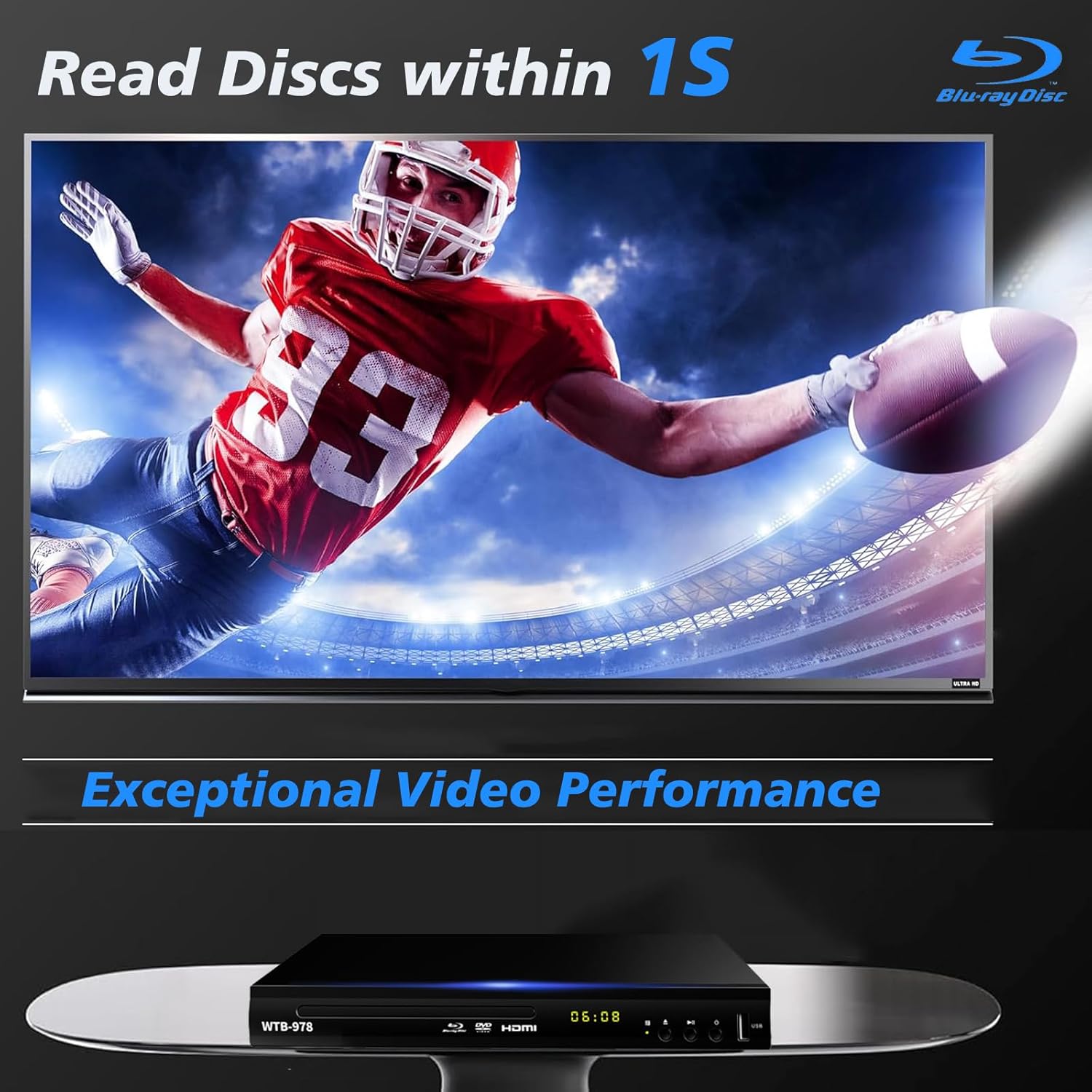
Image: The Blu-Ray DVD player is shown with a screen displaying a high-definition football game, emphasizing its exceptional video performance and quick disc reading capabilities.

Image: A Blu-Ray DVD player with its disc tray open, revealing a Blu-ray disc. The image highlights the player's ability to deliver 1080P HD picture quality, with a film strip graphic above suggesting movie playback.

Image: The Blu-Ray DVD player is positioned in front of a world map, illustrating its "ALL Region Free" capability for DVD playback across multiple countries, while also specifying support for Blu-ray Discs from Region A/1.
4.3 Lekti Miltimedya USB
The player features a USB input for playing multimedia files from external storage devices (up to 2TB USB flash drives/HDDs).
- Insert your USB flash drive or external HDD into the USB port on the front of the player.
- The player should automatically detect the USB device and display a menu. If not, navigate to the USB input using the remote control.
- Use the navigation buttons to browse through your files (MP4, AVI, MP3, etc.) and press OK to select and play.
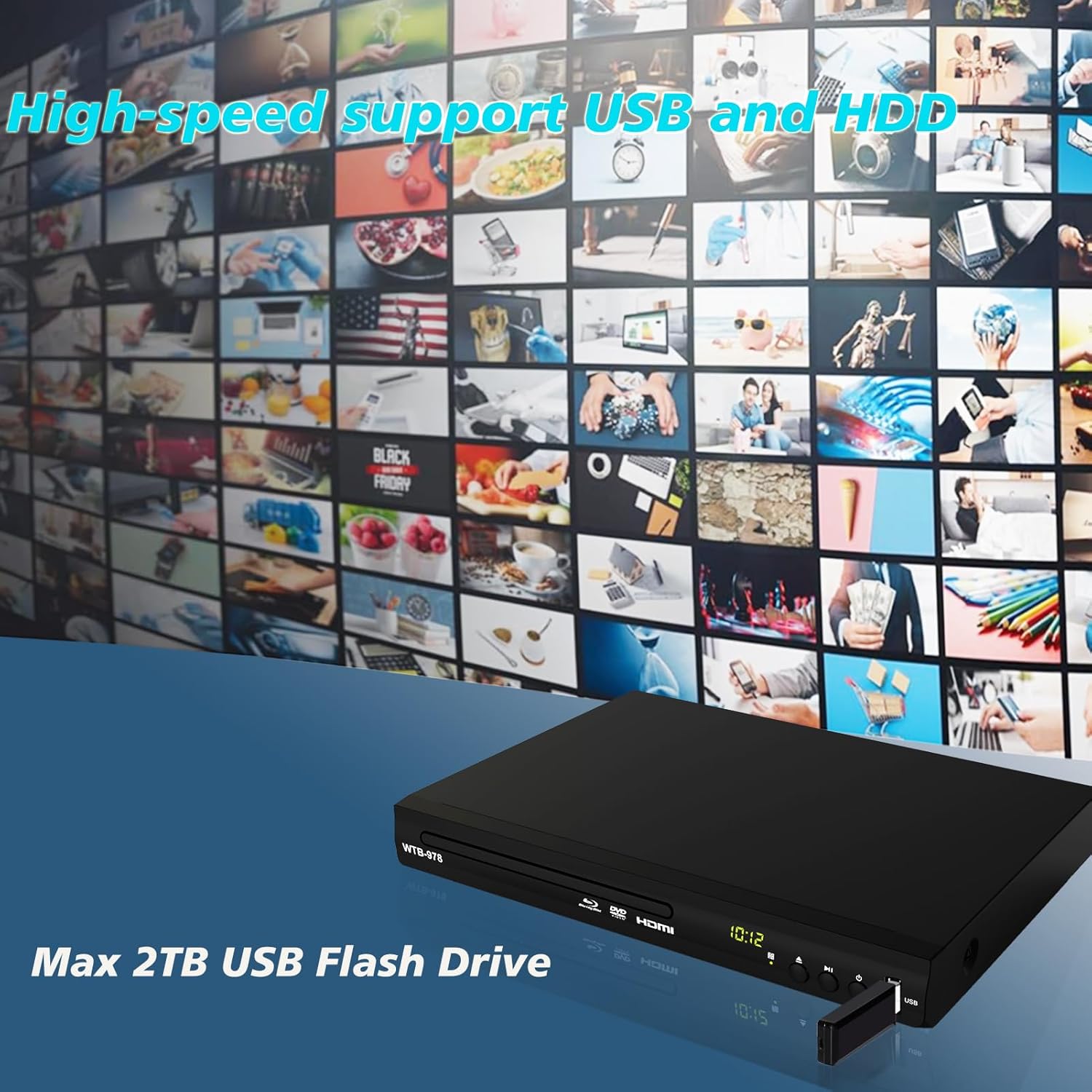
Image: The Blu-Ray DVD player is shown with a USB flash drive inserted into its port, set against a background of numerous video thumbnails, illustrating its high-speed support for USB and HDD multimedia playback.
4.4 Audio Features (Dolby & DTS)
The player supports Dolby and DTS audio formats for an immersive sound experience. Ensure your audio receiver or sound system is properly connected and configured to utilize these features.
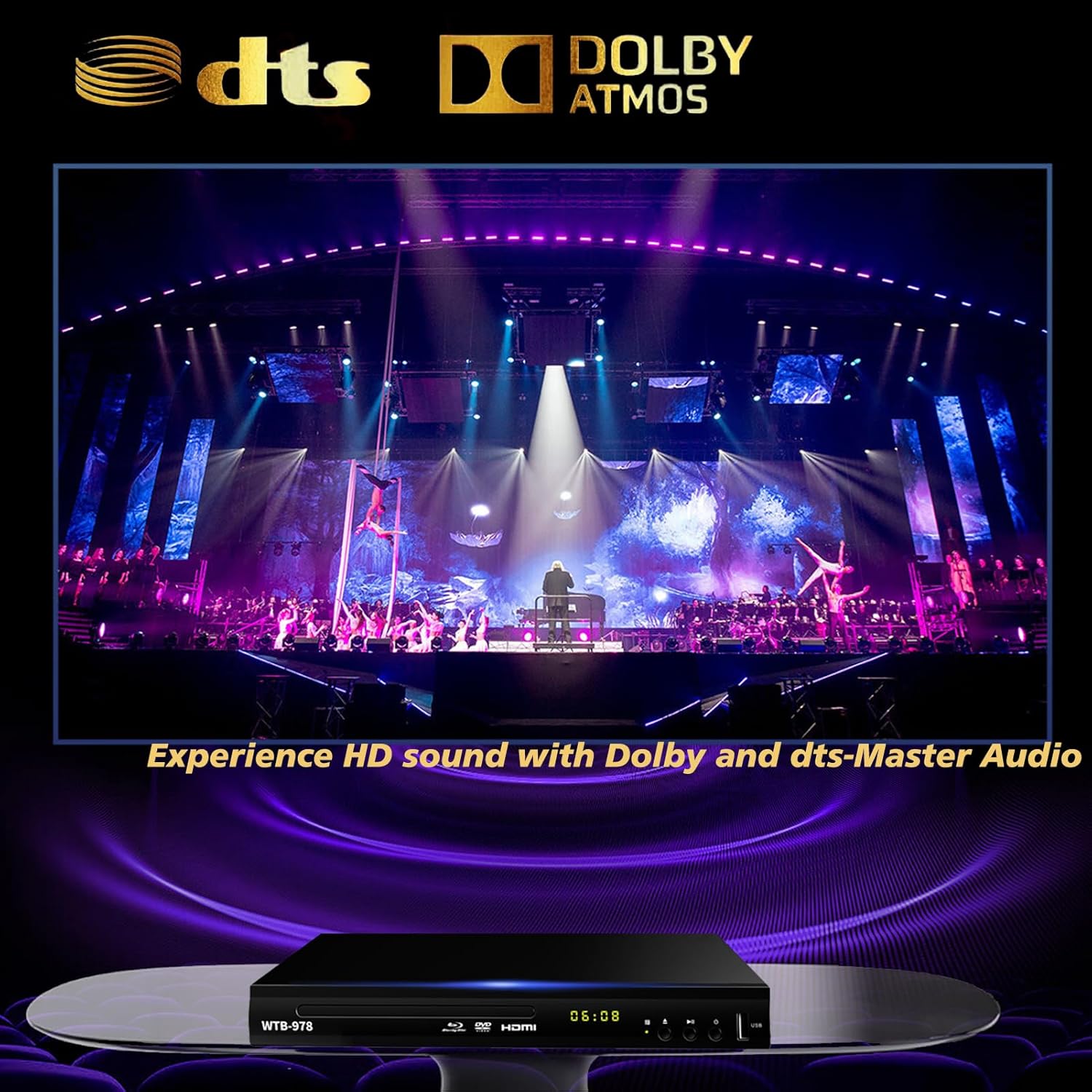
Image: The Blu-Ray DVD player is displayed with prominent DTS and Dolby logos, and a concert scene on the screen, highlighting its capability to deliver HD sound with Dolby and DTS-Master Audio.
4.5 Resume Playback
The player features a resume function, allowing it to continue playback from where it was last paused, even after being powered off.

Image: Two television screens illustrate the resume playback feature. The first screen shows a video paused, and the second shows the video resuming from the exact point after the player was powered off, demonstrating seamless continuity.
5. Antretyen
- Netwayaj: Use a soft, dry cloth to clean the exterior of the player. Do not use liquid cleaners or abrasive chemicals.
- Swen Disk: Manyen disk yo nan kwen yo. Kenbe yo pwòp epi san reyur. Sèvi ak yon twal mou ki pa gen pousyè pou siye disk yo soti nan sant la pou ale deyò.
- Vantilasyon: Ensure the player has adequate ventilation. Do not block the ventilation openings.
- Depo: Sere jwè a nan yon kote ki fre epi sèk, lwen limyè solèy dirèk ak tanperati ekstrèm.
NAN. Depanaj
| Pwoblèm | Kòz posib | Solisyon |
|---|---|---|
| Pa gen pouvwa | Kòd kouran an pa konekte; Priz kouran an pa aktif. | Asire w kòd kouran an byen branche. Teste priz la ak yon lòt aparèy. |
| Pa gen foto | Incorrect input selected on TV; Loose HDMI/AV cable connection. | Select the correct HDMI or AV input on your TV. Check cable connections at both ends. |
| Pa gen son | Kab odyo yo pa konekte; volim televizyon/reseptè a twò ba oswa twò ba. | Ensure audio cables (HDMI/AV/Coaxial) are properly connected. Increase volume and check mute settings on TV/receiver. |
| Disk pa jwe | Disc is dirty, scratched, or inserted incorrectly; Incorrect disc region. | Clean the disc. Ensure the disc is inserted label-side up. Verify Blu-ray disc region (Region A/1 supported). DVDs are region-free. |
| Remote kontwòl pa travay | Pil yo mouri oswa yo pa byen mete; Gen yon obstak ant telekòmand lan ak jwè a. | Replace batteries, ensuring correct polarity. Remove any obstructions and point the remote directly at the player's sensor. |
7. Espesifikasyon
- Modèl: WTB-978
- Rezolisyon: 1920x1080 (1080p)
- Aparèy konpatib: Televizyon
- Karakteristik espesyal: Surround Sound, Standard DVDs All-Region Free, Anti-Shock, Noise Reduction Technology, Blu-Ray Region A discs support
- Audio Sòti Mode: Antoure
- Fòma odyo sipòte: DTS, Dolby
- Kalite konektè: RCA, USB, HDMI, Coaxial
- Kalite Medya Sipòte: CD, DVD, VCD, Blu-Ray Disc (BD, BD-R, BD-RE, DVD-R/RW, DVD+R/RW, DVD-Video, VCD, CD, CD-R/RW)
- Sipòte File Formats (USB): MP4, AVI, MP3
- USB Drive Support: Max 2TB USB Flash Drive/HDD
- Dimansyon (L x W x H): Approximately 10.24 in x 7.56 in x 1.57 in
- Pwa: Apeprè 1.62 kg
8. Garanti ak sipò
For warranty information and technical support, please refer to the contact details provided on the product packaging or visit the official WIITHINK websit la. Kenbe resi acha ou kòm prèv acha.
For further assistance, you may contact WIITHINK customer service through their official channels.
Ask a question about this manual
Ask about setup, troubleshooting, compatibility, parts, safety, or missing instructions. Manuals+ will review the question and use this page’s manual context to help answer it.