
RAINPOINT B0D7C8GTMZ
Manyèl Itilizatè Minutè Dlo WiFi RAINPOINT
Model: B0D7C8GTMZ
Entwodiksyon
This manual provides comprehensive instructions for the installation, operation, and maintenance of your RAINPOINT WiFi Water Timer. This smart sprinkler system allows you to manage your watering schedules remotely via a smartphone application, ensuring efficient and precise irrigation for your garden or lawn.

Image: The RAINPOINT WiFi Water Timer, showing two timer units, the WiFi hub, and a smartphone displaying the control app interface.
Ki sa ki enkli
Tanpri verifye ke tout konpozan yo prezan nan pake ou a:
- RAINPOINT WiFi Water Timer (x2)
- RAINPOINT WiFi Hub (x1)
- Manyèl Itilizatè (dokiman sa a)
- Gid Quick Start
Gid Enstalasyon
1. RAINPOINT WiFi Hub Setup
- Plug the WiFi Hub into a standard electrical outlet indoors, within range of your home's 2.4GHz WiFi network.
- Ensure the indicator light on the hub is blinking, indicating it is ready for pairing.
- Enpòtan: The hub is only compatible with 2.4GHz WiFi networks. If you have a dual-band router, ensure the 2.4GHz band is enabled and named separately from the 5GHz band for successful connection.
2. RAINPOINT Water Timer Installation
- Install 4 AA alkaline batteries (not included) into each water timer unit. Ensure correct polarity.
- Connect the water timer directly to your outdoor faucet. Hand-tighten only.
- Attach your garden hose to the outlet of the water timer.
- Note on Durability: The timer features brass construction for both inlet and outlet, along with a built-in filter and metal threads, designed to prevent leaks and enhance durability under water pressure.

Imaj: Gwo plan view of the RAINPOINT Water Timer connected to a faucet, highlighting its built-in filter, metal thread, and brass inlet/outlet for leak prevention.
3. RAINPOINT App Installation and Pairing
- Download the "RAINPOINT" app from your smartphone's app store (available on iOS and Android).
- Louvri aplikasyon an epi kreye yon kont oubyen konekte.
- Follow the in-app instructions to add your WiFi Hub and then your Water Timer units. This typically involves selecting the device type and confirming the hub's blinking light.
- Once paired, you will see your devices listed in the app, ready for control.
Enstriksyon Operasyon
Kontwòl ak Planifikasyon Aplikasyon
The RAINPOINT app allows you to manage your watering schedule from anywhere, at any time.
- Customizable Schedules: Create up to 3 customizable watering plans. For each plan, you can set:
- Kòmanse Tan
- Duration (from 1 minute to 11 hours 59 minutes)
- Watering Frequency (specific days of the week, e.g., Monday to Sunday)
- Jesyon Remote: Adjust settings, start/stop watering manually, and monitor status directly from your smartphone.

Image: A person using the RAINPOINT app on a smartphone, showing the interface for setting watering plans and indicating 2.4GHz WiFi compatibility.
Intelligent Weather Response
The water timer can automatically adjust its schedule based on local weather conditions:
- Reta lapli: Automatically delays watering for 24, 48, or 72 hours when rain is detected, preventing overwatering and conserving water.
- Dry Weather Adjustment: Increases watering duration during dry periods based on your manual settings to ensure adequate hydration.
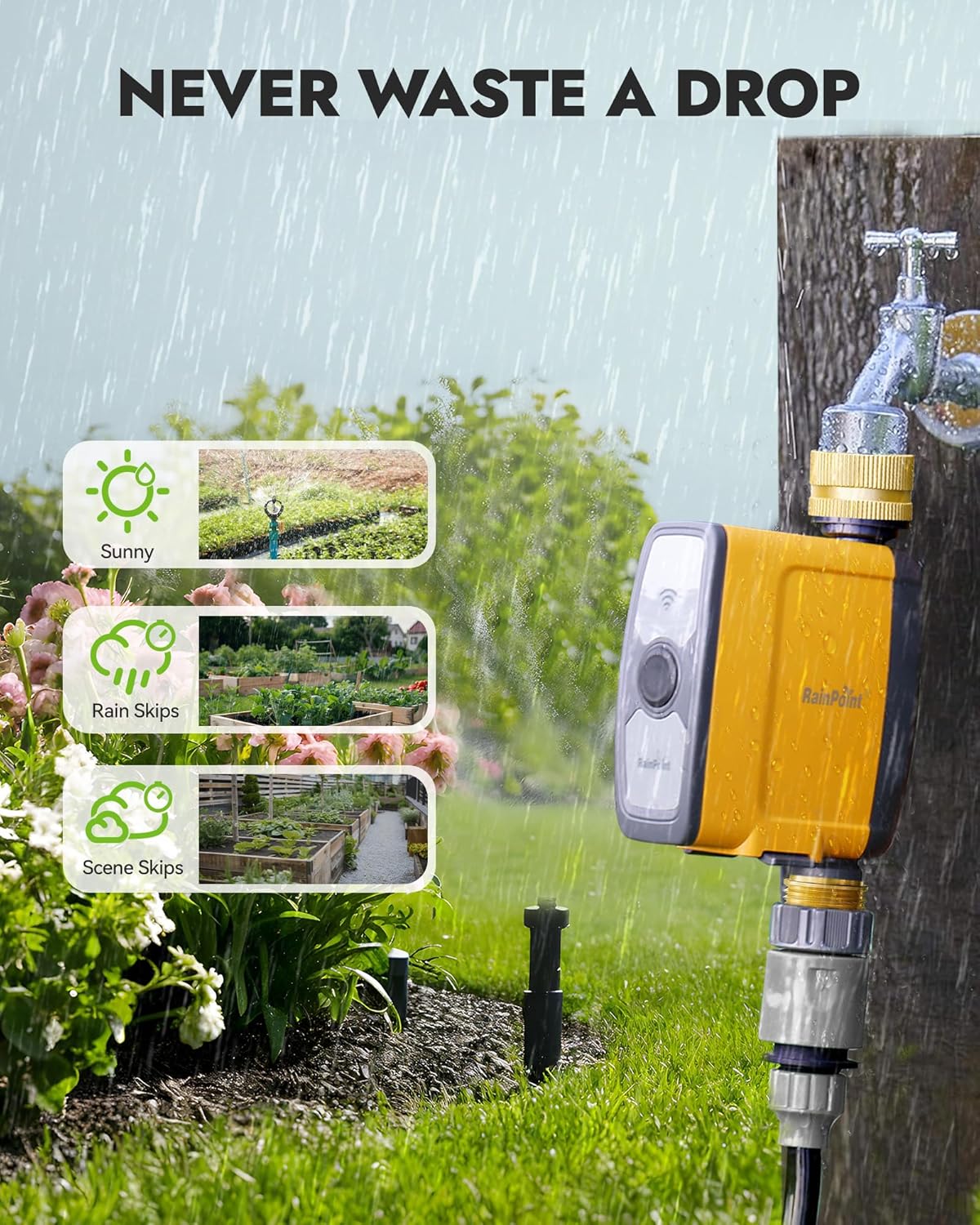
Image: The RAINPOINT Water Timer in a garden setting, with icons illustrating its weather response capabilities, including sunny conditions, rain skips, and scene skips.
Smart Soil Moisture and Volume Management
- Soil Moisture Integration: When paired with a RAINPOINT WiFi soil sensor (sold separately), the timer can adjust its schedule based on real-time soil moisture levels, optimizing water usage and preventing over or under-watering.
- Volume-Based Watering: Program the timer to dispense a specific volume of water (e.g., 8 gallons for a vegetable garden), providing precise control for various irrigation needs.

Image: The RAINPOINT Water Timer installed in a garden bed, with a visual representation of how it interacts with an external soil sensor (not included) to manage watering based on humidity levels.
Mòd Awozaj
The timer offers two distinct watering modes:
- Mòd irigasyon: Provides continuous watering, suitable for lawns, large garden beds, or filling pools.
- Mòd vapè dlo: Delivers intermittent watering, ideal for cooling, dust control, or delicate plants requiring frequent, short bursts of water.
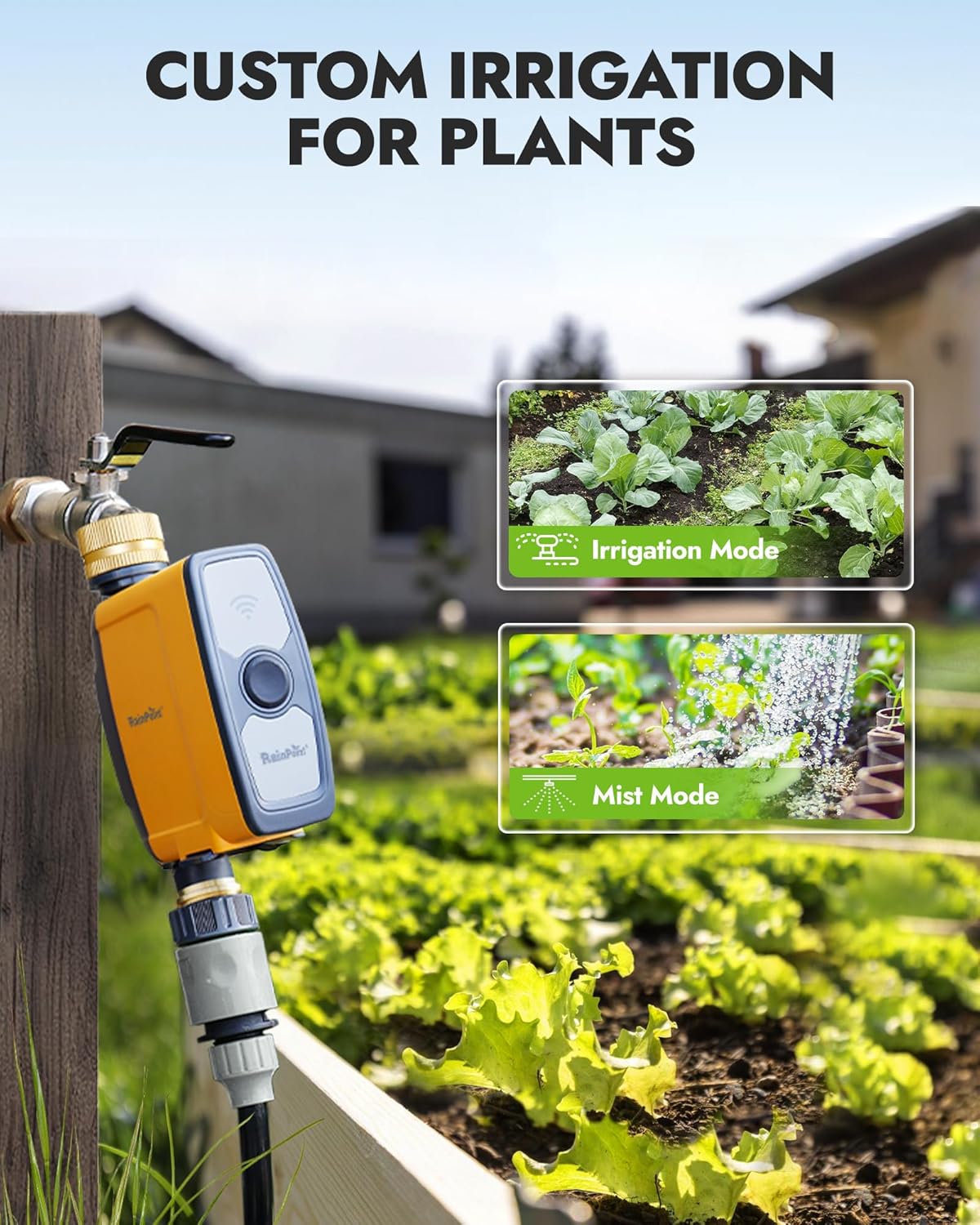
Image: The RAINPOINT Water Timer in a garden, illustrating the two watering modes: Irrigation Mode for general watering and Mist Mode for fine spray.
Monitoring Water Usage
The RAINPOINT app provides data on your water consumption, allowing you to track usage over time and make informed adjustments to your watering habits.
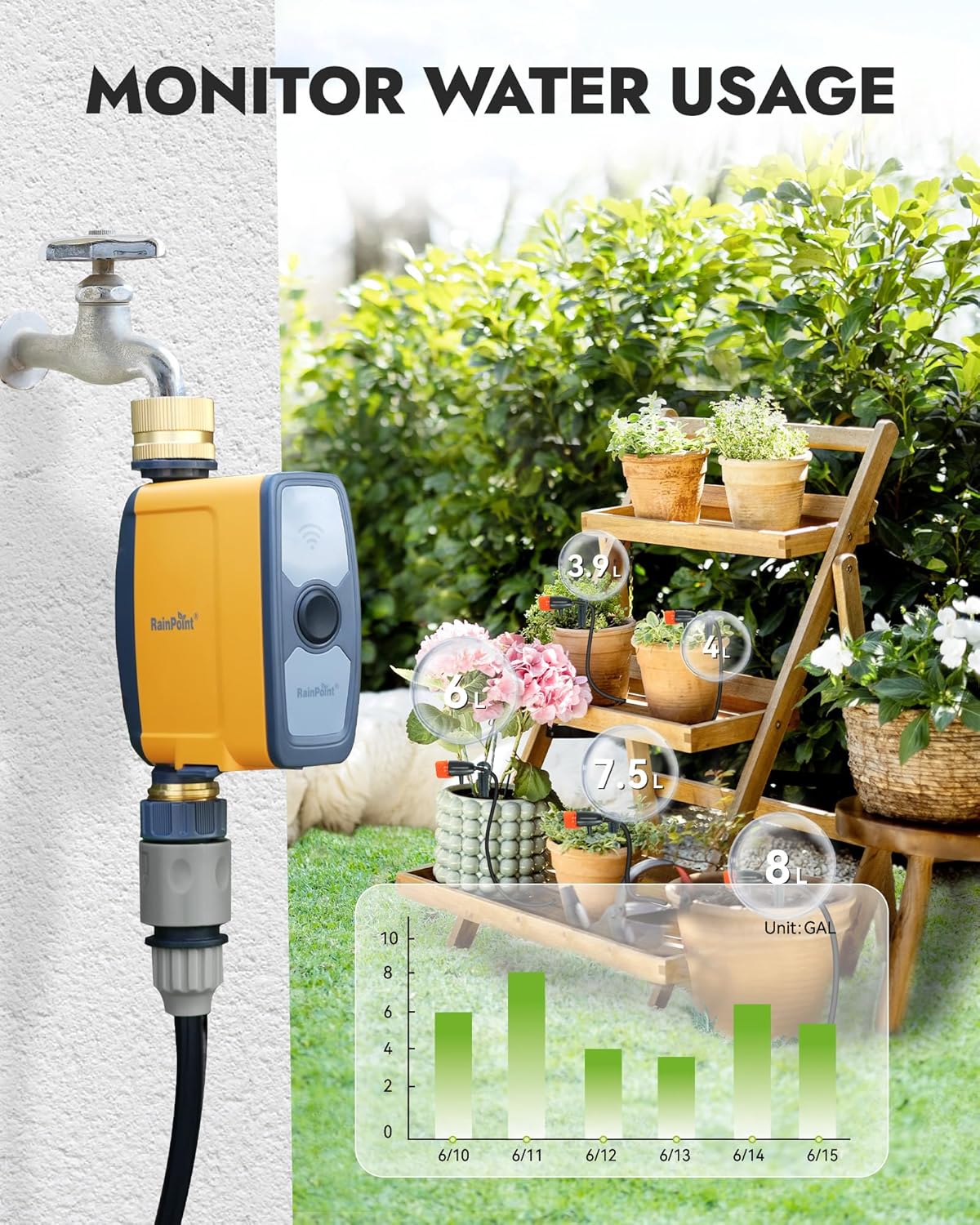
Image: The RAINPOINT Water Timer connected to a faucet, with an overlay showing a graph of water usage over several days, indicating precise volume measurements.
Entegrasyon Kay Entelijan
The RAINPOINT WiFi Water Timer can be integrated with popular smart home platforms for voice control and automation.
- Travay ak Google Assistant
- Travay ak Amazon Alexa
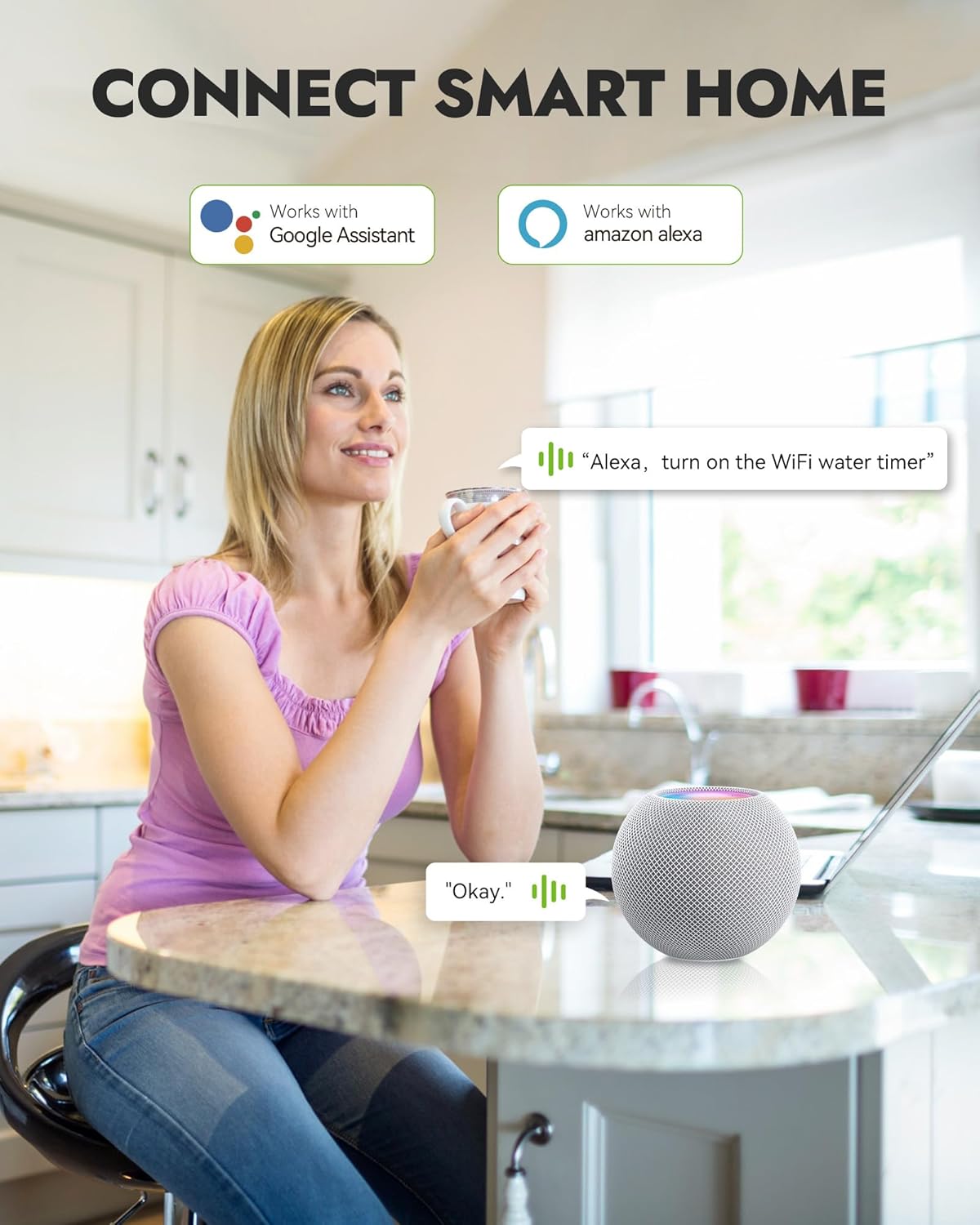
Image: A person interacting with a smart speaker, demonstrating voice control compatibility of the RAINPOINT WiFi Water Timer with Google Assistant and Amazon Alexa.
Antretyen
- Ranplasman batri: Replace AA batteries in the water timer units when the app indicates low battery status. Use only new alkaline batteries.
- Netwayaj: Periodically check the built-in filter at the inlet for debris and clean if necessary to maintain optimal water flow.
- Winterization: Before freezing temperatures, disconnect the water timer from the faucet and store it indoors in a dry, protected area to prevent damage.
Depanaj
| Pwoblèm | Kòz posib | Solisyon |
|---|---|---|
| Timer not connecting to WiFi Hub/App | Incorrect WiFi band (5GHz), Hub out of range, incorrect pairing steps. | Ensure your router's 2.4GHz band is active and separate. Move Hub closer to router. Re-attempt pairing following app instructions. |
| Water not flowing or low pressure | Faucet off, timer valve closed, clogged filter, low battery. | Check faucet. Verify timer schedule in app. Clean inlet filter. Replace batteries. |
| Timer leaking | Loose connection, damaged washer, extreme water pressure. | Ensure connections are hand-tight. Check and replace rubber washers if damaged. Reduce water pressure if excessively high. |
| Scheduled watering not occurring | Pa gen bon jan orè, reta lapli aktif, batri fèb. | Review schedule in app. Check if rain delay is active. Replace batteries. |
Espesifikasyon
- Modèl: B0D7C8GTMZ
- Mak: RAINPOINT
- Koneksyon: Wi-Fi 2.4GHz (IEEE 802.11b/g/n)
- Power Source (Timer): 4 pil alkalin AA (pa enkli)
- Power Source (Hub): AC 100-240V, 50/60Hz
- Ranje presyon dlo: Pa espesifye
- Dire Awozaj: 1 minit a 11 èdtan 59 minit
- Materyèl: Brass inlet/outlet, durable plastic casing
- Tanperati operasyon: Pa espesifye
Garanti ak sipò
RAINPOINT offers dedicated local support in the USA for any questions or issues regarding your product. Please contact us through the following channels:
- Imèl: Refer to your product packaging or the RAINPOINT app for specific contact information.
- Sipò sou entènèt: Visit the official RAINPOINT websit pou FAQ ak resous sipò.
For return policy and warranty details, please refer to your purchase documentation or the retailer's terms and conditions.
Ask a question about this manual
Ask about setup, troubleshooting, compatibility, parts, safety, or missing instructions. Manuals+ will review the question and use this page’s manual context to help answer it.