
Entwodiksyon
This manual provides comprehensive instructions for the setup, operation, and maintenance of your Diyeeni WH TA11PE Air Conditioner Remote Controller. Please read this manual carefully before using the remote control to ensure proper functionality and longevity.
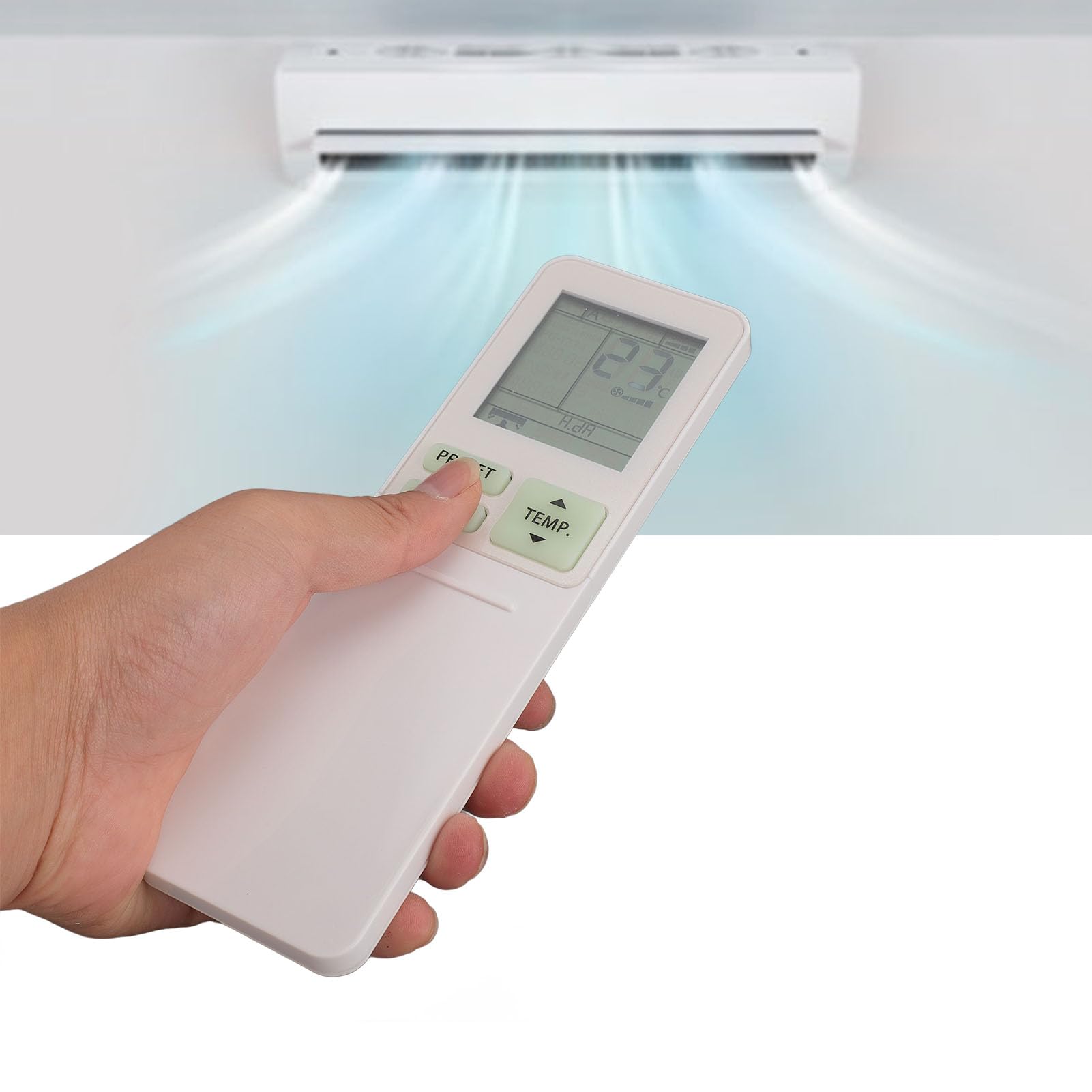
Image: The Diyeeni WH TA11PE remote control in use, with an air conditioner in the background.
Modèl konpatib
The Diyeeni WH TA11PE remote controller is designed as a replacement for the following Toshiba Air Conditioner series:
- RAS-10G2KVP Series
- RAS-13G2KVP Series
- RAS-16G2KVP Series
- RAS-18E2KVSG A Series
- RAS-22E2KVSG A Series
- RAS-24E2KVSG A Series
This remote control offers full functionality for these specified models, replicating the original remote's features.
Enstalasyon: Enstalasyon batri
To begin using your remote control, you must first install the batteries.
- Louvri lòj batri a: Locate the battery compartment cover on the back of the remote control. Gently slide or press the latch to open the cover.
- Mete pil: Insert two (2) AAA batteries (not included) into the compartment. Ensure the positive (+) and negative (-) terminals of the batteries match the indicators inside the compartment.
- Fèmen lòj batri a: Remèt kouvèti konpatiman batri a lè w glise l tounen nan plas li jiskaske li fè yon klik byen fèm.

Image: Remote control with the battery compartment open, illustrating correct battery placement.

Imaj: Detaye view of the battery compartment, highlighting the terminals.
Once batteries are installed, the remote control is ready for use. No programming is required for compatible Toshiba air conditioner models.
Enstriksyon Operasyon
The Diyeeni WH TA11PE remote control provides access to all standard functions of your Toshiba air conditioner. Point the remote control directly at the air conditioner's receiver when operating.

Imaj: Devan view nan kontwòl remote la, ki montre tout bouton yo.
Fonksyon kle:
- Bouton pouvwa (⏻): Limen oswa etenn èkondisyone a.
- TEMP. Buttons (▲/▼): Ajiste tanperati a anlè oswa an ba.
- PRESET bouton: Activates a pre-set operating mode or setting.
- Bouton MODE: Chanje nan plizyè mòd fonksyònman (pa egzanp, Refwadisman, Chofaj, Vantilatè, Seche, Oto).
- Bouton SWING: Kontwole balanse vètikal deflektè lè a.
- Bouton FAN: Ajiste vitès vantilatè a (pa egzanp, Ba, Mwayen, Wo, Oto).
- AIR FLOW Button: Controls horizontal airflow direction.
- 8°C Button: Activates an 8°C heating mode for frost protection (if supported by AC).
- ECO bouton: Angaje mòd ekonomize enèji.
- Hi POWER Button: Activates maximum power operation for rapid cooling/heating.
- PURE Button: Activates air purification function (if supported by AC).
- COMFORT SLEEP Button: Sets the air conditioner to a comfortable sleep mode.
- P-SEL (Program Select) Button: Selects programmed settings.
- WEEKLY ON/OFF, DAY/EDIT, PROGRAM P1-P4 Buttons: Used for setting and managing weekly timers and programs.
- TIMER ON/OFF, SET, CLR Buttons: Used for setting and clearing basic timers.
- CLOCK, CHECK, FILTER, RESET Buttons: For setting the clock, checking status, filter reset, and general reset functions.

Image: Close-up of the remote's display and primary control buttons.
Refer to your Toshiba air conditioner's original manual for specific details on how each function interacts with your unit.
Antretyen
- Netwayaj: Siye kontwòl remote la avèk yon twal mou epi sèk. Pa sèvi ak pwodui netwayaj likid, espre, oswa materyèl abrazif, paske sa yo ka domaje sifas la oswa konpozan entèn yo.
- Ranplasman batri: Replace batteries when the remote's range decreases or the display becomes dim. Always replace both batteries at the same time with new ones of the same type (AAA).
- Depo: Si ou p ap itilize kontwòl remote la pou yon bon bout tan, retire pil yo pou evite flit ak domaj. Sere l nan yon kote ki fre epi sèk.
- Evite kontak ak: Pa ekspoze kontwòl remote la anba limyè solèy dirèk, tanperati ki wo, oswa imidite ki wo.
Depanaj
| Pwoblèm | Kòz posib | Solisyon |
|---|---|---|
| Remote control does not operate the AC unit. |
|
|
| Ekran an fèb oswa vid. |
|
|
| Gen sèten fonksyon ki pa mache. |
|
|
Espesifikasyon
- Modèl: WH TA11PE
- Materyèl: ABS
- Kalite batri: 2 x AAA pil (pa enkli)
- Konpatibilite: Toshiba RAS-10G2KVP, RAS-13G2KVP, RAS-16G2KVP Series, RAS-18E2KVSG A, RAS-22E2KVSG A, RAS-24E2KVSG A
- Pwa: Apeprè 110 gram

Image: Back of the remote control, displaying the model identifier.