
Linocell HS-2C-40WE
Manyèl Itilizatè Chargeur Machin Rapid Linocell iPhone
Model: HS-2C-40WE
Entwodiksyon
Thank you for choosing the Linocell 48W USB-C PD&QC Car Charger. This device is designed to provide efficient and safe fast charging for your iPhone, iPad, and other compatible devices while on the go. Featuring MFi certification, intelligent power management, and a built-in 6FT Type-C to Lightning cable, this charger ensures optimal performance and protection for your valuable electronics.
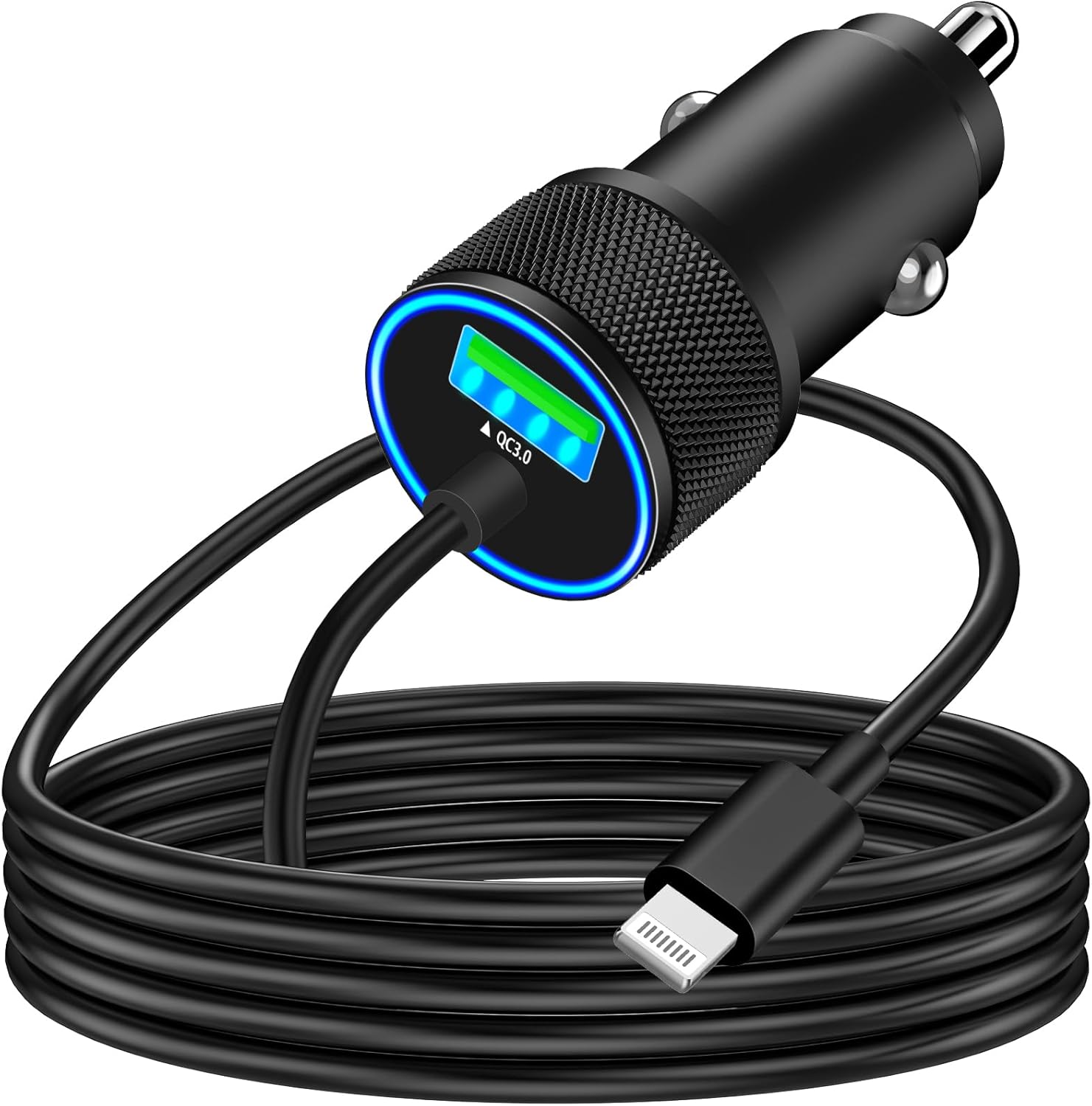
Image: The Linocell 48W USB-C PD&QC Car Charger with its integrated 6-foot coiled Lightning cable, ready for use.
Ki sa ki nan bwat la
- MFi Certified 48W USB-C PD&QC3.0 Car Power Cigarette Lighter USB Car Carplay Charger Type-C Fast Car Charger.
Espesifikasyon
| Karakteristik | Detay |
|---|---|
| Nimewo Modèl | HS-2C-40WE |
| Sòti total | 48W (30W Lightning Cable Output, 18W QC Output) |
| Sòti kab Zeklè | 5V/3A, 9V/3A, 12V/2.5A, 15V/2A, 20V/1.5A |
| QC Sòti | 5V/3A, 9V/2A, 12V/1.5A |
| Koneksyon | Built-in MFi Certified 6FT Type-C to Lightning Coiled Cable |
| Sètifikasyon | MFi sètifye, UL, ETL, FCC, CE, ROHS |
| Karakteristik sekirite | Overvoltage Protection, Over-heating Protection, Over-current Protection, Dynamic Temperature Sensor, Power Tuner Chip, Automatic Chip Recognition |
| Materyèl | All-Zinc Alloy Housing, Gold-plated tubing |
| Endikatè | Soft Blue LED Ring Indicator |
| Dimansyon | 6.38 x 4.02 x 1.02 pous |
| Pwa atik | 1.76 ons |
Enstalasyon
To begin using your Linocell Car Charger, follow these simple steps:
- Insert into Cigarette Lighter Socket: Locate the 12V or 24V cigarette lighter socket in your vehicle. Firmly insert the Linocell car charger into the socket until it is securely seated. The soft blue LED ring indicator will illuminate, confirming that the charger is receiving power and is ready for use.
- Konekte aparèy ou an: The charger features a built-in 6FT Type-C to Lightning coiled cable. Connect the Lightning connector end of this cable directly to your iPhone, iPad, or other compatible Apple device.
- Optional USB-C Port: If you need to charge an additional device, utilize the available USB-C port on the charger. Connect your device's USB-C charging cable (not included) to this port.

Image: The Linocell car charger seamlessly fits into a vehicle's cigarette lighter socket, with its blue LED indicating power.
Enstriksyon Operasyon
The Linocell Car Charger is designed for intuitive and efficient operation:
- Chaje rapid: Once your device is connected, the charger will automatically detect it and deliver optimal charging power. With 48W total output, it can charge compatible iPhone devices up to 80% in approximately 35 minutes.
- Intelligent Power Distribution: The charger's advanced iActivePower Charging Tech and intelligent power management chip automatically adapt output power, allowing for simultaneous fast charging of two iPhone devices without compromising speed or safety.

Image: The Linocell car charger connected to a smartphone, demonstrating its intelligent power distribution capabilities.

Image: A visual representation of an iPhone rapidly charging with the Linocell car charger, highlighting its ability to reach 80% charge in 35 minutes.
- Kab sètifye MFi: The built-in Lightning cable is Apple MFi certified, featuring an Original C94 Terminal and MFi Certified Chipset. This ensures 100% compatibility and safe, high-speed charging for all Lightning devices, including various iPhone and iPad models.

Imaj: Yon imaj detaye view of the MFi certified Lightning connector, showcasing its internal chip and C94 terminal for secure and efficient charging.
- Sekirite Amelyore: Equipped with a Dynamic Temperature Sensor and Power Tuner Chip, the charger actively monitors temperature and adjusts power output to safeguard your devices. The Smart-IC Chipset provides overvoltage, overheating, and overcurrent protection.

Image: The Linocell car charger integrated into a car's dashboard, highlighting its Smart-IC technology and various protective features like temperature and overcurrent protection.

Imaj: Yon transparan view of the car charger's internal components, demonstrating its automatic chip recognition functions for comprehensive device protection.
- Apple CarPlay konpatibilite: The integrated coiled cable design helps maintain a tidy car interior, making it ideal for use with Apple CarPlay without excess cabling.
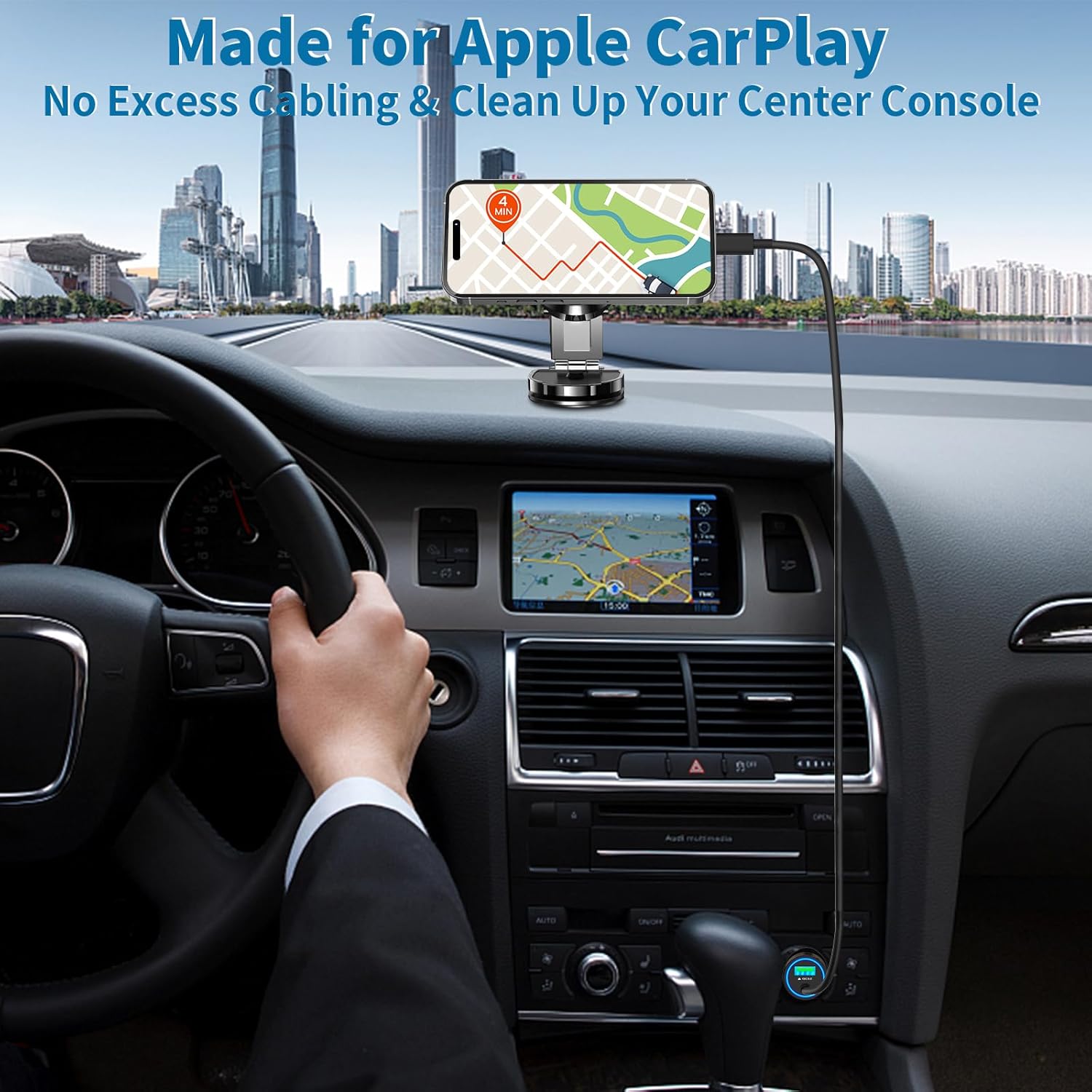
Image: An iPhone connected to the Linocell car charger, positioned for Apple CarPlay use, showing a clean and organized dashboard.
- Inivèsèl konpatibilite: While optimized for Apple devices, the USB-C port allows for charging of other USB-C powered devices, and the charger is compatible with both 12V and 24V vehicles (sedans, off-road vehicles, trucks, coaches).
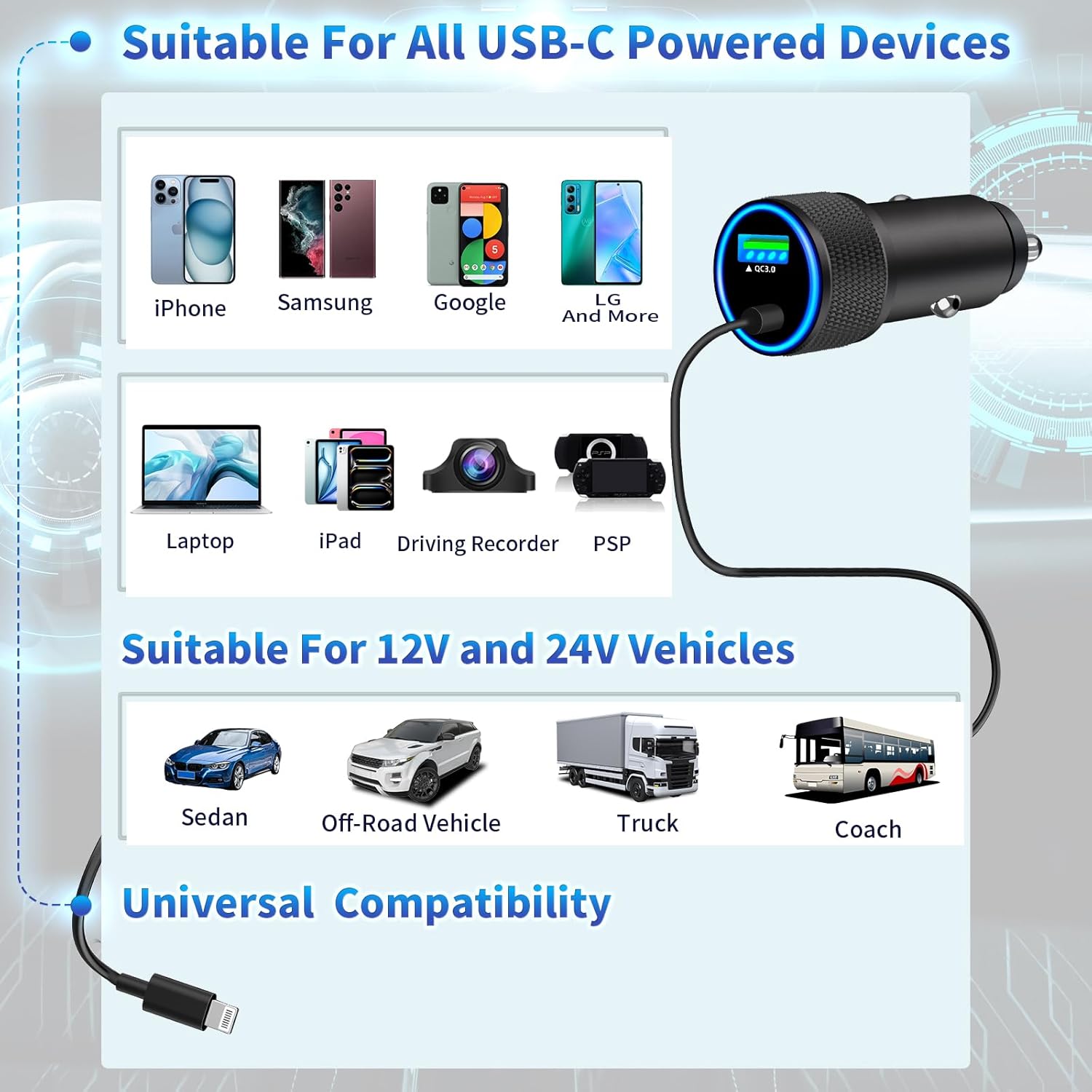
Image: A diagram illustrating the universal compatibility of the Linocell car charger with various USB-C powered devices and different types of 12V and 24V vehicles.
Antretyen ak Swen
To ensure the longevity and optimal performance of your Linocell Car Charger, please follow these maintenance guidelines:
- Kenbe sèk: Avoid exposing the charger to moisture, rain, or liquids.
- Netwaye dousman: Use a soft, dry cloth to clean the exterior of the charger. Do not use harsh chemicals or abrasive cleaners.
- Evite tanperati ekstrèm: Do not store or operate the charger in extremely hot or cold environments.
- Handle Cable with Care: While the coiled cable is designed for durability, avoid excessive pulling or bending at the connectors to prevent damage.
- Sere byen: When not in use, ensure the charger is unplugged from the vehicle's socket.
Depanaj
If you encounter any issues with your Linocell Car Charger, please refer to the following common problems and solutions:
| Pwoblèm | Kòz posib | Solisyon |
|---|---|---|
| Charger not powering on (LED off) | Loose connection in cigarette lighter socket; vehicle's power outlet is off or fuse blown. | Ensure the charger is firmly inserted into the socket. Check if the vehicle's ignition is on. Test the socket with another device. Consult your vehicle's manual for fuse box location. |
| Aparèy la pa chaje oswa li chaje dousman | Device not properly connected; cable damage; device not compatible with fast charging; multiple high-power devices connected. | Ensure the Lightning connector is fully inserted into your device. Inspect the cable for any visible damage. Confirm your device supports PD or QC3.0 fast charging. If charging two devices, note that total power is shared. |
| Charger santi l cho pandan w ap itilize | Normal operation during fast charging; excessive load. | It is normal for the charger to generate some heat during fast charging. If it becomes excessively hot, disconnect it immediately and contact customer support. Ensure proper ventilation around the charger. |
| Radio or GPS interference | Electromagnetic interference from charger. | The built-in Dynamic Power Chipset is designed to minimize interference. If issues persist, try repositioning the charger or connected device. |
Enfòmasyon sou Garanti
Linocell stands behind the quality of its products. This iPhone Fast Car Charger comes with a 6-ane garanti. During this period, we offer a Refund or Replacement Service for any manufacturing defects or performance issues. Please retain your proof of purchase for warranty claims.
Sipò pou Kliyan
For further assistance, technical support, or warranty claims, please contact Linocell customer service through the retailer's platform or visit our official website. Our support team is dedicated to providing prompt and helpful solutions to ensure your satisfaction.
Thank you for choosing Linocell.
Ask a question about this manual
Ask about setup, troubleshooting, compatibility, parts, safety, or missing instructions. Manuals+ will review the question and use this page’s manual context to help answer it.