
Entwodiksyon
The DOOGEE R20 is a rugged tablet designed for durability and high performance. It features a 10.4-inch 2.4K display, a powerful Helio G99 Octa-Core processor, and a massive 21600 mAh battery. This manual provides essential information on how to set up, operate, maintain, and troubleshoot your DOOGEE R20 tablet.

Imaj: Plis paseview of the DOOGEE R20 Rugged Tablet, highlighting its robust features including a large battery, high-resolution display, powerful processor, ample memory, and military-grade durability ratings.
1. Kòmanse
1.1 Kontni pake a
Verify that all items are present in your DOOGEE R20 package:
- 1 x DOOGEE R20 Rugged Tablet
- 1 x USB tip-C kab
- 1 x 33W Chargeur
- 1 x Zouti pou ejekte kat SIM
- 1 x Anti-explosion Film (pre-applied)
- 1 x manyèl itilizatè
- 1 x kat garanti
- 1 x Tablet Wrist Strap Support
- 1 x TPU Case

Image: The complete set of items included in the DOOGEE R20 tablet retail box.
1.2 Layout Aparèy
Familiarize yourself with the physical components of your DOOGEE R20 tablet.
Imaj: Yon imaj detaye view of the DOOGEE R20 tablet, showcasing its rugged exterior and screen.
1.3 Enstalasyon Kat SIM ak Depo
The DOOGEE R20 supports dual Nano-SIM cards and expandable storage via a TF card (up to 2TB).
- Jwenn plato kat SIM lan sou bò tablèt la.
- Mete zouti pou retire kat SIM lan nan ti twou ki akote plato a pou ouvri li.
- Place your Nano-SIM cards and/or TF card into the designated slots on the tray. Ensure they are correctly oriented.
- Dousman pouse plato a tounen nan tablèt la jiskaske li fè yon klik.

Image: Illustration of how to insert SIM cards into the DOOGEE R20 tablet's tray.
1.4 Limen/Etenn epi Chaje
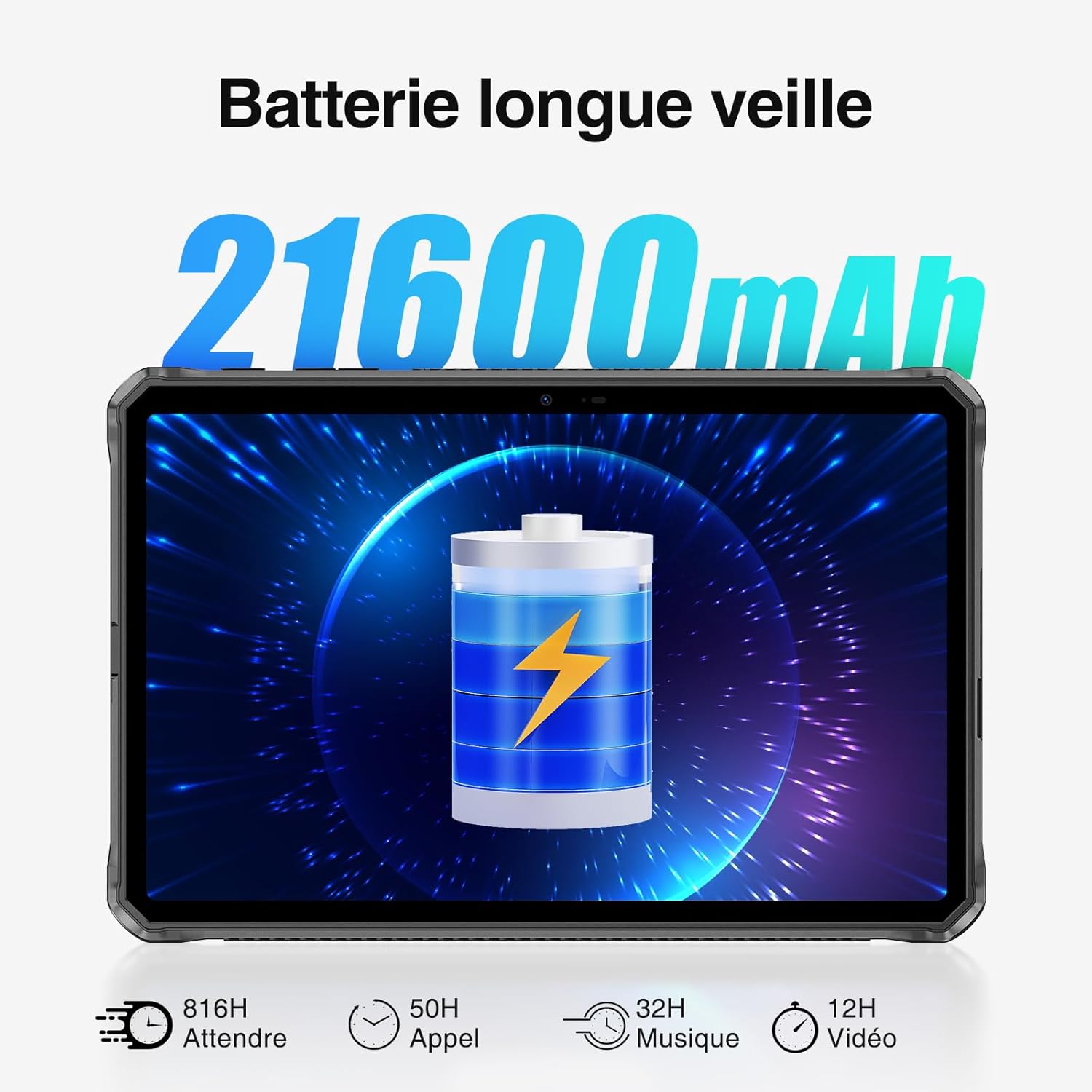
To power on your tablet, press and hold the power button until the DOOGEE logo appears. To power off, press and hold the power button, then select 'Power off' from the options. The tablet comes with a 21600 mAh battery and supports 33W fast charging.
- Connect the USB Type-C cable to the tablet's charging port and the other end to the 33W charger.
- Ploge plato a nan yon priz kouran.
- Yon endikatè chaj ap parèt sou ekran an.

Image: Visual representation of the DOOGEE R20's 21600mAh battery capacity and charging capabilities.
2. Operasyon debaz
2.1 Ekspozisyon ak Navigasyon
The DOOGEE R20 features a 10.4-inch FHD+ 2.4K IPS display with a resolution of 1200 x 2000 pixels, offering vibrant visuals with 16.7 million colors and a 1000:1 contrast ratio. The screen is protected by Corning Gorilla Glass 5 for enhanced durability.
- Tape: Chwazi yon atik oubyen louvri yon aplikasyon.
- Glise: Navigate through screens or scroll content.
- Zongle: Agrandi oswa diminye imaj yo epi web paj.

Image: The DOOGEE R20's 10.4-inch FHD+ 2.4K IPS display, highlighting its visual quality and key display specifications.

Image: The DOOGEE R20 tablet featuring Corning Gorilla Glass 5 for enhanced screen durability.
2.2 Sistèm operasyon Android 13
The DOOGEE R20 runs on Android 13, offering an advanced and user-friendly experience with enhanced privacy features and customization options. It is Google certified, providing access to popular Google services and the Google Play Store.

Image: The DOOGEE R20 tablet running the Android 13 operating system, demonstrating its interface and features.
2.3 Fonksyon Kamera
Capture moments with the DOOGEE R20's 50MP main camera and take clear selfies with the 16MP front camera. The tablet supports 4K UHD 2160p video recording.

Image: The DOOGEE R20's 50MP main camera and 16MP front camera, illustrating their use for capturing photos and videos.
2.4 Koneksyon
Stay connected with the DOOGEE R20's comprehensive connectivity options:
- Wi-Fi: Supports 5G WiFi 6 (802.11n, 2.4/5GHz) for fast internet access.
- Selilè: Dual 4G LTE support for mobile data and calls.
- Bluetooth: Bluetooth 5.2 pou konekte akseswa san fil.
- GPS: Integrated GPS, Beidou, Galileo, Glonass, and AGPS for accurate positioning and navigation.

Image: The DOOGEE R20 tablet displaying its advanced GPS and positioning system capabilities.
2.5 Karakteristik Sekirite Sosyal
The DOOGEE R20 offers multiple security options to protect your data:
- ID figi: Unlock your tablet using facial recognition.
- Degaje anprent: Yon detèktè anprent dijital ki monte sou bò a bay aksè rapid e an sekirite.

Image: Visuals demonstrating the Face Recognition and side Fingerprint Unlock features of the DOOGEE R20 tablet.
2.6 OTG and Widevine L1
The DOOGEE R20 includes useful features for versatility and entertainment:
- OTG (Sou wout la): Use your tablet to charge other electronic devices, acting as a portable power bank.
- Sipò Widevine L1: Enjoy high-resolution video streaming from popular platforms like Disney+, Amazon Prime Video, HBO Max, and Hulu.

Image: The DOOGEE R20 tablet demonstrating its OTG reverse charging capability.

Image: The DOOGEE R20 tablet showcasing Widevine L1 support for high-definition streaming content.
3. Antretyen ak Durabilite
3.1 Konsepsyon solid
The DOOGEE R20 is built to withstand harsh environments, complying with military-grade standards:
- Ip68: Water-resistant up to 1.5 meters for 30 minutes.
- IP69K: Resistant to high-pressure, high-temperature water jets and dust ingress.
- MIL-STD-810H: Certified for resistance against drops, shocks, and extreme temperatures.

Image: The DOOGEE R20 tablet demonstrating its IP68, IP69K, and MIL-STD-810H ruggedness ratings in various challenging environments.
3.2 Netwayaj ak swen
To maintain your tablet's performance and appearance:
- Siye ekran an ak kò a ak yon twal mou,amp twal. Evite pwodui netwayaj abrazif.
- Asire w ke tout kouvèti pò yo byen fèmen pou kenbe rezistans kont dlo ak pousyè.
- Avoid exposing the tablet to extreme temperatures outside its operating range for prolonged periods.
3.3 Anviwònman Fonksyònman
The DOOGEE R20 is designed to operate in a wide range of temperatures, from -40°C to 70°C, making it suitable for various outdoor and industrial settings.
NAN. Depanaj
If you encounter issues with your DOOGEE R20 tablet, try the following basic troubleshooting steps:
- Tablèt la pa limen: Asire w batri a chaje. Konekte chajè a epi tann kèk minit anvan ou eseye limen l ankò.
- Ekran an pa reponn: Rekòmanse tablèt la lè w kenbe bouton pouvwa a pou apeprè 10 segonn.
- Pwoblèm koneksyon (Wi-Fi/4G): Check if Wi-Fi or cellular data is enabled. Restart your router or contact your service provider if problems persist.
- Aplikasyon k ap kraze: Close background applications. Clear the cache of the problematic app or reinstall it.
- Pèfòmans ralanti: Close unused apps, clear storage space, or restart the tablet.
Pou pwoblèm ki pi konplèks, tanpri al gade seksyon sipò a.
5. Espesifikasyon
| Karakteristik | Spesifikasyon |
|---|---|
| Mak | DOOGEE |
| Nimewo Modèl | R20 |
| Sistèm operasyon | Android 13 |
| Processeur | MediaTek Helio G99 Octa-Core (2x Cortex-A76 @ 2.2 GHz, 6x Cortex-A55 @ 2.0 GHz) |
| RAM | 8GB (up to 20GB with 12GB virtual extension) |
| Depo Entèn | 256GB ROM |
| Depo dilatabl | Kat TF jiska 2TB |
| Gwosè ekspozisyon | 10.4 pous |
| Kalite ekspozisyon | FHD+ 2.4K IPS |
| Rezolisyon ekspozisyon | 1200 x 2000 piksèl |
| Aspè rapò | 16:10 |
| Pwoteksyon ekran | Corning Gorilla Glass 5 |
| Kamera dèyè | 50 megapiksèl |
| Kamera devan | 16 megapiksèl |
| Anrejistreman videyo | 4K UHD 2160p |
| Kapasite batri | 21600 mAh |
| Chaje | 33W vit chaje |
| Lavi batri (standby) | Jiska 1781 èdtan |
| Lavi batri (Pale) | Jiska 125 èdtan |
| Dire Batri (Lekti Videyo) | Jiska 27 èdtan |
| Wi-Fi | 5G WiFi 6 (802.11n, 2.4GHz/5GHz) |
| Selilè rezo | Dual 4G LTE (Dual Nano-SIM) |
| Bluetooth | Bluetooth 5.2 |
| Pozisyon | GPS, Beidou, Galileo, Glonass, AGPS |
| Detèktè | Face ID, Side Fingerprint Sensor |
| Audio Jack | 3.5 mm |
| Se solid | IP68, IP69K, MIL-STD-810H |
| Tanperati Fonksyònman | -40 ° C a 70 ° C |
| Koulè | Nwa |
6. Garanti ak sipò
DOOGEE provides a 2-year assistance service for the R20 tablet. If you encounter any problems or require technical support, please do not hesitate to contact our customer service team. Refer to the warranty card included in your package for specific terms and conditions.
For support inquiries, please visit the official DOOGEE websit la oubyen kontakte machann kote ou te achte pwodwi a.