
Entwodiksyon
Mèsi pou acha aasing the ZEBRONICS Zeb-Escape 10 Wireless BT Earphone. This manual provides essential information for setting up, operating, and maintaining your device. Please read it carefully before use to ensure optimal performance and longevity of your earphones.
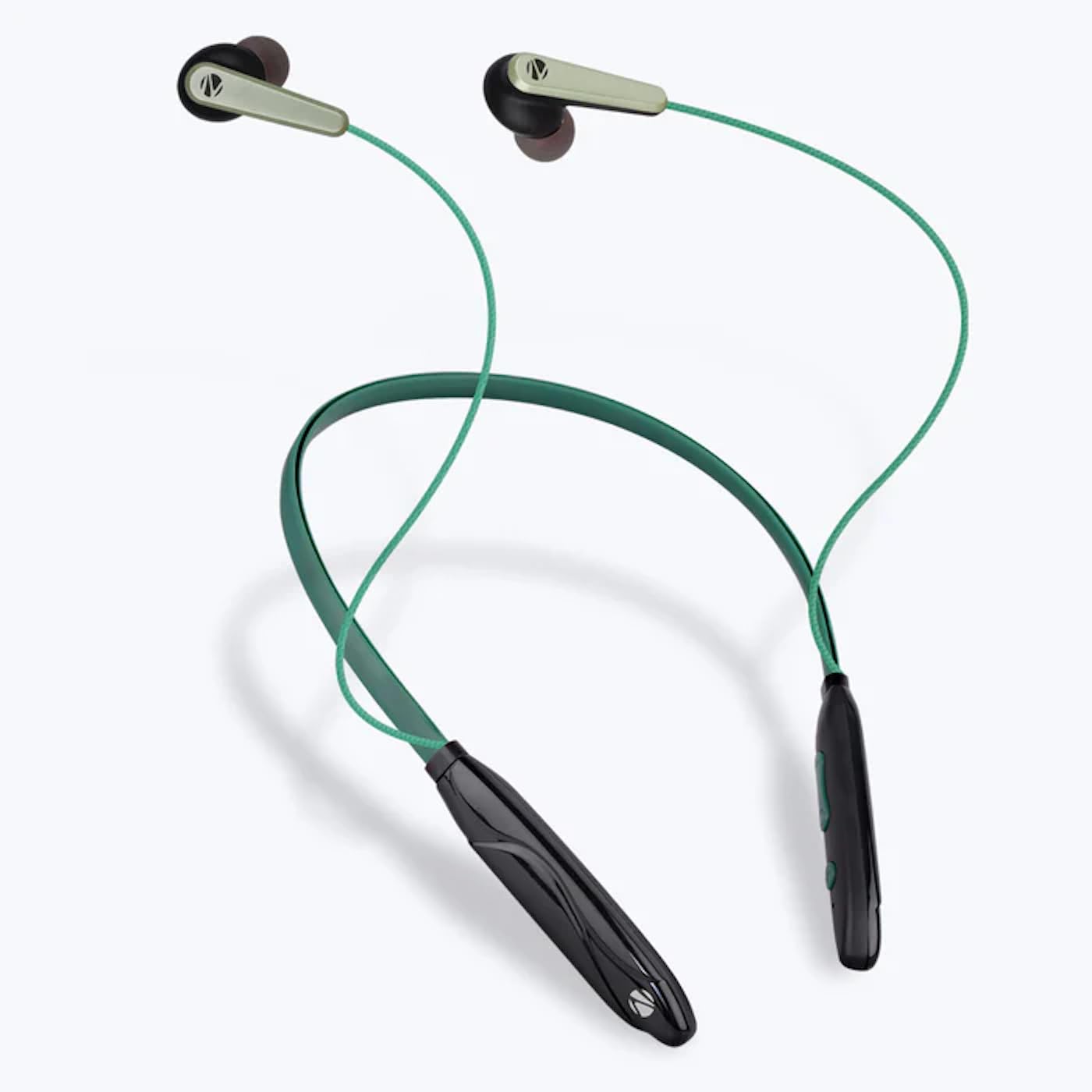
Image: The ZEBRONICS Zeb-Escape 10 Wireless BT Earphone, featuring a green and black neckband design with in-ear earbuds.
Kontni pake
Atik sa yo enkli nan pake pwodwi ou a:
- 1 U Neckband Earphone
- 1 U Charging Cable (Type-C)
- 1 U QR Code Guide
Enstalasyon
1. Chaje ekoutè a
Before first use, fully charge the earphone. Use the provided Type-C charging cable to connect the earphone to a USB power source (e.g., computer USB port, wall adapter). The LED indicator will show the charging status.
- Tan pou chaje: Apeprè 1.5 èdtan.

Image: The earphone's control module with a Type-C charging port, showing a charging cable connected.
2. Pè Bluetooth
To connect your earphone to a Bluetooth-enabled device:
- Asire w ke ekoutè a chaje epi li etenn.
- Press and hold the multi-function button on the earphone until the LED indicator flashes red and blue, indicating it is in pairing mode.
- Sou aparèy ou an (telefòn entelijan, tablèt, elatriye), aktive Bluetooth epi chèche aparèy ki disponib yo.
- Select "ZEB-ESCAPE 10" from the list of found devices.
- Yon fwa konekte, endikatè LED la ap flache ble dousman oswa etenn, selon modèl la.

Image: A smartphone display illustrating the Bluetooth pairing process, showing the earphone model 'ZEB-ESCAPE 10' as connected.
Enstriksyon Operasyon
Power On/Off
- Pouvwa sou: Press and hold the multi-function button until the LED indicator lights up.
- Pouvwa Off: Press and hold the multi-function button until the LED indicator turns off.
Volume and Media Control
The earphone features integrated controls for managing audio playback and volume.
- Volim moute: Peze bouton '+' la.
- Volim desann: Peze bouton '-' la.
- Jwe/Poz: Peze bouton milti-fonksyon an yon fwa.
- Pwochen Track: Peze epi kenbe bouton '+' la.
- Track Previous: Peze epi kenbe bouton '-' la.
Rele Fonksyon
Manage calls directly from your earphone.
- Reponn apèl: Peze bouton milti-fonksyon an yon fwa.
- Fini apèl: Peze bouton milti-fonksyon an yon fwa pandan yon apèl.
- Rejte apèl: Peze epi kenbe bouton milti-fonksyon an.
- Recomposition Dènye Nimewo: Peze bouton milti-fonksyon an de fwa.
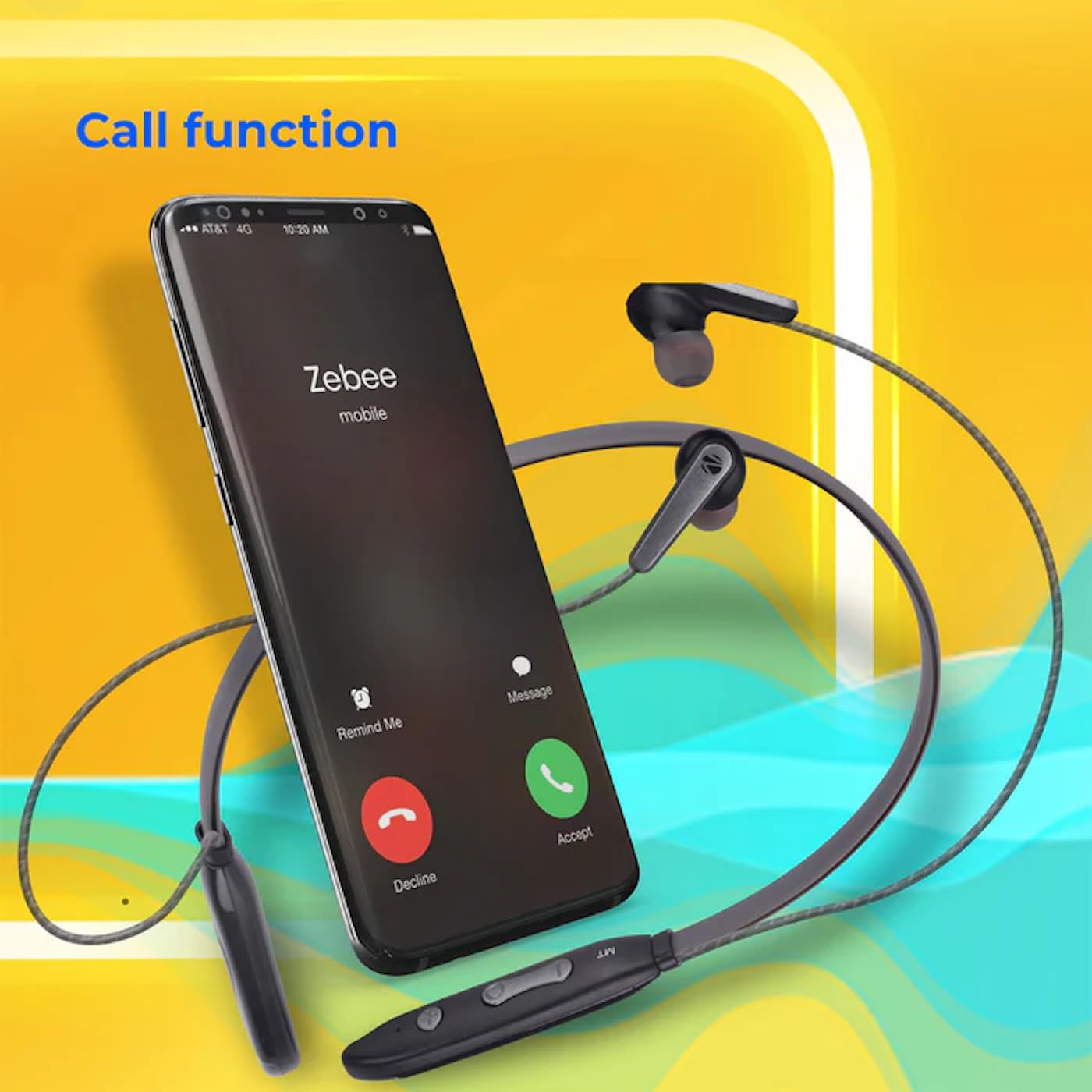
Image: A smartphone showing an incoming call interface, indicating the earphone's call handling capability.
Sipò Asistan Vwa
Activate your device's voice assistant (e.g., Google Assistant, Siri) by triple-pressing the multi-function button.
Ekouteur mayetik
The earpieces are magnetic, allowing them to securely attach to each other when not in use, preventing tangling and ensuring they stay in place around your neck.

Imaj: Yon imaj detaye view of an earbud, illustrating its design for a stable and comfortable fit.
Antretyen
To ensure the longevity and optimal performance of your ZEBRONICS Zeb-Escape 10 earphones, follow these maintenance guidelines:
- Netwayaj: Use a soft, dry cloth to clean the earphones. Do not use harsh chemicals or abrasive materials.
- Depo: Sere ekoutè yo nan yon kote ki fre epi sèk, lwen limyè solèy dirèk ak tanperati ekstrèm.
- Rezistans dlo: The earphones are water resistant. Avoid submerging them in water or exposing them to heavy rain.
- Chaje: Only use the provided charging cable or a certified Type-C cable. Avoid overcharging.
Depanaj
If you encounter issues with your earphone, refer to the following common problems and solutions:
| Pwoblèm | Solisyon posib |
|---|---|
| Earphone does not power on. | Asire w ke ekoutè a byen chaje. |
| Pa ka konekte ak aparèy la. | Ensure the earphone is in pairing mode (flashing red/blue). Turn off and on Bluetooth on your device. Move closer to the earphone. |
| Pa gen son oswa volim nan ba. | Check volume levels on both the earphone and your connected device. Ensure the earphone is properly paired. |
| Pwoblèm kalite apèl. | Ensure you are within Bluetooth range. Check for obstructions between the earphone and your device. |
Espesifikasyon
Technical specifications for the ZEBRONICS Zeb-Escape 10 Wireless BT Earphone:
| Karakteristik | Detay |
|---|---|
| Non modèl | ZEB-NBI 5 |
| Bluetooth vèsyon | v5.3 |
| Sipòte BT Profiles | HSP / HFP / A2DP / AVRCP |
| Gwosè Chofè | 10mm |
| Enpedans Oratè | 16Ω |
| Lektur Tan | Jiska 20 èdtan (nan 50% volim) |
| Tan pale | Jiska 20 èdtan |
| Tan pou chaje | 1.5 èdtan |
| Tan sibstiti | 200 èdtan |
| Pwa nèt | 26g |
| Kalite kontwòl | Kontwòl Medya, Manyen |
| Nivo rezistans dlo | Dlo rezistan |
| Karakteristik espesyal | Fast Charging, Foldable, Microphone Included, Sweatproof |

Image: Visual representation of the earphone's 20-hour playback capability.
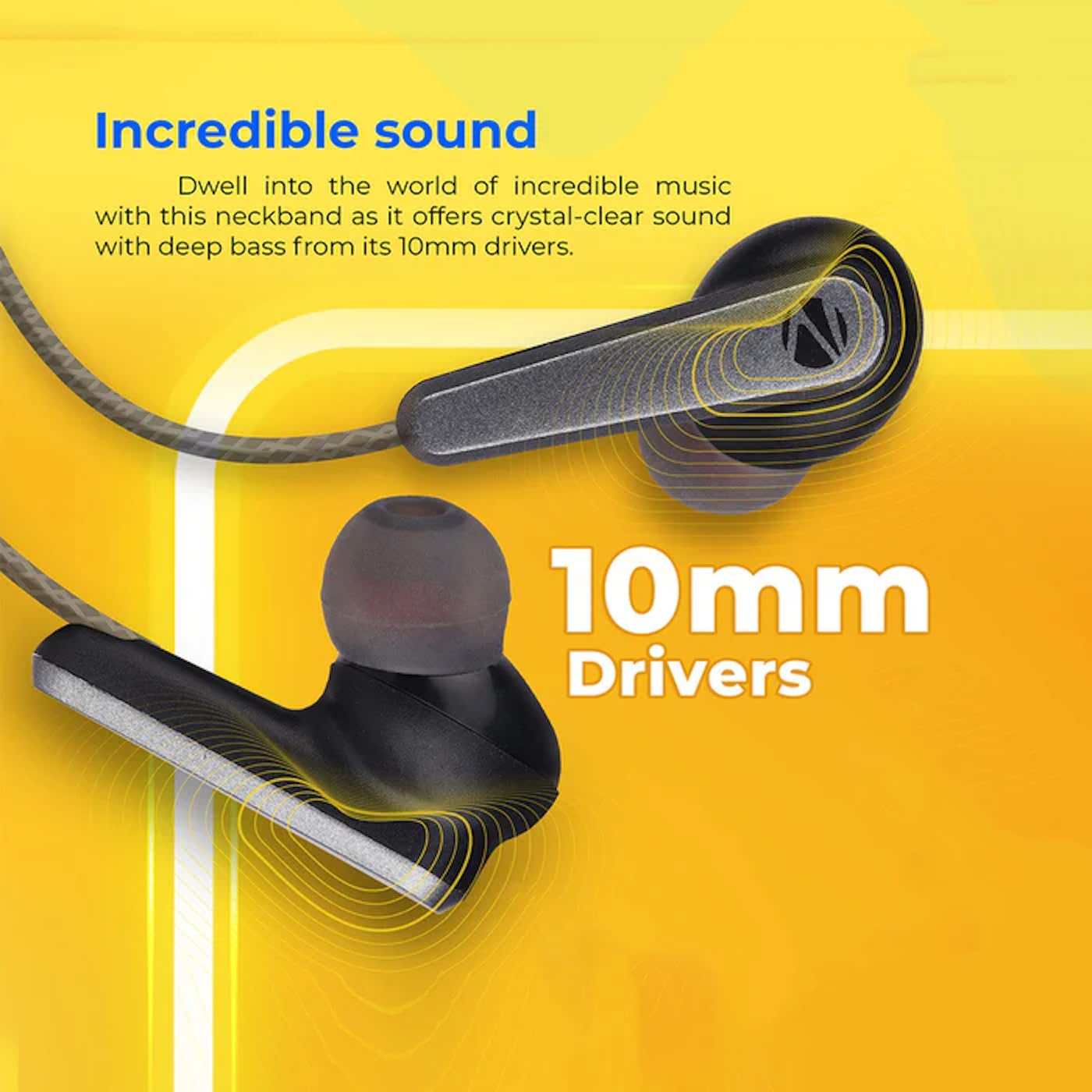
Image: A close-up of an earbud, highlighting the 10mm audio drivers responsible for sound output.
Enfòmasyon sou Garanti
The ZEBRONICS Zeb-Escape 10 Wireless BT Earphone comes with a 6-mwa garanti apati dat acha a. Garanti sa a kouvri domaj fabrikasyon. Tanpri konsève resi acha ou kòm prèv acha pou reklamasyon garanti. Garanti a pa kouvri domaj ki koze pa move itilizasyon, aksidan, modifikasyon san otorizasyon, oswa mete ak chire nòmal.
Sipò pou Kliyan
For further assistance, technical support, or warranty claims, please contact ZEBRONICS customer service. Refer to the QR code guide included in your package or visit the official ZEBRONICS websit pou detay kontak.