
Entwodiksyon
This manual provides comprehensive instructions for the JBL PartyBox Club 120 portable wireless speaker. It covers essential information regarding product setup, operation, maintenance, and troubleshooting to ensure optimal performance and longevity of your device. Please read this manual thoroughly before using the speaker.
Ki sa ki nan bwat la
Lè w ap debale, verifye si tout bagay sa yo la:
- 1 x JBL PartyBox 120 Portable Wireless Speaker
- 1 x CA pouvwa kòd
- 1 x Kab Oksilyè
- 1 x twal mikwofib

Imaj: Devan view prezantasyon oratè JBL PartyBox Club 120 laasing its grille and illuminated JBL logo.
Enstalasyon
1. Chaje Oratè a
Before initial use, fully charge the speaker. Connect the provided AC power cord to the speaker's power input and then to a wall outlet. The charging indicator will show the battery status. A full charge provides approximately 12 hours of playtime.
2. Powering On / Off
- To power on: Press the Power button located on the control panel.
- To power off: Press and hold the Power button until the speaker shuts down.
3. Pè Bluetooth
- Asire w ke oratè a limen.
- Peze bouton Bluetooth ki sou oratè a. Endikatè Bluetooth la ap flache, sa vle di li an mòd koneksyon.
- Sou aparèy mobil ou a (telefòn entelijan, tablèt, oswa laptop), aktive Bluetooth epi chèche aparèy ki disponib yo.
- Select "JBL PartyBox Club 120" from the list of devices.
- Once paired, the Bluetooth indicator will glow solid, and you will hear a confirmation sound.
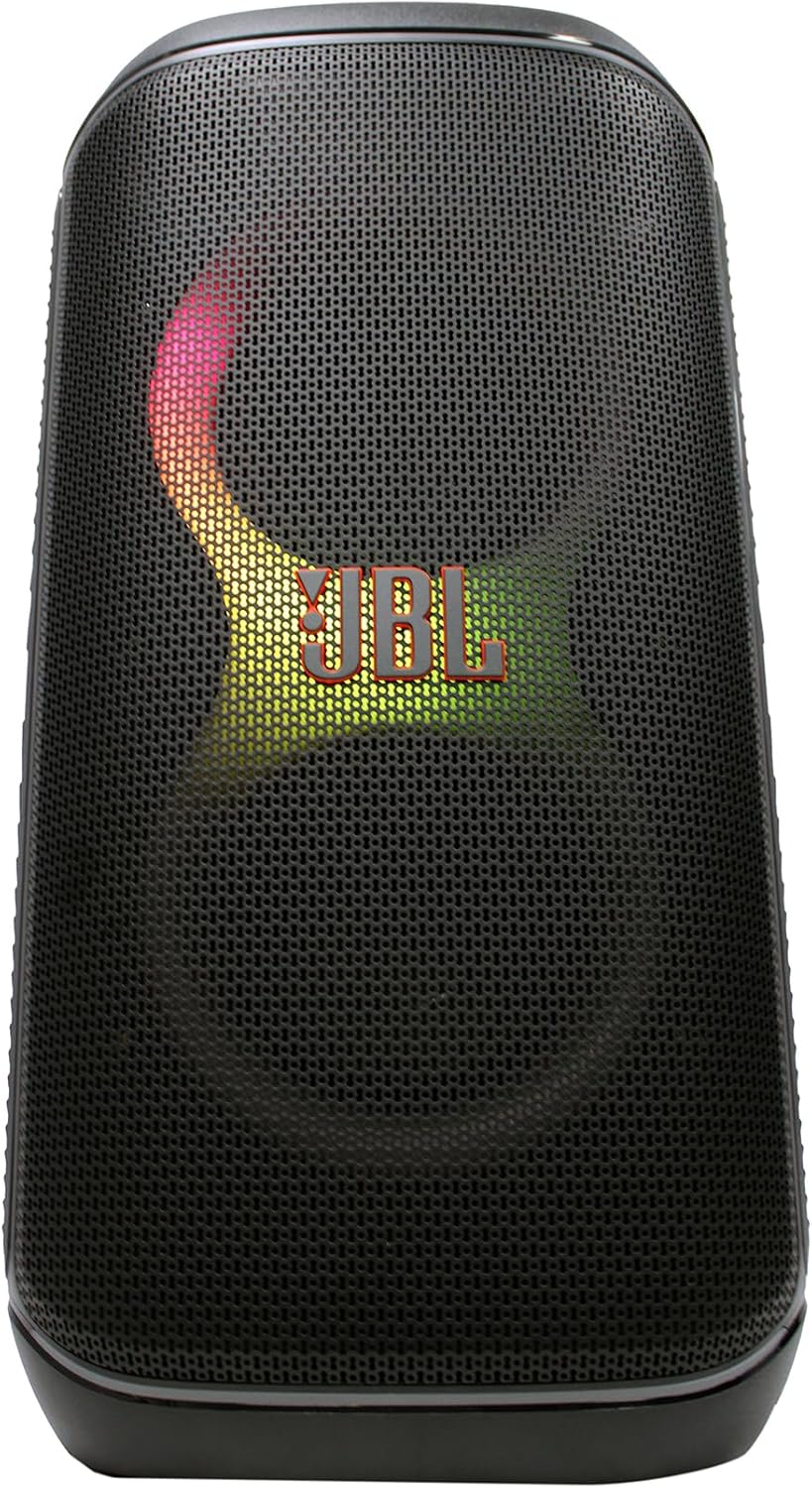
Imaj: Devan view of the JBL PartyBox Club 120 speaker, displaying dynamic multi-color lighting effects.
4. AUX Koneksyon
To connect an audio device via the auxiliary input:
- Connect one end of the provided auxiliary cable to the AUX IN port on the speaker.
- Konekte lòt bout kab oksilyè a nan priz kas ekoutè a oswa nan pwodiksyon odyo aparèy ou an.
- The speaker will automatically switch to AUX input mode, or you may need to select it manually using the input source button.
Enstriksyon Operasyon
1. Odyo lèktur
- Kontwòl Volim: Use the volume up (+) and volume down (-) buttons on the speaker or your connected device to adjust the audio level.
- Jwe/Poz: Peze bouton Jwe/Pòz la pou kòmanse oswa sispann lekti odyo a.
- Track Navigasyon: Use the skip forward and skip backward buttons to change tracks.
2. Light Show Features
The JBL PartyBox Club 120 features dynamic LED lighting effects that synchronize with your music. Use the dedicated Light Mode button on the speaker to cycle through different light patterns or turn the lights off.
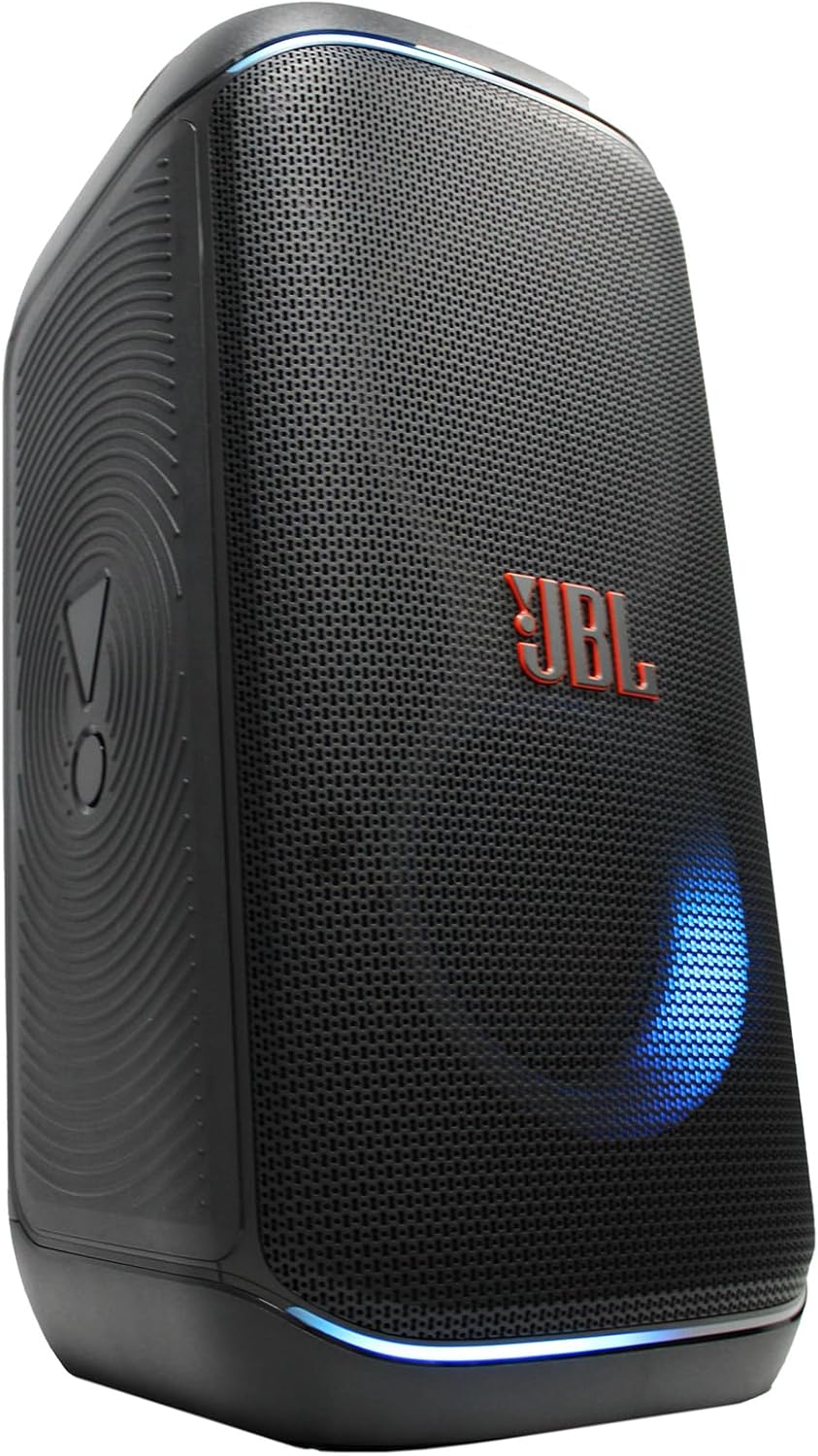
Imaj: Bò kote view of the JBL PartyBox Club 120 speaker, showing its robust design and a blue light effect.
3. Splash Proof Design
The speaker is designed to be splash-proof, making it suitable for outdoor use and near water. However, it is not fully waterproof and should not be submerged in water. Ensure all port covers are securely closed to maintain splash resistance.
Antretyen
- Netwayaj: Sèvi ak twal mikwofib ki founi an oubyen yon twal mou.amp cloth to clean the speaker's exterior. Avoid using abrasive cleaners or solvents.
- Depo: Sere oratè a nan yon kote ki fre epi sèk, lwen limyè solèy dirèk ak tanperati ekstrèm.
- Swen batri: Pou pwolonje lavi batri a, evite dechaje batri a nèt souvan. Chaje oratè a regilyèman, menm si w pa itilize l pandan yon bon bout tan.
Depanaj
| Pwoblèm | Kòz posib | Solisyon |
|---|---|---|
| Pa gen pouvwa | Batri a fini; Kòd kouran an pa konekte | Charge the speaker; Ensure power cord is securely connected to speaker and outlet |
| Pa gen son | Volume too low; Incorrect input source; Device not playing audio | Increase volume on speaker and device; Select correct input source (Bluetooth/AUX); Ensure audio is playing on connected device |
| Bluetooth pa konekte | Oratè a pa nan mòd koneksyon; Bluetooth aparèy la etenn; Twò lwen oratè a | Press Bluetooth button to enter pairing mode; Enable Bluetooth on device; Move device closer to speaker (within 30 feet) |
| Spektak limyè a pa fonksyone | Light mode off; Speaker malfunction | Press Light Mode button to activate; Contact support if issue persists |
Espesifikasyon
| Mak | JBL |
| Nimewo Modèl | JBLPARTYBOX120AM |
| Sòti Wattage | 160 Watts |
| Koneksyon Teknoloji | AUX, Bluetooth |
| Sous pouvwa | Batri Powered, fil elektrik |
| Kalite batri | Rechargeable |
| Dimansyon atik (L x W x H) | 11.6 x 11.8 x 22 pous |
| Pwa atik | 25 liv |
| Koulè | Nwa |
| Materyèl | Plastik, Kawotchou |
| Aparèy konpatib | Telefòn entelijan, Tablèt, Laptop |
| Kalite aliye | Tabletop |
| UPC | 094148647852 |
Garanti ak sipò
For detailed warranty information, please refer to the warranty card included with your product or visit the official JBL website. For technical support, product registration, or service inquiries, please contact JBL customer support through their official channels.
Note: This manual provides general guidance. Specific features and operations may vary. Always refer to the latest information available from the manufacturer.