
Ashfly 366C
Manyèl Itilizatè Mikwoskòp Dijital LCD Ashfly pou Pyès Monnen
Model: 366C | Brand: Ashfly
Entwodiksyon
The Ashfly LCD Digital Coin Microscope is a versatile and powerful tool designed for detailed observation and analysis. Featuring a 4.3-inch IPS screen and up to 1000x magnification, it allows users to explore the microscopic world with clarity. It is ideal for inspecting coins, circuit boards, textiles, plants, and jewelry, and can also be connected to a PC for real-time viewing and recording. Its portable design and adjustable LED lighting make it suitable for various applications, from educational purposes to professional inspections.
Ki sa ki nan bwat la
- Microscope Device (with 4.3-inch LCD screen)
- Adjustable Stand (Base, Pole, Bracket)
- USB-C Chaje Kab
- Manyèl Enstriksyon
Enstalasyon
Follow these steps to assemble your Ashfly Digital Microscope:
- Atache poto a nan baz la: Insert the metal pole into the designated slot on the plastic base. Ensure it is firmly seated.
- Monte bracket la: Slide the adjustable bracket onto the metal pole. This bracket will hold the microscope unit.
- Attach the Microscope Unit: Secure the microscope unit to the bracket. Use the tightening knobs on the bracket to firmly hold the microscope in place.
- Retire fim pwoteksyon: Gently peel off the protective plastic film from the LCD screen.

Figure 1: Fully assembled Ashfly Digital Microscope.

Figure 2: Step-by-step assembly guide for the microscope.
Gid videyo konfigirasyon
Video: Easy to install motherboard repair magnifier. This video demonstrates the assembly process and initial setup of the microscope, including attaching the unit to the stand and adjusting its position.
Enstriksyon Operasyon
Operasyon debaz
- Limen/Etenyen: Press and hold the power button (usually marked with a circle and vertical line) to turn the device on or off.
- Ajiste agrandisman: Use the zoom in/out buttons (often marked with '+' and '-' or arrows) on the unit to adjust the digital magnification. The optical magnification is fixed at 1000x.
- Ajisteman konsantre: Rotate the focus knob located on the microscope body to achieve a clear image of your specimen. Adjust the height of the microscope on the stand for coarse focus, then use the knob for fine-tuning.
- Limyè ki ap dirije: The microscope features 8 adjustable LED lights. Use the dedicated control (often a dial or button) to adjust the brightness for optimal illumination of your subject.

Figure 3: Adjusting the 8 LED lights for optimal viewing.

Figure 4: Stepless adjustment of the 8 high-brightness LED ring lights.
Koneksyon PC
Pou view the microscope's feed on your computer:
- Connect the microscope to your PC using the provided USB-C cable.
- On the microscope's screen, select "PC Camera" mode when prompted.
- On your computer, open a camera application (e.g., Windows Camera app or a third-party software like Inskam Camera). The microscope feed should appear.
- You can capture photos and record videos directly from your computer's software.

Figure 5: Real-time zoomed-in view on a PC via USB-C connection.

Figure 6: Microscope connected to a PC, displaying a coin for detailed inspection.
Kaptire Foto ak Videyo
- The microscope has built-in storage for approximately 100 photos.
- To capture a photo, press the "OK" or "Photo/Video" button on the unit.
- To record video, press the "Photo/Video" button again to switch to video mode, then press "OK" to start/stop recording.
- For extended storage, insert a TF Card (up to 64GB, Class 10 recommended) into the designated slot.
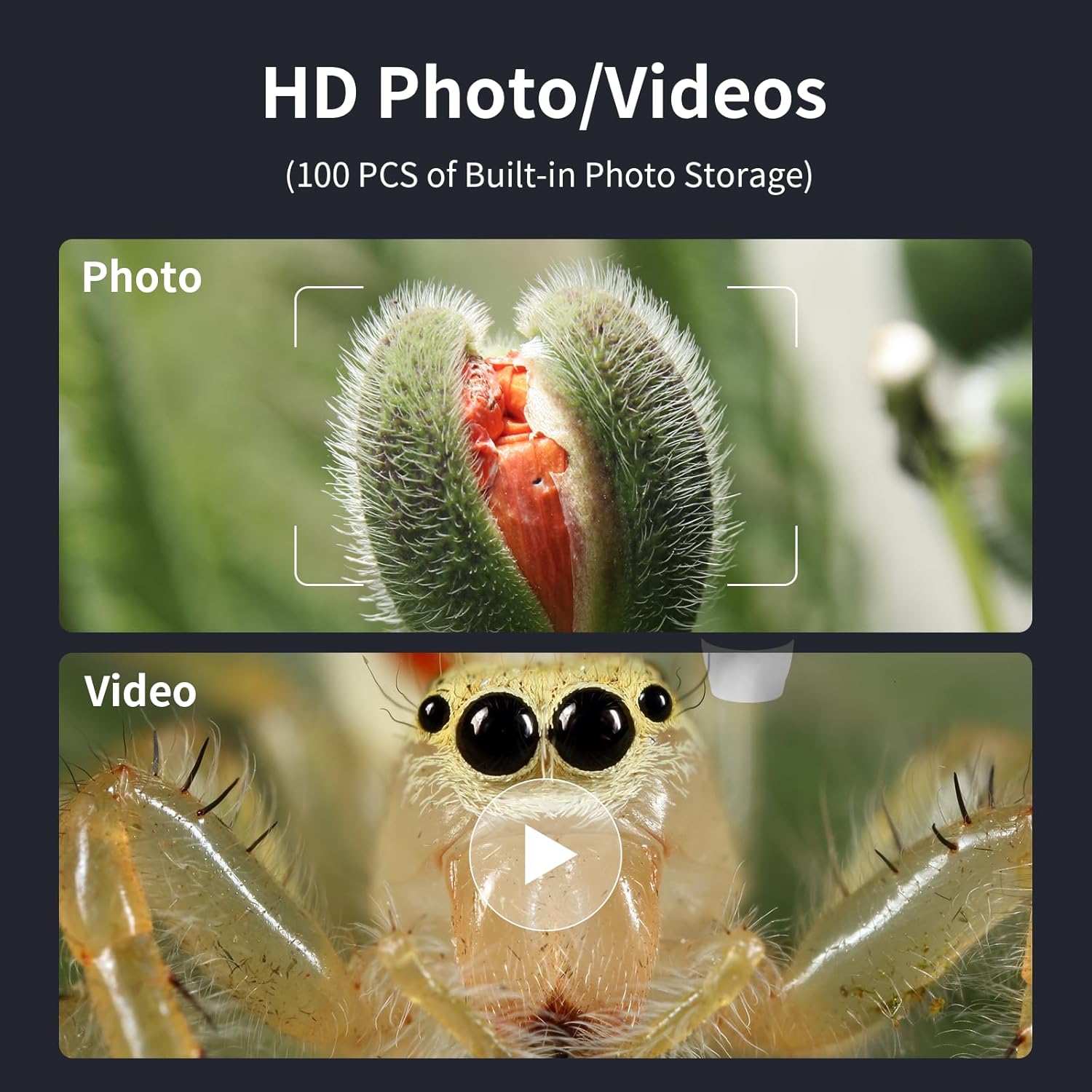
Figure 7: Options for capturing high-definition photos and videos.
Antretyen
- Keep the microscope lens clean using a soft, lint-free cloth. Avoid abrasive materials.
- Sere aparèy la nan yon anviwònman sèk, san pousyè lè w pa ap itilize li.
- Charge the internal battery using a 5V-1A charger. Do not charge via PC to prevent potential damage.
- Evite ekspoze aparèy la nan tanperati ekstrèm oswa limyè solèy la dirèk.
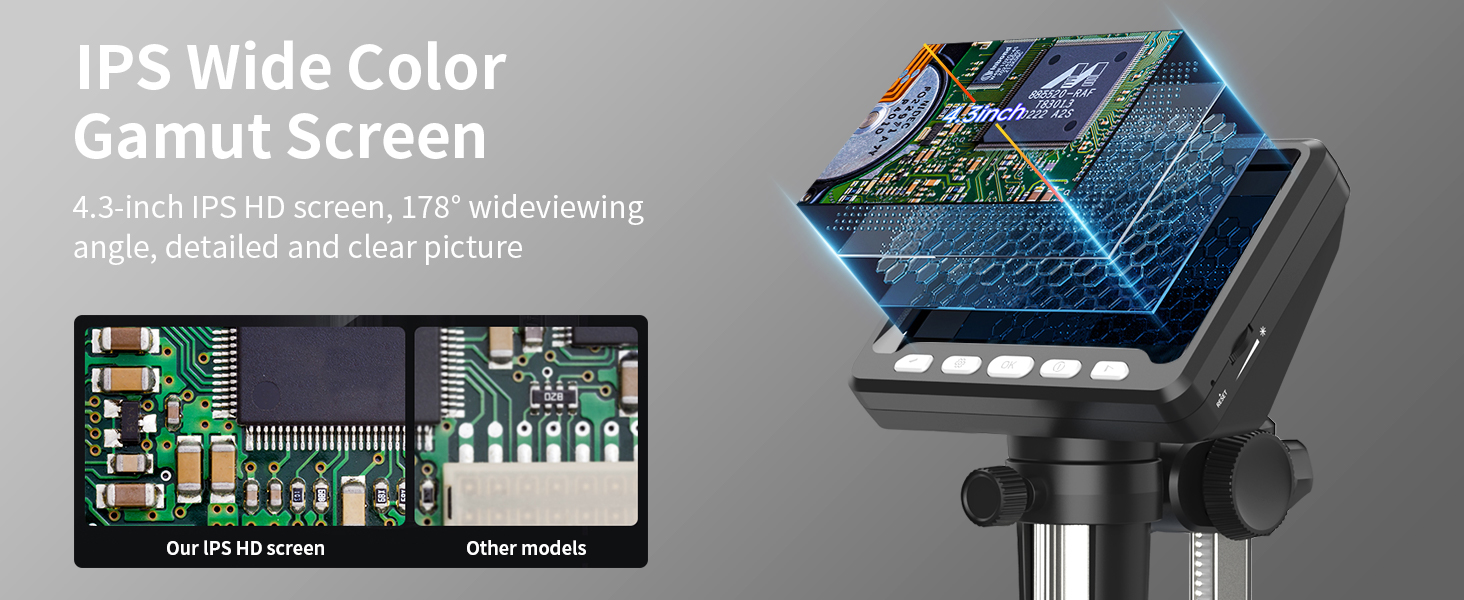
Figure 8: Charging the microscope for optimal battery life.
Depanaj
- Pa gen imaj sou ekran an: Ensure the device is powered on and fully charged. Check if the lens cap is removed.
- Imaj flou: Adjust the focus knob and the height of the microscope on the stand. Ensure adequate lighting from the LED lights.
- Pwoblèm koneksyon PC: Verify the USB-C cable is securely connected. Ensure "PC Camera" mode is selected on the microscope. Try restarting the camera application on your computer.
- Kout lavi batri: Ensure the device is fully charged before use. Reduce LED brightness if not needed.
Espesifikasyon
| Karakteristik | Detay |
|---|---|
| Nimewo Modèl | 366C |
| Gwosè ekran | 4.3 Inch IPS HD Screen |
| Agrandisman | Jiska 1000 fwa |
| Rezolisyon | 1080P (for display) |
| Sous limyè | 8 Limyè reglabl dirije |
| Kalite batri | Lityòm Ion (enkli) |
| Tan operasyon | Jiska 3.5 èdtan |
| Tan pou chaje | Apeprè. 3.0 èdtan |
| Konpatibilite PC | MacOS, Windows (Vista, XP, 7, 8, 10, 11) |
| Dimansyon pwodwi | 5 x 5 x 5 pous |
| Pwa atik | 1.01 liv |
| Materyèl | Plastik |
| Koulè | Nwa |
Enfòmasyon sou Sekirite
- Do not look directly into the LED lights for extended periods.
- Kenbe aparèy la lwen dlo ak lòt likid.
- Pa eseye demonte oswa repare aparèy la tèt ou. Kontakte sipò kliyan pou asistans.
- Keep out of reach of small children without adult supervision.
Garanti ak sipò
For warranty information, technical support, or any inquiries regarding your Ashfly LCD Digital Coin Microscope, please refer to the contact details provided on the product packaging or visit the official Ashfly websit la. Tanpri konsève prèv acha ou a pou reklamasyon garanti.
Ask a question about this manual
Ask about setup, troubleshooting, compatibility, parts, safety, or missing instructions. Manuals+ will review the question and use this page’s manual context to help answer it.