
Entwodiksyon
This manual provides comprehensive instructions for the YOSUN G25N8L Replacement Voice Remote Control. This remote is designed to replace original voice remotes for various Fire TV Stick models and Amazon Fire Smart TVs, offering voice search capabilities and customizable shortcut buttons for enhanced control and convenience.
Pwodwi souview
The YOSUN G25N8L remote control features a standard layout with dedicated buttons for navigation, media playback, voice commands, and quick access to popular streaming services. Its compact design ensures comfortable handling.

Image: YOSUN G25N8L Replacement Voice Remote Control.
Button Functions and Dimensions

Image: Detailed diagram of the YOSUN G25N8L remote control, highlighting button functions and overall dimensions (5.7 inches * 1.49 inches * 0.7 inches). Requires 2 AAA batteries (not included).
- Bouton pouvwa: Limen oswa etenn aparèy ki konekte a.
- Microphone/Alexa Voice Button: Aktive kòmandman vokal pou rechèch ak kontwòl.
- Bag Navigasyon: Used to move through menus and selections.
- Chwazi bouton: Konfime seleksyon yo.
- Bouton tounen: Retounen nan ekran anvan an.
- Bouton Kay: Navigates to the home screen.
- Bouton meni: Aksè opsyon oswa anviwònman adisyonèl.
- Jwe/Pòz, Avanse rapid, Remonte: Kontwòl lekti medya estanda.
- Bouton Gid: Ouvè gid televizyon an.
- Bouton bèbè: Silpe odyo.
- Volim monte/desann: Ajiste volim odyo a.
- Shortcut Buttons (Video, Netflix, Disney+, Hulu): Direct access to specified streaming services.
- Customization Buttons (1, 2): Programmable buttons for personalized shortcuts.
Konpatibilite
Modèl aplikab yo
This replacement voice remote is compatible with a wide range of streaming devices and smart TVs. Ensure your device is listed below for proper functionality.
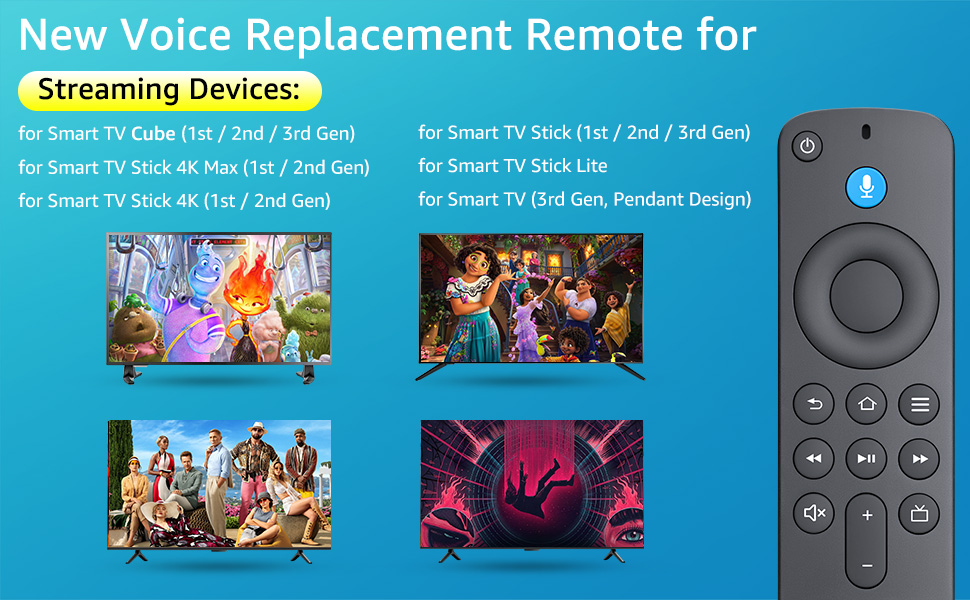
Image: Visual representation of compatible streaming devices and smart TVs.
- Smart TV Stick 4K Max (1st / 2nd Gen)
- Smart TV Stick 4K (1st / 2nd Gen)
- Smart TV Stick (1st / 2nd / 3rd Gen)
- Smart TV Cube (1st / 2nd / 3rd Gen)
- Smart TV Stick Lite
- Smart TV (3rd Gen, Pendant Design)
- For Series Smart TVs, 2/4 Series Smart TVs
- For Smart TVs: LF711/LF621U/LF421U/LF221U/C350/A810U/A710U/M550/V35 series
- For Smart TVs: F30/F20/F50/DF710/DF711/DF310/DF510/DF311/DF620 series
- For Smart TVs PN450/PN651/PN851/PN951 series
- Replacement for TV Stick Voice Remote (2nd Gen/3rd Gen/Lite/Lite 2nd Gen)
- Replacement for TV remote control (NS-RCFNA-21, CT-95018, CT-RC1US-21, NS-RCFNA-19, CT-RC1US-19)
Pa konpatib ak
This remote control is not compatible with the following devices:
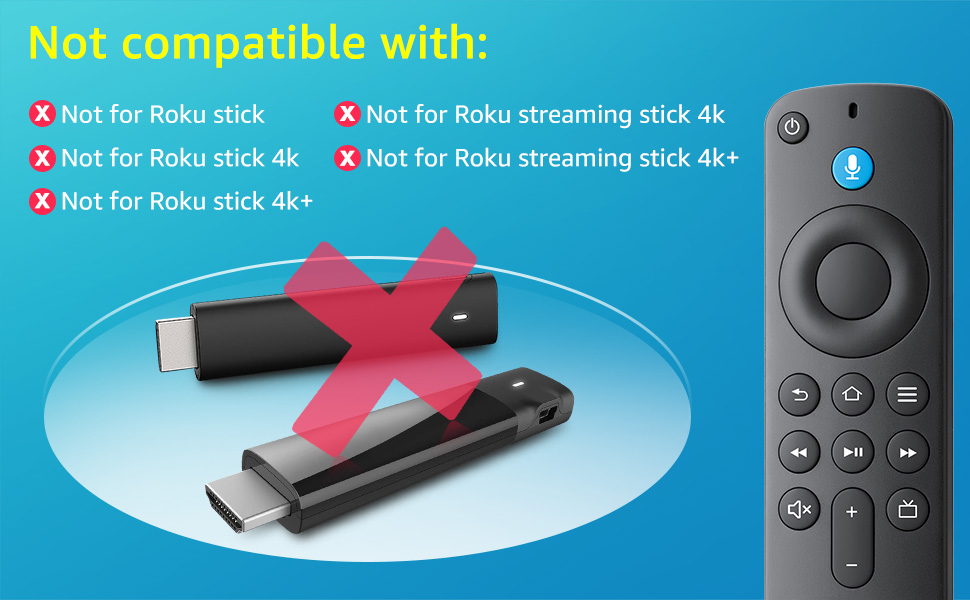
Image: Visual representation of devices not compatible with the YOSUN G25N8L remote control.
- Roku stick
- Roku stick 4k
- Roku stick 4k+
- Roku streaming stick 4k
- Roku streaming stick 4k+
Enstalasyon ak Pairing
Follow these steps to pair your YOSUN G25N8L remote control with your device.
Pairing with Fire TV Stick or Fire TV Cube
- Mete pil: Open the battery compartment and insert two new AAA batteries (not included), ensuring correct polarity.
- Reyajiste Remote: Peze epi kenbe la Retounen bouton (), Lakay bouton (), epi Menu bouton () simultaneously for 10 seconds. This will reset the remote.
- Update TV System: Ensure your TV system has been updated to the latest version before attempting to pair. Navigate to Settings > My TV > About > System Update to check for updates.
- Power Cycle Device: Unplug the power cord of your Fire TV Stick or Fire TV Cube, wait for 5 seconds, then plug it back in.
- Inisye pè: Once your device restarts and displays the home screen, a 'Waiting for Pairing' tip should appear. Press and hold the Lakay bouton () on the new remote for 10 seconds. The remote should pair automatically.
Pairing with Smart TVs
- Mete pil: Open the battery compartment and insert two new AAA batteries (not included), ensuring correct polarity.
- Reyajiste Remote: Peze epi kenbe la Retounen bouton (), Lakay bouton (), epi Menu bouton () simultaneously for 10 seconds. This will reset the remote.
- Aksè nan paramèt televizyon yo: Use your existing TV remote or the TV's physical buttons to navigate to the TV's settings menu.
- Add New Remote: In the TV settings, select Anviwònman > Kontwolè ak aparèy Bluetooth > Amazon TV Remotes > Add new remote.
- Inisye pè: Follow the on-screen prompts. When prompted, press and hold the Lakay bouton () on the new remote for 10 seconds. The TV will search for and pair with the remote.
Voice Function Activation
The YOSUN G25N8L remote supports voice commands for easy content search and device control. After successful pairing, the voice function should be active.
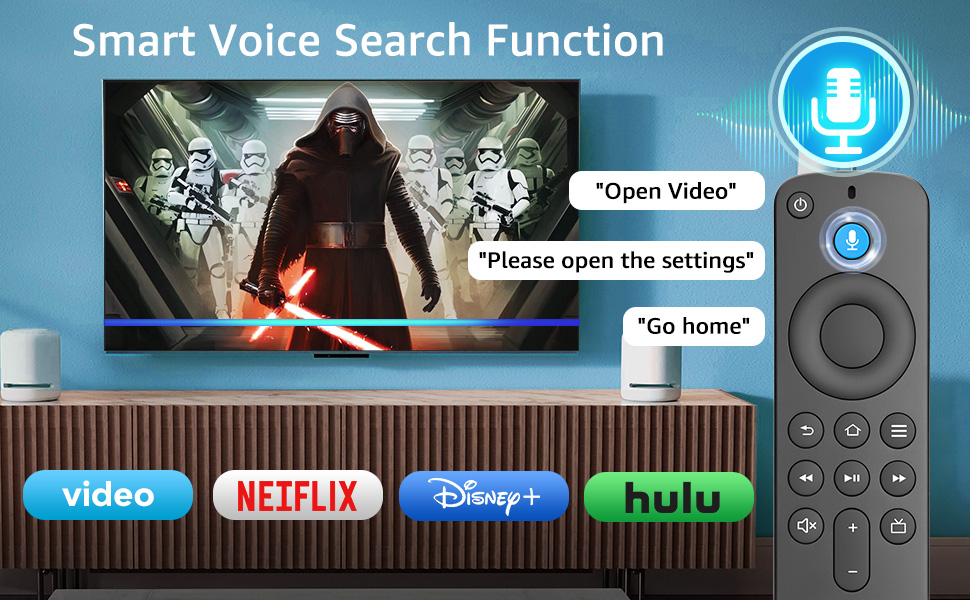
Image: The remote control's voice search function in use, showing examples like "Open Video" or "Go home".
To use the voice function, press and hold the Microphone/Alexa Voice Button () and speak your command clearly. Release the button when you are finished speaking.
Customization Buttons
The remote includes two customizable buttons (labeled 1 and 2) that allow you to program quick access to your favorite streaming services or applications.
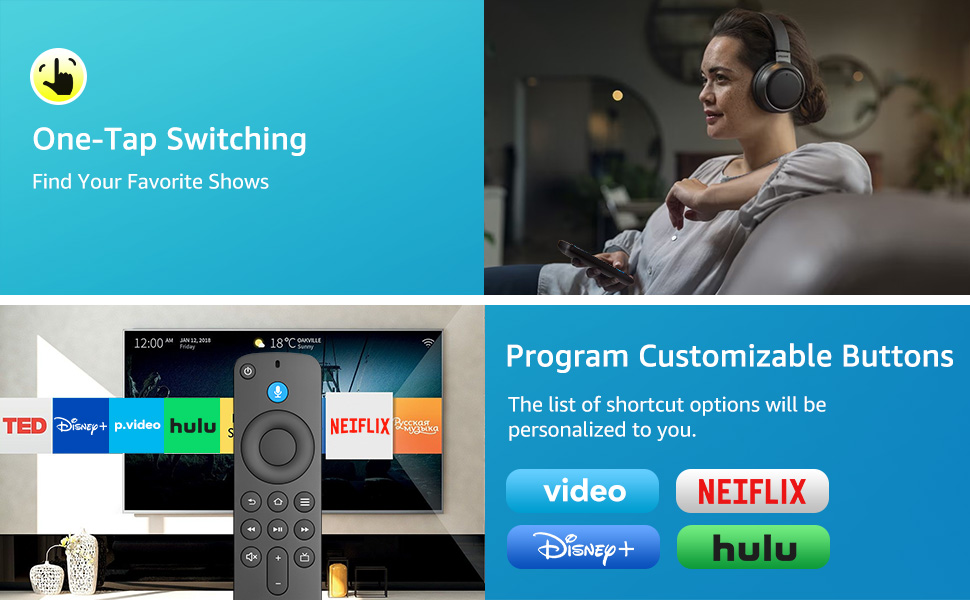
Image: The remote control demonstrating one-tap switching to various streaming services and the concept of programmable customization buttons.
To program a customization button:
- Navigate to the desired application or service on your TV.
- Peze epi kenbe swa la 1 or 2 customization button for a few seconds until a confirmation message appears on your screen.
- The button is now programmed to launch that application directly with a single press.
Depanaj
If you encounter issues with your YOSUN G25N8L remote control, refer to the following common problems and solutions:
| Pwoblèm | Solisyon |
|---|---|
| Telekòmand lan pa reponn. |
|
| Voice function is not working. |
|
| Shortcut buttons are not working. |
|
| Dekonekte a distans souvan. |
|
Espesifikasyon
Key technical specifications for the YOSUN G25N8L Replacement Voice Remote Control:
- Mak: YOSUN
- Nimewo Modèl: G25N8L
- Karakteristik espesyal: Rechèch vwa
- Koneksyon Teknoloji: Enfrawouj
- Kalite kontwolè: Kontwòl vwa
- Aparèy konpatib: Television (Fire Stick/Amazon Toshiba Insignia Fire Smart TVs)
- Maximum Number of Supported Devices: 1
- Button Quantity: 27
- Ranje maksimòm: 30 pye
- Kalite batri: AAA
- Kantite pil: 2 pil AAA obligatwa (pa enkli)
- Konpatibilite lakay entelijan: Smart Home Compatible
Garanti ak sipò
The YOSUN G25N8L Replacement Voice Remote Control comes with a 1 ane garanti from the manufacturer. For any support inquiries, troubleshooting assistance beyond this manual, or warranty claims, please contact YOSUN customer service through your purchase platform or the official YOSUN websit.