
1. Entwodiksyon
This manual provides comprehensive instructions for the safe and efficient use of your NEC VKT16XZG5 laptop. Please read this manual thoroughly before using the product and retain it for future reference. This laptop is equipped with Windows 11, an Intel Core i5-8th Generation processor, and solid-state drive (SSD) storage, designed for general computing tasks.
2. Enfòmasyon sou Sekirite
Observe the following safety precautions to prevent damage to the laptop or injury to yourself.
- Pa ekspoze laptop la nan tanperati ekstrèm, limyè solèy dirèk, oswa imidite ki wo.
- Evite mete objè lou sou laptop la.
- Kenbe likid lwen òdinatè pòtab la pou evite chòk elektrik oswa domaj.
- Use only the provided AC adapter or a compatible replacement.
- Pa eseye demonte oswa repare laptop la tèt ou. Konsilte pèsonèl sèvis ki kalifye.
- Ensure proper ventilation to prevent overheating. Do not block air vents.
3. Pake kontni
Verifye ke tout atik yo prezan nan pakè a:
- NEC VKT16XZG5 Laptop
- AC adaptè
- Security Zero License Card
- 64GB USB Recovery Storage
- Digital Recovery Manual (pre-saved on the laptop)

Image: 64GB USB Recovery Storage device. This USB drive contains essential recovery files for your laptop.

Image: ZERO Security software box. A license card for this security software is included.
4. Pwodwi souview
Familiarize yourself with the components of your NEC VKT16XZG5 laptop.
4.1 Top View (Keyboard and Touchpad)

Imaj: Anlè view of the NEC VKT16XZG5 laptop. This image highlights the Japanese keyboard layout and the integrated touchpad for navigation.
- Klavye: Standard Japanese layout for text input.
- Touchpad: For cursor control and gesture input.
- Bouton pouvwa: Located above the keyboard, typically on the right side.
4.2 Exterior Design and Durability
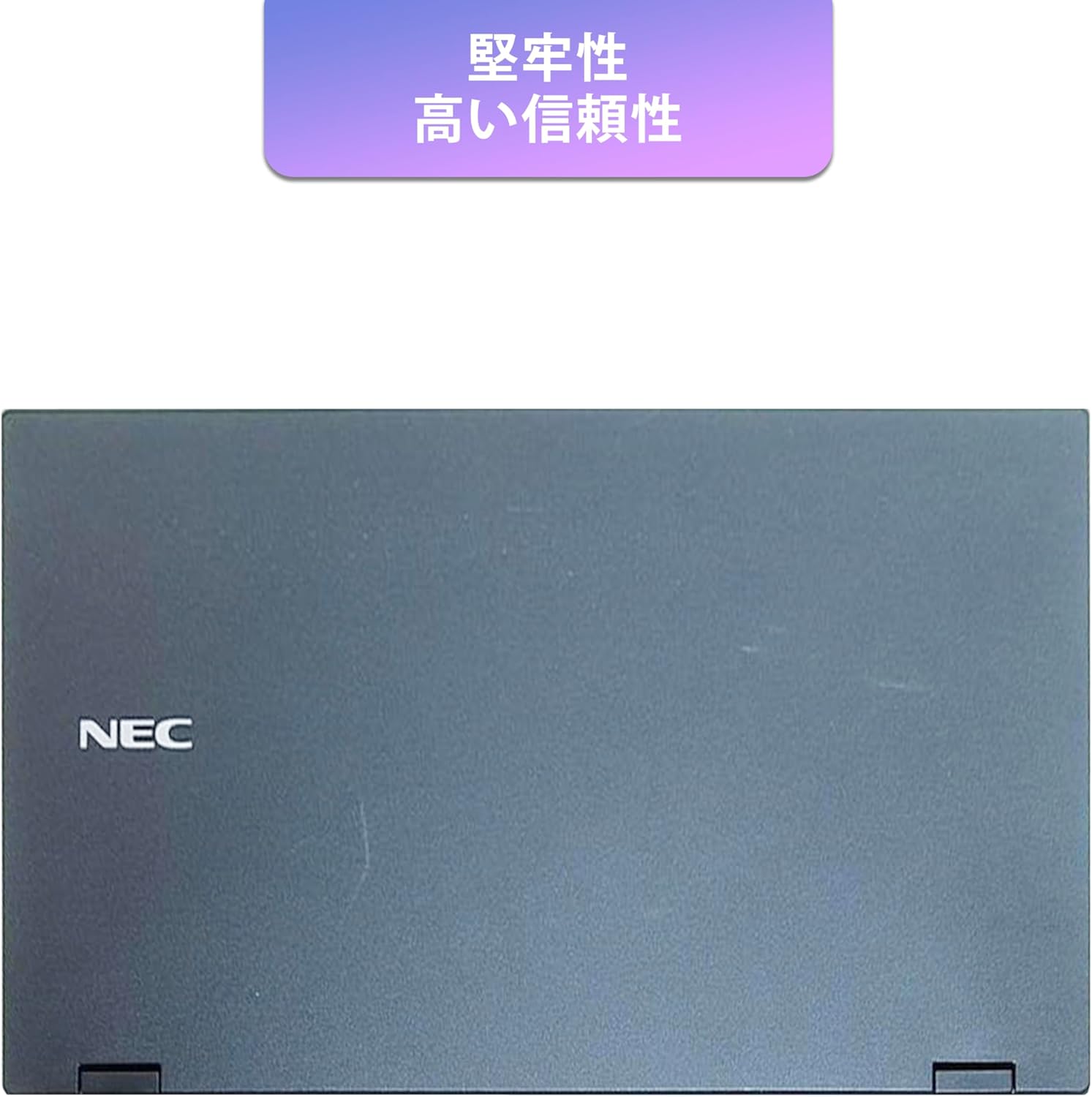
Image: Closed NEC VKT16XZG5 laptop, top casing. The design emphasizes durability and high reliability.
The laptop features a robust casing designed for durability and reliable performance.
4.3 Integrated Camera and Battery Life

Imaj: Bò kote view of the open NEC VKT16XZG5 laptop. This view indicates the presence of an integrated camera and highlights the laptop's long battery life capability.
- Kamera entegre: Located at the top center of the display for video conferencing and other applications.
- Batri: Designed for extended usage on a single charge.
4.4 Karakteristik Pèfòmans

Imaj: Bò kote view of the open NEC VKT16XZG5 laptop. This image emphasizes the Intel Core i5-8th Generation processor and the high-speed SSD for enhanced performance.
- CPU: Intel Core i5-8th Generation processor for efficient multitasking.
- SSD: High-speed Solid State Drive for faster boot times and application loading.
5. Enstalasyon
Follow these steps for initial setup of your laptop:
- Dekonpoze: Retire laptop la ak tout akseswa yo nan anbalaj la avèk anpil atansyon.
- Konekte pouvwa: Branche adaptè AC a nan pò kouran laptop la epi answit nan yon priz miray.
- Premye pouvwa sou: Open the laptop lid and press the power button. The laptop will begin the Windows 11 setup process.
- Enstalasyon Windows: Follow the on-screen prompts to configure Windows 11, including language, region, network connection, and user account creation.
- WPS Office Activation: Your laptop comes with WPS Office pre-installed. Use the provided license card to activate the software upon first use.
- Security Software Installation: Install the included ZERO Security software using the license card for protection against malware.

Image: Laptop screen displaying information about the WPS Office 2 license card. This indicates that WPS Office is ready for use immediately after activation.
6. Operasyon Enstriksyon
This section covers basic operation of your NEC VKT16XZG5 laptop.
6.1 Power On/Off
- Pouvwa sou: Peze bouton pouvwa a.
- Fèmen: Klike sou bouton Start la nan Windows, answit chwazi Power > Shut down.
- Rekòmanse: Klike sou bouton Kòmanse a, epi chwazi Pouvwa > Rekòmanse.
- Dòmi: Close the lid or click the Start button, then select Power > Sleep.
6.2 Itilizasyon klavye a ak touchpad la
- Klavye: Type text and use function keys (Fn) for special commands (e.g., volume, brightness).
- Touchpad: Move your finger across the surface to control the cursor. Tap to click, use two fingers to scroll.
6.3 Konekte ak Wi-Fi
- Klike sou ikòn Wi-Fi a nan ba travay la.
- Chwazi rezo ou vle a nan lis la.
- Antre kle sekirite rezo a (modpas) si yo mande w.
- Klike sou "Konekte".
6.4 Using the DVD-ROM Drive
- Press the eject button on the drive to open the tray.
- Place a DVD or CD onto the tray, ensuring it is seated correctly.
- Gently push the tray back into the laptop.
- The disc content should appear in File Explorer.
7. Antretyen
Bon antretyen asire lonjevite ak pèfòmans laptop ou.
- Netwayaj: Sèvi ak yon twal mou ki pa gen pousyè pou netwaye ekran an ak deyò a. Pou mak ki difisil pou retire, dampRense twal la yon ti kras avèk dlo oswa yon pwodui netwayaj ekran. Evite pwodui chimik ki agresif.
- Swen batri: To maximize battery life, avoid fully discharging the battery frequently. Store the laptop in a cool, dry place if not used for extended periods.
- Mizajou lojisyèl: Tcheke epi enstale mizajou Windows ak mizajou chofè regilyèman pou asire estabilite ak sekirite sistèm nan.
- Fonksyon Rekiperasyon: Your laptop includes a recovery area and a 64GB USB recovery storage. In case of system issues, refer to the digital recovery manual saved on your laptop for instructions on how to restore the system.

Image: Laptop screen displaying information about the recovery area, large capacity USB storage for recovery, and the performance benefits of the high-speed SSD.
NAN. Depanaj
Seksyon sa a adrese pwoblèm komen ou ka rankontre.
| Pwoblèm | Solisyon posib |
|---|---|
| Laptop la pa limen. | Ensure the AC adapter is securely connected to both the laptop and a working power outlet. Check if the power outlet is functional. Try charging the battery for a while before attempting to power on again. |
| Pa gen koneksyon Wi-Fi. | Check if Wi-Fi is enabled in Windows settings. Ensure your router is working correctly. Try restarting the laptop and the router. Verify the Wi-Fi password. |
| Laptop la ap mache dousman. | Close unnecessary applications. Check for background processes consuming high resources (Task Manager). Ensure Windows and drivers are up to date. Run a virus scan using the ZERO Security software. |
| Klavye a oswa touchpad la pa reponn. | Restart the laptop. Check for any physical obstructions. Ensure drivers are updated. |
9. Espesifikasyon
Detailed technical specifications for the NEC VKT16XZG5 laptop.
| Karakteristik | Spesifikasyon |
|---|---|
| Mak | NEC |
| Non modèl | VKT16XZG5 |
| Gwosè ekran | 15.6 pous |
| Kalite ekspozisyon | dirije |
| Rezolisyon maksimòm ekspozisyon | 1366x768 piksèl |
| Hard Disk Kapasite | 256 GB (SSD) |
| Modèl CPU | Intel Core i5-8th Generation |
| CPU vitès | 1.6 GHz (Max 3.9 GHz) |
| Konte processeur | 4 |
| Gwosè memwa RAM enstale a | 8 GB / 16 GB |
| Teknoloji memwa RAM | DDR4 |
| Sistèm operasyon | Windows 11 |
| Koprosesè grafik | Intel UHD Graphics 620 |
| Optical Storage Device | DVD-ROM |
| Kalite san fil | Bluetooth, Wireless LAN |
| Entèfas kominikasyon | USB |
| Dimansyon atik (LxWxH) | 37.6 x 25.4 x 2.5 cm |
| Deskripsyon klavye | JP (Japanese) |
| Konpozan ki enkli | AC Adapter, Security Zero License Card, 64GB USB Recovery Storage |
| Kalite batri | Lityòm Ion |
| Batri Watt èdtan | 45 Watt èdtan |
| Release Year/Model Year | 2019 |
10. Garanti ak sipò
Your NEC VKT16XZG5 laptop comes with a warranty to ensure your peace of mind.
- Peryòd garanti: 6 months of free repair service from the date of purchase.
- Règleman Ranplasman: If a repair is not possible, the product will be replaced with an equivalent item.
- For technical support or warranty claims, please refer to the contact information provided at the point of purchase or on the official NEC support websit.