
1. Entwodiksyon
Welcome to the world of drone piloting with the KOO Kotaro 036. This drone is designed as an ideal first drone for beginners, featuring a Wi-Fi camera and essential functionalities. It offers excellent value for those new to drone operation. The Kotaro 036 provides an immersive experience with its FPV Wi-Fi camera and smartphone control, allowing you to explore and capture high-definition moments from a new perspective. Integrated LED lights ensure optimal visibility in various lighting conditions. KOO is committed to environmental responsibility, equipping all its vehicles, including the Kotaro 036, with rechargeable batteries.
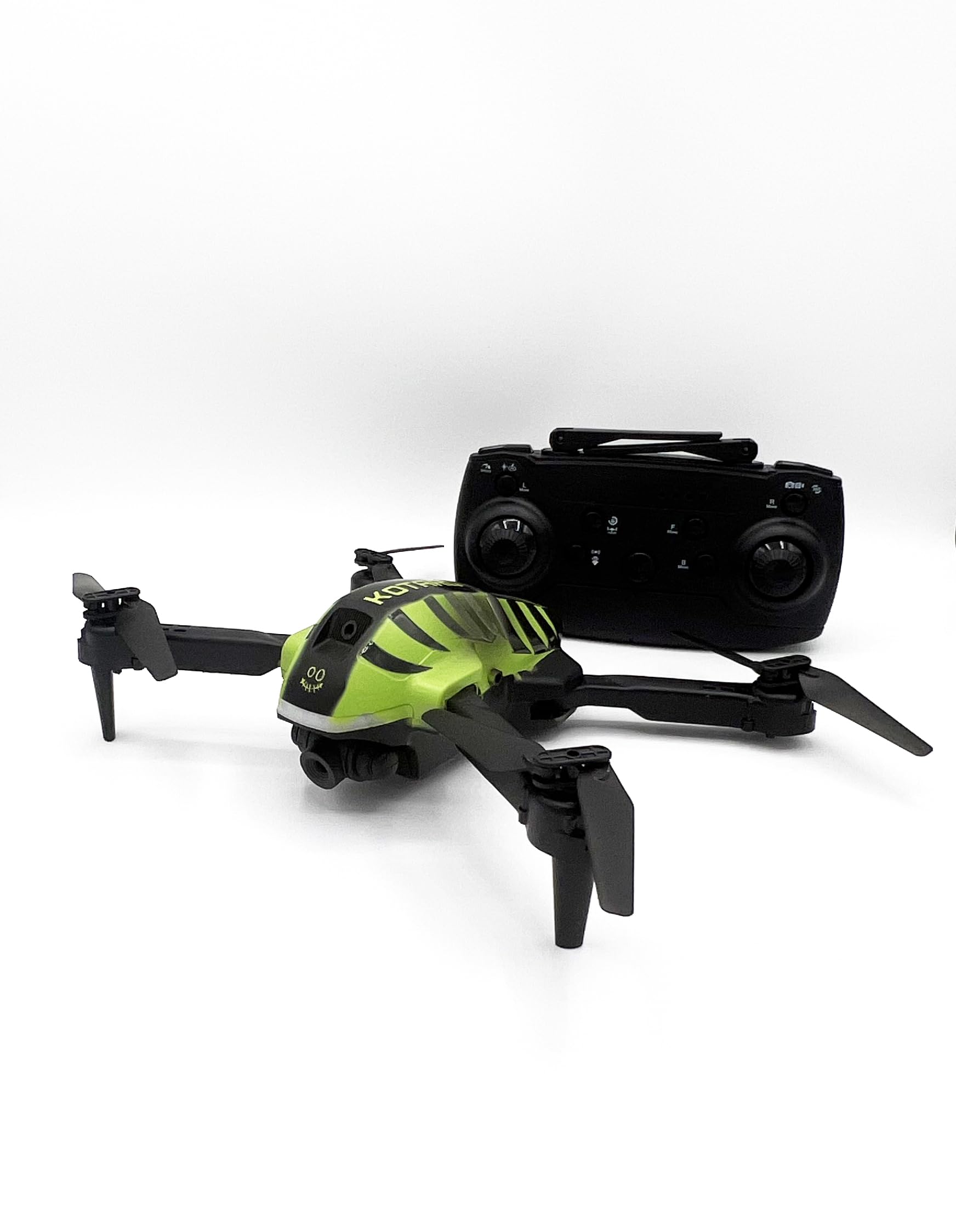
Image 1.1: KOO Kotaro 036 Drone, top-front view, montreasing its compact design and propellers.
2. Enfòmasyon sou Sekirite
Please read and understand all safety warnings before operating the KOO Kotaro 036 Drone.
- Avètisman: Pa apwopriye pou timoun ki poko gen 36 mwa akòz ti pati. Danje toufe.
- This toy produces flashes that may trigger epilepsy in sensitized individuals. Exercise caution.
- Toujou opere dron an nan zòn ouvè, klè, lwen moun, bèt ak obstak.
- Do not fly near airports, restricted airspace, or power lines.
- Ensure the drone's battery and remote control batteries are fully charged before each flight.
- Adult supervision is recommended for users under 14 years of age. Recommended age for use is 10 years and up.
3. Ki sa ki nan bwat la
Verifye ke tout konpozan yo prezan nan anbalaj la:
- KOO Kotaro 036 Drone
- Kontwòl Remote
- Manyèl Itilizatè (dokiman sa a)
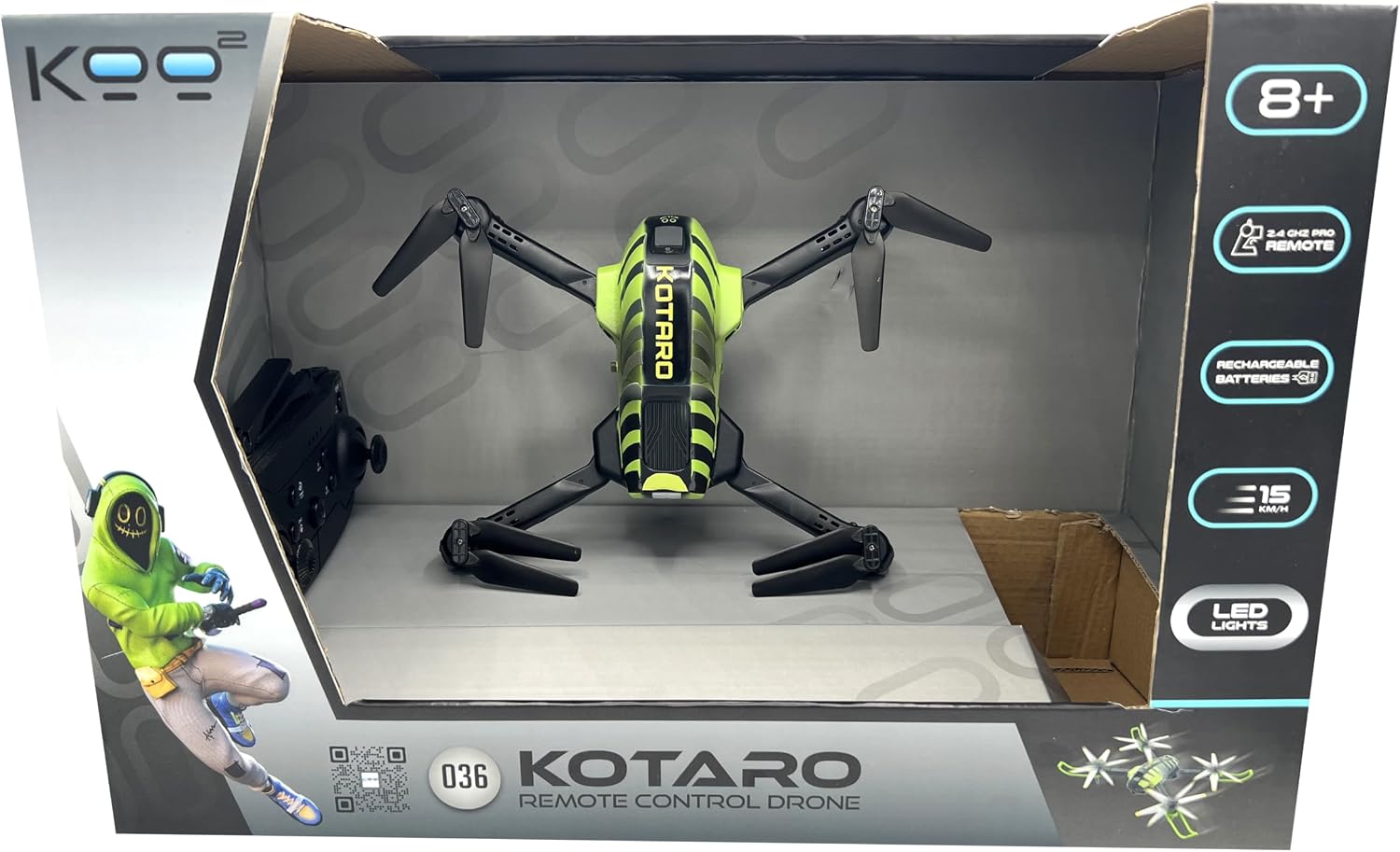
Image 3.1: Drone and remote control inside the product box, top view.

Image 3.2: Drone and remote control inside the product box, side view.
4. Enstalasyon
4.1. Enstalasyon ak Chaje Batri
- Batri abèy: The KOO Kotaro 036 Drone is equipped with a rechargeable battery. Connect the drone's battery to the provided USB charging cable and plug it into a suitable USB power source (e.g., computer USB port, USB wall adapter). The charging indicator will show the charging status. Ensure the battery is fully charged before first use.
- Batri Remote Control: The universal KOO remote control requires 2 x AA batteries (not included). Open the battery compartment on the back of the remote control, insert the batteries according to the polarity markings (+/-), and close the compartment securely.
4.2. Propeller Installation (if required)
If propellers are not pre-installed, carefully attach them to the motor shafts. Ensure each propeller is placed on the correct motor as indicated in the drone's specific diagram (refer to the included quick start guide if available). Incorrect propeller placement can prevent flight.
4.3. Wi-Fi Camera and Smartphone Connection
The Kotaro 036 features a Wi-Fi FPV camera for real-time video streaming to your smartphone.
- Download the dedicated KOO drone application from your smartphone's app store (iOS or Android).
- Pouvwa sou abèy la.
- On your smartphone, go to Wi-Fi settings and connect to the drone's Wi-Fi network (usually named something like "KOO_DRONE_XXXX").
- Open the KOO drone application. You should see the live video feed from the drone's camera.
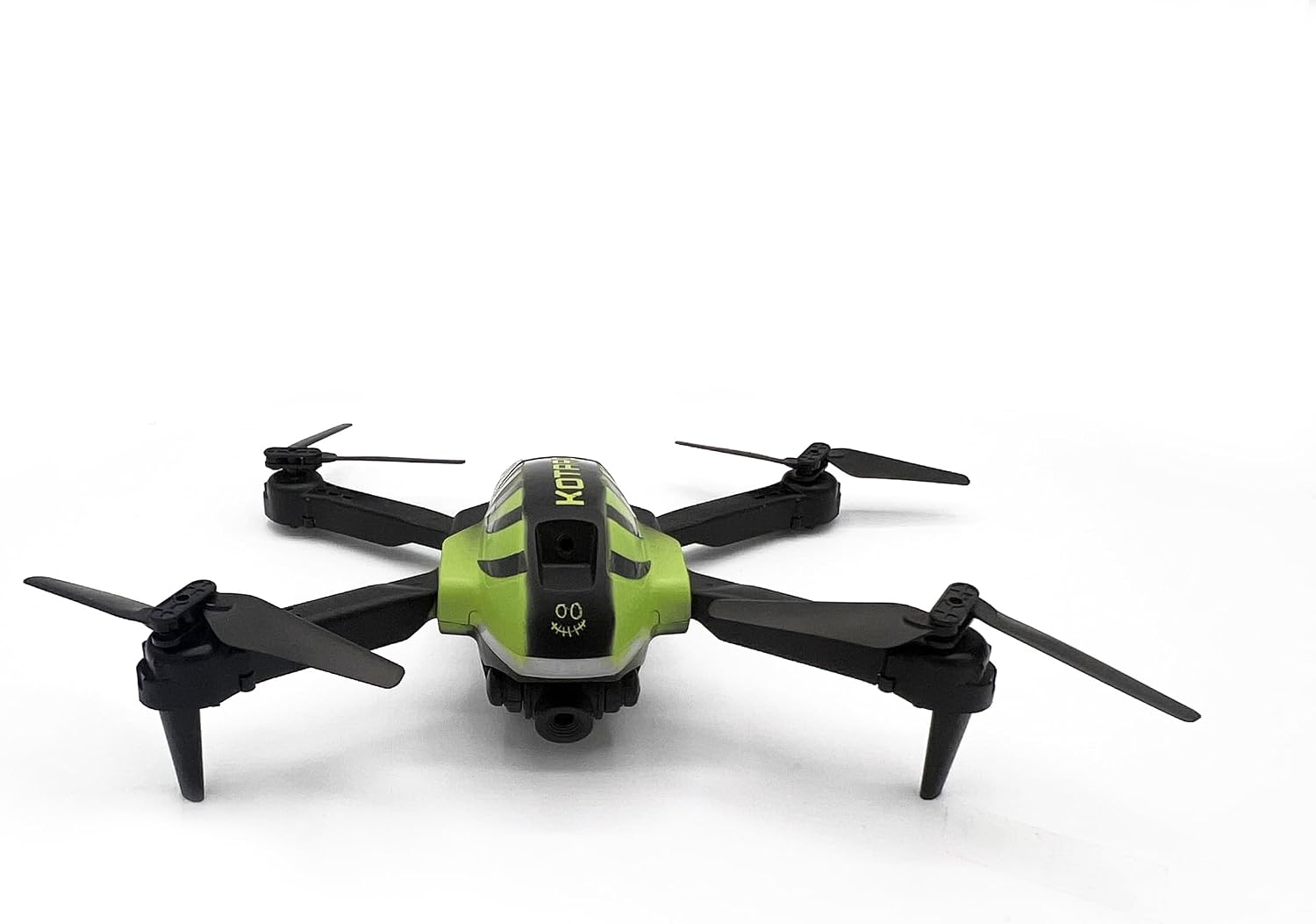
Imaj 4.1: Devan anwo view of the KOO Kotaro 036 Drone, showing propeller orientation.

Image 4.2: Side-front view of the KOO Kotaro 036 Drone, highlighting its landing gear.
5. Operasyon Enstriksyon
5.1. Konekte Dròn nan ak Kontwòl Remot la
- Mete abèy la sou yon sifas plat, nivo.
- Turn on the drone's power switch. The LED lights on the drone will blink.
- Vire sou kontwòl la aleka.
- Push the left joystick (throttle) all the way up, then all the way down. The remote control will beep, and the drone's LED lights will become solid, indicating successful pairing.
5.2. Kontwòl vòl debaz yo
The KOO Kotaro 036 uses a 2.4 GHz remote control for stable signal transmission.
- Take-off/Landing: After pairing, press the one-key take-off button (if available) or slowly push the left joystick up to ascend. To land, slowly pull the left joystick down or press the one-key landing button.
- Monte/Desandan: Sèvi ak joystick gòch la (akseleratè) pou kontwole altitid la. Pouse anlè pou monte, rale anba pou desann.
- Avant/Atè: Sèvi ak joystick dwat la pou deplase dron an pou pi devan oswa pou pi dèyè.
- Left/Right (Sideways Flight): Use the right joystick to move the drone left or right sideways.
- Vire agoch/adwat (Yaw): Use the left joystick (left/right movement) to rotate the drone clockwise or counter-clockwise.
5.3. Karakteristik avanse
- FPV (Premye Moun) View) & Smartphone Control: Once connected via Wi-Fi (Section 4.3), you can view the live camera feed and control the drone directly from the KOO app on your smartphone.
- Limyè ki ap dirije: The integrated LED lights provide visibility and an aesthetic appeal, especially during low-light flights.
- Vitès mòd: The drone may feature multiple speed modes (e.g., low, medium, high). Refer to the remote control diagram for the speed switch button.

Imaj 5.1: Kote view of the KOO Kotaro 036 Drone, showing its profile pandan vòl.
6. Antretyen
6.1. Netwayaj
- Gently wipe the drone's body with a soft, dry cloth to remove dust and debris.
- Evite sèvi ak dlo oswa pwodui chimik pou netwaye, paske yo ka domaje konpozan elektwonik yo.
- Inspect propellers for any damage or foreign objects after each flight. Replace damaged propellers immediately.
6.2. Swen batri
- Do not overcharge or over-discharge the drone's rechargeable battery.
- Sere pil yo nan yon kote ki fre epi sèk, lwen limyè solèy dirèk ak tanperati ekstrèm.
- Si ou pa pral itilize dròn nan pou yon peryòd tan pwolonje, chaje batri a apeprè 50% anvan ou sere l.
6.3. Depo
When not in use, store the drone and its components in a safe, dry place, preferably in its original packaging or a protective case, to prevent damage.
NAN. Depanaj
If you encounter issues with your KOO Kotaro 036 Drone, refer to the following common problems and solutions:
| Pwoblèm | Kòz posib | Solisyon |
|---|---|---|
| Dròn nan pa limen. | Drone battery is not charged or not connected. | Ensure the drone battery is fully charged and properly connected. |
| Remote control does not power on. | Pil kontwòl remote yo mouri oswa yo mal enstale. | Replace remote control batteries with new ones and check polarity. |
| Drone does not pair with remote. | Incorrect pairing procedure or interference. | Repeat the pairing procedure (Section 5.1). Ensure no other 2.4GHz devices are causing interference. |
| Drone is unstable during flight. | Propellers are damaged or incorrectly installed; drone not calibrated. | Check and replace damaged propellers. Ensure propellers are installed correctly. Perform a drone calibration (refer to quick start guide for specific steps). |
| No FPV video feed on smartphone. | Wi-Fi a pa konekte oubyen pwoblèm ak aplikasyon an. | Asire w telefòn entelijan ou konekte ak rezo Wi-Fi dron an. Rekòmanse aplikasyon an ak dron an. |
8. Espesifikasyon
| Karakteristik | Detay |
|---|---|
| Non modèl | KOTARO 036 |
| Referans manifakti | KAB-KOO-0036 |
| Dimansyon pwodwi (L x W x H) | 16 x 20 x 6 cm |
| Pwa | 0.86 grams (Note: This weight seems unusually low for a drone of this size, please verify with product packaging if actual weight is critical.) |
| Laj Rekòmande | 10 ane ak plis |
| Materyèl prensipal | Plastik |
| Koulè | Nwa ak vèt |
| Kontwòl Remote enkli | Wi |
| Drone Batri | Rechargeable (enkli) |
| Batri Remote Kontwòl | 2 x AA (pa enkli) |
| Koneksyon Teknoloji | Wi-Fi (for FPV) |
| Rezolisyon anrejistreman videyo | 720p |
| Fòma Capture Videyo | MP4 |
| Kalite kontwòl | Kontwòl Remote |
9. Videyo pwodwi yo
Watch these official product videos for visual guidance on setup and operation.
Video 9.1: KOO Kotaro 036 Drone overview and features (0:32 duration).
Video 9.2: Demonstration of KOO Kotaro 036 Drone flight and controls (0:45 duration).
Video 9.3: KOO Kotaro 036 Drone camera and FPV features (0:51 duration).