
Entwodiksyon
This manual provides essential information for the safe and effective use of your Lovskoo Mini Projector. Please read it thoroughly before operating the device and retain it for future reference. The projector is designed for home cinema and educational purposes, offering a portable solution for displaying content on a large screen.
Ki sa ki nan bwat la
Lè w ap debale, tanpri verifye si tout atik sa yo ladan l:
- 1x Portable Projector
- 1x pouvwa adaptè
- 1x kab AV
- 1x kontwòl Remote
- 1x Bracket (Mini Tripod)
- 1x Manual Book

Figure 1: Lovskoo Mini Projector and included accessories.
Pwodwi souview
The Lovskoo Mini Projector is a compact and portable device designed for versatile media projection. Key features include:
- Bright & Vibrant Display: Offers 600 lumens brightness and an 800:1 contrast ratio.
- Kontra enfòmèl ant ak pòtab: Measures approximately 5.2 x 3.4 x 2.3 inches and weighs 1.33 pounds.
- Long Lamp Lavi: Features a light source lamp bead with up to 30,000 hours of life.
- Odyo entegre: Includes a built-in speaker; external speakers can also be connected.
- Opsyon Koneksyon miltip: Supports HDMI, USB, AV cord, and 3.5mm audio connections.

Figi 2: Anwo-anba view of the Lovskoo Mini Projector.

Figure 3: The compact size of the projector, held in a hand.

Figure 4: Projector dimensions for reference.

Figure 5: Projector with mini tripod for multi-angle adjustment.
Video 1: This video demonstrates the compact size and portability of the Lovskoo Mini Projector, showing it projecting various content in different home environments.
Enstalasyon
- Plasman: Mete pwojektè a sou yon sifas ki plat e ki estab. Asire w ke gen ase vantilasyon toutotou aparèy la. Pou yon pèfòmans optimal viewMete pwojektè a pèpandikilè ak sifas pwojeksyon an.
- Koneksyon pouvwa: Connect the power adapter to the projector's DC IN port and then plug it into a power outlet.
- Koneksyon sous Antre:
- HDMI: Connect an HDMI cable from your source device (e.g., laptop, game console) to the projector's HDMI port.
- USB: Mete yon kle USB nan pò USB a pou li medya dirèkteman.
- DE: Sèvi ak kab AV ki vini ak la pou konekte ak aparèy ki gen pwodiksyon AV.
- Odyo Deyò: For external speakers, connect a 3.5mm audio cable to the projector's audio output jack.
- Pouvwa sou: Peze bouton pouvwa a sou pwojektè a oswa kontwòl remote la pou limen aparèy la.
- Ajisteman konsantre: Vire bag konsantre a toupre lantiy la jiskaske imaj ki pwojte a vin klè e byen file.
- Koreksyon Keystone: If the image appears trapezoidal, use the keystone correction feature (if available, typically a manual slider or digital adjustment in settings) to square the image.
Enstriksyon Operasyon
- Chwazi Sous Antre: Use the 'Source' button on the remote or projector to cycle through available input options (HDMI, USB, AV).
- Navigasyon: Use the arrow keys on the remote or projector to navigate menus and select options. The 'OK' button confirms selections.
- Kontwòl Volim: Adjust the volume using the dedicated volume buttons on the remote control.
- Anviwònman meni: Access the projector's settings menu to adjust picture mode, aspect ratio, sound settings, and other preferences.
- Pouvwa Off: Press the power button once to initiate shutdown. Confirm shutdown if prompted.
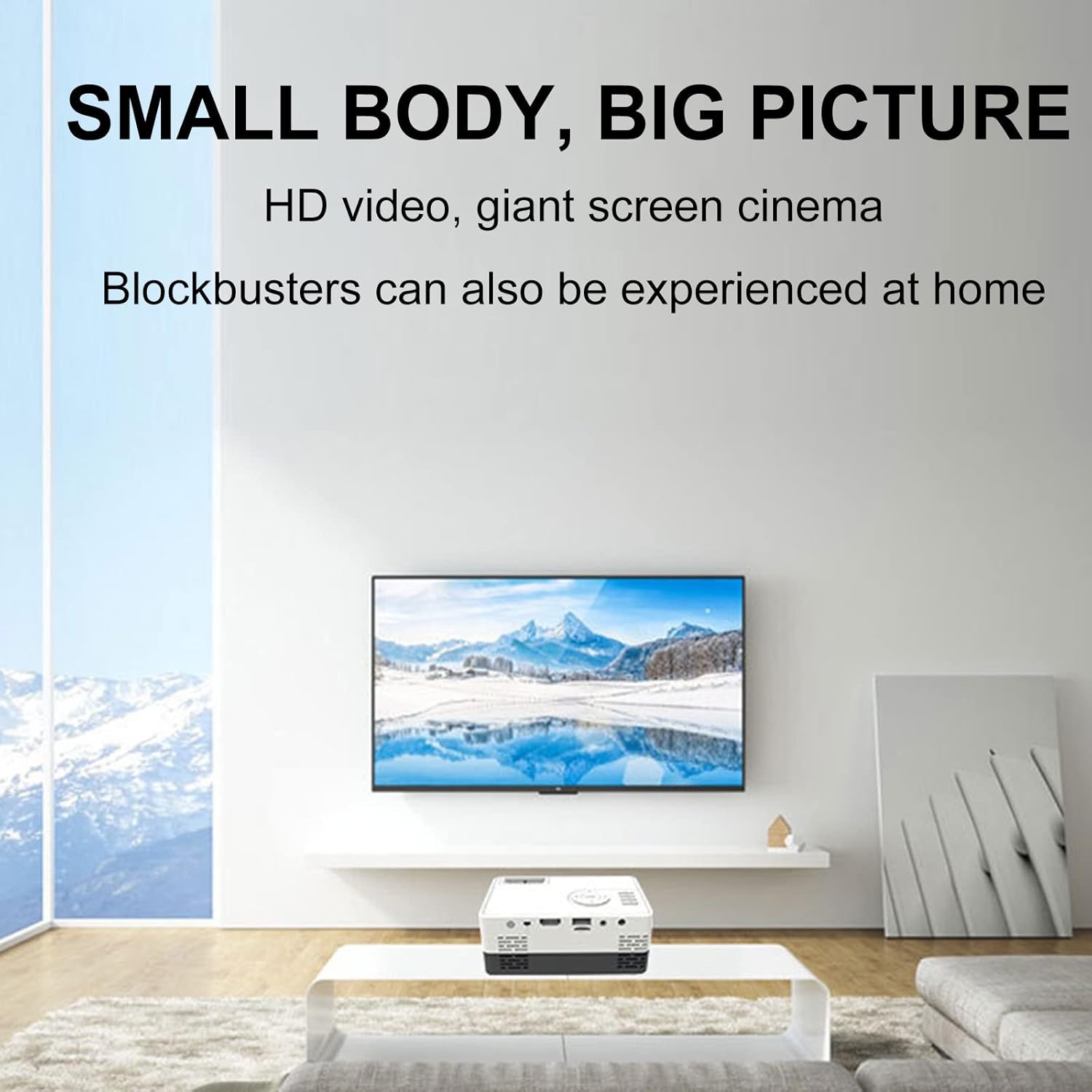
Figi 6: Egzample of the projector displaying a large image in a home environment.
Antretyen
- Netwayaj lantiy: Sèvi ak yon twal mou ki pa gen pousyè, espesyalman fèt pou lantiy optik, pou siye lantiy pwojektè a dousman. Evite materyèl abrazif oswa pwodui chimik ki agresif.
- Vantilasyon: Ensure the projector's ventilation ports are clear of dust and obstructions to prevent overheating. Periodically clean vents with compressed air.
- Depo: Lè w pa ap itilize pwojektè a, sere l nan yon kote ki fre epi sèk, lwen limyè solèy dirèk ak tanperati ekstrèm.

Figure 7: Illustration of the projector's internal cooling system.
Depanaj
| Pwoblèm | Kòz posib | Solisyon |
|---|---|---|
| Pa gen imaj projeté | Power not connected; incorrect input source; lens cap on. | Tcheke koneksyon kouran an; chwazi sous antre ki kòrèk la; retire bouchon lantiy la. |
| Imaj la twoub | Out of focus; incorrect projection distance. | Adjust the focus ring; ensure projector is within optimal projection distance (0.8-2M). |
| Pa gen son | Volim twò ba; oratè ekstèn yo pa byen konekte; pwoblèm sous odyo a. | Increase volume; check external speaker connection; verify audio output from source device. |
| Imaj la se trapezoidal | Pwojektè a pa pèpandikilè ak ekran an. | Adjust keystone correction or reposition the projector. |
Espesifikasyon
- Mak: Lovskoo
- Nimewo Modèl: mini projector hdmi
- Pwa atik: 1.33 liv
- Dimansyon pwodwi: 5.2 x 3.4 x 2.3 pous
- Rezolisyon ekspozisyon: 1920 x 1080 (Full HD)
- Klate: 600 lumèn
- Pwopòsyon kontras: 800:1
- Distans pwojeksyon: 0.8-2 meters (optimal performance)
- Lamp Lavi: 30,000 èdtan
- Koneksyon Teknoloji: HDMI, USB, AV
- Karakteristik espesyal: Built-in Speaker, HDMI Interface
- Itilizasyon Rekòmande: Education, Home Cinema
Garanti ak sipò
For warranty information and customer support, please refer to the documentation included with your purchase or contact the retailer. Specific warranty terms may vary.