This manual provides comprehensive instructions for the YQSAVIOR Kids Tablet, model YQQ1K. It covers setup, operation, maintenance, and troubleshooting to ensure a safe and optimal user experience. Please read this manual thoroughly before using the device.
Kontni pake
Lè w ap ouvri pake a, verifye si tout bagay yo la:
YQSAVIOR Kids Tablet (Pink, Model YQQ1K)
Protective Silicone Case (pre-installed)
USB Chaje Kab
Manyèl Itilizatè (dokiman sa a)
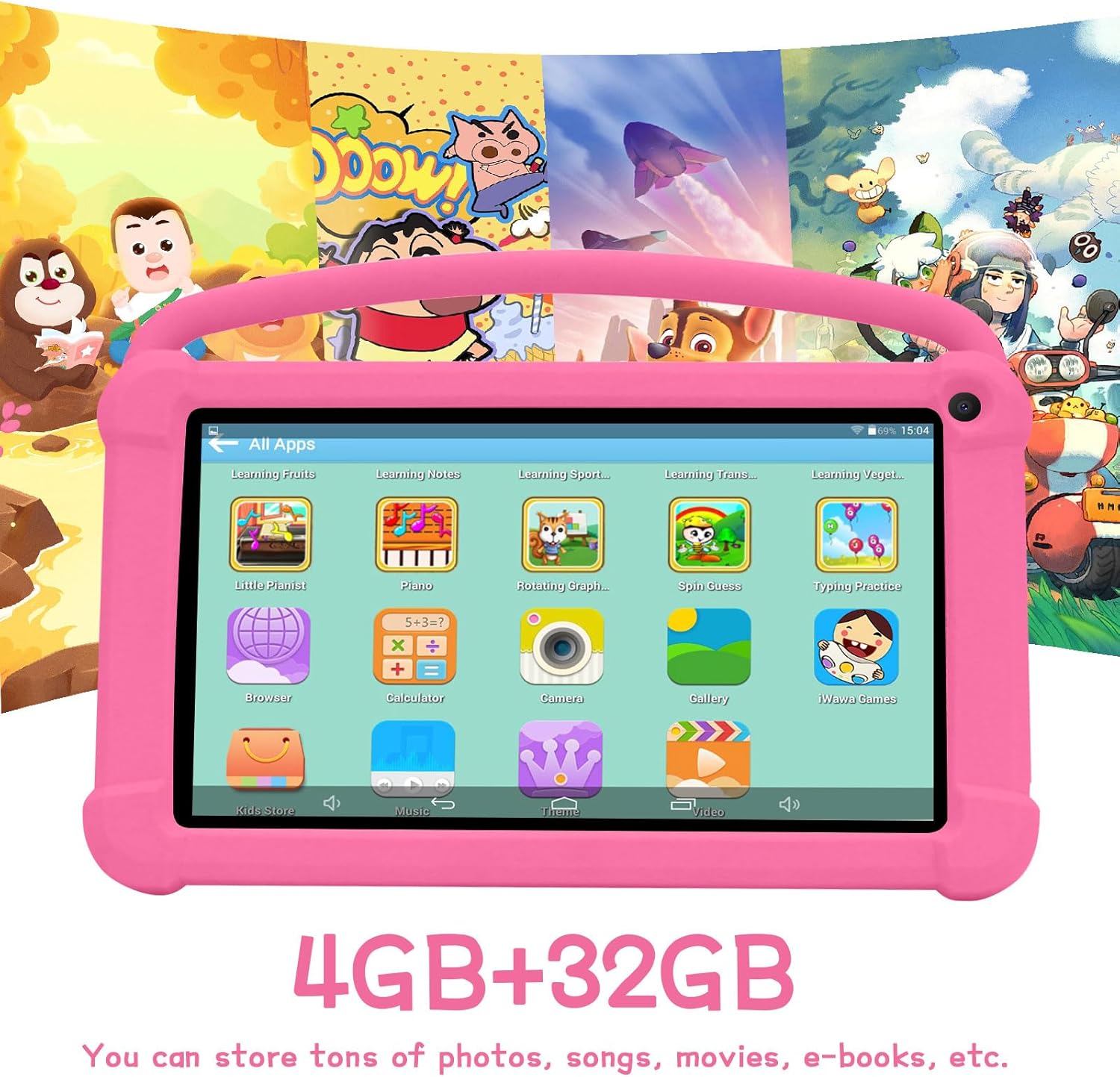
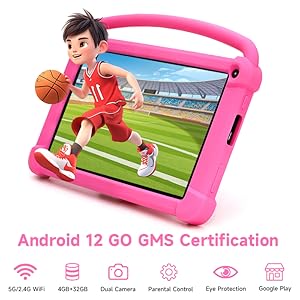
Image: The YQSAVIOR Kids Tablet, featuring its durable pink protective case and integrated kickstand. The screen displays vibrant educational content, highlighting its primary use for children.
Enstalasyon
1. Premye Chajman
Before first use, fully charge the tablet. Connect the provided USB charging cable to the tablet's charging port and the other end to a compatible USB power adapter (not included) or a computer's USB port.
Yon chaj konplè anjeneral pran 3-4 èdtan.
Endikatè batri a sou ekran an ap montre eta chaj la.
2. Powering On / Off
Pou limen: Press and hold the Power button located on the side of the tablet until the YQSAVIOR logo appears.
Pou etenn: Press and hold the Power button until the power options menu appears. Select "Power Off" and confirm.
3. Inisyal Enstalasyon Sòsye
Upon first power-on, the tablet will guide you through an initial setup process:
Chwazi lang ou pi pito.
Connect to a Wi-Fi network. This is essential for downloading apps and updates.
Sign in with your Google account or create a new one. This is required for accessing the Google Play Store and other Google services.
Swiv enstriksyon ki sou ekran an pou konplete konfigirasyon an.
Enstriksyon Operasyon
1. Navigasyon Entèfas la
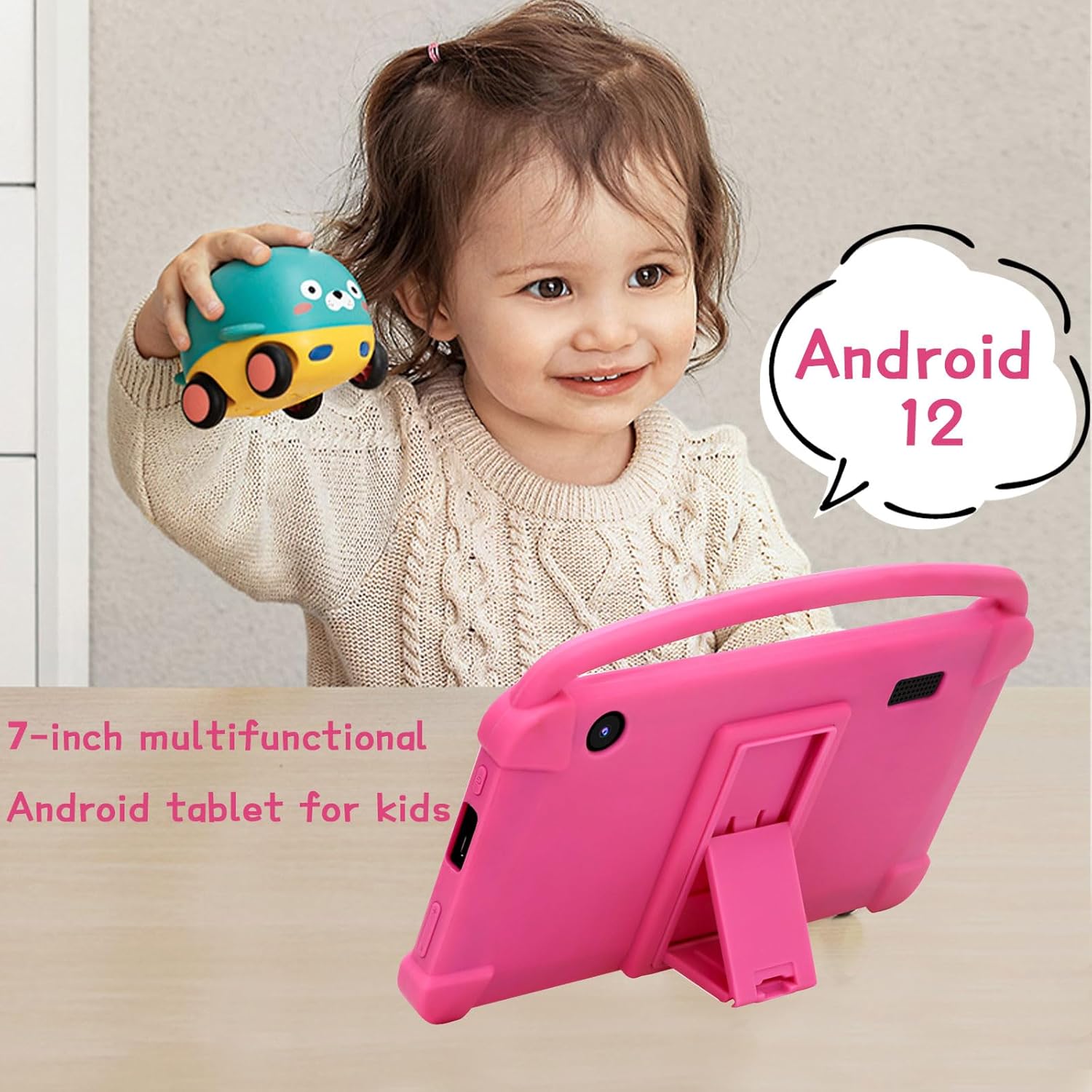
The YQSAVIOR Kids Tablet runs on Android 12. Navigation is primarily touch-based:
Tape: Chwazi yon atik oubyen louvri yon aplikasyon.
Glise: Defile nan paj yo oubyen lis yo.
Zoom-pou-Zoom: Zoom in or out on images or web paj.
Bouton Kay: Retounen nan ekran prensipal la.
Bouton tounen: Retounen nan ekran anvan an.
Bouton Aplikasyon Dènye: Montre aplikasyon ki fèk louvri yo.
Image: The tablet's screen showing a grid of colorful application icons, including "Learning Fruits," "Photo," "Calculator," and "Camera," demonstrating its pre-installed educational and utility apps.
2. Kontwòl Paran yo
The tablet includes robust parental control features to manage content and screen time:
Access the parental control settings through the dedicated "Kids Space" or "Family Link" app (if pre-installed) or via Android's system settings.
Set daily screen time limits.
Filtre web content and block inappropriate applications.
Monitor app usage and activity.
Kreye plizyè pitit profiles with customized settings for each.
Image: A family interacting with the YQSAVIOR Kids Tablet, emphasizing the ease of use for both children and parents, and the importance of parental controls for a safe digital environment.
3. Enstale ak Jere Aplikasyon yo
Apps can be downloaded from the Google Play Store. Ensure the tablet is connected to Wi-Fi.
Open the "Play Store" app.
Chèche pou desired apps or browse categories.
Tap "Install" to download and install an app.
To uninstall an app, go to Settings > Apps & notifications, select the app, and tap "Uninstall."
Image: The YQSAVIOR Kids Tablet showing an interactive learning game, with a child's hand reaching towards the screen, demonstrating the tablet's touch responsiveness and suitability for educational play.
4. Fonksyonalite Kamera a
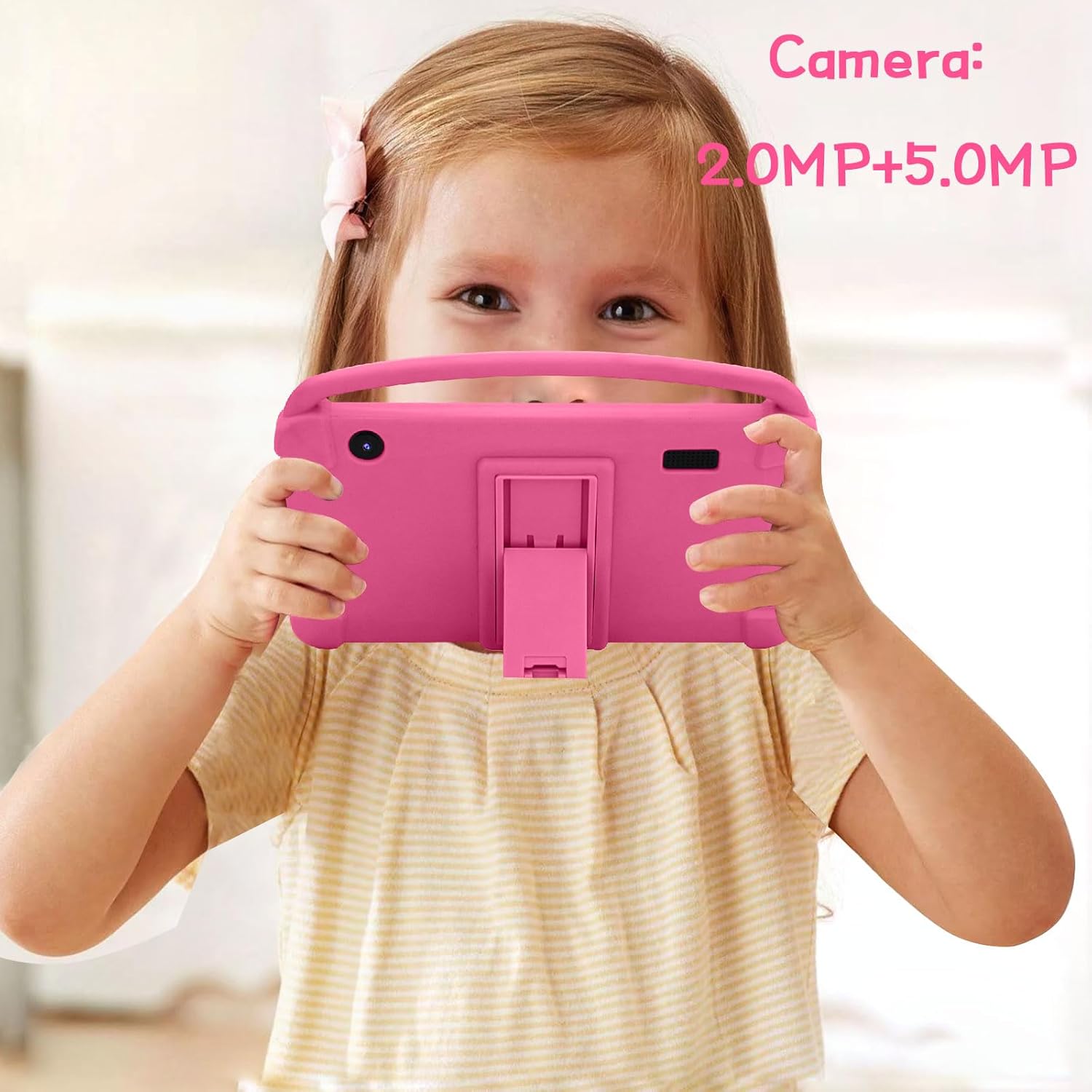
The tablet features a 2.0MP front camera and a 5.0MP rear camera.
Louvri aplikasyon "Kamera" a nan ekran prensipal la oswa nan tiwa aplikasyon yo.
Tape bouton deklanchè a pou pran foto.
Chanje ant kamera devan ak dèyè a lè w sèvi ak ikòn aktive/dezaktive kamera a.
Photos and videos are saved to the "Gallery" app.
Image: A young girl holding the YQSAVIOR Kids Tablet, positioned as if taking a photo, highlighting the tablet's dual camera functionality and ease of use for children.
Antretyen
1. Netwaye Tablèt la
Sèvi ak yon twal mou ki pa gen pousyè pou netwaye ekran an ak kò a.
Pou tach ki difisil pou retire, yon ti kras dampSiye twal la avèk dlo oswa yon pwodui netwayaj ekran.
Use only the provided charging cable or a certified compatible alternative.
3. Mizajou lojisyèl
Tcheke epi enstale mizajou sistèm yo regilyèman pou asire pèfòmans ak sekirite optimal. Ale nan Anviwònman > Sistèm > Mizajou sistèm.
4. Jesyon Depo
The tablet has 32GB of internal storage, expandable up to 512GB via a Micro SD card (not included).
To insert a Micro SD card, locate the card slot on the side of the tablet and gently push the card in until it clicks.
Regularly clear cache and uninstall unused apps to free up space.
Image: The YQSAVIOR Kids Tablet displaying its app interface, with text overlays indicating "4GB+32GB," signifying its memory and storage capacity for various media and applications.
Depanaj
Pwoblèm
Kòz posib
Solisyon
Tablèt la pa limen.
Batri fèb; Sistèm nan kraze.
Charge the tablet for at least 30 minutes. If still unresponsive, press and hold the power button for 10-15 seconds to force a restart.
Pwoblèm koneksyon Wi-Fi.
Incorrect password; Router issue; Out of range.
Verifye modpas Wi-Fi a. Rekòmanse routeur ou a. Asire w ke tablèt la nan zòn Wi-Fi a.
Aplikasyon yo ralanti oswa yo ap plante.
Insufficient RAM; Too many apps open; Outdated app.
Close background apps. Clear app cache (Settings > Apps). Update apps from Play Store. Consider a factory reset if issues persist (backup data first).
Ekran an pa reponn.
Pwoblèm lojisyèl tanporè.
Force restart the tablet by holding the power button for 10-15 seconds.
Batri vide byen vit.
High screen brightness; Background apps; Wi-Fi/Bluetooth always on.
Reduce screen brightness. Close unused apps. Turn off Wi-Fi/Bluetooth when not in use.
Espesifikasyon
Karakteristik
Detay
Modèl
YQQ1K
Sistèm operasyon
Android 12
Gwosè ekspozisyon
IPS 7-pous
Rezolisyon ekspozisyon
1024x600 piksèl
RAM
4GB (2GB+2GB)
Depo Entèn
32GB ROM
Depo dilatabl
Mikwo SD jiska 512GB
Kamera devan
2.0MP
Kamera dèyè
5.0MP
Koneksyon
Wi-Fi (802.11n), Bluetooth
Odyo
Dual Speaker, 3.5mm Headphone Jack
Batri
Lityòm Ion (enkli)
Dimansyon (LxWxH)
7 x 0.3 x 3 pous
Pwa atik
1.19 liv
Image: A detailed graphic of the 7-inch YQSAVIOR Kids Tablet, accompanied by key specifications such as Android 12 OS, 7-inch IPS display, 4GB RAM, 32GB ROM, 3000mAh battery, and built-in Google Play, summarizing its core features.
Garanti ak sipò
YQSAVIOR products are designed for reliability and performance. For warranty information and technical support, please refer to the contact details provided on the product packaging or visit the official YQSAVIOR websit.
Pou pwoblèm komen, tanpri al gade seksyon Depanaj nan manyèl sa a.
Ask about setup, troubleshooting, compatibility, parts, safety, or missing instructions. Manuals+ will review the question and use this page’s manual context to help answer it.