
1. Entwodiksyon
This manual provides essential information for the safe and efficient use of your Metz MTD7000Z 40-inch Full HD Smart TV. Please read these instructions thoroughly before operating the device and retain them for future reference. This television combines Full HD resolution with Google TV, offering a comprehensive entertainment experience.
2. Ki sa ki nan bwat la
Upon unpacking, ensure all components are present and undamaged. The package should contain:
- Inite televizyon
- Kontwòl Remote
- Manyèl itilizatè
- 2 x AAA pil
- Pouvwa kab
- 4 x Vis
- 2 x Baz Sipò

Image: Metz MTD7000Z TV with dimensions and a list of included accessories.
3. Enstalasyon
3.1 Asanble kanpe la
- Mete ekran televizyon an ak anpil atansyon sou yon sifas ki plat e mou pou evite li domaje.
- Align the support bases with the corresponding screw holes on the bottom of the TV.
- Secure the bases using the provided screws. Ensure they are tightened firmly.
3.2 Connecting Power and Antennas
- Konekte kab kouran an nan antre kouran televizyon an epi answit nan yon priz miray.
- Connect your antenna or cable to the DVB-C/T2/S2 input on the TV.
3.3 Premye Limen ak Konfigirasyon Google TV
- Peze bouton pouvwa a sou televizyon an oswa kontwòl remote pou limen televizyon an.
- Follow the on-screen instructions to complete the initial setup, including language selection, network connection (Wi-Fi or Ethernet), and Google account login for Google TV features.
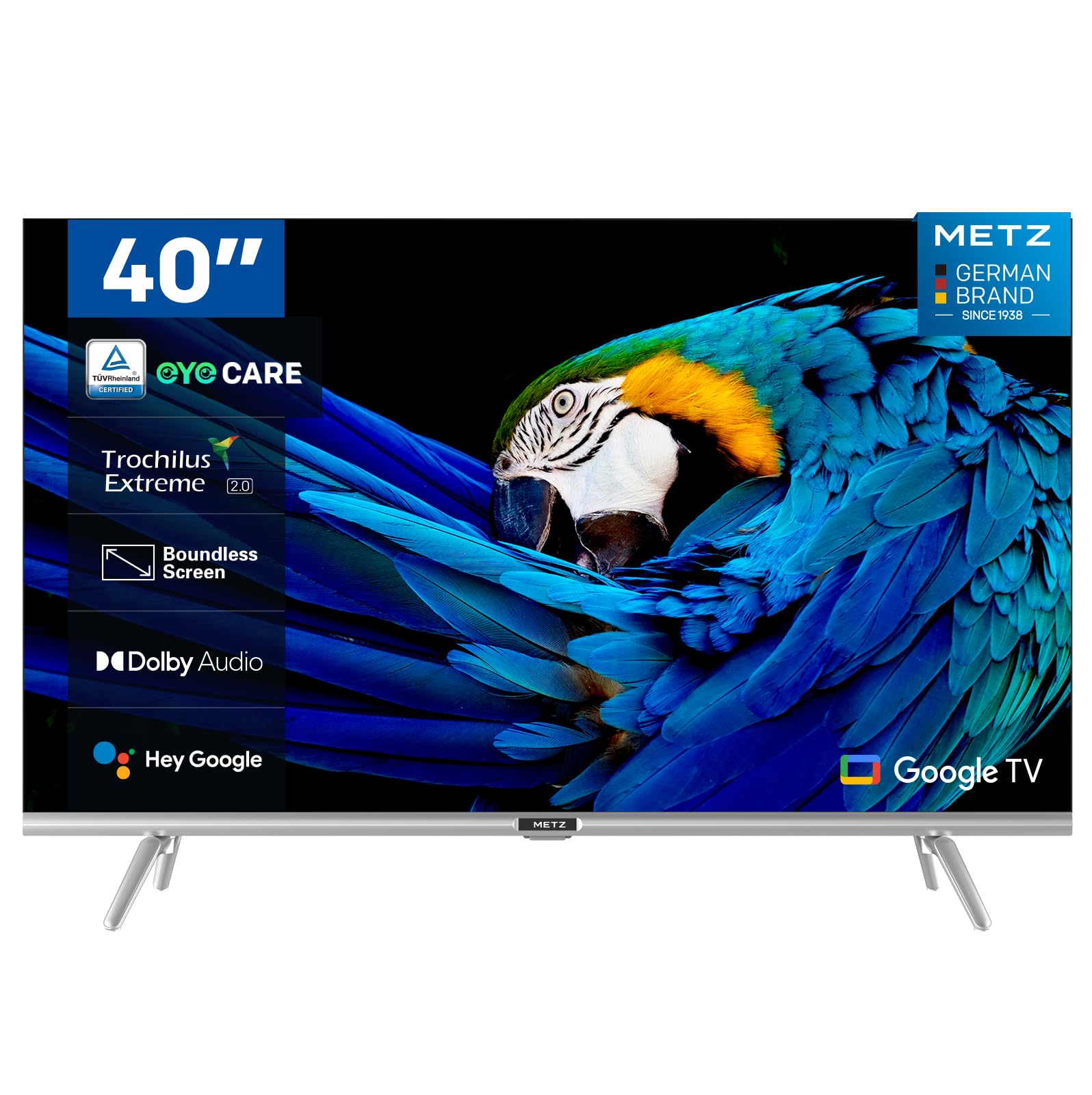
Imaj: Devan view of the Metz MTD7000Z 40-inch Full HD Smart TV.
4. Karakteristik kle
- Full HD Resolution with HDR10: The Metz MTD7000Z series features Direct LED technology and a 1920x1080 resolution, delivering sharp and realistic images. HDR10 enhances contrast between bright and dark scenes for a more immersive visual experience.

Image: Visual comparison demonstrating improved contrast with HDR10 on the TV.
- Google TV with Voice Control: This TV utilizes Google TV, providing an intuitive interface and integrated Google Assistant for easy voice control. Access a vast library of apps and content.

Image: The Google TV home screen displaying various applications.
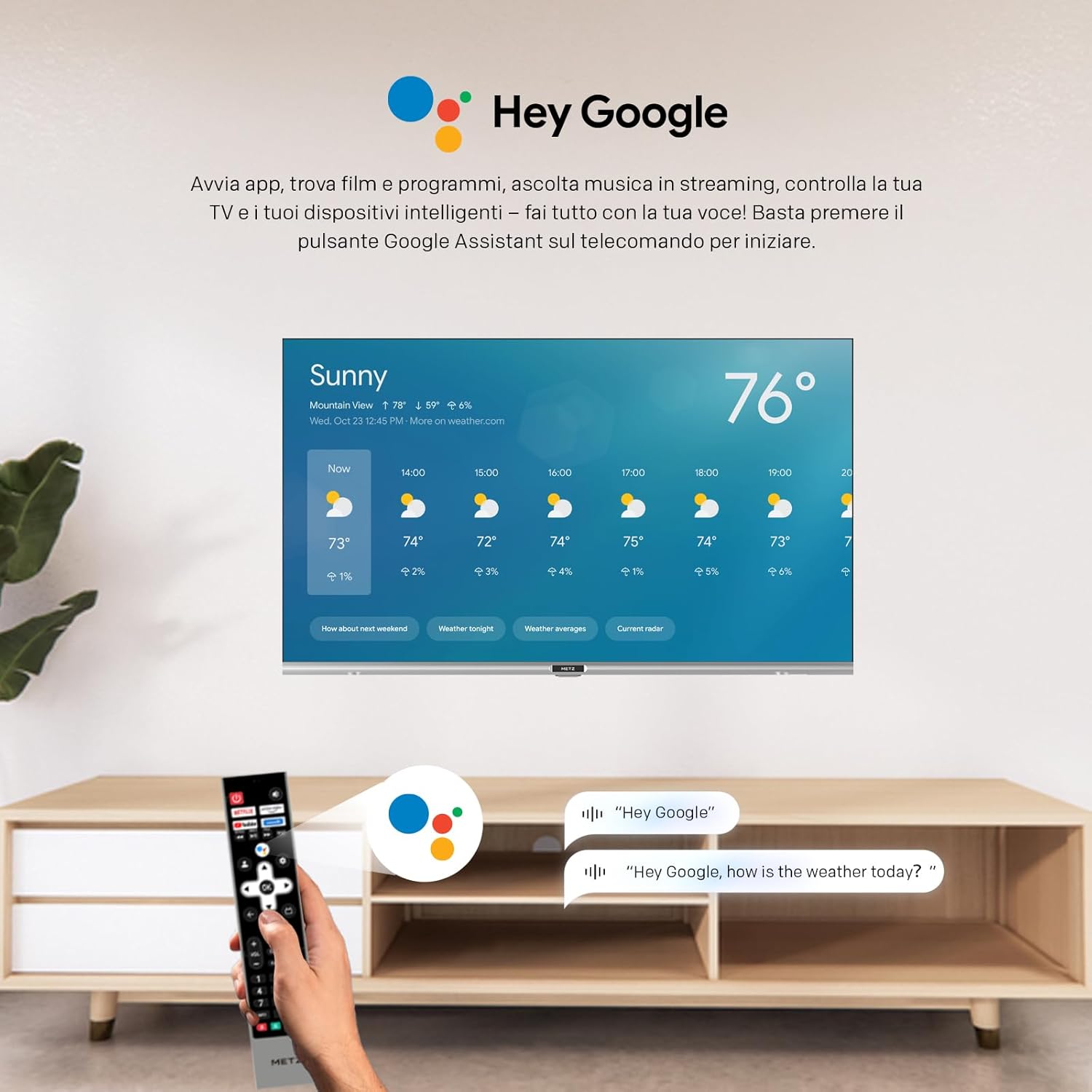
Image: A user using voice commands with the 'Hey Google' feature on the TV.
- Kalite odyo siperyè: Equipped with two 8W speakers, this smart TV offers excellent audio quality. Dolby Audio and DTS Studio Sound provide an immersive sound experience.
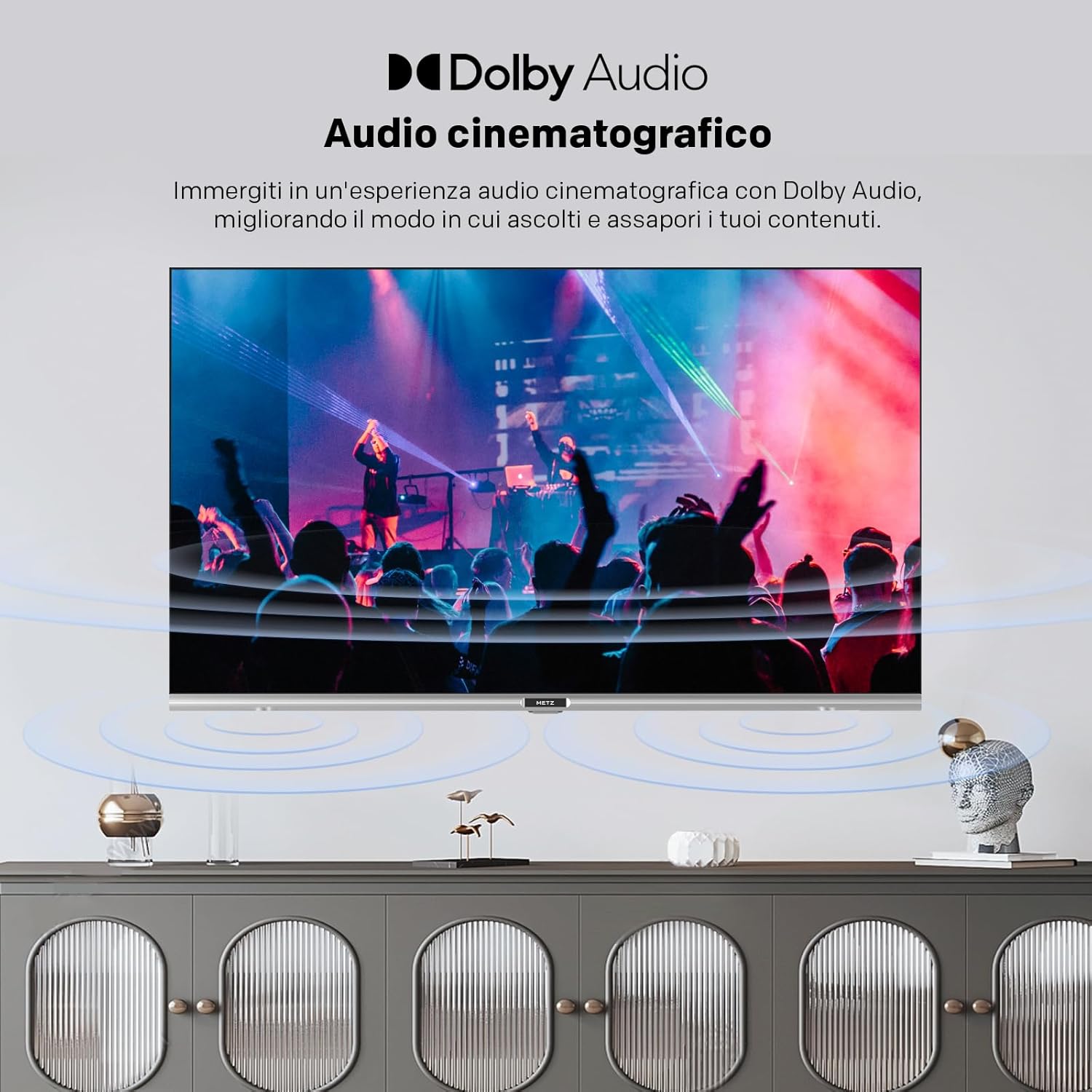
Image: Illustration of cinematic audio experience with Dolby Audio.
- Koneksyon ki estab: Dual-band Wi-Fi (2.4GHz & 5GHz) ensures a fast and stable internet connection. Bluetooth 5.0 enhances remote control responsiveness and voice control, facilitating connection with other wireless devices.
- Konsepsyon elegant: A sophisticated design with a borderless screen, silver decorative bar, and modern lines. The refined touch of Metz integrates perfectly into elegant interiors.
- Karakteristik Swen Je: Includes Flicker-Free technology and Low Blue Light emission to reduce eye strain during prolonged viewing.

Image: Demonstrating the flicker-free display of the MTD7000Z.

Image: Explanation of reduced blue light emission for eye comfort.
5. Operasyon Enstriksyon
5.1 Fonksyon kontwòl Remote
The remote control allows you to navigate the Google TV interface, change channels, adjust volume, and access various smart features. Familiarize yourself with the button layout for optimal use.
5.2 Navige sou Google TV
The Google TV home screen provides personalized recommendations and quick access to your favorite streaming services and apps. Use the directional buttons on your remote to browse content and select applications.
5.3 Chanèl Akor
After connecting your antenna or cable, access the TV settings to perform an automatic channel scan. This will detect and store all available digital and analog channels.
6. Koneksyon
The Metz MTD7000Z offers a variety of ports for connecting external devices:
- HDMI: Connect Blu-ray players, gaming consoles, and other HDMI-enabled devices. The TV features 2 HDMI ports.
- USB: Use the 2 USB ports to connect USB drives for media playback or to power compatible devices.
- S/PDIF: Pou pwodiksyon odyo dijital pou ba son oswa sistèm sinema lakay.
- LAN: Pou yon koneksyon entènèt filaire, bay aksè rezo ki estab.
- AV NAN: Pou konekte ansyen aparèy lè l sèvi avèk kab videyo konpoze ak odyo stereo.
- Bluetooth 5.0: Connect wireless headphones, speakers, or other Bluetooth accessories.
- Wi-Fi (2.4GHz ak 5GHz): Pou koneksyon entènèt san fil.

Imaj: Plis paseview of available input/output ports on the TV.
7. Espesifikasyon
| Karakteristik | Spesifikasyon |
|---|---|
| Mak | Metz |
| Modèl | 40MTD7000Z |
| Gwosè ekran | 40 pous (100 cm) |
| Teknoloji ekspozisyon | LED-LCD, Direct LED |
| Rezolisyon | 1080p Full HD (1920x1080 pixels) |
| Rafrechisman pousantaj | 60 Hz |
| Sistèm operasyon | Android (Google TV) |
| Sipò HDR | HDR10 |
| Teknoloji Audio | Dolby Audio, DTS Studio Sound |
| Oratè Wattage | 2 x 8W |
| Koneksyon | Wi-Fi (2.4GHz & 5GHz), Bluetooth 5.0, 2x HDMI, 2x USB, S/PDIF, LAN, AV In |
| Tuner Teknoloji | DVB-C/T2/S2 |
| Dimansyon (ak kanpe) | 72.4 x 20.6 x 56.8 cm |
| Pwa | 5.2 kg |
| Viewing Ang | 178 Degre |
| Konsomasyon pouvwa | 39 watts (39 kWh/1000h) |

Image: Energy label for the Metz MTD7000Z TV.
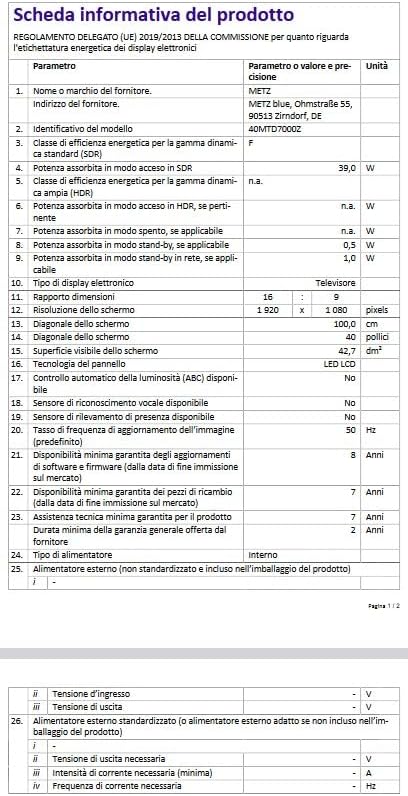
Image: Product information sheet with detailed technical data.
NAN. Depanaj
8.1 Pa gen pouvwa
- Asire w ke kab kouran an byen konekte ak televizyon an ak priz miray la.
- Tcheke si priz miray la ap fonksyone lè w branche yon lòt aparèy.
- Peze bouton pouvwa a sou televizyon an menm, pa sèlman sou telekòmand lan, pou elimine pwoblèm ak telekòmand lan.
8.2 Pa gen imaj oswa imaj ki gen move kalite
- Verify that the correct input source (HDMI, AV, etc.) is selected.
- Tcheke tout koneksyon kab yo (HDMI, antèn) pou wè si yo lach oswa domaje.
- If using an antenna, ensure it is properly positioned and perform a channel scan.
- Ajiste paramèt imaj yo (klète, kontras, koulè) nan meni televizyon an.
8.3 Pa gen son oswa move kalite son
- Ogmante volim nan tou de televizyon an ak nenpòt aparèy odyo ekstèn ki konekte.
- Tcheke koneksyon kab odyo.
- Asire w ke televizyon an pa sou silans.
- Si w ap itilize oratè ekstèn, asire w ke yo limen epi yo byen konfigire.
8.4 Kontwòl remote la pa fonksyone
- Ranplase pil yo nan kontwòl remote la.
- Asire w pa gen okenn obstak ant telekòmand lan ak detèktè IR televizyon an.
- Si se yon telekòmand Bluetooth, asire w ke li byen konekte.
8.5 Pwoblèm Koneksyon Rezo
- Rekòmanse routeur ou ak modèm ou.
- Check Wi-Fi password and ensure the TV is within range of your router.
- If using a wired connection, ensure the Ethernet cable is securely plugged in.
9. Antretyen
9.1 Netwaye ekran an
- Toujou debranche televizyon an anvan ou netwaye li.
- Use a soft, lint-free cloth (e.g., microfiber) to gently wipe the screen.
- Pou mak ki difisil pou retire, pase yon ti krasampRense twal la avèk dlo oswa yon pwodui netwayaj ekran espesyalize. Pa janm flite pwodui netwayaj la dirèkteman sou ekran an.
- Evite itilize pwodui netwayaj abrazif, alkòl, benzèn, oswa diluan, paske sa yo ka domaje ekran an.
9.2 Netwaye kabinè a
- Siye kabinè televizyon an ak yon twal mou epi sèk.
- Pa sèvi ak okenn pwodui netwayaj likid oswa espre sou kabinèt la.
9.3 Vantilasyon
- Asire w ke gen ase vantilasyon toutotou televizyon an pou anpeche l chofe twòp.
- Do not block ventilation openings with items like newspapers, tablecloths, or curtains.
10. Garanti ak sipò
Your Metz MTD7000Z Smart TV comes with a manufacturer's warranty. Please refer to the warranty card included in your packaging for specific terms and conditions, including the warranty period and coverage details.
For technical support, service, or further assistance, please contact Metz customer service or visit the official Metz website. Contact information can typically be found in the warranty documentation or on the manufacturer's websit.