
TruVoice BT75
Manyèl Itilizatè Kas Ekoutè San Fil TruVoice BT75 Premium
Modèl: BT75
1. Entwodiksyon
The TruVoice BT75 Premium Wireless Headset is designed for clear communication and comfort in various working environments. Featuring Bluetooth V5.2 connectivity, noise suppression, and extended battery life, it offers a reliable audio solution for professionals.
2. Ki sa ki nan bwat la
- TruVoice BT75 Wireless Headset
- Dongle USB
- USB Chaje Kab
- Manyèl itilizatè
- Ka Pwoteksyon
- Kousen zòrèy

The image above displays the TruVoice BT75 headset along with its accompanying USB dongle, which is essential for wireless connectivity with computers.
3. Pwodwi souview
The BT75 headset is engineered for optimal performance and user comfort. Key features include a multi-functional key for easy operation, a Qualcomm Triple-Core Processor for enhanced performance, and cVc Technology for clear voice communication.
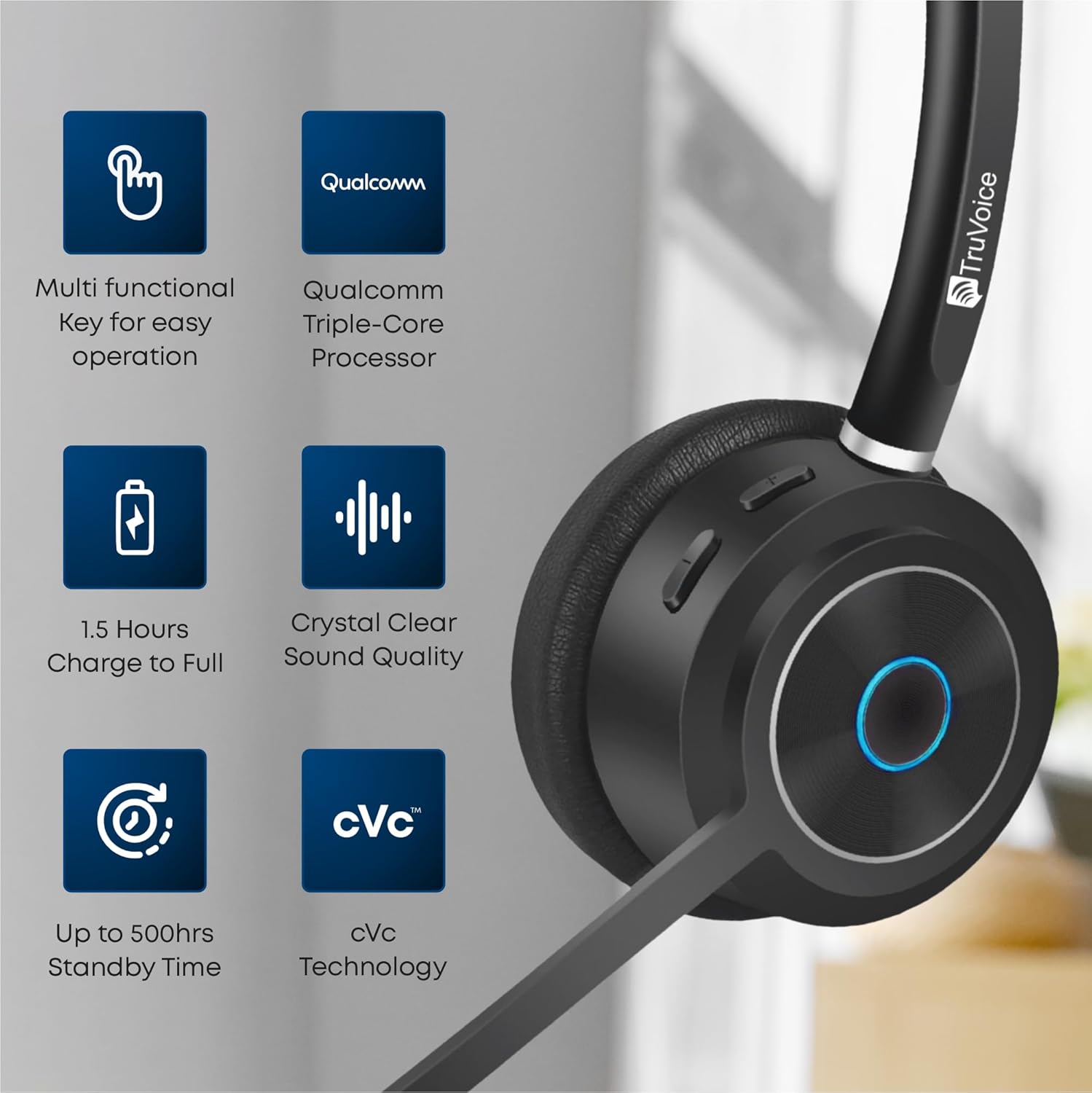
This image highlights the main features of the BT75 headset, including its multi-functional key, Qualcomm processor, fast charging capability, crystal clear sound quality, long standby time, and cVc technology.
Konfò ak konsepsyon
Designed for all-day wear, the BT75 features premium leather plush ear cushions, a soft and wide silicone headband, and a 270° rotatable and flexible microphone for personalized fit and comfort.
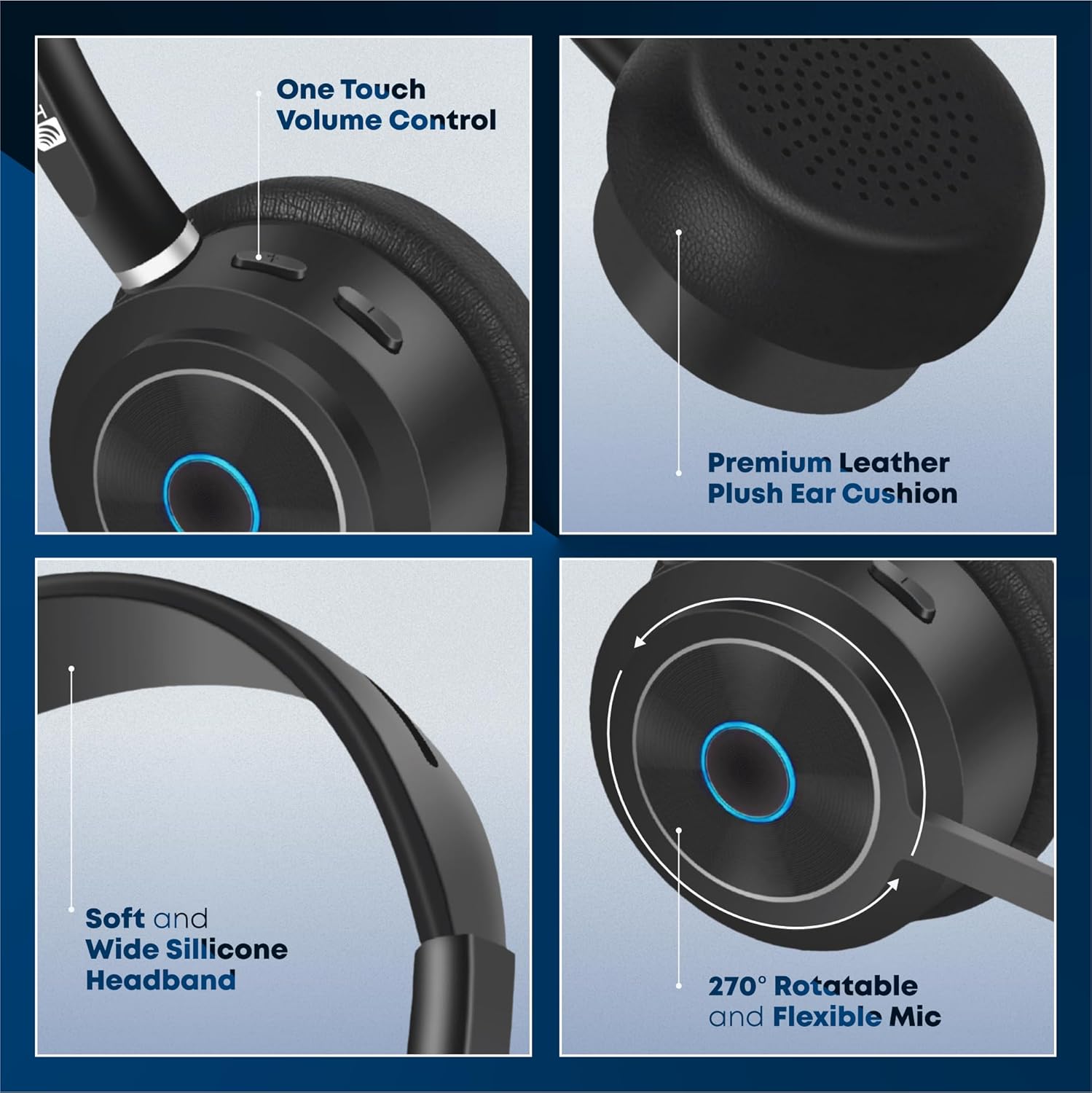
The image illustrates the ergonomic design elements of the headset, such as the one-touch volume control, premium leather ear cushion, soft silicone headband, and the highly adjustable microphone.
Karakteristik Videyo
Videyo sa a bay yon vizyon souview of the key features and benefits of the TruVoice BT75 Wireless Headset, demonstrating its design and functionality.
4. Enstalasyon ak Koneksyon
4.1. Inisyal Pairing
To pair your BT75 headset with a device, ensure the headset is in pairing mode (refer to the LED indicator for status). For computer connectivity, insert the included USB dongle into an available USB port. The headset will automatically connect to the dongle, providing a Bluetooth wireless range of up to 50 feet.
4.2. Koneksyon plizyè pwen
The BT75 headset supports multi-point connectivity, allowing it to connect and work with two Bluetooth devices simultaneously. This feature is ideal for seamless switching between a computer and a mobile phone or desk phone with Bluetooth capabilities.
4.3. Inivèsèl konpatibilite
The BT75 headset is compatible with all major UC (Unified Communications) Computer Voice Platforms, including Microsoft Teams, Skype, Zoom, Avaya, Cisco, Ring Central, Vonage, Nextiva, and 3CX.

This image demonstrates the broad compatibility of the BT75 headset with leading communication platforms, ensuring versatile use across different software environments.
5. Operasyon Enstriksyon
5.1. Power On/Off
- To power on: Press and hold the Multi-functional Key until the LED indicator lights up.
- To power off: Press and hold the Multi-functional Key until the LED indicator turns off.
5.2. Rele Jesyon
- Answer/End Call: Short press the Multi-functional Key.
- Reject Call: Press and hold the Multi-functional Key for 2 seconds.
- Redial Last Number: Double-press the Multi-functional Key.
5.3. Kontwòl Volim
- Increase Volume: Press the Volume Up button.
- Decrease Volume: Press the Volume Down button.
5.4. Mikwofòn bèbè
- To mute/unmute the microphone: Press the Mute button on the microphone boom.
5.5. Anilasyon bri
The BT75 utilizes Qualcomm cVc Echo Canceling Noise Suppression Technology and a Uni-Directional Noise Cancellation Microphone. This technology works to reduce background noise, ensuring crystal clear voice quality during calls.
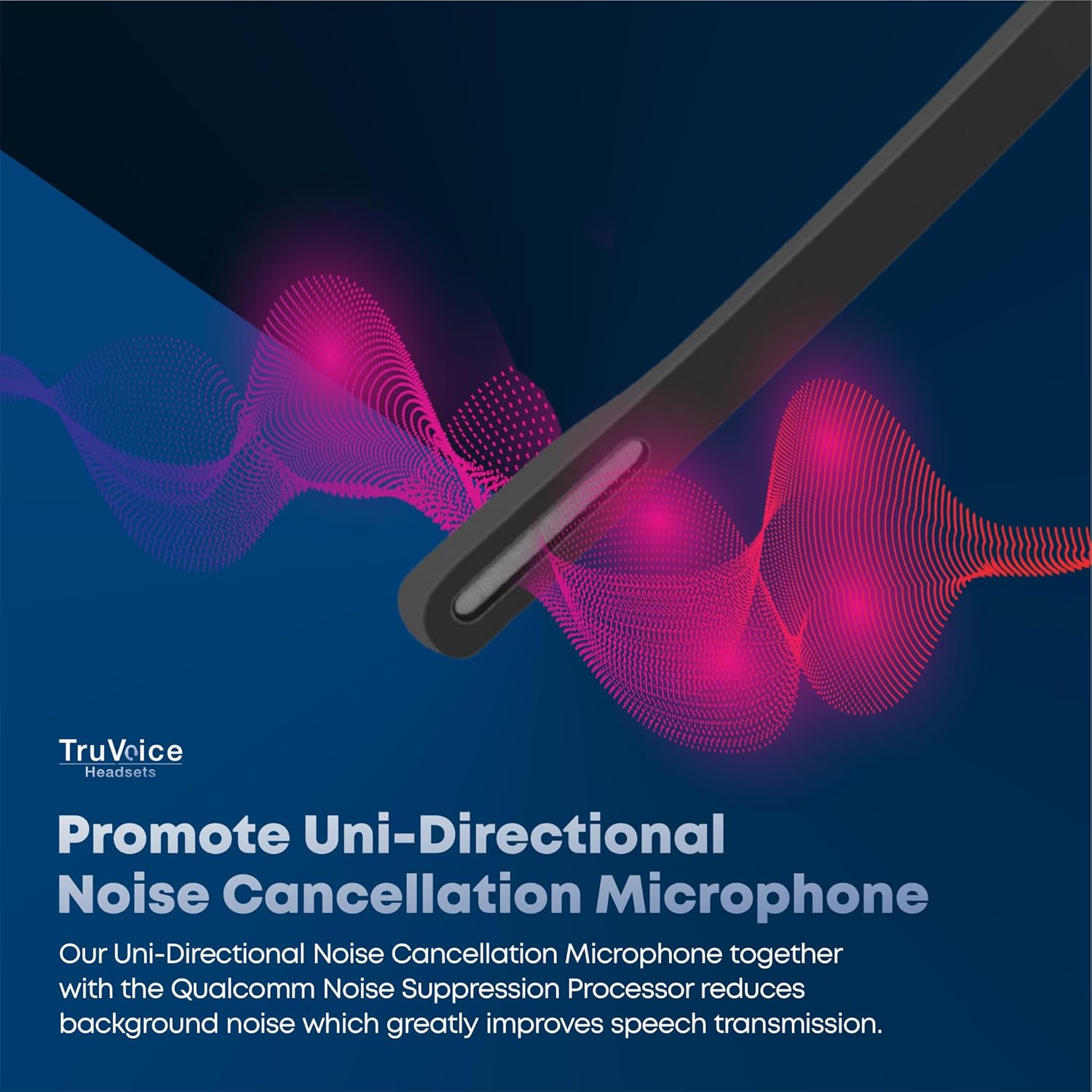
This image visually represents how the headset's uni-directional microphone and Qualcomm noise suppression processor work to minimize ambient noise for clearer conversations.
6. Batri ak Chaje
The BT75 headset is equipped with a powerful battery offering up to 500 hours of standby time, 22 hours of talk time, and 19 hours of media playing time. A full charge is achieved in approximately 90 minutes using the provided USB charging cable, which can be connected to a PC or a standard wall charger.
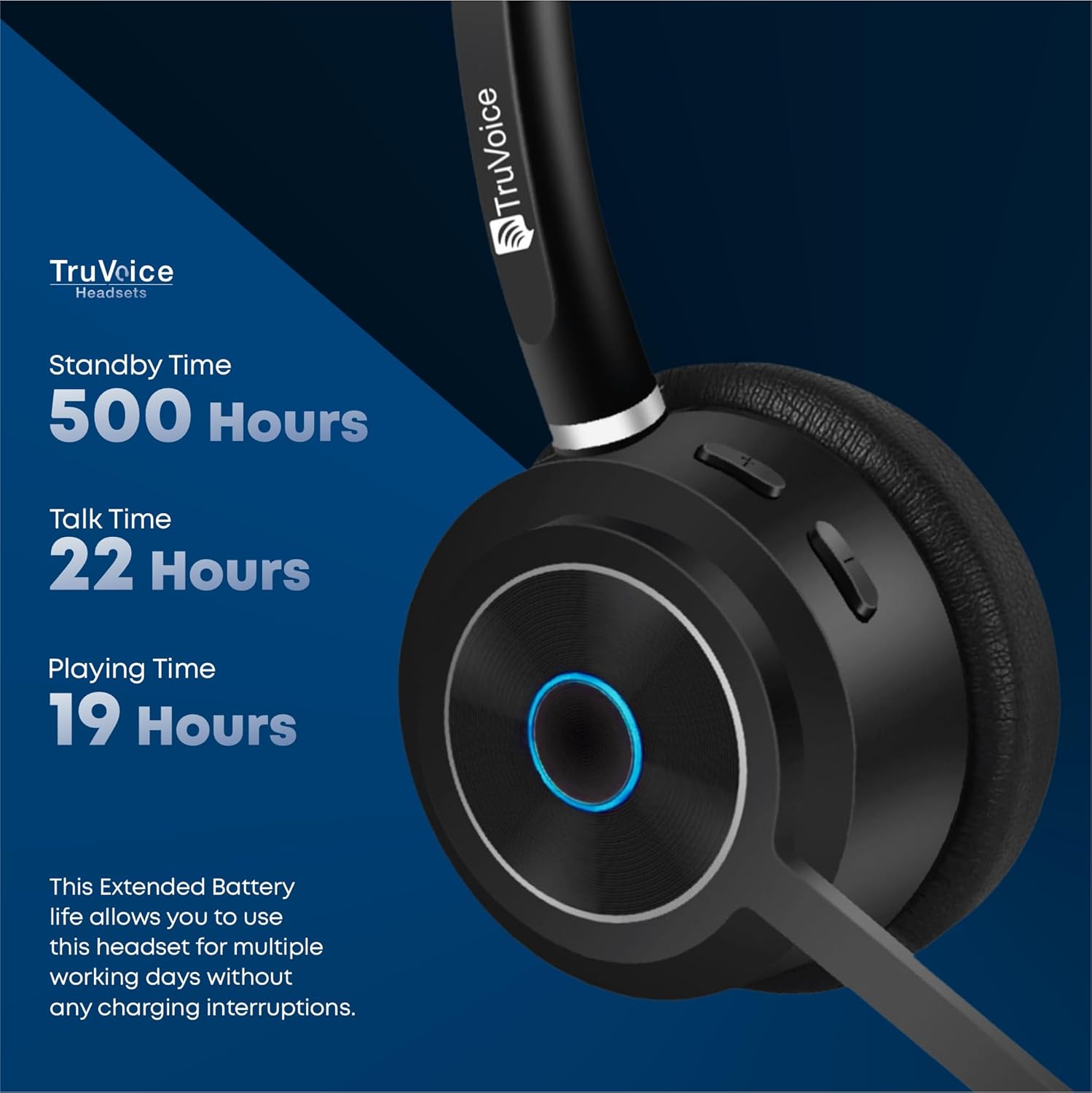
The image highlights the impressive battery life of the BT75 headset, detailing its standby, talk, and media playback durations, ensuring extended use without frequent recharging.
7. Antretyen
- Netwaye kas ekoutè a regilyèman avèk yon twal mou epi sèk. Evite itilize pwodui chimik ki agresif oswa materyèl abrazif.
- Store the headset in its protective case when not in use to prevent damage.
- Evite ekspoze kas ekoutè a nan tanperati ekstrèm, imidite, oswa limyè solèy dirèk.
- Do not attempt to disassemble or modify the headset, as this will void the warranty.
NAN. Depanaj
| Pwoblèm | Kòz posib | Solisyon |
|---|---|---|
| Pa gen son oswa volim ki ba | Headset not connected, volume too low, incorrect audio output selected. | Ensure headset is paired. Increase volume on headset and device. Check device's audio settings to select BT75 as output. |
| Pa ka konekte ak aparèy la | Headset not in pairing mode, device's Bluetooth off, out of range. | Put headset in pairing mode. Enable Bluetooth on device. Move headset closer to device (within 50 ft). Restart both devices. |
| Mikwofòn pa mache | Microphone muted, incorrect input device selected. | Unmute microphone. Check device's audio input settings to select BT75 microphone. |
| Kout lavi batri | Batri a pa chaje nèt, batri a ap vye. | Ensure full 90-minute charge. If issue persists, contact customer support. |
9. Espesifikasyon
| Karakteristik | Detay |
|---|---|
| Non modèl | Bluetooth Wireless Headsets |
| Koneksyon Teknoloji | San fil (Bluetooth V5.2) |
| Gamme Bluetooth | Jiska 50 pye |
| Dire batri (tan pou pale) | 22 èdtan |
| Dire Batri (Tan Mizik) | 19 èdtan |
| Tan sibstiti | Jiska 500 èdtan |
| Tan chaj | 90 Minutes (Full Charge) |
| Mikwofòn | Uni-Directional Noise Cancellation |
| Kontwòl bri | Qualcomm cVc Echo Canceling Noise Suppression Technology |
| Pwa | 85 grams (headset only) |
| Aparèy konpatib | Communication Platforms (PC, Cell, Desk Phones with Bluetooth) |
| Konpozan ki enkli | Cable, User Manual, Ear Cushions, Protective Case, Headband |
10. Garanti ak sipò
For warranty information and technical support, please refer to the official TruVoice websit la oubyen kontakte sèvis kliyan yo dirèkteman. Kenbe resi acha ou a pou nenpòt reklamasyon garanti.
Enfòmasyon pou kontakte:
- Vizite la TruVoice Store on Amazon pou plis enfòmasyon ak resous sipò.
Ask a question about this manual
Ask about setup, troubleshooting, compatibility, parts, safety, or missing instructions. Manuals+ will review the question and use this page’s manual context to help answer it.