
CAPOXO CP-PBV-32G-New
Manyèl Itilizatè Anrejistrè Vwa Dijital CAPOXO CP-PBV-32G-Nouvo
Model: CP-PBV-32G-New | Brand: CAPOXO
1. Entwodiksyon
This manual provides detailed instructions for the operation and maintenance of your CAPOXO CP-PBV-32G-New Digital Voice Recorder. Please read this manual thoroughly before using the device to ensure proper functionality and to maximize its lifespan.
The CAPOXO CP-PBV-32G-New is a 32GB digital voice recorder designed for capturing audio with clarity. It features a long-lasting battery, voice-activated recording, and MP3 playback capabilities. Its compact design allows for discreet use in various environments.
2. Pake kontni
Verifye ke tout atik yo prezan nan pakè a:
- 1 x CAPOXO CP-PBV-32G-New Digital Voice Recorder
- 1 x USB kab
- 1 x ekoutè
- 1 x Manyèl Itilizatè (dokiman sa a)
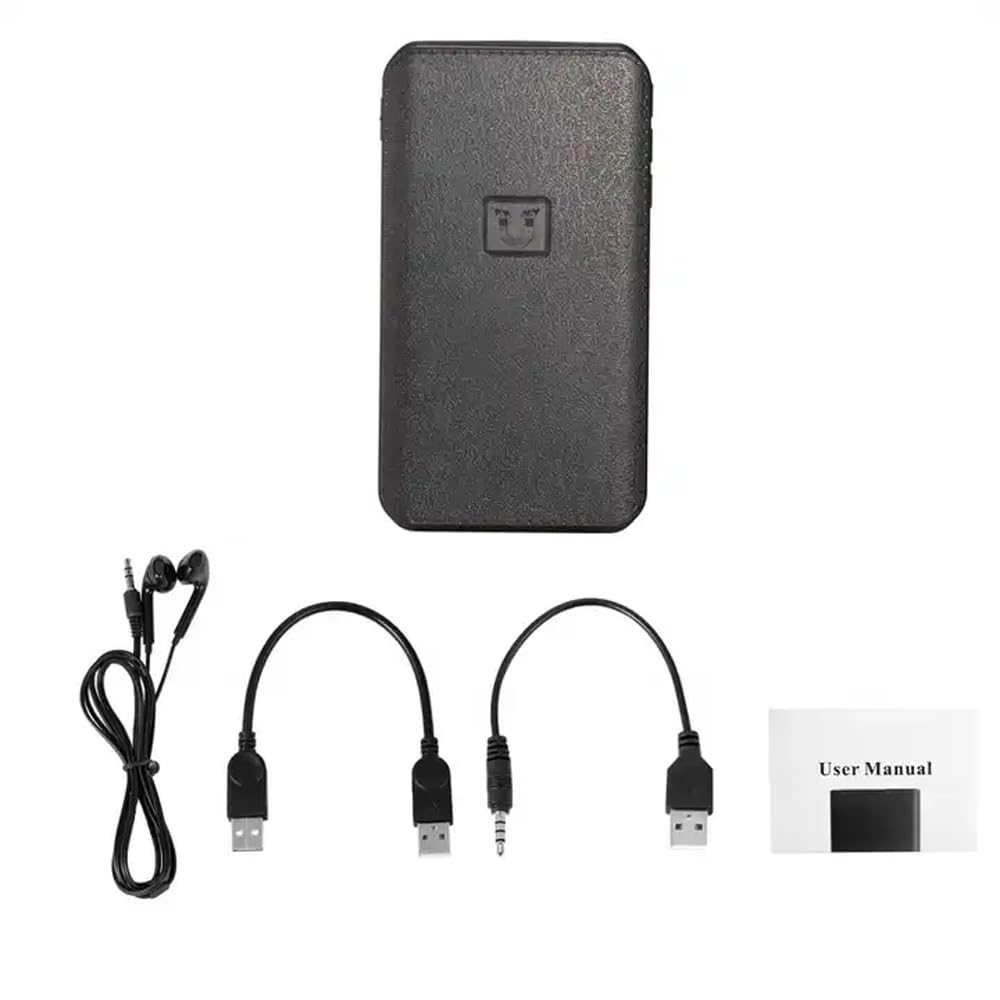
Image: Contents of the CAPOXO voice recorder package, including the recorder, USB cable, earphones, and user manual.
3. Pwodwi souview
Familiarize yourself with the device's components and controls.

Image: Diagram showing the CAPOXO voice recorder with labels for the headphone plug, USB/Charge input, USB/Charge output, Volume plus, Volume reduction, Menu button, and recording switch.
- Recording Switch: Slide to initiate or save recordings.
- Headphone Plug: For connecting earphones for audio playback.
- USB/Charge Input: Pou chaje aparèy la epi konekte li ak yon òdinatè.
- USB/Charge Output: (If applicable, for power bank function)
- Bouton Volim: Ajiste volim lèktur.
- Bouton meni: Access device settings and navigation.
4. Enstalasyon
4.1 Chaje Aparèy la
Before first use, fully charge the voice recorder. Connect the device to a USB power adapter (not included) or a computer's USB port using the provided USB cable. The charging indicator will show the charging status.
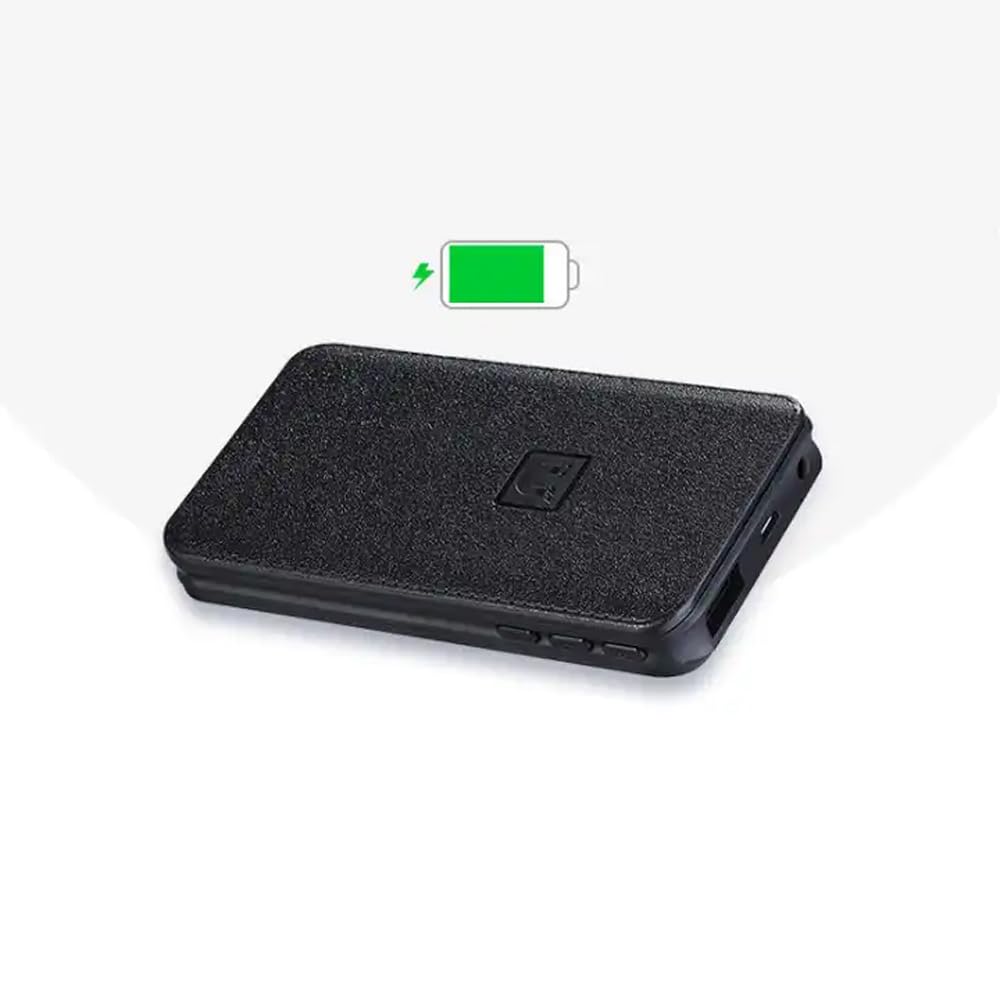
Image: The CAPOXO voice recorder with a green battery icon indicating a full or charging battery.
4.2 Konekte sou yon òdinatè
Pou transfere files or set the device's time, connect the recorder to your computer using the USB cable. The device will appear as a removable disk drive.
5. Operasyon Enstriksyon
5.1 Anrejistreman Debaz
- To start recording, slide the recording switch to the "ON" position. The device will begin recording automatically.
- To save the recording and stop, slide the recording switch to the "OFF" position. The recording will be saved as an MP3 file.

Image: A hand interacting with the CAPOXO voice recorder, illustrating the "Push ON to start recording" and "Push OFF to save recording" actions. Icons for one-click recording, automatic save, segmented recording, magnetic adsorption, OTG, and AVR Mode are also visible.
5.2 Voice Activated Recording (AVR Mode)
The device supports Voice Activated Recording (AVR). Refer to the on-screen menu or specific instructions for activating and configuring this mode. In AVR mode, the recorder will automatically pause during silent periods to conserve storage space and battery life.
5.3 Lektur
- Connect the provided earphones to the headphone jack.
- Use the menu button to navigate through saved recordings.
- Press the play button (if available, or use the menu) to start playback.
- Adjust volume using the volume buttons.
5.4 File Jesyon
Anrejistreman yo sove kòm MP3 files. When connected to a computer, you can access, copy, move, or delete these files like any other data on a USB drive. Files are typically organized by date for easy identification.
5.5 Adsorpsyon mayetik
The recorder features strong magnetic adsorption, allowing it to be easily attached to any metallic surface. This provides versatile placement options for recording.
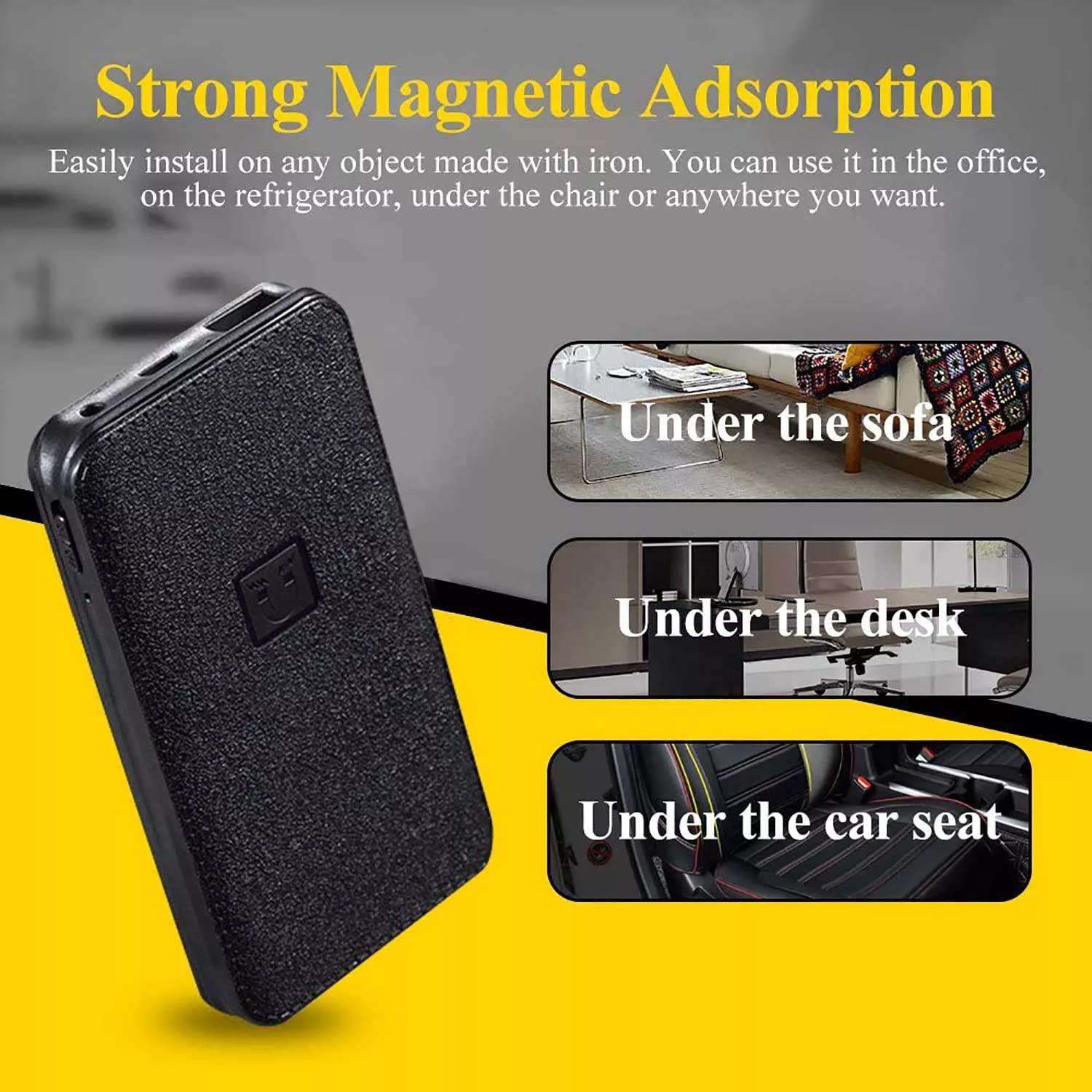
Image: The CAPOXO voice recorder shown with text indicating "Strong Magnetic Adsorption" and examples of placement such as "Under the sofa", "Under the desk", and "Under the car seat".
6. Antretyen
- Kenbe aparèy la sèk epi lwen tanperati ekstrèm.
- Netwaye deyò a avèk yon twal mou epi sèk. Pa sèvi ak pwodui netwayaj likid.
- Evite jete aparèy la oswa soumèt li a gwo enpak.
- Regularly back up important recordings to a computer.
NAN. Depanaj
| Pwoblèm | Kòz posib | Solisyon |
|---|---|---|
| Aparèy la pa vire. | Batri ki ba. | Chaje aparèy la konplètman. |
| Pa ka anrejistre. | Memory full; Recording switch not in "ON" position. | Efase ansyen an files to free up space; Ensure switch is in "ON" position. |
| Pòv kalite odyo. | Device too far from sound source; High background noise. | Place the device closer to the sound source; Record in a quieter environment. |
| Aparèy la pa rekonèt pa òdinatè a. | Faulty USB cable; Driver issue; Incorrect connection. | Try a different USB cable or USB port; Restart computer; Ensure proper connection. |
8. Espesifikasyon
| Mak | CAPOXO |
| Modèl | CP-PBV-32G-New |
| Kapasite Depo memwa | 32 GB |
| Dimansyon pwodwi | 12 x 4.5 x 1.5 cm |
| Pwa atik | 395 g |
| Kalite batri | Lityòm Polymère |
| Lavi Mwayèn Batri | Up to 15 Days (recording) |
| Fòma odyo sipòte | MP3 |
| Fòma mikwofòn | Bati-an |
| Entèfas Materyèl | USB 3.0 Kalite B |
| Aparèy konpatib | MP3 Player, Personal Computer, Smartphone, Tablet |

Image: The CAPOXO voice recorder placed next to a ruler, illustrating its physical dimensions of approximately 12 cm in length and 4.5 cm in width.
9. Garanti ak sipò
9.1 Enfòmasyon sou Garanti
This product is covered by a limited warranty against defects in materials and workmanship. Please refer to the warranty card included in your package or contact customer support for specific warranty terms and conditions. Keep your purchase receipt as proof of purchase.
9.2 Sipò pou Kliyan
For technical assistance, troubleshooting, or warranty claims, please contact CAPOXO customer support. Contact details may be found on the product packaging or the official CAPOXO websit.
Manifakti: Capoxo
Enpòtatè: CAPOXO
Peyi orijin: peyi Zend
Ask a question about this manual
Ask about setup, troubleshooting, compatibility, parts, safety, or missing instructions. Manuals+ will review the question and use this page’s manual context to help answer it.