
Alienware AW920K
Manyèl Itilizatè Klavye Jwèt San Fil Alienware AW920K Tri-Mode
Model: AW920K
Entwodiksyon
The Alienware AW920K Tri-Mode Wireless Gaming Keyboard is designed to elevate your gaming and productivity performance with versatile connectivity options, customizable controls, and vibrant AlienFX per-key RGB lighting. This manual provides essential information for setting up, operating, and maintaining your keyboard.

Figure 1: Alienware AW920K Tri-Mode Wireless Gaming Keyboard with USB dongle and cable.
Ki sa ki nan bwat la
- Alienware AW920K Tri-Mode Wireless Gaming Keyboard
- USB Cable (detachable paracord)
- Documentation (this user manual)
Enstalasyon
Opsyon Koneksyon
The Alienware AW920K keyboard offers three modes of connectivity:
2.4GHz Wireless Koneksyon
For responsive wireless gaming performance on your PC, use the included 2.4GHz wireless USB-C dongle. For optimal reception, deploy the convenient dongle extender to position the receiver closer to the keyboard.
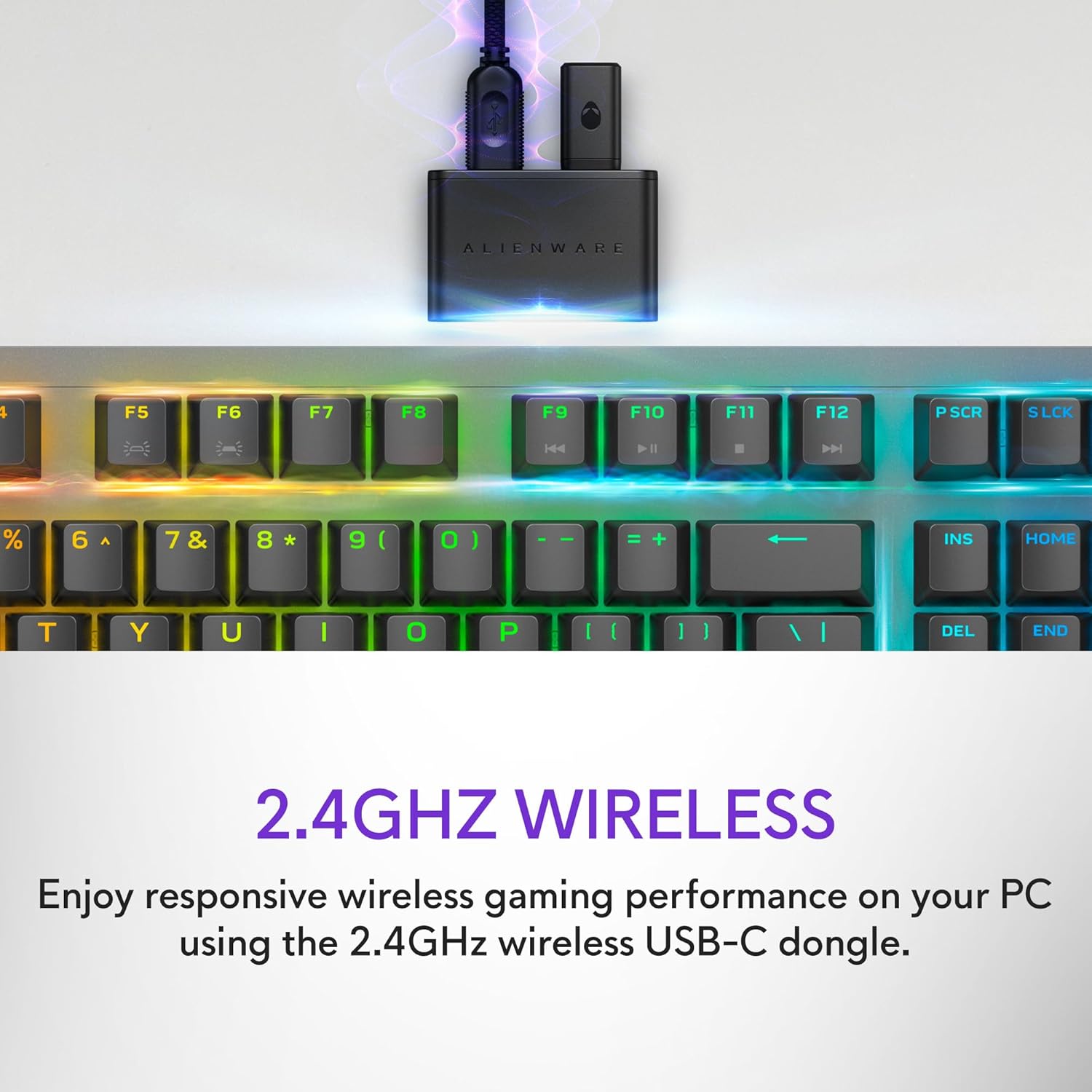
Figure 2: The 2.4GHz wireless USB-C dongle for PC connection.
Bluetooth 5.1 Koneksyon
Connect up to three different compatible devices via Bluetooth 5.1. Use the selection button located on the back of the keyboard to choose the active paired device or switch to the 2.4GHz connection.

Figure 3: Connectivity toggle switch on the back of the keyboard.
Fil USB Koneksyon
For a direct and reliable connection, plug in and play on your PC using the detachable USB paracord cable.

Figure 4: Connecting the keyboard via the detachable USB cable.
Chaje
The keyboard features magnetic snap-on charging for convenience. Easily connect and disconnect the charging cable to keep your keyboard powered without interrupting your game or compromising performance.

Figure 5: Magnetic snap-on charging port.
The keyboard offers robust battery life: up to 42 hours with 50% RGB lighting brightness on 2.4GHz dongle connection, or up to 46 hours on Bluetooth connection with 50% RGB lighting brightness.
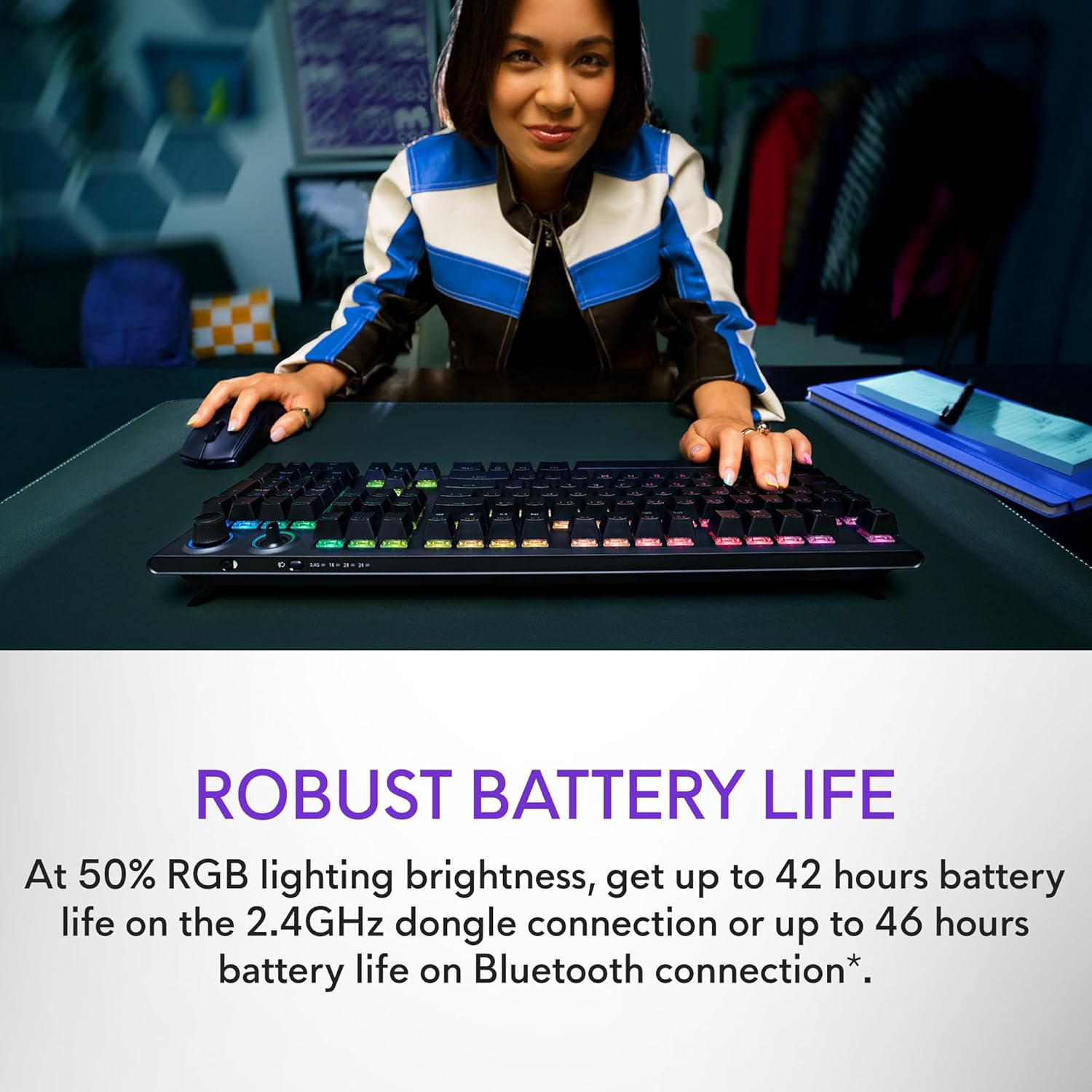
Figure 6: Illustration of the keyboard's extended battery life.
Enstriksyon Operasyon
Key Switches and Performance
The AW920K features CHERRY MX Red switches, known for their consistent high performance, 100 million actuation lifecycle, responsive feel, and smooth linear operation, making them ideal for gaming.

Figi 7: Close-up view of the CHERRY MX Red switches.
Double-shot PBT keycaps provide reliable durability and exceptional wear resistance. The key legends are molded into the cap, not painted, ensuring dependable fade resistance.
Kontwòl Customizable
The programmable rocker switch and dial allow you to customize your experience. Map compatible Windows productivity controls via Alienware Command Center on your PC. This includes media controls and system volume, accessible directly from your fingertips.

Figure 8: The programmable rocker switch and dial for custom functions.
AlienFX RGB Lighting
AlienFX per-key RGB lighting is configurable with Alienware Command Center, delivering an immersive gaming experience with up to 16.8 million colors. Utilize the Alienware Command Center on PC to create themes and customize the keyboard for a more personal gaming experience.

Figure 9: Keyboard displaying AlienFX RGB lighting effects.
Karakteristik Gaming
The keyboard supports full anti-ghosting and N-key rollover, ensuring that all keystrokes register correctly and the keyboard remains responsive during intense gaming sessions and rapid typing.
Antretyen
To ensure the longevity and optimal performance of your Alienware AW920K keyboard, follow these maintenance guidelines:
- Netwayaj: Sèvi ak yon ti moso twal mou, ki san pèl dampened with water or a mild cleaning solution to wipe down the keycaps and chassis. Avoid harsh chemicals or abrasive materials.
- Retire pousyè: Sèvi ak lè konprese pou retire pousyè ak debri ki ant bouchon kle yo.
- Depo: When not in use for extended periods, store the keyboard in a dry, cool place away from direct sunlight and extreme temperatures.
- Swen kab: Handle the detachable USB cable with care. Avoid sharp bends or excessive pulling to prevent damage.
Depanaj
Si ou rankontre pwoblèm ak klavye Alienware AW920K ou a, gade etap depanaj komen sa yo:
| Pwoblèm | Kòz posib / Solisyon |
|---|---|
| Klavye a pa reponn (san fil) |
|
| Ekleraj RGB pa travay |
|
| Kle yo pa anrejistre oswa yo pa klere |
|
| Programmable features not working |
|
Espesifikasyon
| Karakteristik | Detay |
|---|---|
| Nimewo Modèl | AW920K |
| Koneksyon | 2.4GHz san fil, Bluetooth 5.1, USB-C ak fil |
| Kle switch | CHERRY MX Red |
| Keycaps | PBT doub-kou |
| Ekleraj | AlienFX per-key RGB |
| Battery Life (2.4GHz, 50% RGB) | Jiska 42 èdtan |
| Battery Life (Bluetooth, 50% RGB) | Jiska 46 èdtan |
| Anti-Ghosting | Full Anti-Ghosting |
| N-Kle Rollover | Sipòte |
| Dimansyon (LxWxH) | 17.76 x 5.82 x 2.28 pous (45.1 x 14.8 x 5.8 cm) |
| Pwa | 2.35 liv (1.06 kg) |
| Aparèy konpatib | Laptop, PC, Telefòn entelijan, Tablèt |

Figure 10: Keyboard dimensions (Length, Width, Height).
Garanti ak sipò
Alienware products are backed by a manufacturer's warranty. For detailed warranty information, technical support, or service inquiries, please visit the official Alienware support websit la oubyen kontakte sèvis kliyan yo. Kenbe resi acha w la pou reklamasyon garanti.
For software updates and advanced customization, download the Alienware Command Center from the official Alienware support page.
You can visit the official Alienware store for more products and support: Alienware Store
Ask a question about this manual
Ask about setup, troubleshooting, compatibility, parts, safety, or missing instructions. Manuals+ will review the question and use this page’s manual context to help answer it.