
1. Entwodiksyon
This manual provides detailed instructions for the installation, operation, and maintenance of your Hikvision 2-Wire Video Intercom Kit, Model 38084. This system is designed for single-family homes, offering enhanced security and convenience through its 7-inch touchscreen monitor, FullHD outdoor camera, and seamless integration with the Hik-Connect mobile application. Please read this manual thoroughly before installation and use to ensure proper functioning and safety.
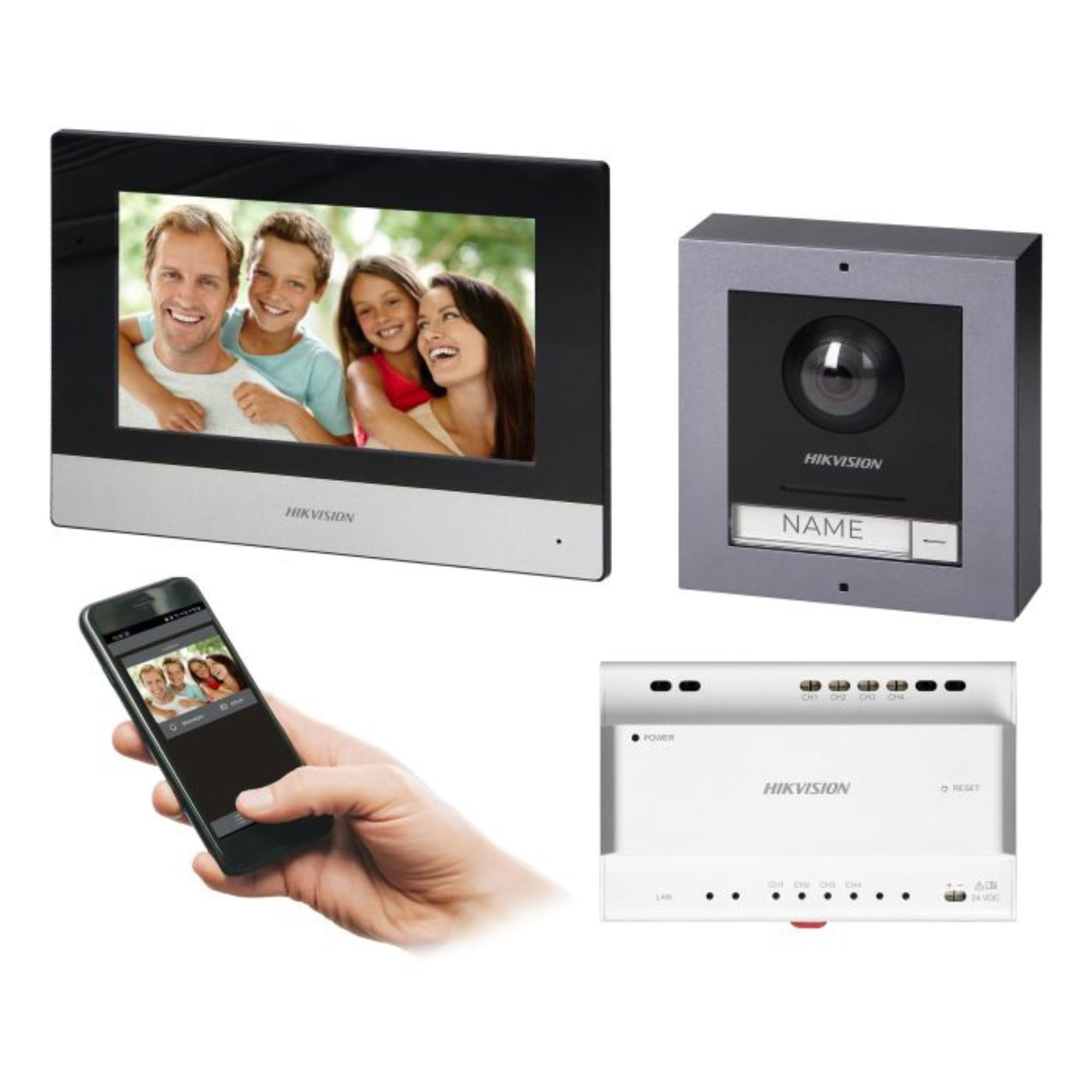
Figure 1: Hikvision 7-inch Video Intercom Monitor (Front View)
The image displays the front view of the Hikvision 7-inch video intercom monitor, featuring a large screen and the Hikvision logo at the bottom.
2. Enfòmasyon sou Sekirite
Toujou swiv prekosyon sekirite debaz yo pou diminye risk dife, chòk elektrik, ak blesi pou moun.
- Sekirite elektrik: Installation must be performed by qualified personnel in accordance with all local electrical codes. Disconnect power before installation or servicing.
- Dlo ak imidite: Do not expose the indoor monitor to rain or moisture. The outdoor panel is IP65 rated for weather resistance but should not be submerged.
- Tanperati: Opere aparèy la nan limit tanperati espesifye a.
- Netwayaj: Sèvi ak yon twal mou epi sèk pou netwaye. Pa sèvi ak pwodui netwayaj likid oswa ayewosòl.
- Entèferans: Avoid installing near sources of strong electromagnetic interference.
3. Pake kontni
Verifye ke tout konpozan yo prezan nan pake a:
- 7-inch Indoor Monitor (with WiFi)
- FullHD Outdoor Panel (with Camera and Night Vision)
- 4-Channel Distributor
- Pwodwi pou monte (vis, ploge miray)
- Manyèl Itilizatè (dokiman sa a)
- 16 GB MicroSD Card (pre-installed or included for video storage)

Figure 2: Hikvision Outdoor Panel and Mounting Accessories
This image shows the Hikvision outdoor panel alongside its rain shield and a flush-mount box, illustrating the various mounting options available.
4. Enstalasyon ak Enstalasyon
The Hikvision video intercom system utilizes a 2-wire installation method, simplifying wiring. Both the indoor monitor and outdoor panel are designed for surface mounting.
4.1 Outdoor Panel Installation
- Chwazi Kote: Select a suitable location near the entrance, ensuring the camera has a clear view of visitors. The panel is IP65 rated for outdoor use.
- Montaj: Use the provided mounting bracket to mark drill holes on the wall. Drill holes, insert wall plugs, and secure the bracket.
- Fil elektrik: Connect the 2-wire cable from the distributor to the outdoor panel terminals. Ensure correct polarity.
- Panèl Ansekirite: Attach the outdoor panel to the mounting bracket.

Figure 3: Hikvision Outdoor Panel (Front View)
This image shows the front of the Hikvision outdoor panel, featuring the FullHD camera, speaker grille, call button, and nameplate area.
4.2 Enstalasyon Monitè Andedan Kay la
- Chwazi Kote: Select an indoor location where the monitor is easily accessible and visible.
- Montaj: Use the provided mounting plate to mark and drill holes. Secure the mounting plate to the wall.
- Fil elektrik: Connect the 2-wire cable from the distributor to the indoor monitor terminals.
- Koneksyon pouvwa: Connect the monitor to a power source (mains electricity).
- Secure Monitor: Attach the indoor monitor to the mounting plate.

Figure 4: Hikvision Indoor Monitor (Back View) and Mounting Plate
The image displays the rear of the Hikvision indoor monitor, showing its connection ports and the separate mounting plate used for installation.
4.3 System Wiring Diagram (General)
The 2-wire system connects the outdoor panel, indoor monitor, and the 4-channel distributor. The distributor manages power and data communication between the devices.
- Connect the outdoor panel to the distributor using a 2-wire cable.
- Connect the indoor monitor to the distributor using a 2-wire cable.
- Ensure the distributor is powered.
- For electric lock control, additional power may be required for the lock itself, connected via the outdoor panel.
4.4 Koneksyon WiFi
After physical installation, power on the monitor. Navigate to the network settings on the 7-inch touchscreen to connect to your 2.4 GHz Wi-Fi network (802.11 b/g/n standard). This enables smartphone communication via the Hik-Connect app.
5. Operasyon Enstriksyon
5.1 Indoor Monitor Functions
- Ekran manyen: Navigate menus and control functions using the 7-inch touch screen.
- Fonksyon entèkominikasyon: Communicate with visitors at the outdoor panel or other indoor monitors (if expanded).
- Fonksyon memwa: The monitor supports a memory function, likely for capturing images or short video clips of visitors.
- Lektè kat SD: A 16GB MicroSD card is included for storing recorded video streams.
- Ringtone Management: Choose from 3 available ringtones. Adjust volume or mute the ringtone as needed.
- Kontwòl Pòt: Use the monitor to remotely open an electric lock connected to the system.
- CCTV Camera Integration: The system can be expanded to integrate up to 16 CCTV cameras.
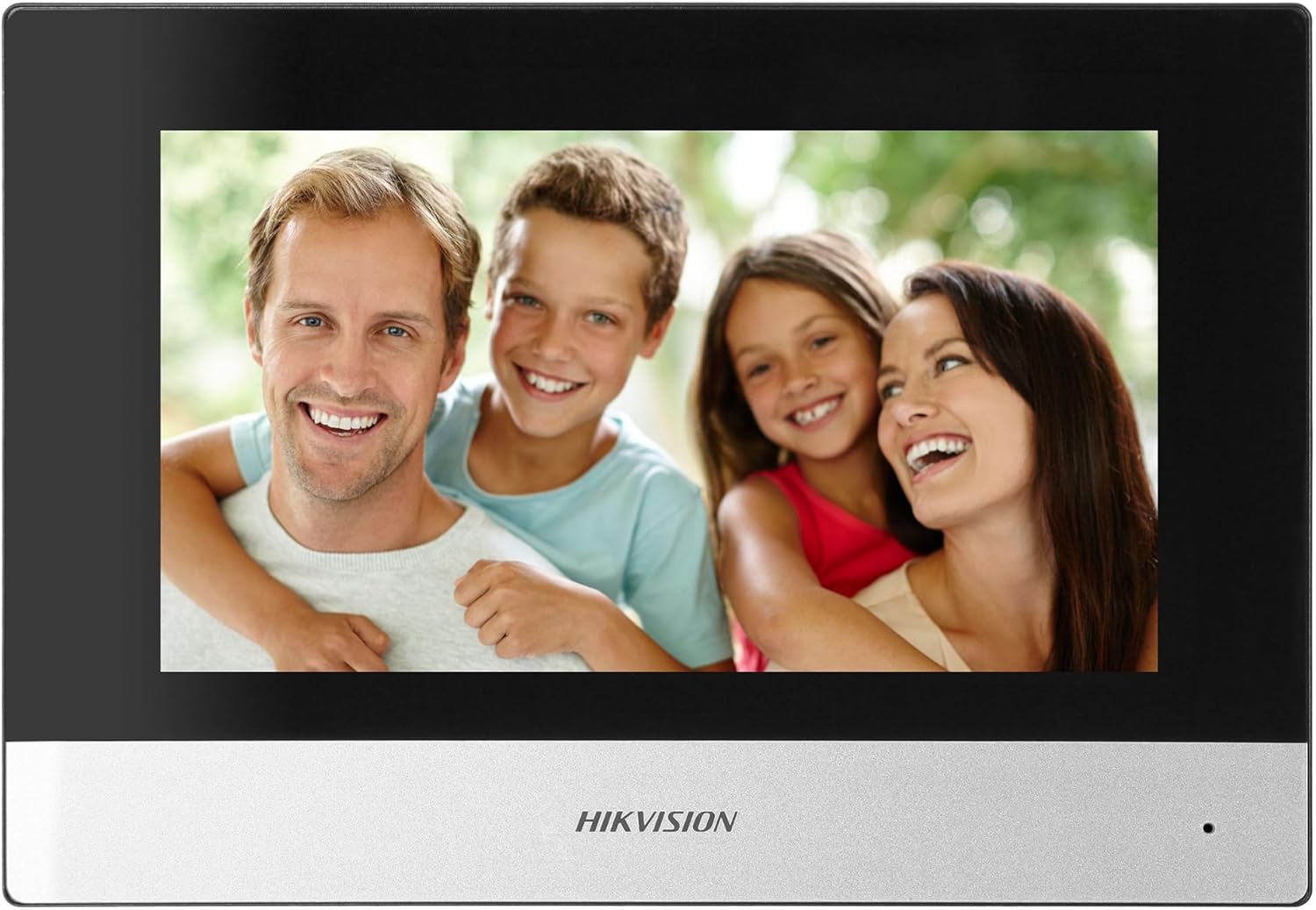
Figure 5: Hikvision Indoor Monitor (Front View)
This image shows the Hikvision 7-inch indoor monitor from the front, highlighting its sleek design and large display area.
5.2 Outdoor Panel Operation
- Bouton Rele: Visitors press the single call button to initiate a call to the indoor monitor.
- FullHD Camera: Provides a 2MP (1920x1080p) video feed with a wide viewing angle (96°/180°).
- Vizyon lannwit: Integrated IR illumination ensures clear visibility even in low-light conditions.
- Plak non: A space is provided for a nameplate or label.

Figure 6: Hikvision Outdoor Panel (Angled View)
Yon angilè view of the Hikvision outdoor panel, showcasing its robust construction and integrated camera and call button.
5.3 Hik-Connect Mobile Application
Download the Hik-Connect app from your smartphone's app store. Once installed and configured with your system, you can:
- Receive calls from the outdoor panel on your smartphone.
- View live video from the outdoor camera.
- Remotely open the door.
- Jwenn aksè a videyo anrejistretage.
6. Antretyen
Antretyen regilye asire lonjevite ak pèfòmans optimal sistèm entèkom ou an.
- Netwayaj: Wipe the monitor screen and outdoor panel with a soft, damp twal. Evite pwodui netwayaj abrazif.
- Mizajou mikrolojisyèl: Tcheke mizajou firmwèr detanzantan atravè aplikasyon Hik-Connect la oswa paj ofisyèl Hikvision an. website to ensure your system has the latest features and security patches.
- Enspeksyon kab: Periodically inspect all wiring for any signs of wear or damage.
- Outdoor Panel Lens: Keep the camera lens on the outdoor panel clean for clear video quality.
NAN. Depanaj
Si ou rankontre pwoblèm, gade etap depanaj komen sa yo:
- Pa gen pouvwa: Check all power connections and ensure the distributor is receiving power.
- Pa gen Videyo/Odyo: Verify the 2-wire connections between the outdoor panel, monitor, and distributor. Ensure correct polarity.
- Pwoblèm koneksyon WiFi: Ensure your router is operating on 2.4 GHz. Re-enter WiFi credentials on the monitor. Check signal strength.
- Door Lock Not Opening: Confirm the electric lock has its own power supply if required. Check wiring from the outdoor panel to the lock.
- Vizyon lannwit pòv: Ensure the outdoor camera lens is clean and free from obstructions.
8. Espesifikasyon
| Kalite | Single-family |
| Fonksyon videyo | Wi |
| Pwovizyon pou pouvwa | Elektrisite prensipal la |
| Kalite transmisyon | Wired (2-wire) |
| Smartphone Communication | Yes (via Hik-Connect app) |
| Wi-Fi frekans | 2.4 GHz |
| Wi-Fi estanda | 802.11 b/g/n |
| Metòd enstalasyon | 2-wire, Surface Mount |
| Max. Monitors | Dilatabl a 3 |
| Max. Outdoor Panels | Dilatabl a 1 |
| Max. CCTV Cameras | Dilatabl a 16 |
| Elektrik Lock kontwòl | Yes (requires additional power for lock) |
| Fonksyon Jou / lannwit | Wi |
| Metòd aliye | Sifas mòn |
| Hands-free System | Wi |
| Diagonal ekran | 7 pous |
| Rezolisyon | 1024 x 600 |
| Manyen ekran | Wi |
| Sistèm Videyo | PAL, Color |
| Fonksyon memwa | Wi |
| Lektè kat SD | Yes (16GB card included) |
| Fonksyon entèrfon | Wi |
| Sonnerie | 3 |
| Materyèl | Plastik |
| Koulè | Nwa |
| Dimansyon (W x H x P) | 140 mm x 200 mm x 15 mm |
| Bouton Rele | 1 |
| Metòd aliye | Sifas mòn |
| Rezolisyon kamera | 2MP, 1920x1080 (FullHD) |
| Kamera Viewing Ang | 96°/180° |
| Ekleraj lannwit | IR (enfrawouj) |
| Fonksyon PTZ | Non |
| Lektè kat pwoksimite | Non |
| Nameplate Space | Wi |
| Pwoteksyon kont vandalis | Non |
| Pwoteksyon Rating | IP65 |
| Materyèl | Steel |
| Koulè | Ajan |
| Dimansyon (W x H x P) | 98 mm x 99.8 mm x 43.9 mm |
| Dimansyon pwodwi | 20 x 15 x 10 cm |
| Pwa atik | 1 kg |
| Nimewo Modèl | 38084 |
9. Garanti ak sipò
Pou enfòmasyon sou garanti a ak sipò teknik, tanpri al gade paj ofisyèl Hikvision an. websit la oubyen kontakte distribitè lokal ou a. Kenbe resi acha ou a pou reklamasyon garanti.
- Sipò sou entènèt: Vizite www.hikvision.com for product documentation, FAQs, and support resources.
- Sèvis Kliyan: Contact your retailer or authorized Hikvision service center for assistance.