
FASTWD L361
FASTWD L361 Android 13 Tablet User Manual
Model: L361 | Brand: FASTWD
1. Entwodiksyon
Welcome to the user manual for your new FASTWD L361 Android 13 Tablet. This guide provides essential information to help you set up, operate, and maintain your device. The FASTWD L361 features a vibrant 14-inch 2K Incell FHD display, powered by Android 13, with robust 5G WiFi connectivity, an 11580mAh battery, 19GB RAM, and 256GB of internal storage.
2. Pake kontni
Tanpri tcheke kare a pou atik sa yo:
- FASTWD L361 Android 13 Tablet
- Ka Pwoteksyon
- USB Chaje Kab
- Adaptè pouvwa
- Manyèl Itilizatè (dokiman sa a)
3. Aparèy souview
Familyarize w ak konpozan fizik tablèt ou a.

Imaj 3.1: Devan ak dèyè view of the FASTWD L361 Tablet, showcasing konsepsyon elegant li yo ak plasman kamera a.
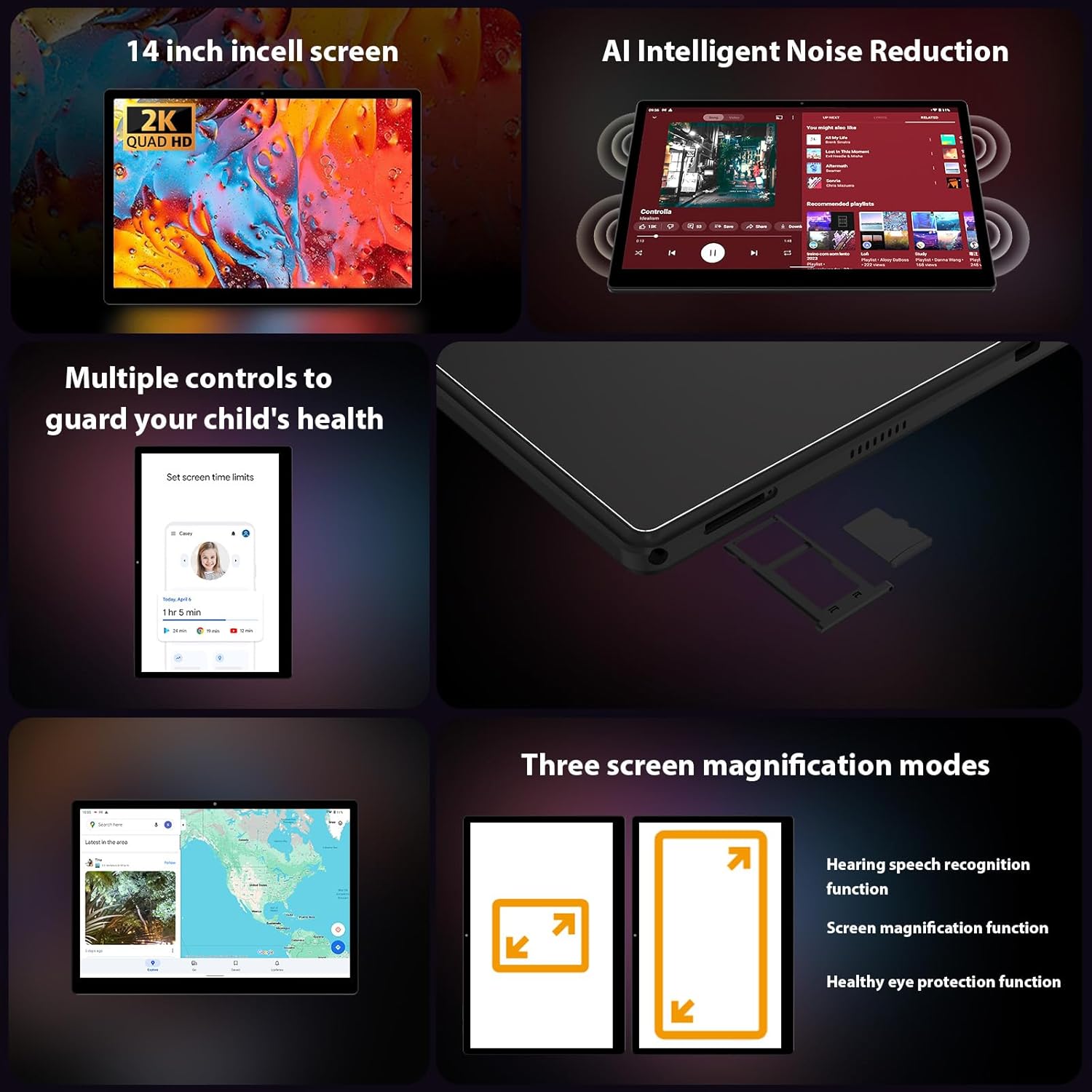
Imaj 3.2: Kote view of the FASTWD L361 Tablet, highlighting the USB port, power button, volume controls, and the SIM/MicroSD card slot.
Konpozan kle:
- Bouton pouvwa: Press and hold to turn on/off or restart. Press briefly to wake/sleep the screen.
- Bouton Volim: Ajiste volim odyo a.
- Pò USB: Pou chaje ak transfè done.
- Kamera devan: For video calls and selfies (8MP).
- Kamera dèyè: For photos and videos (13MP + 2MP Macro).
- MicroSD Kat plas: Ogmante espas depo a jiska 1TB.
- Oratè: Pou pwodiksyon odyo.
4. Inisyal Enstalasyon
4.1 Chaje tablèt la
Before first use, fully charge your tablet. Connect the USB charging cable to the tablet's USB port and the power adapter, then plug the adapter into a power outlet. The tablet supports 12W fast charging.

Image 4.1: Illustration of the FASTWD L361 Tablet being charged, highlighting its 11580mAh battery and 12W fast charging capability.
4.2 Limen/Etenyen
- Pou limen: Press and hold the Power button until the FASTWD logo appears.
- Pou etenn: Peze epi kenbe bouton Power la, answit chwazi "Power off" nan opsyon ki sou ekran an.
- Pou rekòmanse: Peze epi kenbe bouton Pouvwa a, answit chwazi "Rekòmanse" nan opsyon yo.
4.3 Inisyal Konfigirasyon
Upon first power-on, follow the on-screen prompts to set up your tablet:
- Chwazi lang ou pi pito.
- Konekte nan yon rezo Wi-Fi.
- Konekte avèk kont Google ou a oubyen kreye yon nouvo.
- Review epi aksepte tèm ak kondisyon yo.
- Konfigire bloke ekran an (Kòd PIN, modèl, modpas, oswa Face ID).
4.4 Mete yon Kat MicroSD
To expand storage, insert a MicroSD card (up to 1TB) into the designated slot on the side of the tablet. Ensure the tablet is powered off before inserting or removing the card.
5. Itilizasyon Tablèt ou a
5.1 Pwoteksyon pou ekran ak je
The FASTWD L361 features a 14-inch Incell FHD display with a resolution of 2000 x 1200 pixels. It is TÜV certified for eye protection, reducing eye strain during prolonged use.
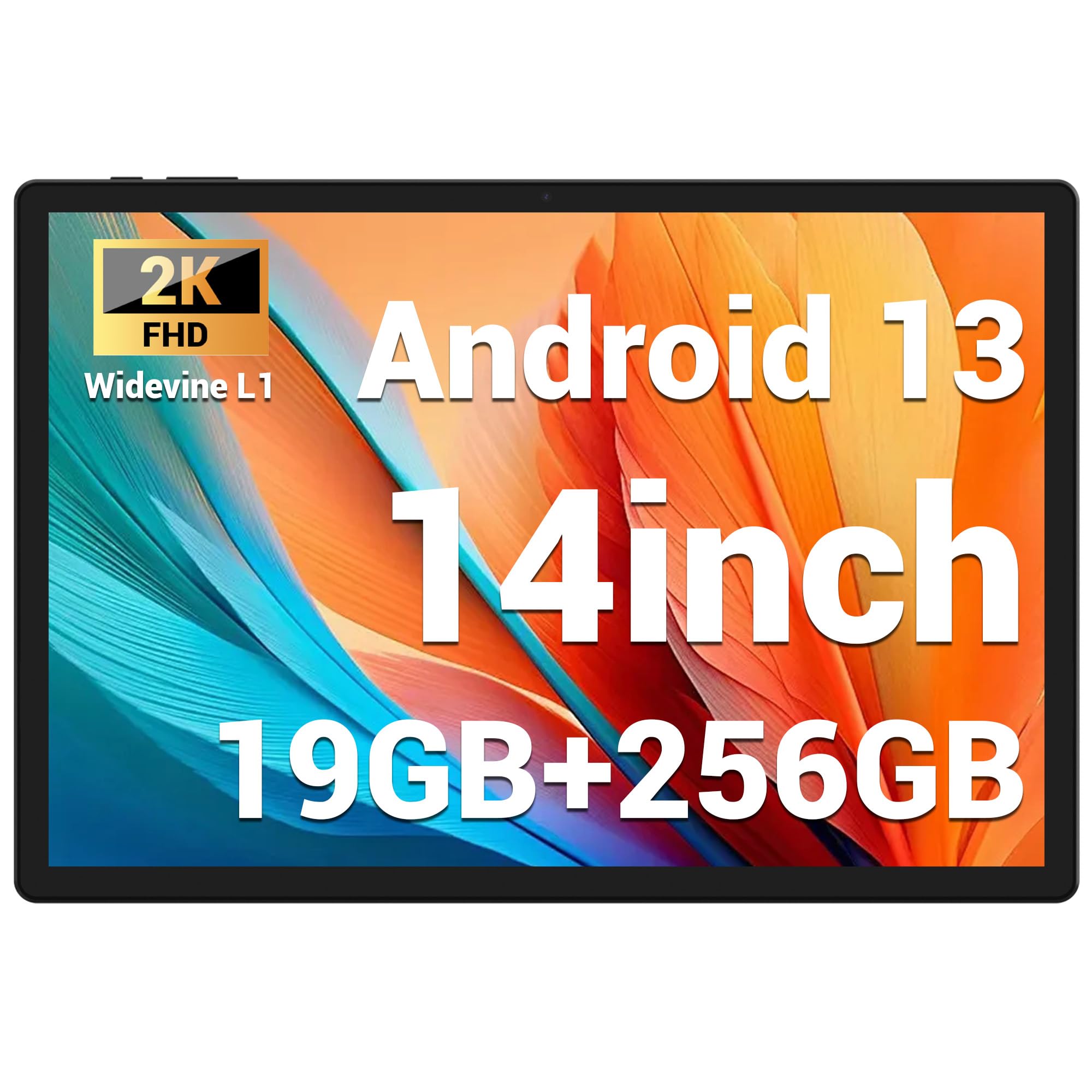
Image 5.1: Visual representation of the FASTWD L361 Tablet's 14-inch 2K Incell FHD display, highlighting its 2000x1200 resolution and TÜV eye protection certification.
5.2 Koneksyon
Your tablet supports advanced wireless connectivity:
- 5G WiFi: Connect to high-speed wireless networks for fast internet access.
- Bluetooth 5.0: Konekte ak kas ekoutè san fil, oratè, ak lòt aparèy ki gen Bluetooth.

Image 5.2: Depiction of the FASTWD L361 Tablet's 5G WiFi capabilities, 19GB RAM, 256GB ROM, and support for 1TB MicroSD expansion.
5.3 Kamera
The tablet is equipped with dual cameras:
- Kamera devan: 8 Megapixels, ideal for video calls and self-portraits.
- Kamera dèyè: 13 Megapixels with a 2 Megapixel Macro lens, suitable for capturing detailed photos and videos.

Image 5.3: Visuals demonstrating the FASTWD L361 Tablet's 8MP front camera, 13MP rear camera, and the process for setting up Face ID for secure unlocking.
5.4 figi ID
Unlock your tablet securely using Face ID. To set up:
- Ale nan Anviwònman > Sekirite > Debloke figi.
- Swiv enstriksyon ki sou ekran an pou anrejistre figi ou.
5.5 Rediksyon Bri Entelijan IA
The tablet integrates AI Intelligent Noise Reduction technology to filter out ambient sounds, enhancing audio clarity during calls and media playback.
5.6 Multitasking with Multi-Window
Utilize the multi-window feature to run two applications simultaneously, enhancing productivity and user experience.

Image 5.4: The FASTWD L361 Tablet displaying its multi-window and split-screen capabilities, allowing users to operate multiple applications simultaneously.
6. Antretyen
6.1 Netwaye Tablèt la
Sèvi ak yon twal mou ki pa gen pousyè pou netwaye ekran an ak kò tablèt la. Evite itilize pwodui chimik ki agresif oswa materyèl abrazif ki ka domaje sifas la.
6.2 Swen Batri
The tablet is equipped with an 11580mAh battery. To prolong battery life:
- Evite ekspoze tablèt la nan tanperati ekstrèm.
- Pa kite batri a dechaje nèt anvan ou rechaje l regilyèman.
- Use the provided charger for optimal charging performance.
6.3 Mizajou lojisyèl
Ensure your tablet's software is up to date to benefit from the latest features and security enhancements. Go to Anviwònman > Sistèm > Mizajou sistèm pou tcheke epi enstale mizajou yo.
NAN. Depanaj
Si w rankontre pwoblèm ak tablèt ou a, gade solisyon komen sa yo:
| Pwoblèm | Solisyon |
|---|---|
| Tablèt la pa limen | Asire w batri a chaje. Peze epi kenbe bouton Pouvwa a pou omwen 10 segonn. |
| Pwoblèm koneksyon Wi-Fi | Restart your Wi-Fi router and the tablet. Check Wi-Fi settings on the tablet to ensure it's connected to the correct network. |
| Tablèt la ralanti oswa li pa reponn | Close unnecessary apps running in the background. Clear cache from apps. Restart the tablet. If issues persist, consider a factory reset (back up data first). |
| ID figi a pa fonksyone | Ensure your face is well-lit and not obstructed. Re-register your face in settings if necessary. |
7.1 Reset faktori
If troubleshooting steps do not resolve the issue, you may need to perform a factory reset. This will erase all data on your tablet, so ensure you back up important files anvan kontinye.
- Ale nan Anviwònman > Sistèm > Opsyon Reyajiste.
- Chwazi Efase tout done (reset faktori).
- Konfime desizyon ou.
8. Espesifikasyon
| Karakteristik | Detay |
|---|---|
| Modèl | L361 |
| Sistèm operasyon | Android 13 |
| Ekspozisyon | 14-inch Incell FHD, 2000 x 1200 pixels, TÜV Certified |
| Vitès processeur | 2 GHz |
| RAM | 19 GB (8GB + 11GB vityèl) |
| Depo Entèn | 256 GB |
| Depo dilatabl | Up to 1 TB MicroSD |
| Kapasite batri | 11580 mAh |
| Chaje | 12W vit chaje |
| Kamera devan | 8 MP |
| Kamera dèyè | 13 MP + 2 MP Macro |
| Koneksyon | 5G WiFi, Bluetooth 5.0 |
| Karakteristik sekirite | figi ID |
| Karakteristik espesyal | AI Noise Reduction, GMS Certified |
| Dimansyon | 41.79 x 25.1 x 3.7 cm |
| Pwa | 2.08 kilogram |
9. Garanti ak sipò
Your FASTWD L361 Tablet comes with a standard manufacturer's warranty. For specific warranty terms and conditions, please refer to the warranty card included in your package or visit the official FASTWD websit.
For technical support, product inquiries, or warranty claims, please contact FASTWD customer service through the contact information provided on the official websit la oswa dokiman acha ou a.
Ask a question about this manual
Ask about setup, troubleshooting, compatibility, parts, safety, or missing instructions. Manuals+ will review the question and use this page’s manual context to help answer it.