
AVMTON wireless mouse
AVMTON Wireless Gaming Mouse
Manyèl Enstriksyon
Model: wireless mouse | Brand: AVMTON
1. Entwodiksyon
The AVMTON Wireless Gaming Mouse is designed for comfortable and efficient use with personal computers, laptops, and other compatible devices. Featuring a honeycomb shell for lightweight design, RGB backlighting, and a rechargeable battery, this mouse offers a responsive and ergonomic experience. It connects wirelessly via a 2.4GHz USB receiver, providing a stable connection for both office tasks and light gaming.

Image 1.1: The AVMTON Wireless Gaming Mouse shown alongside its 2.4GHz USB receiver. The mouse features a black honeycomb shell design and vibrant RGB lighting.
2. Enstalasyon
2.1 Debalè ak Konpozan
Lè w ap debale l, asire w tout konpozan yo la:
- AVMTON Wireless Gaming Mouse
- 2.4GHz USB Receiver (typically stored in the mouse's bottom compartment)
- USB Kalite-C Chaje Kab
2.2 Konekte Sourit la
- Jwenn reseptè USB a ki estoke nan konpatiman ki anba sourit la.
- Retire reseptè USB a nan sourit la.
- Ploge reseptè USB a nan yon pò USB ki disponib sou òdinatè w lan oswa laptop.
- Turn on the mouse using the power switch located on the bottom of the mouse. The mouse should automatically connect to the receiver.
2.3 Premye chaj
The mouse comes with a built-in rechargeable battery. For optimal performance, it is recommended to fully charge the mouse before its first use. The mouse can be used while it is charging.

Image 2.1: The AVMTON Wireless Gaming Mouse connected to a laptop via its Type-C charging cable. The image highlights the convenience of charging while using the mouse.
3. Operasyon Enstriksyon
3.1 Mouse Button Functions
The AVMTON Wireless Gaming Mouse features several buttons for enhanced functionality:
- Bouton Goch: Fonksyon klike estanda.
- Dwa bouton: Fonksyon estanda klike sou bò dwat la.
- wou woulo liv: Scrolls content up or down. Can also be pressed for middle-click functionality.
- Bouton DPI: Ajiste sansiblite sourit la (DPI).
- Bouton Avant: Navige pi devan nan web navigatè oswa file eksploratè.
- Bouton dèyè: Navige bak nan web navigatè oswa file eksploratè.
- Pouvwa switch: Limen oswa etenn sourit la.
- Chanjman limyè: Controls the RGB lighting.

Image 3.1: A detailed diagram illustrating the various buttons and components of the AVMTON Wireless Gaming Mouse, including the DPI button, scroll wheel, forward/backward buttons, and power/light switches.
3.2 DPI Ajisteman
The mouse offers three adjustable DPI (Dots Per Inch) levels to control cursor speed and sensitivity. Press the DPI button (located behind the scroll wheel) to cycle through the settings: 800 DPI, 1200 DPI (default), and 1600 DPI. Choose the sensitivity that best suits your task, whether for precise work or faster movements in games.
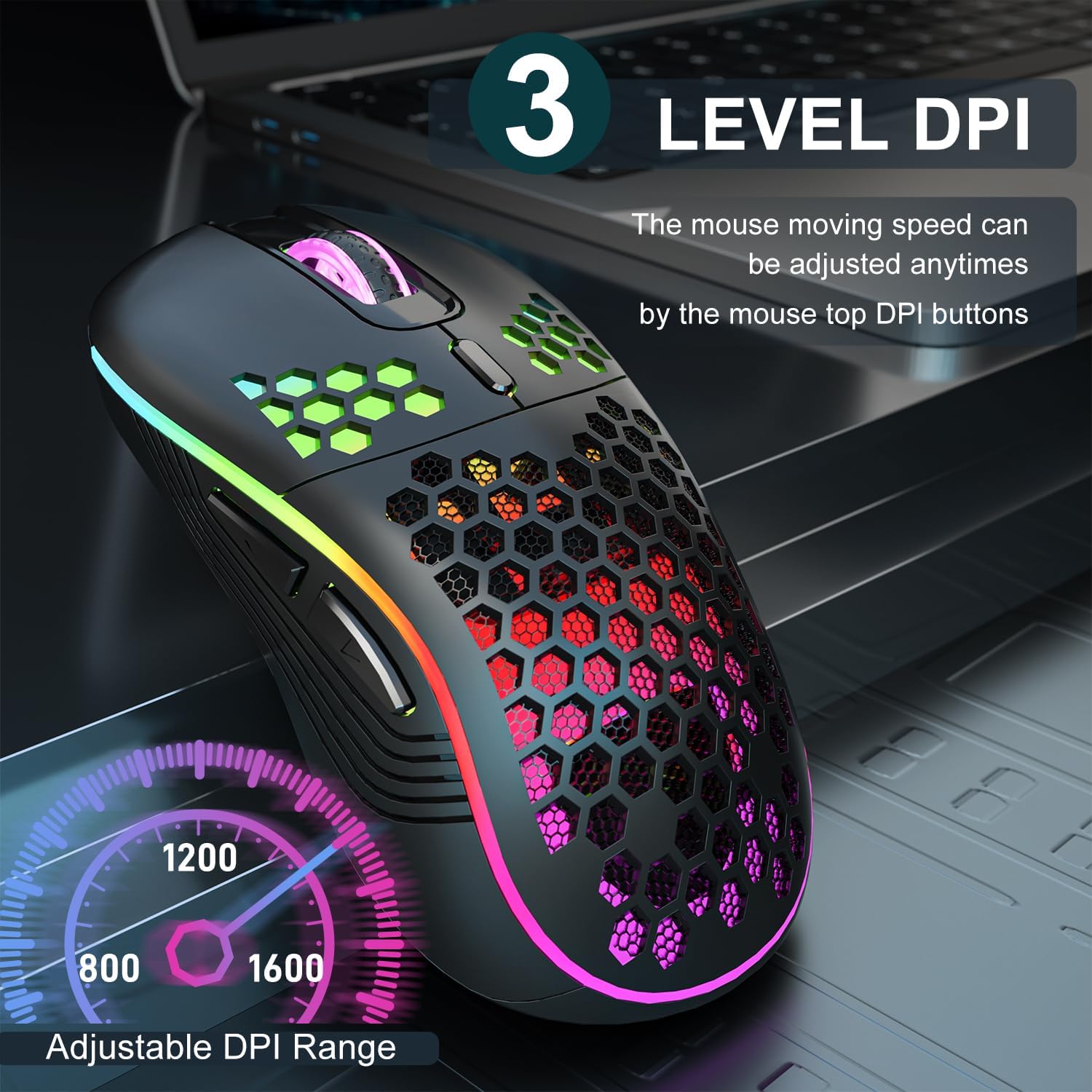
Image 3.2: The AVMTON Wireless Gaming Mouse with an overlay indicating the three adjustable DPI levels: 800, 1200, and 1600. This allows users to easily switch mouse sensitivity.
3.3 Kontwòl ekleraj dèyè RGB
The mouse features customizable RGB lighting. Use the dedicated light switch on the bottom of the mouse to turn the RGB lighting on or off. Turning off the RGB lighting can help conserve battery life.
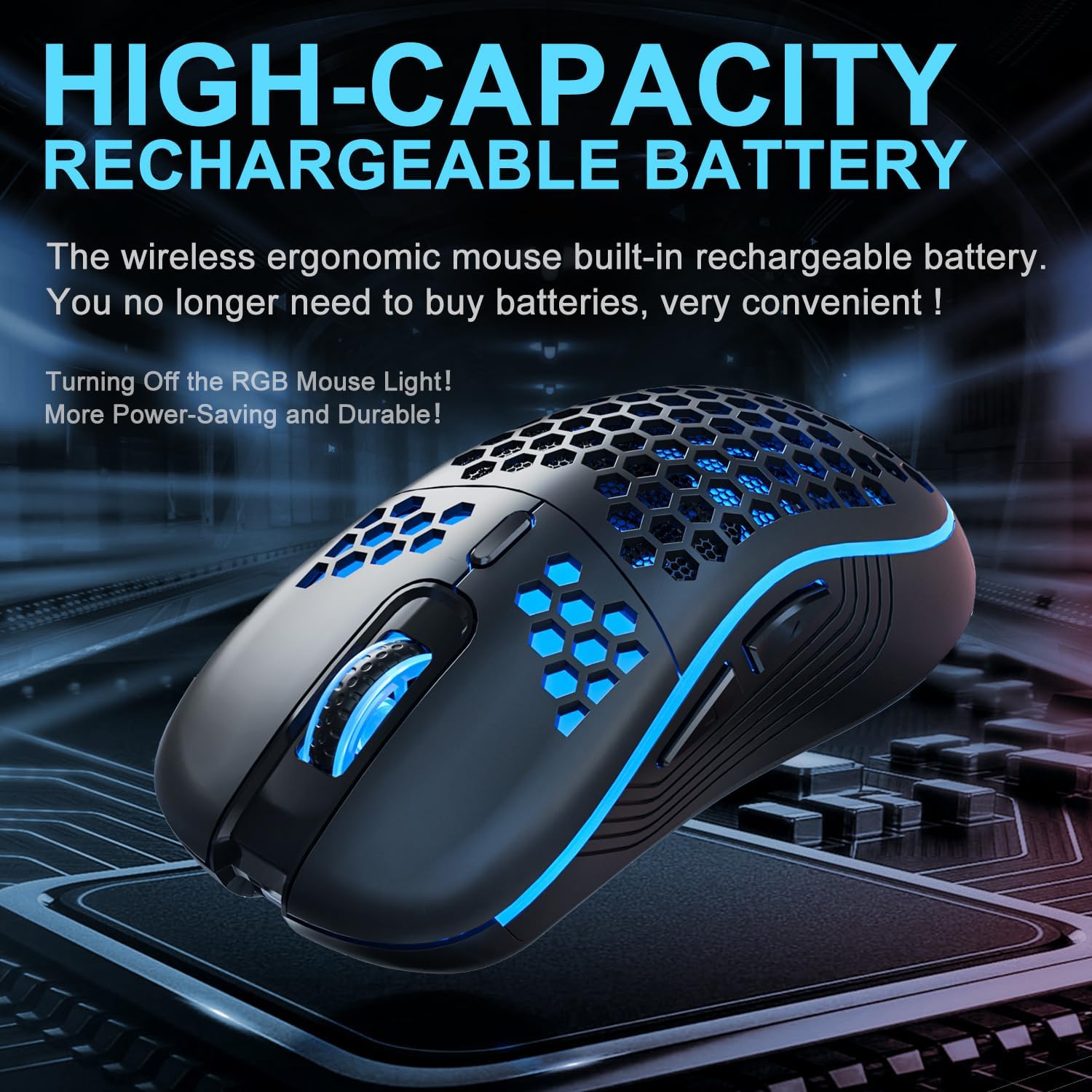
Image 3.3: The AVMTON Wireless Gaming Mouse illuminated with blue RGB lighting, highlighting its aesthetic features and rechargeable battery capacity.
3.4 mòd ekonomize pouvwa
To conserve battery, the mouse automatically enters a power-saving mode after a period of inactivity. To reactivate the mouse, simply move it or click any button.
3.5 Konpatibilite
The AVMTON Wireless Gaming Mouse is widely compatible with various operating systems, including Windows 2000, XP, Vista, 7, 8, 10, 11, Linux, and Mac OS. It is designed for use with personal computers and laptops.

Image 3.4: Visual representation of the mouse's wide compatibility with Windows, Linux, and Mac OS operating systems.
4. Antretyen
4.1 Chaje batri a
When the mouse battery is low, connect the provided USB Type-C charging cable to the mouse's charging port and the other end to a USB power source (e.g., computer USB port, USB wall adapter). The mouse can be used normally while charging.
4.2 Netwaye Sourit la
To maintain optimal performance and appearance, clean the mouse regularly. Use a soft, dry cloth to wipe the surface. For stubborn dirt, a slightly damp cloth can be used, ensuring no liquid enters the mouse. Avoid using harsh chemicals or abrasive materials.
NAN. Depanaj
- Sourit la pa reponn:
- Ensure the USB receiver is securely plugged into a working USB port.
- Verify that the mouse's power switch is in the 'ON' position.
- Check the battery level and charge the mouse if necessary. - Mouvman kurseur a pa regilye oswa ralanti:
- Adjust the DPI setting using the DPI button.
- Ensure the mouse is used on a clean, non-reflective surface. A mouse pad is recommended.
- Recharge the mouse if the battery is low. - Ekleraj RGB a pa fonksyone:
- Ensure the light switch on the bottom of the mouse is in the 'ON' position.
- The mouse may be in power-saving mode; move or click to wake it up. - Latency during large games:
- This mouse is primarily designed for office scenarios and small games. Large, graphically intensive games may experience some latency due to the wireless connection and mouse specifications.
6. Espesifikasyon
| Mak | AVMTON |
| Non modèl | sourit san fil |
| Koneksyon Teknoloji | USB (2.4GHz san fil) |
| Teknoloji deteksyon mouvman | Optik |
| Nivo DPI | 800 / 1200 (Default) / 1600 |
| Kalite batri | Rechargeable Lithium Polymer (included) |
| Lavi Mwayèn Batri | 6 months (approx.) |
| Port chaje | USB Kalite-C |
| Karakteristik espesyal | Honeycomb Design, RGB Backlight, Lightweight, 6 programmable Buttons |
| Oryantasyon men | Anbidextr |
| Materyèl | Plastik |
| OS konpatib | Windows 2000 / XP / Vista / 7 / 8 / 10 / 11, Linux, Mac OS |
| Dimansyon pasèl | 13.7 x 8.7 x 4.9 cm |
| Pwa atik | 140 g |
7. Garanti ak sipò
Specific warranty details are not provided within this manual. For warranty information, technical support, or any inquiries regarding your AVMTON Wireless Gaming Mouse, please refer to the product packaging or contact AVMTON customer service directly through their official websit oswa revandè kote yo te achte pwodwi a.
Ask a question about this manual
Ask about setup, troubleshooting, compatibility, parts, safety, or missing instructions. Manuals+ will review the question and use this page’s manual context to help answer it.