
Laser EPS-LT10B-128
Laser TWS Earbuds with LED Battery Display User Manual
Model: EPS-LT10B-128
Entwodiksyon
Thank you for choosing the Laser TWS Earbuds. These true wireless stereo earbuds are designed to provide a high-fidelity audio experience with convenient features such as an LED battery display, intuitive tap controls, and an ergonomic design for comfortable, extended use. The included rechargeable case ensures your earbuds are always ready for use. This manual will guide you through the setup, operation, and maintenance of your new earbuds.
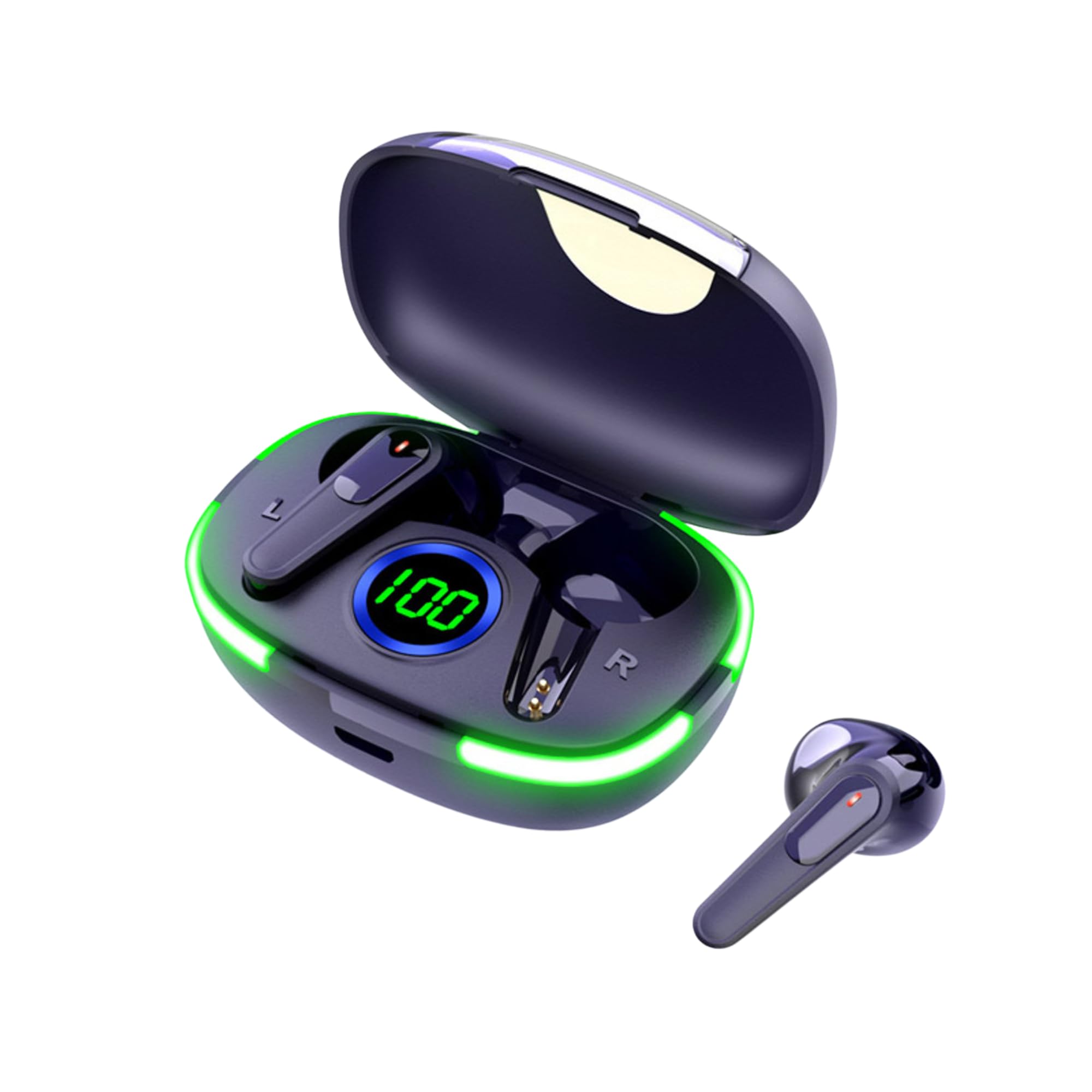
Image: The Laser TWS Earbuds, showcasing the charging case with its LED display and one earbud placed outside the case.
Kontni pake
Asire w tout atik yo prezan nan pakè a:
- 1 x Pair of Laser TWS Earbuds
- 1 x Charging Case with Battery Display
- 1 x tip-C chaje kab
- 1 x manyèl itilizatè
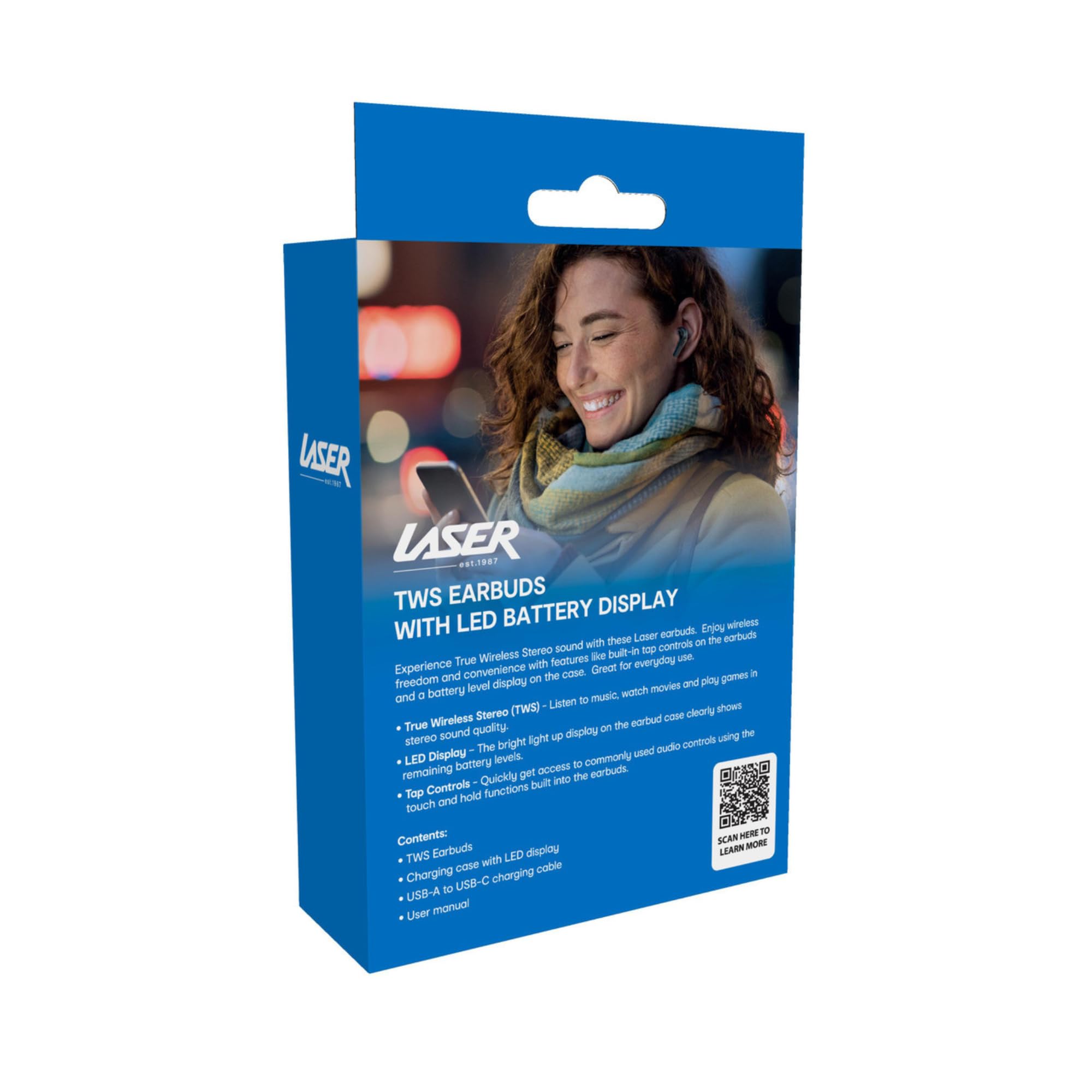
Image: The retail packaging for the Laser TWS Earbuds, indicating contents and features.
Enstalasyon
1. Chaje ekoutè yo ak bwat la
Before first use, fully charge the earbuds and the charging case. The LED display on the case indicates the battery level.
- Konekte kab chaje Kalite-C ki vini ak aparèy la nan pò chaje ki sou bwat la ak yon sous kouran USB.
- The LED display will show the charging progress. A full charge takes approximately 1 hour.
- The earbuds charge automatically when placed inside the charging case. The case can recharge the earbuds up to 3 times on a single charge.

Imaj: Yon gwo plan view of the charging case's LED display, showing the battery percentage, indicating the charge level.
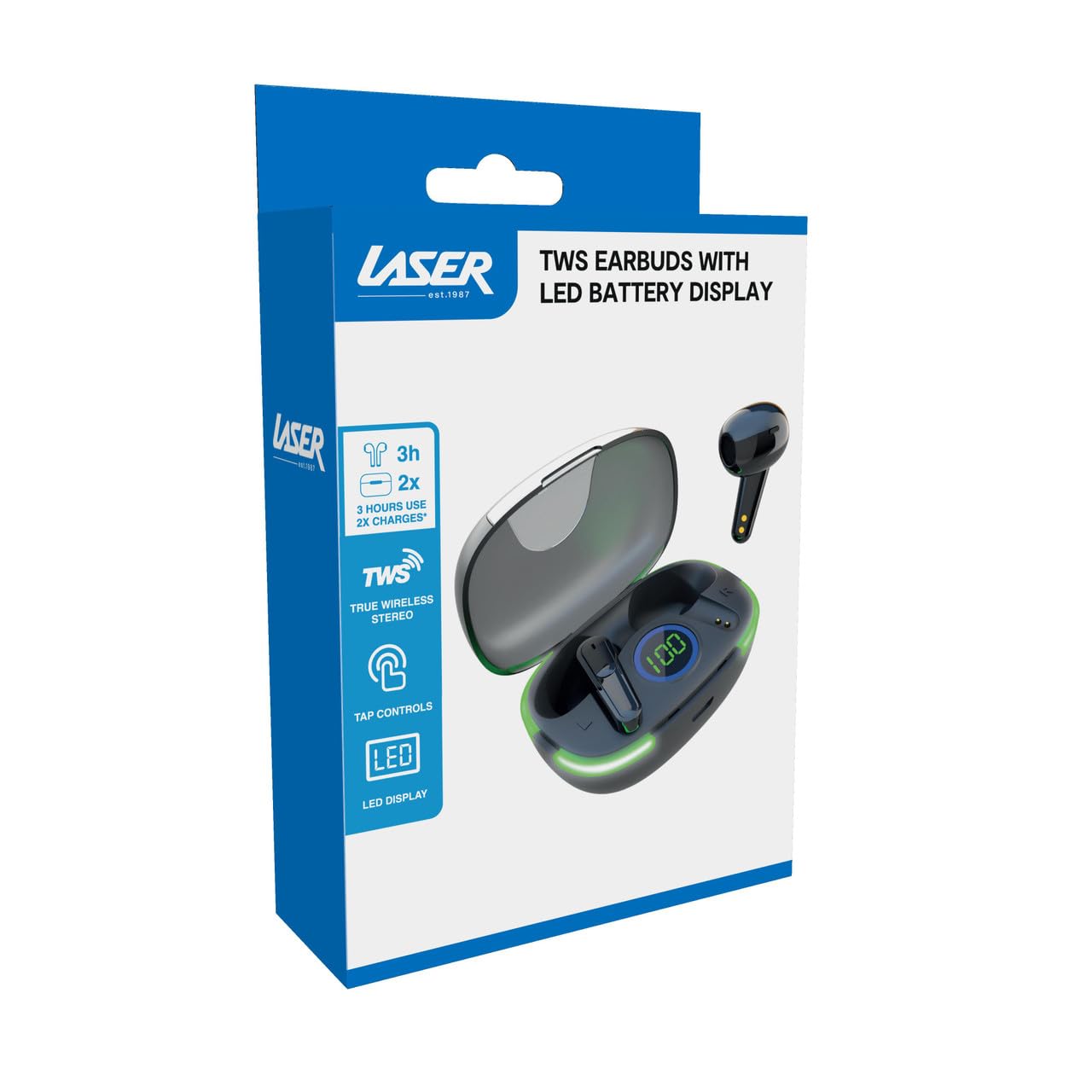
Image: Another close-up of the LED display on the charging case, highlighting the digital battery indicator.
2. Pairing ak yon Aparèy
The earbuds use Bluetooth for wireless connectivity.
- Louvri bwat chaje a. Ekoutè yo ap antre otomatikman nan mòd koneksyon.
- Sou aparèy ou an (telefòn entelijan, tablèt, òdinatè pòtab), aktive Bluetooth epi chèche nouvo aparèy.
- Select "Laser TWS Earbuds" or "EPS-LT10B-128" from the list of available devices.
- Yon fwa konekte, w ap tande yon son konfimasyon, epi ekoutè yo ap pare pou itilize.
- The earbuds support multi-device compatibility, allowing pairing with various devices.
Enstriksyon Operasyon
Mete ekoutè yo
The earbuds are designed for ergonomic comfort and a secure fit. Gently insert each earbud into your ear canal and twist slightly to ensure a snug and comfortable position. This helps optimize sound quality and stability.
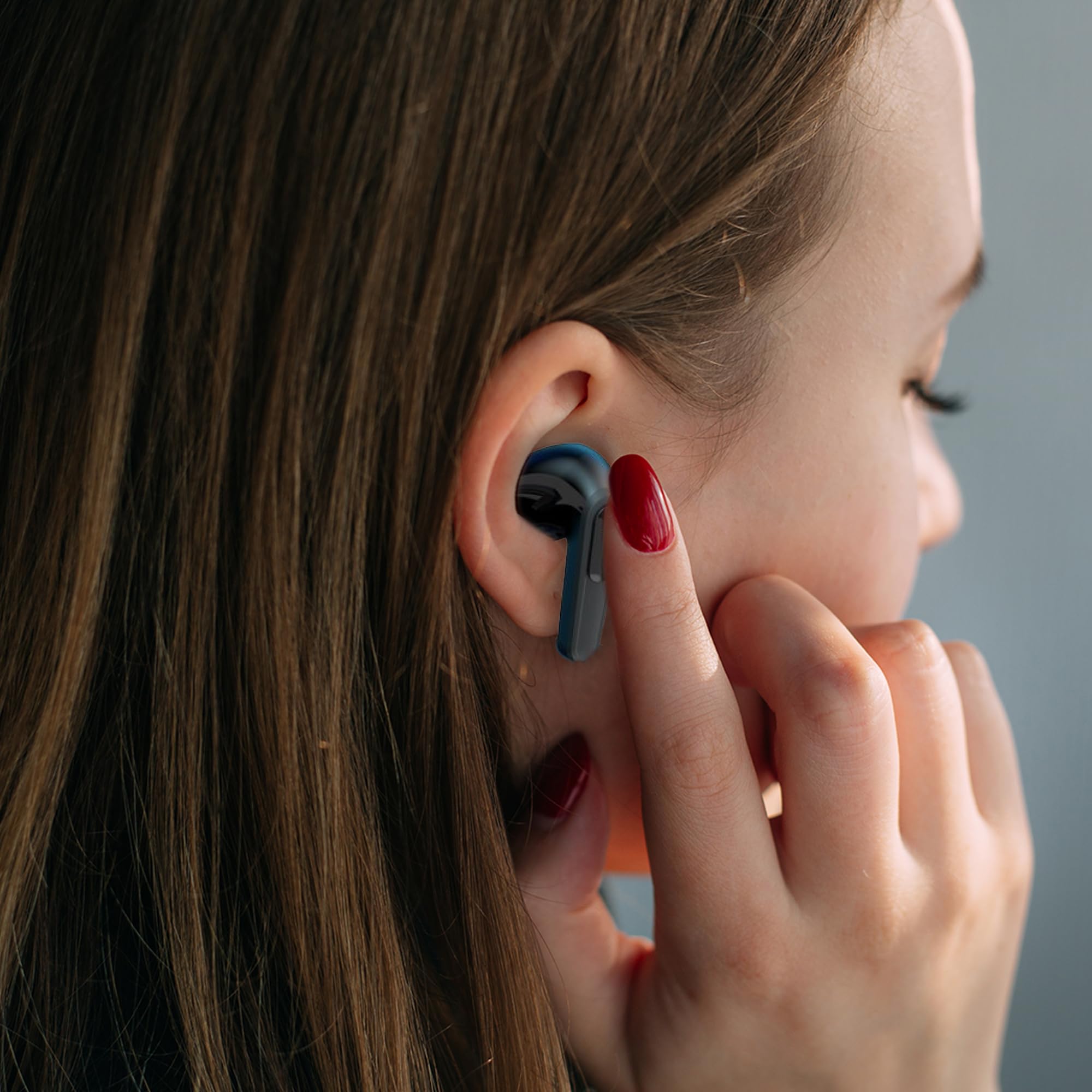
Image: A woman comfortably wearing one of the Laser TWS Earbuds while interacting with her smartphone.
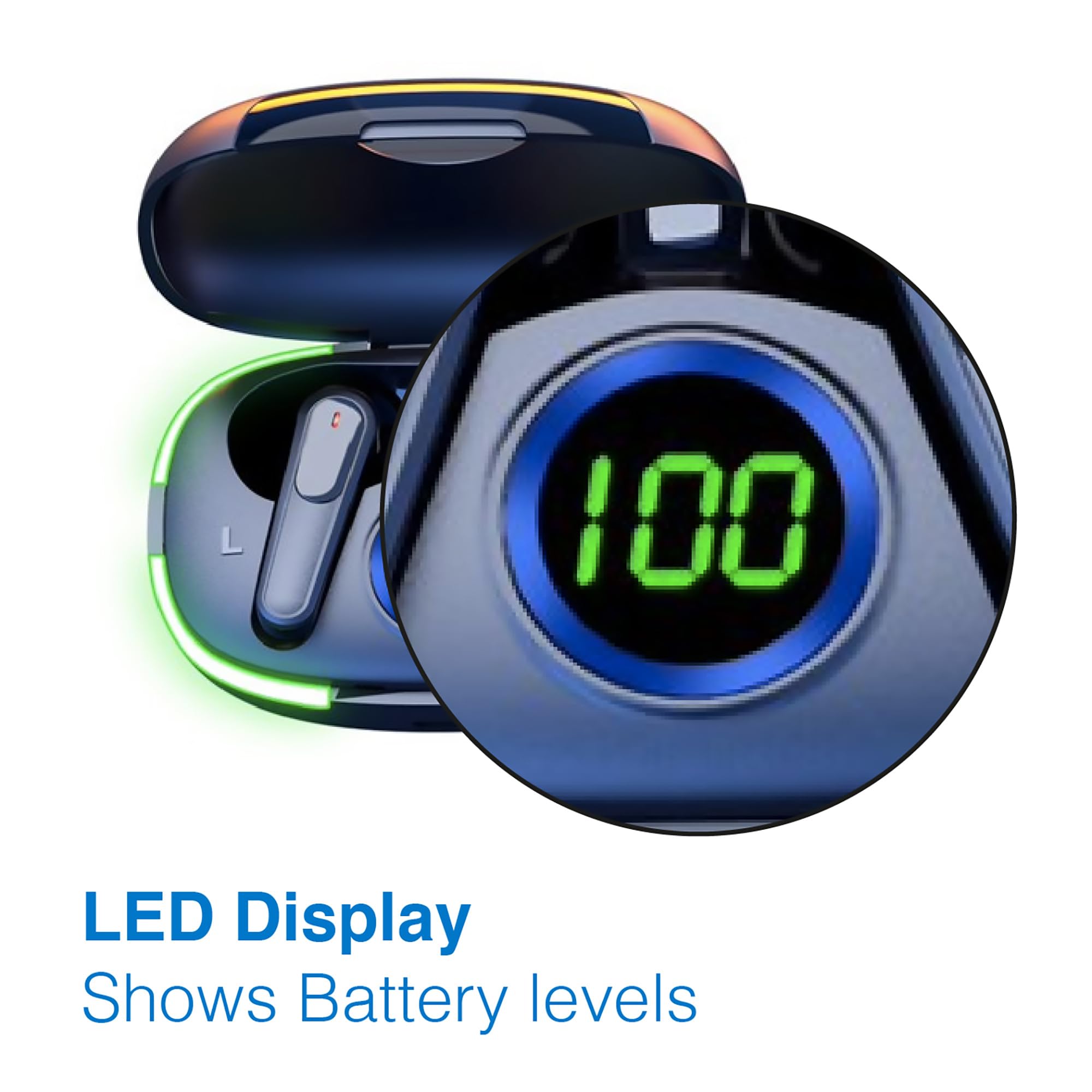
Image: A man walking outdoors, wearing a Laser TWS Earbud, demonstrating the ergonomic design for active use.
True Wireless Stereo Experience
These earbuds provide a true wireless stereo experience, delivering high-fidelity sound with clear channel separation for an immersive audio experience, whether for music, movies, or gaming.
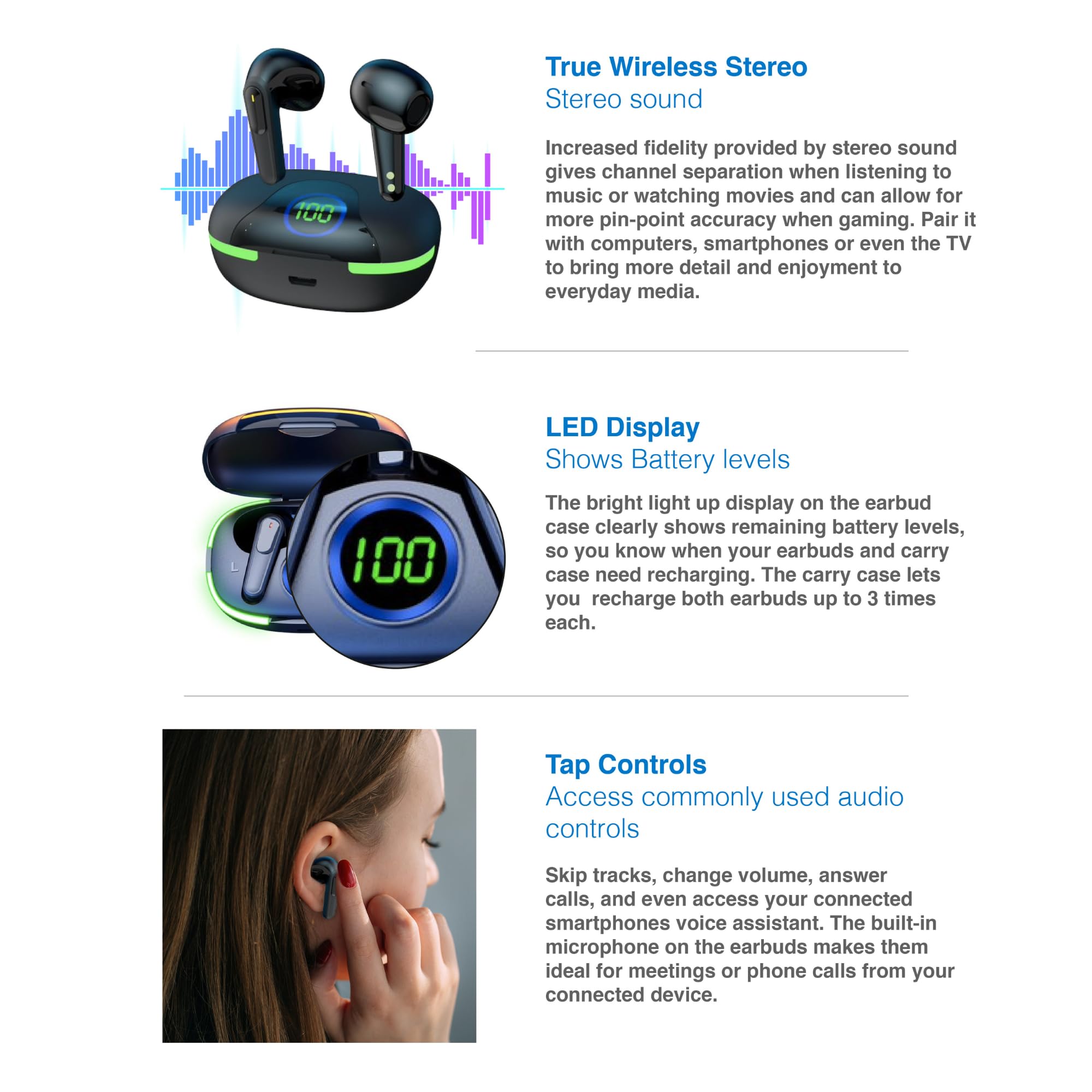
Image: A graphic representation of the True Wireless Stereo feature, showing the earbuds in their case with sound wave visualizations.
Tape Kontwòl
The earbuds feature intuitive tap controls for easy management of audio playback and calls without needing to access your connected device.
| Aksyon | Kontwòl |
|---|---|
| Jwe/Poz Mizik | Tape yon sèl sou chak ekoutè |
| Next Track | Tape de fwa sou ekoutè dwat la |
| Previous Track | Tape de fwa sou ekoutè gòch la |
| Reponn/Fen Apèl | Tape yon sèl sou chak ekoutè |
| Rejte apèl | Peze lontan sou swa ekoutè |
| Activate Voice Assistant (Siri, Google Assistant, Alexa) | Tape twa fwa sou nenpòt ekoutè |

Image: A person's hand touching an earbud, illustrating the tap control functionality.
Mikwofòn entegre
Each earbud includes a built-in microphone, enabling hands-free calls and meetings without needing to switch to your device.
Antretyen
- Netwayaj: Netwaye ekoutè yo ak bwat chaje a regilyèman avèk yon twal mou, sèk, epi ki pa gen pousyè. Evite itilize materyèl abrazif oswa pwodui chimik ki agresif.
- Depo: Lè w pa ap itilize ekoutè yo, sere yo nan bwat chaje yo pou pwoteje yo epi kenbe yo chaje.
- Swen batri: Pou pwolonje lavi batri a, evite dechaje ekoutè yo ak kouvèti a nèt souvan. Chaje yo regilyèman, menm si ou pa itilize yo tout tan.
- Rezistans dlo: These earbuds are not water resistant. Avoid exposure to water, sweat, or high humidity.
Depanaj
| Pwoblèm | Solisyon |
|---|---|
| Ekoutè pa asosye | Ensure earbuds are charged. Turn off and on Bluetooth on your device. Forget the device in Bluetooth settings and re-pair. Place earbuds back in case and take them out again. |
| Pa gen son nan yon sèl ekoutè | Check battery level of both earbuds. Re-pair the earbuds. Try resetting the earbuds (refer to manufacturer's websit la pou enstriksyon espesifik pou reyajiste si sa nesesè). |
| Ka chaje pa chaje | Ensure the charging cable is securely connected. Try a different USB power source or cable. |
| Tap controls not responding | Ensure earbuds are properly seated in your ears. Clean the touch sensitive area. Re-pair the earbuds. |
If you encounter persistent issues, please refer to the official Laser support websit pou plis asistans.
Espesifikasyon
| Karakteristik | Detay |
|---|---|
| Modèl | EPS-LT10B-128 |
| Koneksyon Teknoloji | Bluetooth Wireless |
| Kontwòl bri | Izolasyon son |
| Dire batri (ekoutè) | Apeprè. 3 èdtan |
| Tan pou chaje | Apeprè. 1 èdtan |
| Rechaje bwat chaje | Jiska 3 fwa |
| Distans Fonksyònman maksimòm | 10 mèt |
| Kalite kontwòl | Kontwòl taktil, Kontwòl vwa |
| Materyèl | Plastik |
| Pwa atik | 30 gram |
| Dimansyon | 62.2 x 42.5 x 32.6 cm (Pwodwi) |
| Nivo rezistans dlo | Pa reziste dlo |
Garanti ak sipò
The Laser TWS Earbuds come with a 1-ane garanti apati dat acha a. Tanpri konsève prèv acha ou pou reklamasyon garanti.
For further support, troubleshooting, or warranty information, please visit the official Laser websit:
You may also contact Laser customer service directly for assistance.
Ask a question about this manual
Ask about setup, troubleshooting, compatibility, parts, safety, or missing instructions. Manuals+ will review the question and use this page’s manual context to help answer it.