
1. Entwodiksyon
Mèsi pou acha aasing the JVC XS-N3123PB Party Bluetooth Speaker. This speaker is designed to deliver powerful audio with an 8-inch woofer, 40W RMS output, and a built-in RGB light show. It features a rechargeable battery for portability and multiple connectivity options. This manual provides essential information for safe and optimal use of your speaker.

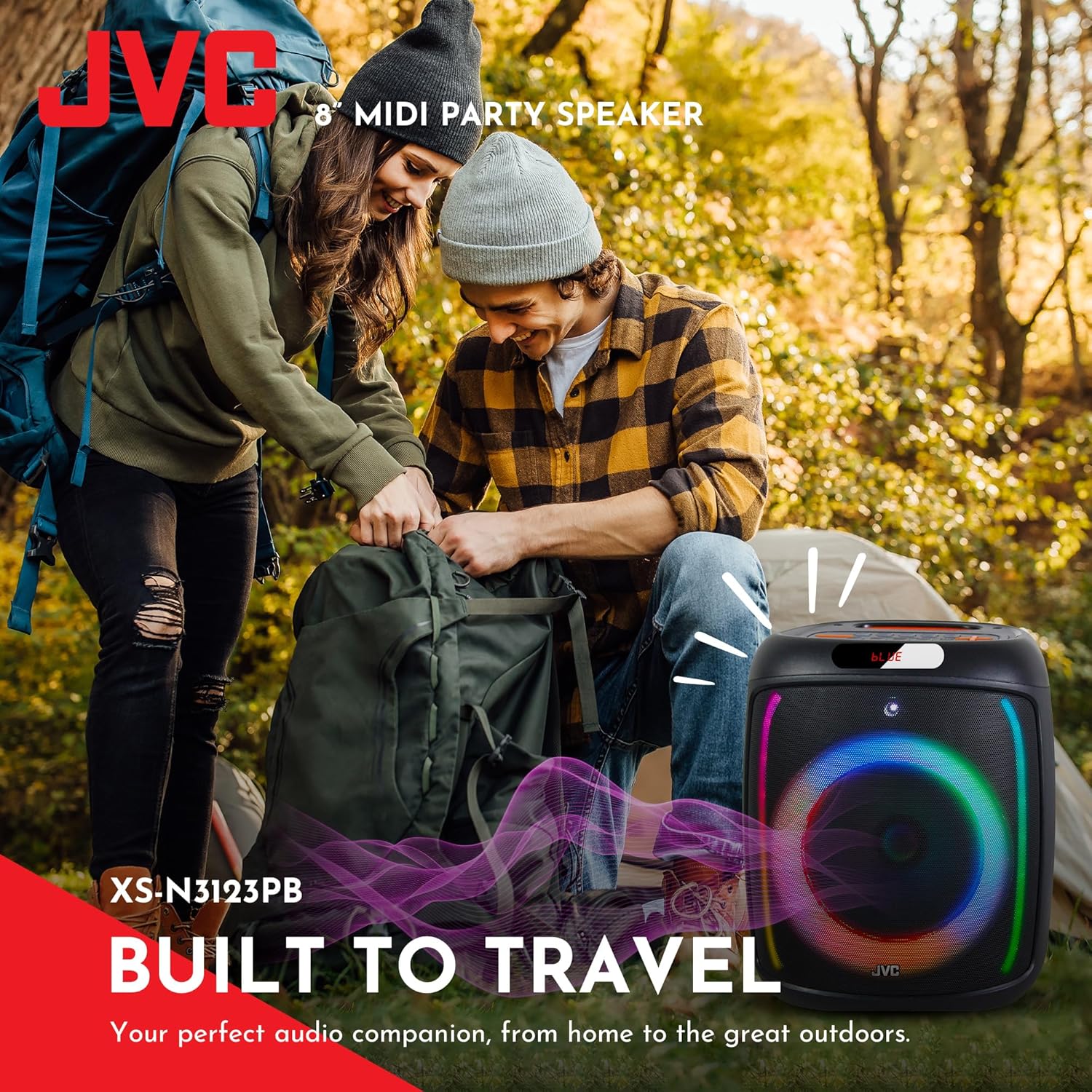
Devan view of the JVC XS-N3123PB Party Bluetooth Speaker, showcasing its design and active RGB lighting.
2. Enfòmasyon sou Sekirite
Tanpri li tout enstriksyon sekirite yo ak anpil atansyon anvan ou itilize pwodui sa a. Kenbe manyèl sa a pou referans pita.
- Pa ekspoze oratè a nan tanperati ekstrèm, imidite, oswa limyè solèy dirèk.
- Evite jete oswa soumèt oratè a nan gwo enpak.
- Pa demonte, repare, oswa modifye aparèy la tèt ou. Konfye tout antretyen bay pèsonèl kalifye.
- Keep the speaker away from water or other liquids to prevent electric shock.
- Use only the charging cable provided or recommended by the manufacturer.
- Asire w ke gen bon vantilasyon toutotou oratè a pandan w ap itilize l epi pandan w ap chaje l.
- Do not operate the speaker at excessively high volumes for prolonged periods to avoid hearing damage.
3. Pake kontni
Verifye ke tout atik yo prezan nan pakè a:
- JVC XS-N3123PB Party Bluetooth Speaker
- Charging Cable (AC adapter not included)
- Manyèl itilizatè
4. Pwodwi souview
Familyarize w ak konpozan ak kontwòl oratè a.
Front Panel

The front of the speaker features the main 8-inch woofer with integrated RGB lighting and a display panel at the top.
Top Kontwòl Panel

The top panel includes buttons for LED control, EQ, Record, TWS pairing, Menu, Mode/Next, Play/Pause, Scan, and Volume controls.
Panèl dèyè ak pò yo
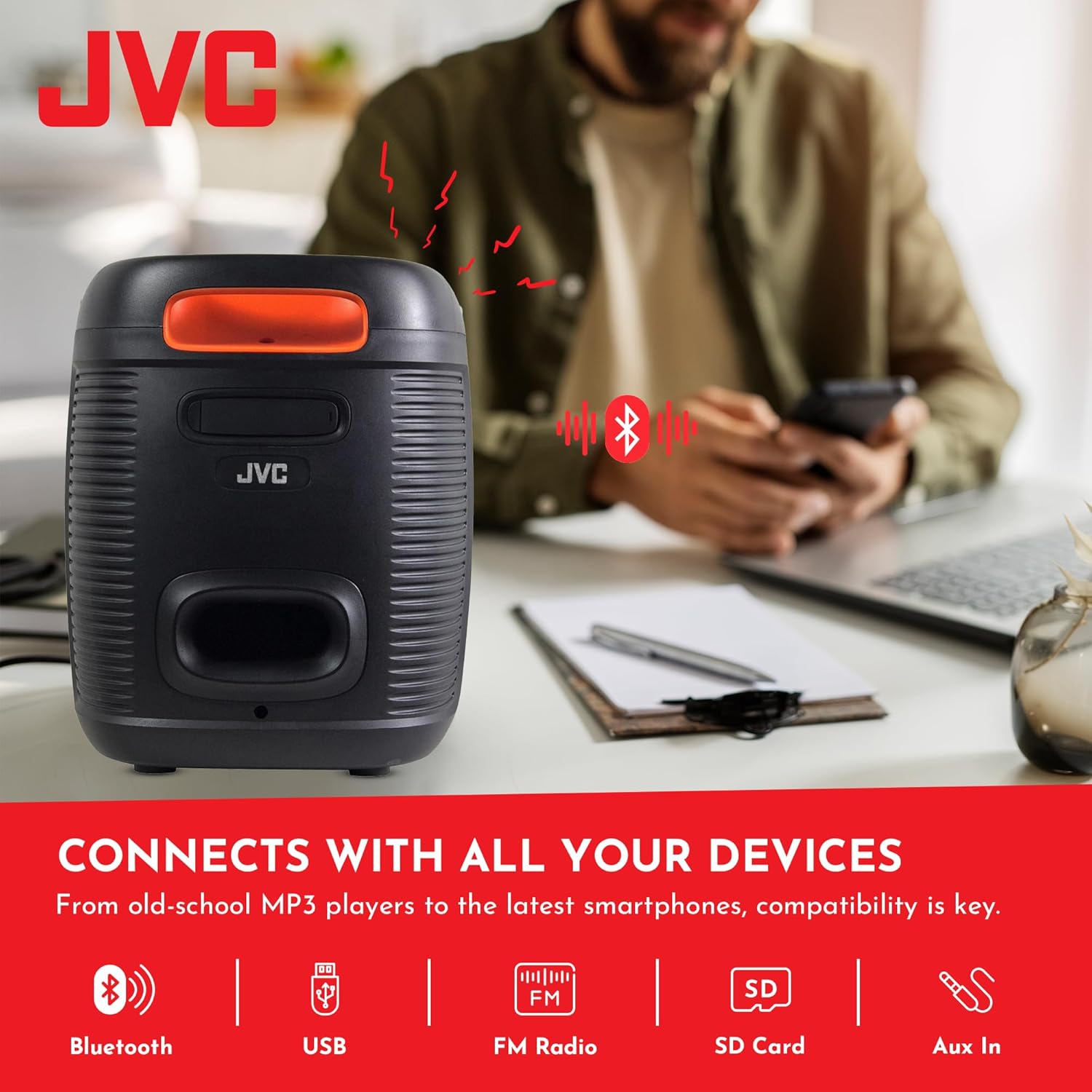
The rear panel provides ports for USB, SD card, AUX input, and microphone input.
5. Enstalasyon
5.1 Chaje Oratè a
Before first use, fully charge the speaker. Connect the charging cable to the speaker's charging port and to a suitable power source (e.g., USB wall adapter, computer USB port). The charging indicator will illuminate. Once fully charged, the indicator may change color or turn off. A full charge provides up to 6 hours of playback.
The speaker features a 4000mAh rechargeable battery for extended use.
5.2 Limen/Etenyen
Peze epi kenbe bouton pouvwa a (U) on the top control panel for a few seconds to turn the speaker on or off.
6. Operasyon Enstriksyon
6.1 Bluetooth Pairing
- Turn on the speaker. It will automatically enter Bluetooth pairing mode, indicated by a flashing 'BLUE' on the display and an audible prompt.
- Aktive Bluetooth sou aparèy mobil ou a (telefòn entelijan, tablèt, elatriye).
- Chèche pou available Bluetooth devices and select "JVC XS-N3123PB" from the list.
- Once paired, the speaker will emit an audible confirmation, and 'BLUE' on the display will stop flashing.
- Kounye a ou kapab jwe odyo soti nan aparèy ou an atravè oratè a.
6.2 Lekti USB ak Kat SD
Insert a USB flash drive or an SD card (with MP3 audio files) into the respective port on the rear panel. The speaker will automatically switch to USB/SD mode and begin playing music. Use the control buttons on the top panel to navigate tracks (Previous/Next) and control playback (Play/Pause).
6.3 FM Radyo
- Peze a MÒD bouton an pou chanje nan mòd Radyo FM.
- Peze a ESKANYE bouton an pou eskane epi sove estasyon FM ki disponib yo otomatikman.
- Use the Previous/Next buttons to switch between saved stations.
6.4 Antre AUX
Connect an external audio device (e.g., MP3 player, laptop) to the AUX IN port on the rear panel using a 3.5mm audio cable. The speaker will automatically switch to AUX mode. Control playback from your connected device.
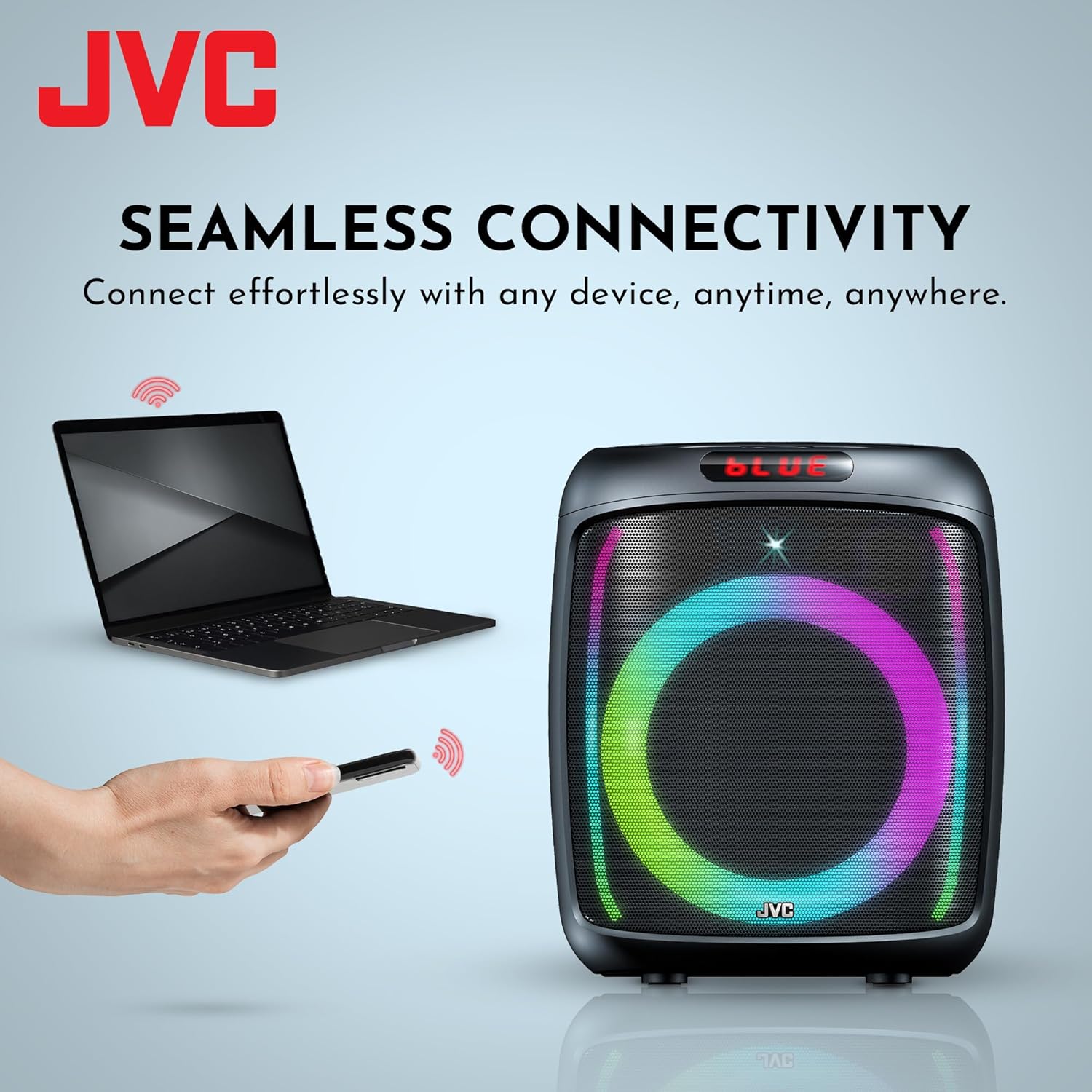
The speaker offers versatile connectivity including Bluetooth, USB, FM Radio, SD Card, and Aux In.
6.5 Microphone and Karaoke Function
Connect a microphone to the MIC IN port on the rear panel. You can use the microphone for announcements or karaoke. The speaker supports recording functionality (REC button) when a USB drive or SD card is inserted.

The speaker includes built-in karaoke and recording capabilities.
6.6 RGB Light Show
The speaker features an integrated RGB light show that pulses with the music. Press the dirije button on the top control panel to cycle through different light modes or turn the lights off.
6.7 Fonksyon Vrè Stereo San Fil (TWS)
If you have two JVC XS-N3123PB speakers, you can pair them together for a True Wireless Stereo experience. Refer to the TWS pairing instructions in the full manual for detailed steps.
7. Antretyen
7.1 Netwayaj
Wipe the speaker with a soft, dry cloth. Do not use abrasive cleaners, waxes, or solvents. Ensure no liquids enter the speaker openings.
7.2 Depo
When not in use for extended periods, store the speaker in a cool, dry place, away from direct sunlight and extreme temperatures. It is recommended to charge the battery periodically to maintain its lifespan.
NAN. Depanaj
Si ou rankontre pwoblèm ak oratè ou a, gade pwoblèm ak solisyon komen sa yo:
| Pwoblèm | Kòz posib | Solisyon |
|---|---|---|
| Oratè a pa limen | Batri a apovri | Chaje oratè a nèt. |
| Pa gen son | Volume is too low or muted; Incorrect input mode; Device not connected properly | Increase volume; Select correct input mode (Bluetooth, USB, AUX); Reconnect device. |
| Aparèy Bluetooth echwe | Oratè a pa nan mòd koneksyon; Bluetooth aparèy la etenn; Oratè a twò lwen aparèy la | Ensure speaker is in pairing mode; Turn on device Bluetooth; Move speaker closer to device (within 10 meters). |
| Resepsyon radyo FM a pa bon | Siyal fèb; Entèferans | Relocate the speaker; Extend the antenna if available (not explicitly mentioned for this model, but general advice). |
9. Espesifikasyon
| Karakteristik | Spesifikasyon |
|---|---|
| Nimewo Modèl | AP-G278 |
| Mak | JVC |
| Oratè maksimòm pwodiksyon pouvwa | 40 Watt RMS |
| Koneksyon Teknoloji | Bluetooth |
| Audio Sòti Mode | Mono (Stereo encoding for audio) |
| Antre Voltage | 9 Volts |
| Kalite aliye | Tabletop mòn |
| Materyèl | Plastik |
| Kalite Oratè | Deyò |
| Koulè | Nwa |
| Gwosè Oratè | 8 pous |
| Dimansyon atik (D x W x H) | 28D x 28.5W x 33.5H santimèt |
| Kantite pil | 2 pil ityòm-ion (enkli) |
| Konte inite | 1 Konte |

Side view of the speaker, illustrating its compact and portable design.
10. Garanti ak sipò
10.1 Enfòmasyon sou Garanti
This JVC XS-N3123PB Party Bluetooth Speaker comes with a 1 ane garanti apati dat acha a. Garanti sa a kouvri domaj fabrikasyon. Li pa kouvri domaj ki koze pa move itilizasyon, aksidan, modifikasyon san otorizasyon, oswa mete ak chire nòmal. Tanpri konsève prèv acha ou pou reklamasyon garanti.
10.2 Sipò pou Kliyan
For technical assistance, warranty claims, or further inquiries, please contact JVC customer support through their official website or the retailer where the product was purchased. Provide your model number (XS-N3123PB) and proof of purchase when contacting support.