
1. Pwodwi souview
The Devoko G-0266-80-FE Computer Desk is a compact and functional desk designed for various uses, including as a computer workstation, study desk, or small office table. It features an industrial design with a vintage brown engineered wood top and a black metal frame, including an X-shaped brace for enhanced stability.
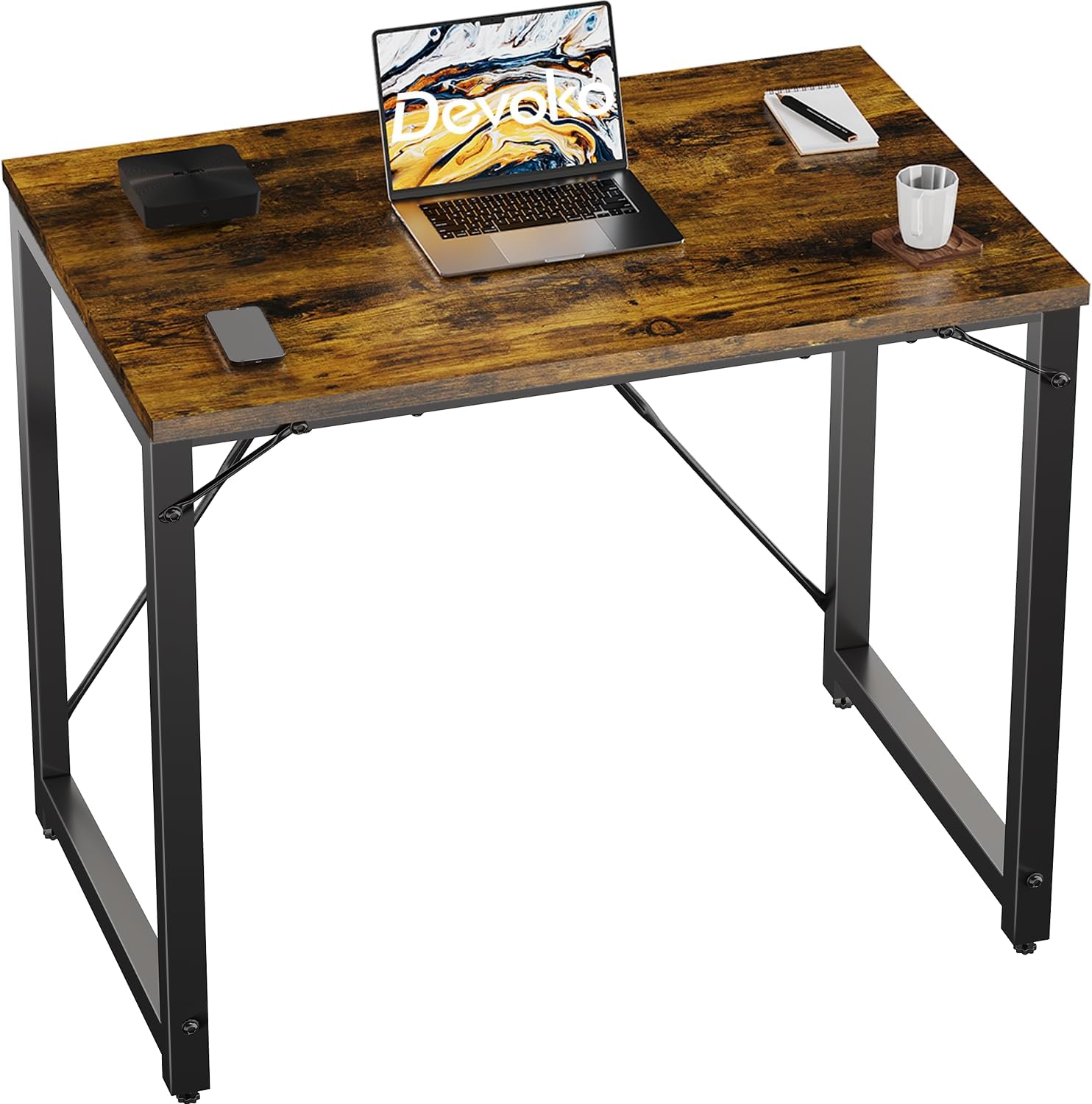
Figure 1: Devoko Computer Desk, showcasing its compact design and work surface.
2. Pake kontni
Before assembly, verify that all components are present. The package typically includes:
- Desk Top Panel (Engineered Wood)
- Konpozan ankadreman metalik (janm, travès)
- Materyèl Asanblaj (Vis, Kle Allen)
- Pads pye reglabl
- Manyèl Enstriksyon
If any parts are missing or damaged, please contact Devoko customer support.
3. Enstalasyon ak Asanble
Assembly of the Devoko Computer Desk is designed to be straightforward. Follow these general steps:
- Depake konpozan: Retire tout pyès yo nan anbalaj la avèk prekosyon epi mete yo sou yon sifas pwòp e mou pou evite reyur.
- Rasanble ankadreman: Attach the metal legs to the crossbars using the provided screws and Allen wrench. Ensure all connections are secure but do not overtighten initially.
- Attach X-Brace: Secure the X-shaped brace to the rear of the metal frame. This component enhances the desk's stability.
- Attach Desk Top: Place the desk top panel upside down on a soft surface. Align the assembled metal frame with the pre-drilled holes on the underside of the desk top. Secure the frame to the top using the appropriate screws.
- Sere tout vis yo: Once all components are in place, gradually tighten all screws to ensure a firm and stable structure.
- Mete kousinen pye yo: Screw the adjustable foot pads into the bottom of the desk legs. These can be adjusted to level the desk on uneven floors.
- Position Desk: Carefully turn the desk upright and place it in its desired location.

Figure 2: Detail of the robust metal frame with X-brace, illustrating structural components.
4. Operasyon Enstriksyon
The Devoko Computer Desk is designed for versatile use in various home or office environments.
- Estasyon travay: Utilize the desk as a computer workstation for laptops, monitors, keyboards, and other peripherals. The 80 cm wide surface accommodates standard setups.
- Zòn etid: Ideal for students or individuals requiring a dedicated space for reading, writing, or homework.
- General Purpose Table: Can also serve as a small dining table or a utility table in compact spaces.
Ensure the desk is placed on a stable, level surface. Avoid placing excessively heavy items on the desk, though it is designed to support up to 80 kg (approximately 176 lbs).
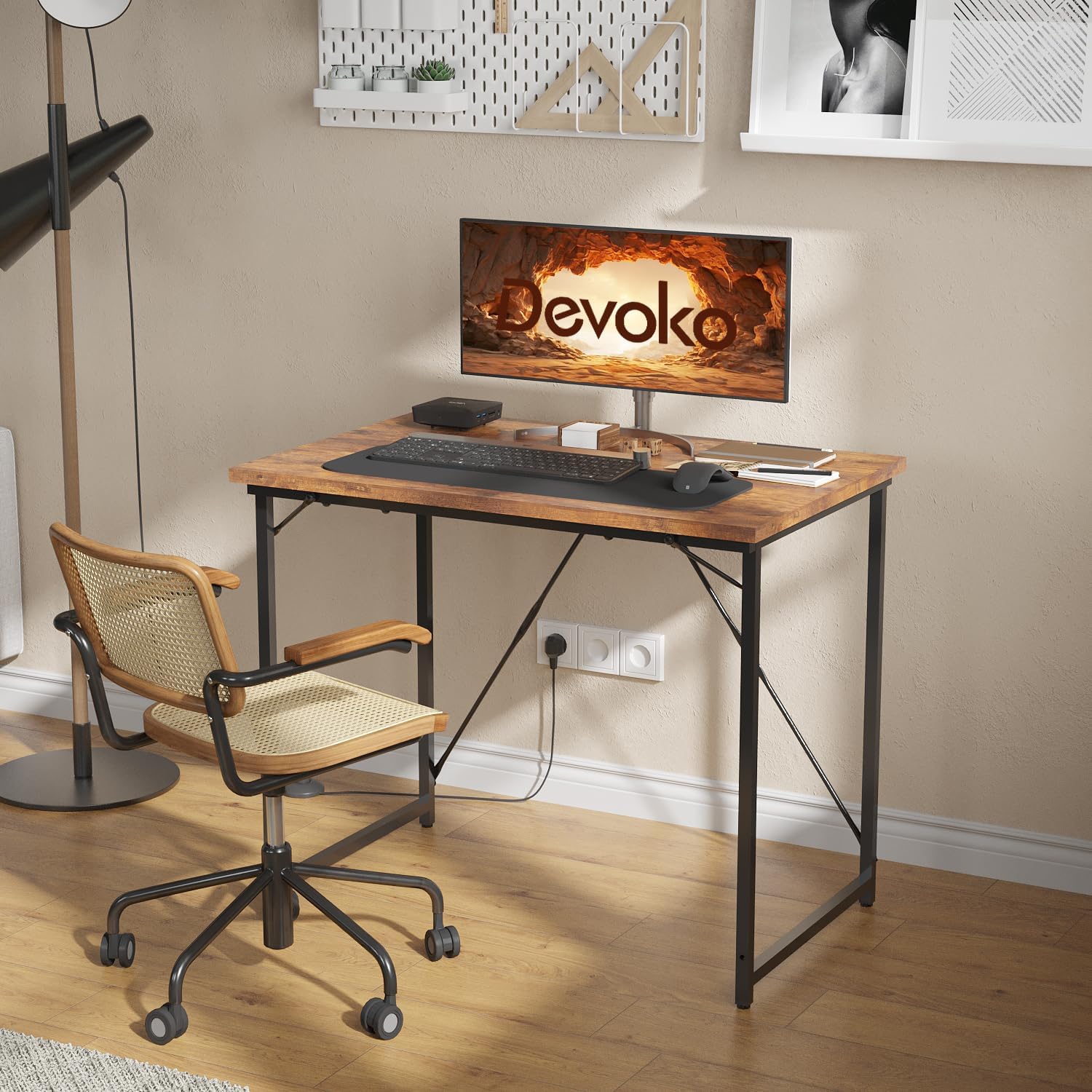
Figure 3: The desk configured as a computer workstation in an office environment.
5. Antretyen
Proper maintenance will extend the lifespan and appearance of your Devoko Computer Desk.
- Netwayaj: The desk surface is waterproof. Wipe spills immediately with a dry cloth. For general cleaning, use a soft, damp cloth with mild soap and water. Avoid abrasive cleaners or harsh chemicals that could damage the finish.
- Swen ankadreman: Ou ka netwaye ankadreman metal la ak piblisite.amp twal. Seche byen pou anpeche rouye.
- Tcheke Materyèl: Tcheke epi sere tout vis ak boulon yo detanzantan pou asire biwo a rete stab.
- Evite kondisyon ekstrèm: Do not expose the desk to direct sunlight for prolonged periods or to extreme temperature changes, as this may affect the wood finish.

Figi 4: Close-up view of the desk surface, highlighting its waterproof characteristic for easy cleaning.
NAN. Depanaj
If you encounter issues with your Devoko Computer Desk, refer to the following common solutions:
- Desk is Unstable/Wobbly:
- Asire w tout vis asanblaj yo byen sere.
- Adjust the foot pads on the bottom of the legs to compensate for uneven floor surfaces.
- Verify that the X-brace is correctly installed and secured.
- Surface Scratches/Minor Damage:
- For minor scratches, wood repair markers or furniture polish designed for laminate surfaces may help conceal them.
- Always use coasters for drinks and mouse pads to protect the surface during use.
- Difikilte pou rasanble:
- Review enstriksyon asanblaj yo ak anpil atansyon.
- Asire w ke w ap itilize pyès ki nan konpitè ki kòrèk la pou chak etap.
- Pa fòse pati yo ansanm; si yo pa anfòm, verifye aliyman an ankò.
7. Espesifikasyon
| Karakteristik | Detay |
|---|---|
| Mak | Devoko |
| Nimewo Modèl | G-0266-80-FE |
| Dimansyon pwodwi (L x W x H) | 80 x 50 x 75 cm (31.5 x 19.7 x 29.5 pous) |
| Materyèl | Bwa Enjenyè (Anlè), Metal (Ankadreman) |
| Pwa atik | 6.2 kg (13.67 liv) |
| Kapasite pwa | Jiska 80 kg (176 liv) |
| Koulè | Vintage Brown |
| Karakteristik espesyal | Adjustable Foot Pads, X-shaped Struts, Waterproof Surface |
8. Garanti ak sipò
For warranty information or technical support, please contact Devoko customer service. Details on how to reach support are typically provided with your purchase documentation or on the official Devoko website. Please have your model number (G-0266-80-FE) and purchase date available when contacting support.