
SETTY GSM111404
SETTY Wireless Rechargeable Mouse User Manual
Model: GSM111404
1. Entwodiksyon
Thank you for choosing the SETTY Wireless Rechargeable Mouse. This manual provides essential information for setting up, operating, and maintaining your new mouse. Please read these instructions carefully before use to ensure optimal performance and longevity of your device.
2. Pake kontni
- 1 x SETTY Wireless Rechargeable Mouse
- 1 x 2.4 GHz USB Receiver
- 1 x USB Charging Cable (25 cm)

Image 1: SETTY Wireless Rechargeable Mouse and its retail packaging.
3. Pwodwi souview
The SETTY Wireless Rechargeable Mouse is designed for comfort and efficiency in both office and home environments. It features a slim, ergonomic design, adjustable DPI settings, RGB lighting, and dual-mode connectivity (2.4 GHz and Bluetooth).
Karakteristik kle:
- Koneksyon Doub-Mòd: Supports 2.4 GHz wireless via USB receiver and Bluetooth 5.1.
- DPI reglabl: Three sensitivity levels (800, 1200, 1600 DPI) for precise control.
- Konsepsyon ergonomique: Comfortable for extended use.
- Batri rechargeable: Built-in 500 mAh lithium battery.
- Ekleraj RGB: Dynamic LED lighting for enhanced aesthetics.
- 6 Bouton: Including left, right, scroll wheel, DPI switch, and two side buttons.
- One-Click Desktop Function: Quickly minimize all windows.
- Konsepsyon Klike Silansyeuz: Redui bri operasyonèl.

Image 2: The ergonomic shape of the mouse designed for comfortable hand placement.
4. Enstalasyon
4.1. Chaje Sourit la
Before first use, it is recommended to fully charge the mouse. Connect the provided USB charging cable to the charging port on the front of the mouse and the other end to a USB power source (e.g., computer USB port, USB wall adapter). The RGB lighting will indicate charging status and turn off when fully charged.
- Tan pou chaje: Apeprè 2 èdtan.
- Tan travay: Jiska 150 èdtan sou yon chaj konplè.

Image 3: The mouse being charged via its USB cable.
4.2. Konekte sourit la
The SETTY mouse offers two connection methods: 2.4 GHz wireless via USB receiver or Bluetooth 5.1.
4.2.1. Koneksyon san fil 2.4 GHz
- Jwenn reseptè USB a, anjeneral li estoke nan yon konpatiman anba sourit la.
- Ploge reseptè USB a nan yon pò USB ki disponib sou òdinatè w lan.
- Limen sourit la avèk bouton pouvwa ki anba li a.
- Sourit la ta dwe konekte otomatikman ak òdinatè w la.
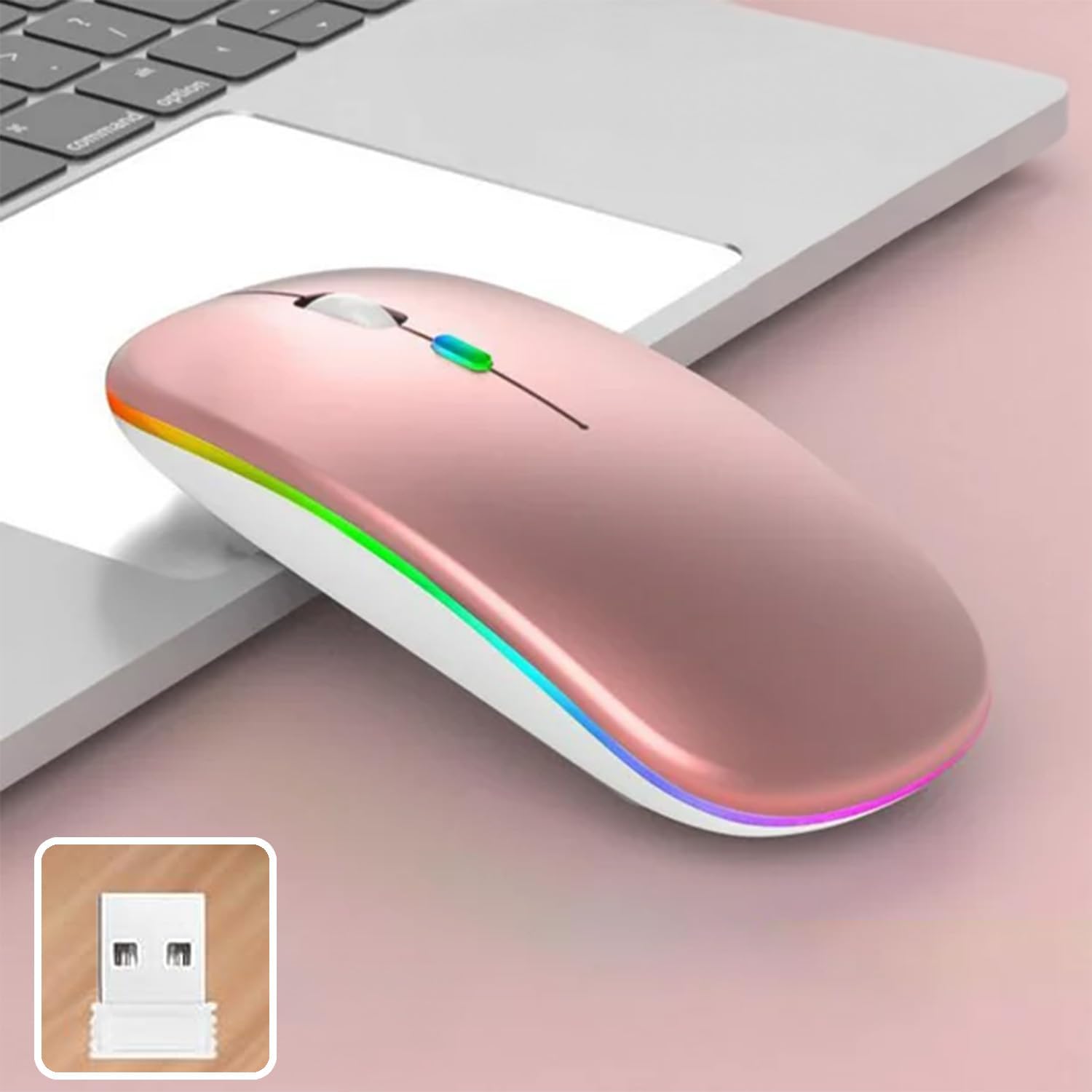
Image 4: The mouse and its 2.4 GHz USB receiver.
4.2.2. Koneksyon Bluetooth 5.1
- Limen sourit la lè l sèvi avèk switch pouvwa a.
- Press and hold the Bluetooth pairing button (often located on the underside or a dedicated button) until the indicator light starts flashing, indicating pairing mode.
- On your device (Windows, Mac OS, Android), go to Bluetooth settings and search for new devices.
- Select "SETTY Mouse" or a similar name from the list of available devices to pair.
- Yon fwa li konekte, limyè endikatè ki sou sourit la ap sispann flache.
4.3. Konpatibilite
The SETTY Wireless Rechargeable Mouse is compatible with a wide range of operating systems and devices:
- Windows sistèm operasyon yo
- Mac OS
- Aparèy android
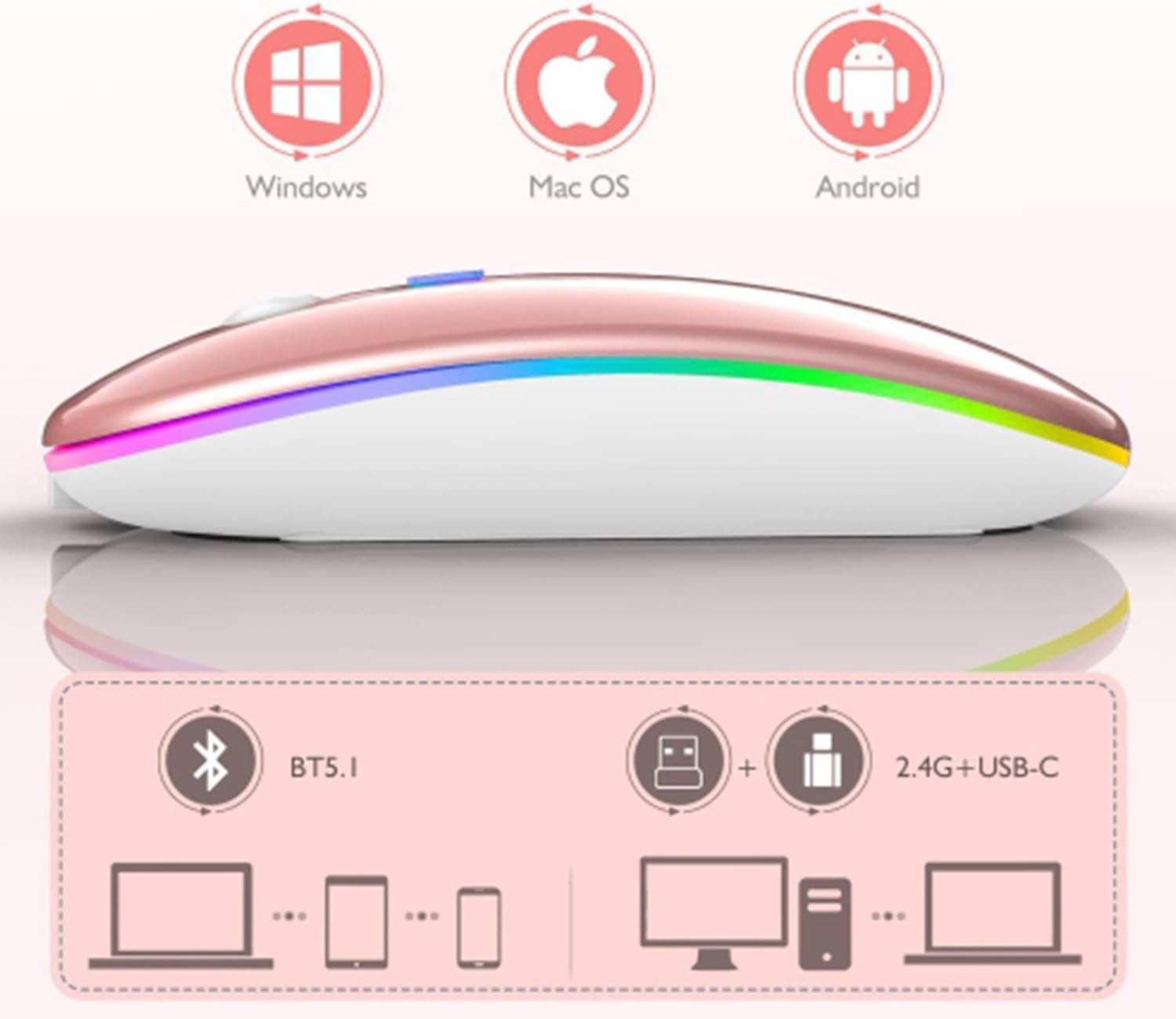
Image 5: Visual representation of the mouse's compatibility with various operating systems and connection types.
5. Operasyon Enstriksyon
5.1. Ajisteman DPI
The mouse features three adjustable DPI (Dots Per Inch) settings to suit your preference for cursor speed and precision. Press the DPI button (usually located behind the scroll wheel) to cycle through the settings:
- 800 DPI: Lower sensitivity for precise tasks.
- 1200 DPI: Standard sensitivity (default setting).
- 1600 DPI: Pi gwo sansiblite pou mouvman kurseur pi rapid.
5.2. Ekleraj RGB
The mouse is equipped with dynamic RGB LED lighting. The lighting activates when the mouse is in use and enters power-saving modes when idle.
5.3. Power Saving Modes
To conserve battery life, the mouse implements a three-level power-saving system:
- Nivo 1 dòmi: After 3 seconds of inactivity, the mouse enters a light sleep mode, indicated by a continuously flashing light.
- Nivo 2 dòmi: After approximately 1 minute of inactivity, the mouse enters a deeper sleep mode, indicated by intermittently flashing lights.
- Nivo 3 dòmi: After 8 minutes of inactivity, the mouse enters its deepest sleep mode, and the lights turn off completely. To wake the mouse, simply move it or click any button.
5.4. One-Click Desktop Function
The mouse includes a dedicated button (often a side button) that, when pressed, instantly minimizes all open windows, allowing you to quickly access your desktop.
6. Antretyen
To ensure the longevity and optimal performance of your SETTY Wireless Rechargeable Mouse, follow these maintenance guidelines:
- Netwayaj: Sèvi ak yon twal mou epi sèk pou siye sifas sourit la. Pou pousyè tè ki difisil pou retire, siye yon ti kras.ampRense twal la avèk dlo oswa yon solisyon netwayaj dou. Evite itilize pwodui chimik ki agresif oswa materyèl abrazif.
- Depo: Lè w pa itilize sourit la pou yon bon bout tan, sere l nan yon kote ki fre epi sèk.
- Swen batri: Avoid fully discharging the battery frequently. Charge the mouse when the low battery indicator appears.
- Evite kondisyon ekstrèm: Pa ekspoze sourit la nan tanperati ekstrèm, limyè solèy dirèk, oswa imidite twòp.
NAN. Depanaj
If you encounter issues with your SETTY Wireless Rechargeable Mouse, please refer to the following common solutions:
- Sourit la pa reponn:
- Asire w sourit la limen.
- Tcheke nivo batri a epi chaje sourit la si sa nesesè.
- Pou yon koneksyon 2.4 GHz, asire w ke reseptè USB a byen branche nan yon pò USB ki fonksyone. Eseye yon lòt pò USB.
- Pou koneksyon Bluetooth, asire w ke Bluetooth aktive sou aparèy ou an epi sourit la byen konekte. Eseye konekte sourit la ankò.
- Move the mouse closer to the receiver/device to ensure it's within the 15m wireless range.
- Mouvman kurseur a pa regilye oswa ralanti:
- Netwaye detèktè optik ki anba sourit la.
- Asire w ke w ap itilize sourit la sou yon sifas ki apwopriye (ki pa reflete limyè, opak).
- Adjust the DPI setting to a higher value if the cursor is too slow.
- Ekleraj RGB a pa fonksyone:
- The lighting may be off due to power-saving mode. Move or click the mouse to wake it up.
- Asire w ke sourit la byen chaje.
8. Espesifikasyon
| Karakteristik | Spesifikasyon |
|---|---|
| Modèl | GSM111404 |
| Koneksyon Teknoloji | 2.4 GHz Wireless, Bluetooth 5.1 |
| Wireless Range | Jiska 15 mèt |
| Anviwònman DPI | 800 / 1200 / 1600 DPI (Default: 1200 DPI) |
| Kantite bouton | 6 |
| Teknoloji deteksyon mouvman | Optik |
| Kalite batri | Built-in 500 mAh Lithium-ion Rechargeable Battery |
| Tan pou chaje | Apeprè. 2 èdtan |
| Tan travay | Apeprè. 150 èdtan |
| Rated Voltage / Kouran | 3.7 V / 18 mA |
| Lavi kle | 5 milyon klik |
| Materyèl | ABS + Metal parts |
| Dimansyon pwodwi (L x W x H) | 11.3 x 5.7 x 2.5 cm |
| Chaje Kab Longè | 25 cm |
| Sistèm operasyon konpatib | Windows, Mac OS, Android |
9. Garanti ak sipò
For warranty information or technical support, please refer to the documentation provided at the point of purchase or contact SETTY customer service. Keep your proof of purchase for warranty claims.
Ask a question about this manual
Ask about setup, troubleshooting, compatibility, parts, safety, or missing instructions. Manuals+ will review the question and use this page’s manual context to help answer it.