
1. Entwodiksyon
This manual provides detailed instructions for the safe and efficient use of your SUNVIE Indoor Floor Can Light, Model FCL01B02. Please read this manual thoroughly before installation and operation, and retain it for future reference.
2. Enfòmasyon sou Sekirite
Pou sekirite ou, tanpri obsève prekosyon sa yo:
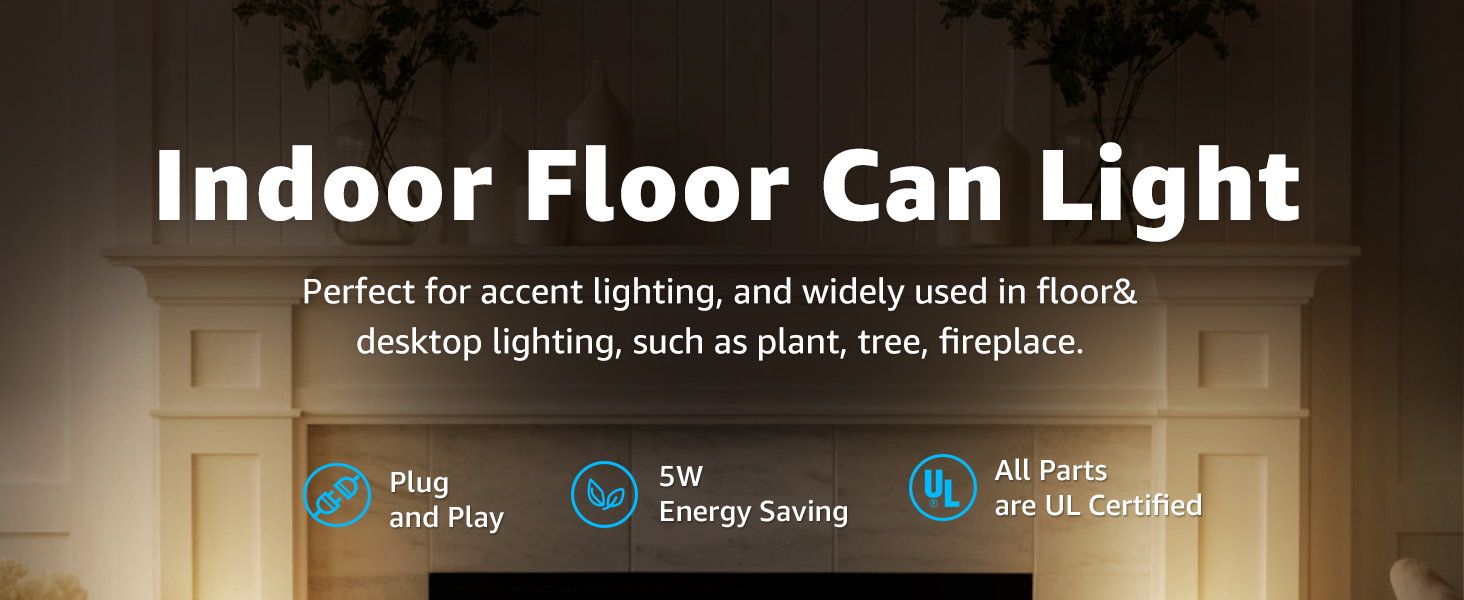
- All components, including the lamp holder, cable, and switch, are UL certified to ensure safety and durability.
- Pwodui sa a fèt pou itilizasyon andedan kay la sèlman. Pa ekspoze l nan imidite oswa nan move tan deyò.
- Asire w vòltaj priz kouran antage matches the product's specifications (110 Volts).
- Always unplug the light from the power source before cleaning or replacing the bulb.
- Do not attempt to modify or disassemble the light fixture. Contact qualified personnel for repairs.
- Kenbe limyè a lwen materyèl ki ka pran dife.
3. Pake kontni
The SUNVIE Indoor Floor Can Light package includes:
- 2 x SUNVIE Indoor Floor Can Lights (Black metal construction)
- 2 x GU10 LED Bulbs (5W, 2700K warm white)
- Integrated 5.9 ft power cord with UL Listed foot switch
4. Espesifikasyon
| Atribi | Spesifikasyon |
|---|---|
| Mak | SUNVIE |
| Non modèl | Uplighting Indoor (FCL01B02) |
| Koulè | Nwa |
| Materyèl | Aliminyòm, Fè |
| Dimansyon pwodwi | 3.5"L x 3.5"L x 8"H |
| Sous pouvwa | AC |
| Voltage | 110 Volts |
| Kalite sous limyè | dirije |
| Baz anpoul | GU10 |
| Wattage (pa anpoul) | 5 Watt (Max konpatib Wat)tage: 100 Watt) |
| Koulè limyè | Blan cho (2700K) |
| Klète | 450 Lumen |
| Metòd kontwòl | Foot Switch (also compatible with smart sockets/wifi outlets) |
| Longè kòd | 5.9 pye |
| Itilizasyon Andedan kay la / Deyò | Andedan kay la |
| Asanble obligatwa | Non |
5. Enstalasyon
The SUNVIE Indoor Floor Can Light is designed for simple, plug-and-play setup.
- Dekonpoze: Ak anpil atansyon retire tout eleman nan anbalaj la.
- Enstalasyon anpoul: The included GU10 LED bulbs are pre-installed. If you need to install or replace a bulb, ensure the light is unplugged. Gently push the GU10 bulb into the socket and twist clockwise to secure it.
- Plasman: Position the light in your desired indoor location. The 5.9 ft cord provides flexibility for placement.
- Ploge nan: Insert the 2-prong plug into a standard 110V AC power outlet.


6. Operasyon Enstriksyon
The light is operated via the integrated foot switch or can be controlled using smart home devices.
- Operasyon manyèl: Press the foot switch located on the power cord to turn the light ON or OFF. The switch can be operated by foot or hand.
- Smart Control (Optional): For intelligent control, the uplight is compatible with smart sockets or Wi-Fi outlets (sold separately). Plug the light into a compatible smart outlet and follow the smart outlet's instructions for setup and control.

7. Placement and Application
The versatile design of the SUNVIE Indoor Floor Can Light makes it suitable for various accent lighting applications within your home.
- Chanm k ap viv ak chanm: Use to create a warm ambiance or highlight architectural features.
- Plants & Sculptures: Position behind indoor plants or small sculptures to create dramatic uplighting effects.
- Wall Hangings & Pictures: Direct the light towards artwork or wall decorations for accentuation.
- Corners & Entrances: Illuminate dark corners or entryways to enhance visibility and atmosphere.

8. Antretyen
Regular maintenance ensures optimal performance and longevity of your light.
- Netwayaj: Disconnect the power before cleaning. Wipe the exterior of the light with a soft, dry cloth. Do not use abrasive cleaners or solvents.
- Ranplasman anpoul:
- Ensure the light is unplugged and the bulb has cooled completely.
- Gently push the GU10 bulb into the socket and twist counter-clockwise to remove it.
- Insert a new GU10 bulb (maximum 100 Watts) by pushing it into the socket and twisting clockwise until secure.
- Reconnect power and test the light.

NAN. Depanaj
If you encounter issues with your SUNVIE Indoor Floor Can Light, refer to the following common solutions:
| Pwoblèm | Kòz posib | Solisyon |
|---|---|---|
| Limyè pa limen. | Pa gen kouran nan priz la. Anpoul la lach oswa li gen pwoblèm. Foot switch is faulty. | Tcheke si priz la ap travay lè w konekte yon lòt aparèy. Ensure the bulb is correctly installed and not burnt out; replace if necessary. Ensure the foot switch is fully pressed. If the issue persists, contact support. |
| Limyè flickers. | Koneksyon anpoul ki lach. Incompatible smart socket (if used). | Unplug the light, re-seat the bulb firmly. If using a smart socket, try plugging the light directly into a wall outlet to rule out smart socket incompatibility. |
| Light is too dim/bright. | Wat anpoul ki pa kòrèktage/lumens. Not compatible with dimmers (if attempted). | Ensure the installed GU10 bulb meets your desired brightness. The included bulbs are 450 lumens. Note that the included bulbs are not dimmable. If dimming is desired, replace with a compatible dimmable GU10 bulb. |
10. Garanti ak sipò
SUNVIE stands behind the quality of its products.
- Garanti pou ranbousman: Pwofite yon garanti 30 jou pou ranbousman apati dat acha a.
- Limited Manufacturer's Warranty: This product is covered by a 24-month limited manufacturer's warranty against defects in materials and workmanship.
- Sipò apre-lavant pou tout lavi: SUNVIE provides lifetime after-sales support for this product.
For warranty claims, technical assistance, or any questions regarding your SUNVIE Indoor Floor Can Light, please contact SUNVIE customer service through the retailer where the product was purchased or visit the official SUNVIE websit pou enfòmasyon kontak.