
1. Entwodiksyon
This manual provides essential instructions for setting up and operating your Luoran M4B MP3 Player. Please read this guide thoroughly to ensure proper use and to maximize your device's capabilities. The Luoran M4B is a portable media player designed for music, video, and app playback, featuring a 4.0-inch IPS display, Bluetooth, and Wi-Fi connectivity.
2. Pake kontni
Verifye ke tout atik yo prezan nan pakè ou a:
- Luoran M4B MP3 Player
- USB-C kab
- Manyèl Itilizatè a (dokiman sa a)
3. Aparèy souview

Figi 3.1: Devan ak dèyè view of the Luoran M4B MP3 Player, highlighting its 4.0-inch IPS display and metal frame with tempered glass back.
3.1. Bouton fizik ak pò yo
- Bouton pouvwa: Located on the side, used to turn the device on/off and wake/sleep the screen.
- Bouton Volim (+/-): Sitiye sou bò a, yo itilize li pou ajiste volim odyo a.
- USB-C pò: Sitiye anba a, yo itilize li pou chaje ak transfere done.
- Jack ekoutè 3.5mm: Sitiye anba a, pou konekte kas ekoutè filaire.
- Mikwo SD kat plas: Located on the side, for expanding storage.
4. Kòmanse
4.1. Chaje Aparèy la
Before first use, fully charge the MP3 player. Connect the provided USB-C cable to the device's USB-C port and the other end to a compatible USB power adapter (not included) or a computer's USB port. The charging indicator will show the charging status.
4.2. Powering On / Off
- Pou limen: Peze epi kenbe bouton pouvwa a jiskaske ekran an limen.
- Pou etenn: Peze epi kenbe bouton Pouvwa a, answit chwazi 'Etenn' nan opsyon ki sou ekran an.
- Pou dòmi/reveye: Briefly press the Power button to turn the screen off or on.
5. Operasyon debaz
5.1. Navigasyon ekran taktil
The Luoran M4B features a full touchscreen for navigation. Swipe left, right, up, or down to browse menus and content. Tap icons to open applications or select options.
5.2. Konekte ak Wi-Fi
To access online features and apps, connect your device to a Wi-Fi network:
- Ale nan Anviwònman.
- Chwazi Rezo & Entènèt.
- Limen Wi-Fi.
- Chwazi rezo Wi-Fi ou vle a nan lis la.
- Antre modpas la si yo mande w epi tape Konekte.
5.3. Konekte via Bluetooth
Pair your MP3 player with Bluetooth headphones, speakers, or car stereos:
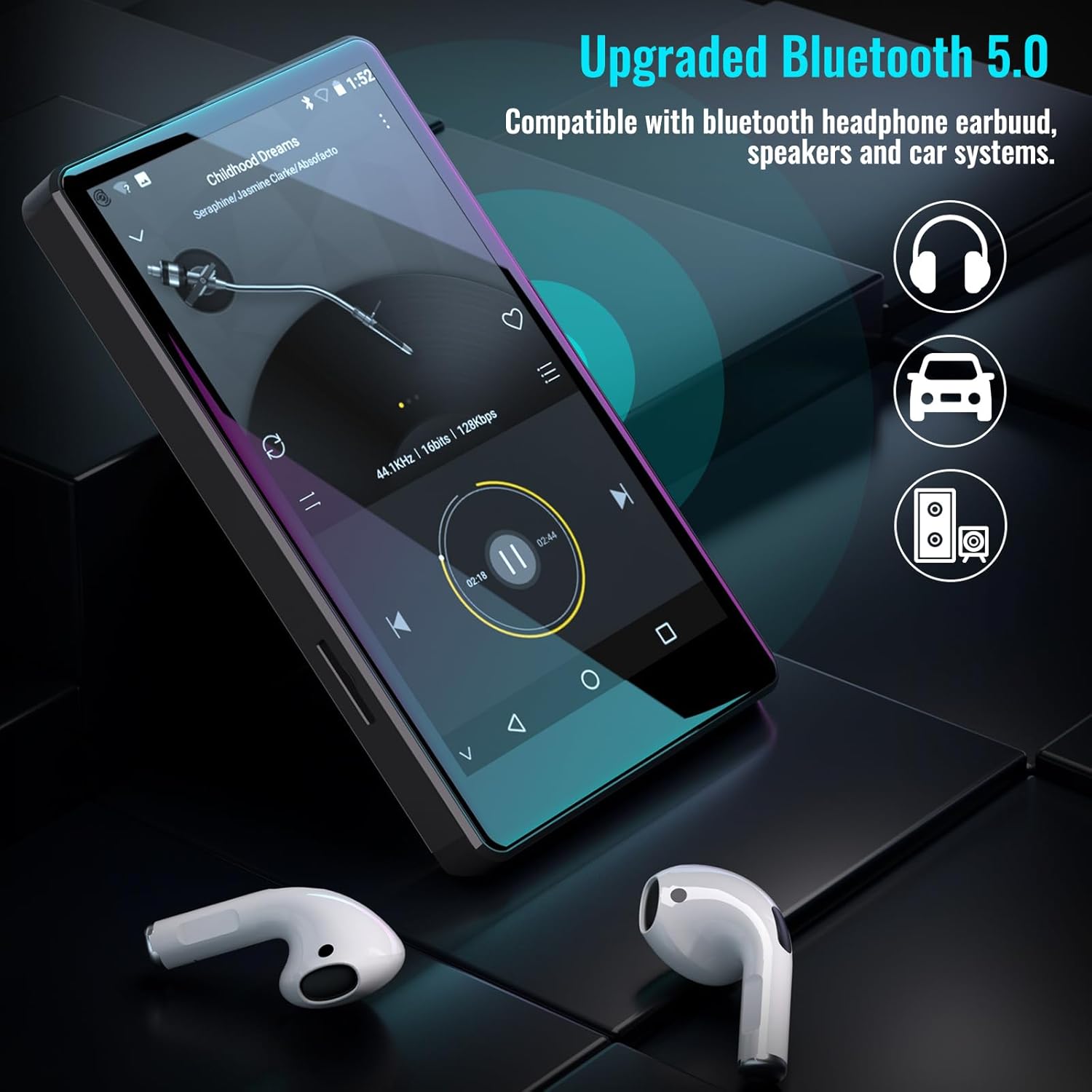
Figure 5.1: The Luoran M4B MP3 Player supports Bluetooth 5.0 for connecting to various audio devices.
- Ale nan Anviwònman.
- Chwazi Aparèy ki konekte.
- Limen Bluetooth.
- Ensure your Bluetooth accessory is in pairing mode.
- Select the accessory from the list of available devices to pair.
6. Music and Media Playback
6.1. Supported Music Formats
The device supports a wide range of audio formats, including MP3, WAV, FLAC, APE, OGG, M4A, AAC, WMA, and MP2.
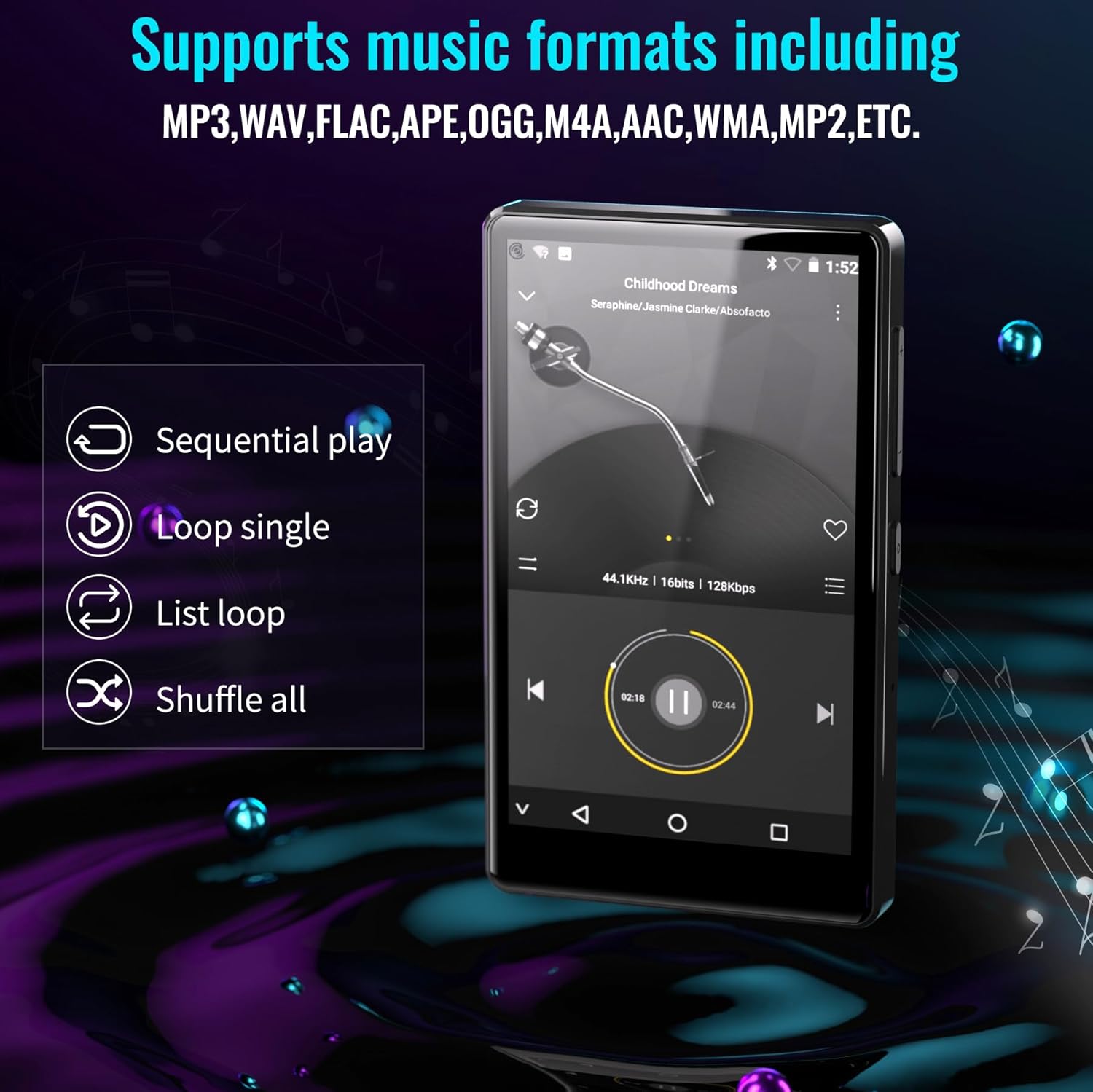
Figure 6.1: The MP3 player's interface showing various playback options and supported music formats.
6.2. Using Pre-installed Applications
The Luoran M4B comes with several popular music and media applications pre-installed, such as Spotify, Spotify Kids, Amazon Music, Audible, and HiBy Music. Access these apps from the home screen to stream or play your content.
6.3. Expandable Storage
The device has an internal storage capacity of 8GB. You can expand the storage up to 256GB using a Micro SD card (SDXC, SDHC compatible). Insert the Micro SD card into the dedicated slot on the side of the device.

Figure 6.2: Inserting a Micro SD card to expand the device's memory up to 256GB.
7. Lòt Karakteristik
7.1. Web Navigatè
A web browser is included for internet access. This browser can be removed if desired, offering a level of content control.

Figure 7.1: The option to uninstall the web browser for content management.
7.2. FM Radyo
The device includes an FM radio function, allowing you to listen to local radio stations. It may also support recording FM broadcasts.

Figure 7.2: The FM Radio interface on the device.
7.3. Ebook Reader
An Ebook application is available for reading digital books directly on the device's screen.

Figure 7.3: The device's interface for audiobooks or ebooks.
8. Antretyen
8.1. Netwayaj
Sèvi ak yon twal mou, sèk, ki pa gen pousyè pou netwaye aparèy la. Evite itilize pwodui netwayaj abrazif oswa solvan.
8.2. Swen batri
To prolong battery life, avoid exposing the device to extreme temperatures. Charge the device regularly, but avoid leaving it fully charged or fully discharged for extended periods.
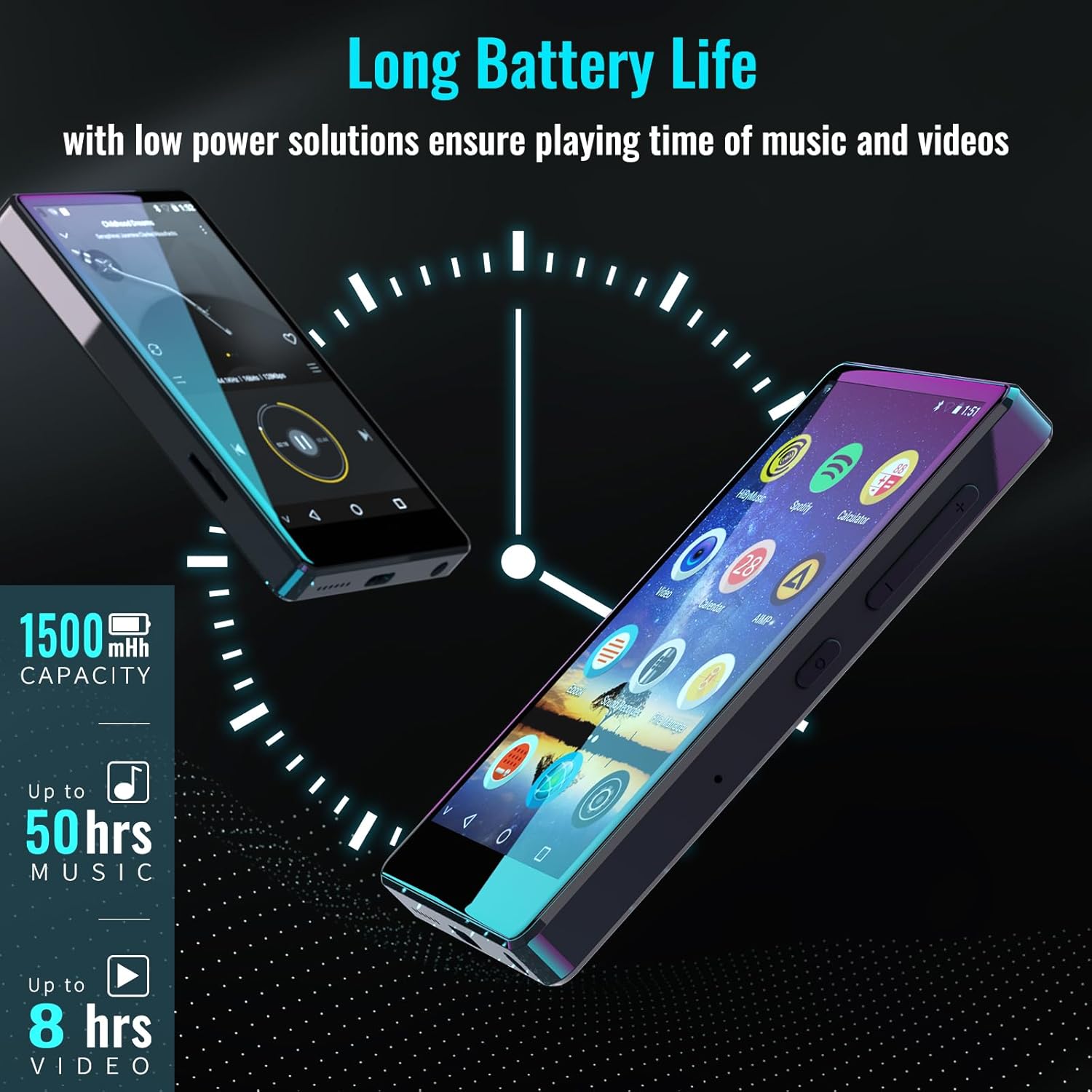
Figure 8.1: The device features a 1500mAh battery, providing up to 50 hours of music playback or 8 hours of video playback.
NAN. Depanaj
9.1. Aparèy pa Limen
- Ensure the device is sufficiently charged. Connect it to a power source for at least 30 minutes.
- Peze epi kenbe bouton Pouvwa a pandan 10-15 segonn pou fòse rekòmanse.
9.2. Cannot Connect to Wi-Fi/Bluetooth
- Verify that Wi-Fi/Bluetooth is enabled in Settings.
- Ensure you are within range of the network/device.
- Check that the Wi-Fi password is correct.
- For Bluetooth, ensure the accessory is in pairing mode.
9.3. App Issues or Missing Apps
If you encounter issues with pre-installed applications or need to install/upgrade specific apps, please contact the Luoran Team for assistance. They can provide APK files and installation steps.
10. Espesifikasyon
| Mak | Luoran |
| Non modèl | M4B-C-BLK |
| Koneksyon Teknoloji | Bluetooth, fil |
| Kapasite Depo memwa | 8 GB (Ou ka elaji li jiska 256 GB atravè yon kat Micro SD) |
| Gwosè ekran | 4 pous |
| Aparèy konpatib | Headphone, Oratè |
| Kalite medya sipòte | Kat memwa |
| Teknoloji ekspozisyon | dirije |
| Nòm Odyo Sipòte yo | MP3, WAV, FLAC, APE, M4A, AAC, WMA, MP2, etc. |
| Lavi Mwayèn Batri | 50 Hours (music playback) |
| Dimansyon atik (D x W x H) | 0.4"D x 2.4"W x 4.2"H |
| UPC | 747783656344 |
11. Garanti ak sipò
The Luoran M4B MP3 Player comes with a 12-mwa garanti. For technical support, warranty claims, or assistance with app installation/upgrades, please contact the Luoran Team directly. Contact information can typically be found on the manufacturer's websit la oubyen atravè platfòm acha ou a.