
XREAL 6976143800071
XREAL H-C Cable User Manual
Modèl: 6976143800071
Entwodiksyon
This manual provides essential information for the proper use, setup, and maintenance of your XREAL H-C Cable. This high-speed HDMI to USB-C cable is designed to connect various devices, including gaming consoles and PCs, to compatible AR glasses like the XREAL Beam and Air AR glasses, supporting 4K/60Hz video transmission.
Enfòmasyon sou Sekirite
Please read and follow these safety guidelines to ensure safe operation and prolong the life of your cable:
- Do not expose the cable to extreme temperatures, direct sunlight, or high humidity.
- Avoid bending or twisting the cable excessively, especially near the connectors, as this can damage internal wires.
- Keep the cable away from water and other liquids. If it gets wet, disconnect it immediately and allow it to dry completely before reuse.
- Pa eseye demonte oswa modifye kab la. Sa ap anile garanti a epi li ka lakòz domaj.
- Kenbe lwen timoun ak bèt kay.
- Use only with compatible devices as specified in this manual.
Kontni pake
Pake a gen atik sa yo:
- 1 x XREAL H-C Cable (HDMI to USB-C)
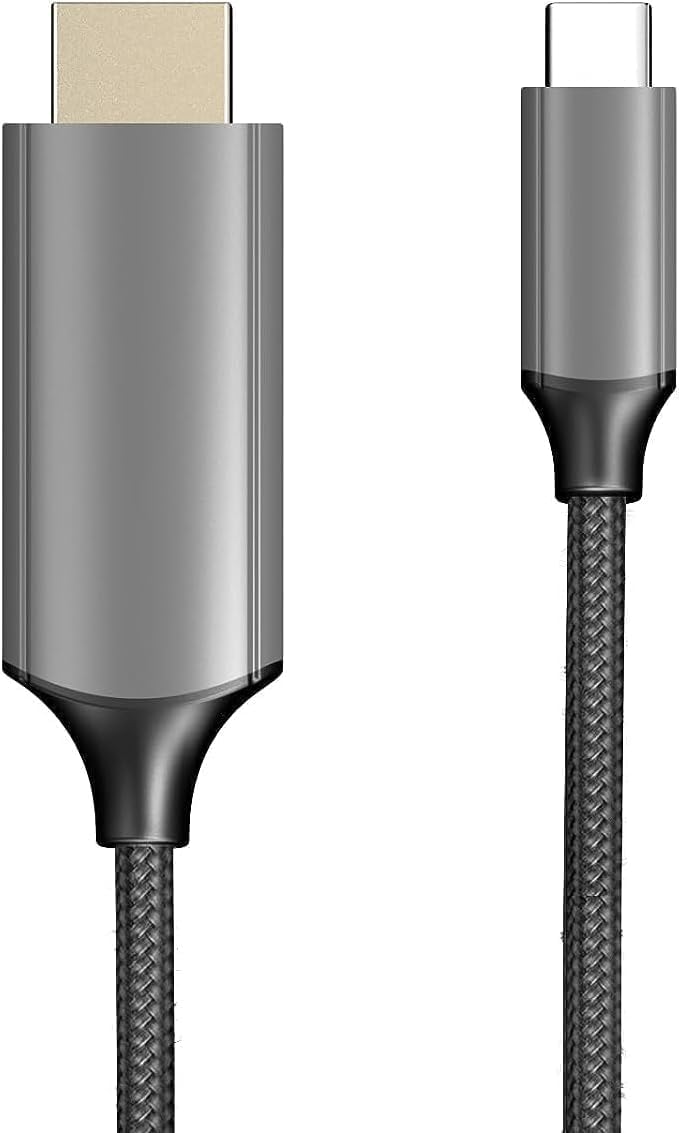
Image: The XREAL H-C Cable showing both the HDMI and USB-C connectors. The cable features a durable, woven design.
Pwodwi souview
The XREAL H-C Cable is engineered for high-fidelity video and audio transmission. It features a robust, woven design for enhanced durability and tangle-free use. The cable facilitates connection from an HDMI source to a USB-C display, supporting resolutions up to 4K at 60Hz.
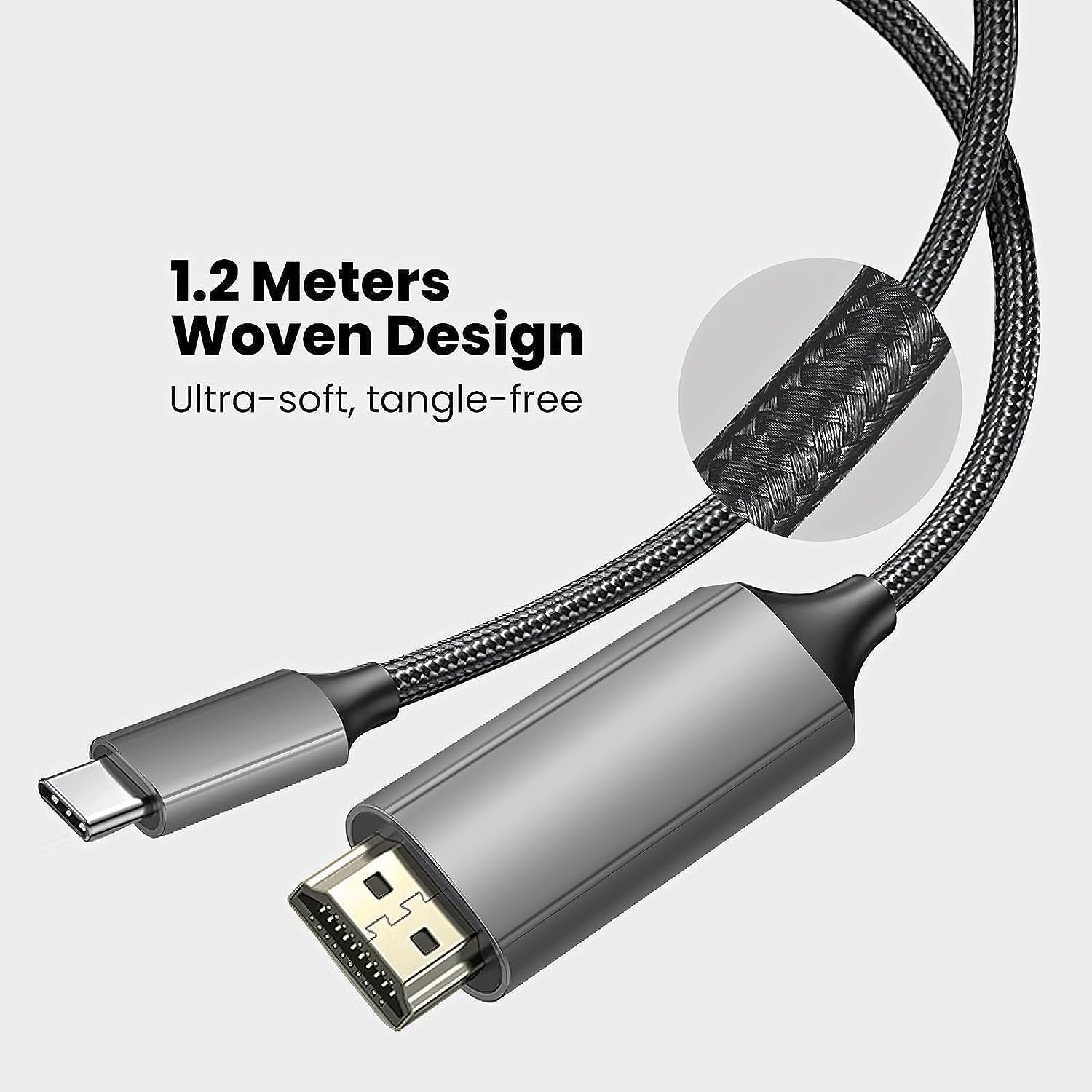
Image: Close-up of the XREAL H-C Cable highlighting its 1.2-meter length and ultra-soft, tangle-free woven design.
Enstalasyon
Follow these steps to connect your XREAL H-C Cable:
- Idantifye konektè: Locate the HDMI "In" connector and the USB-C "Out" connector on the cable.
- Konekte ak Sous la: Ploge a HDMI "In" end of the cable into the HDMI output port of your source device (e.g., PlayStation, Xbox, Nintendo Switch, PC graphics card).
- Konekte ak Display: Ploge a USB-C "Out" end of the cable into the USB-C input port of your compatible display device (e.g., XREAL Beam, XREAL Air AR glasses).
- Pouvwa sou aparèy: Asire w ke tou de aparèy sous ou a ak aparèy ekspozisyon an limen.
- Verifye Koneksyon: The display should automatically detect the input signal. If not, you may need to manually select the input source on your display device.

Image: The XREAL H-C Cable clearly labeled with "HDMI In" and "USB-C Out" to indicate connection direction.
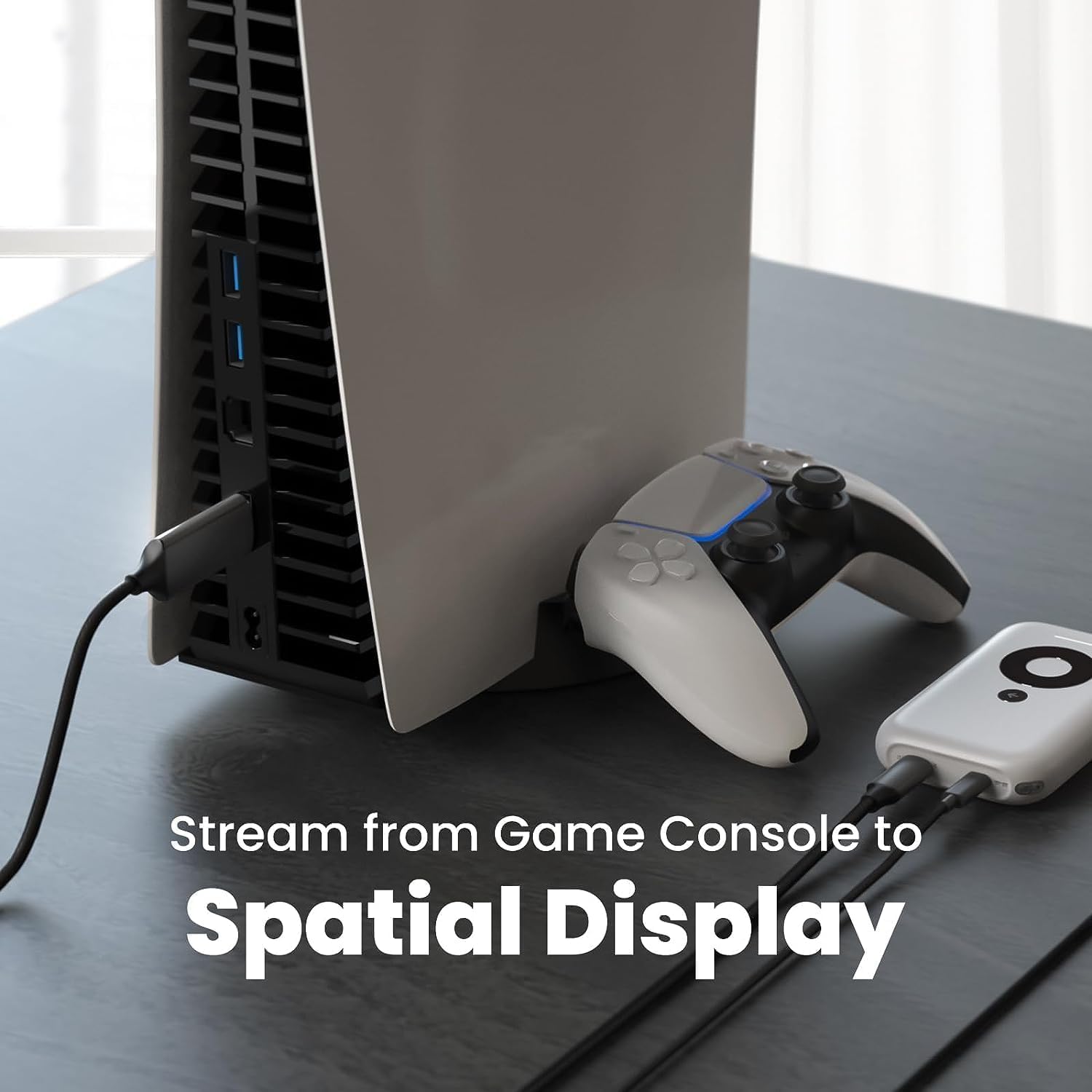
Imaj: Yon ansyenample setup showing the XREAL H-C Cable connecting a PlayStation 5 console to an XREAL Beam device, enabling streaming to a spatial display.
Opere
Once connected, the XREAL H-C Cable operates as a plug-and-play device. No additional drivers or software are typically required.
- Rezolisyon ak To Rafrechisman: The cable supports up to 4K resolution at 60Hz. Ensure your source device and display device are configured to output and receive these resolutions and refresh rates for optimal performance.
- Transmisyon odyo: The cable transmits both video and audio signals. Verify audio settings on your source device if no sound is heard.
- Konpatibilite: This cable is designed for specific applications, primarily connecting HDMI output devices to USB-C input displays, such as XREAL AR glasses. It is not a bidirectional cable and will not function if connected in reverse.
Antretyen
Proper care will extend the life of your XREAL H-C Cable:
- Netwayaj: Use a soft, dry, lint-free cloth to gently wipe the cable and connectors. Do not use liquid cleaners or abrasive materials.
- Depo: When not in use, coil the cable loosely. Avoid tight coiling or sharp bends. Store in a cool, dry place away from direct sunlight.
- Manyen: Toujou kenbe bwat konektè a lè w ap branche oswa debranche kab la. Pa rale kab la menm.
Depanaj
If you encounter issues with your XREAL H-C Cable, try the following solutions:
| Pwoblèm | Kòz posib | Solisyon |
|---|---|---|
| Pa gen siyal nan ekspozisyon |
|
|
| Imaj ki flache oswa defòme |
|
|
| Pa gen odyo |
|
|
Espesifikasyon
| Mak | XREAL |
| Nimewo Modèl | 6976143800071 |
| Kalite Connector | HDMI (Input), USB Type-C (Output) |
| Pousantaj Transfè Done | 5 Gigabits per second (for compatible data streams) |
| Aparèy konpatib | Gaming Consoles (PlayStation, Xbox, Switch), Windows Desktop, XREAL Beam, XREAL Air AR Glasses |
| Sipò Rezolisyon Maksimòm | 4K @ 60Hz |
| Longè kab | 1.2 mèt (apeprè 3.9 pye) |
Garanti ak sipò
XREAL products are manufactured to high quality standards. For information regarding warranty coverage and customer support, please refer to the official XREAL websit la oubyen kontakte sèvis kliyan yo dirèkteman. Kenbe resi acha w la kòm prèv acha pou nenpòt reklamasyon garanti.
Pou plis asistans, vizite: www.xreal.com/support
Ask a question about this manual
Ask about setup, troubleshooting, compatibility, parts, safety, or missing instructions. Manuals+ will review the question and use this page’s manual context to help answer it.