
1. Entwodiksyon
Mèsi pou acha aasing the CUPEISI YQ11M Android 13 10.1-inch Tablet. This manual provides essential information for setting up, operating, maintaining, and troubleshooting your device. Please read this manual thoroughly to ensure proper use and to maximize your tablet's performance.
2. Enfòmasyon sou Sekirite
To prevent damage to your device or injury to yourself and others, please observe the following safety precautions:
- Do not expose the tablet to extreme temperatures, direct sunlight, or high humidity.
- Avoid dropping or subjecting the tablet to strong impacts.
- Keep the tablet away from water and other liquids.
- Sèvi ak sèlman akseswa ak chajè apwouve.
- Do not attempt to disassemble or repair the tablet yourself. Refer to qualified service personnel.
Chaje Prekosyon
When charging your CUPEISI YQ11M tablet, it is crucial to use a charger with a 5V / 2.0A pwodiksyon. Using chargers with different output specifications may lead to device malfunction or damage. The tablet supports both Type-A and Type-C charging terminals. However, chargers with Type-C on both ends may not be compatible. Avoid using multi-type chargers with outputs exceeding 2.0A, chargers that automatically detect current, fast chargers, or chargers specifically designed for other brands (e.g., Apple, Docomo, au).

Imaj: Charging precautions and pre-applied protective film.
3. Pake kontni
Tanpri tcheke kare a pou atik sa yo:
- CUPEISI YQ11M Android 13 Tablet
- USB Chaje Kab
- Adaptè pouvwa
- Manyèl Itilizatè (dokiman sa a)
4. Aparèy souview
Familiarize yourself with the physical features of your CUPEISI YQ11M tablet.
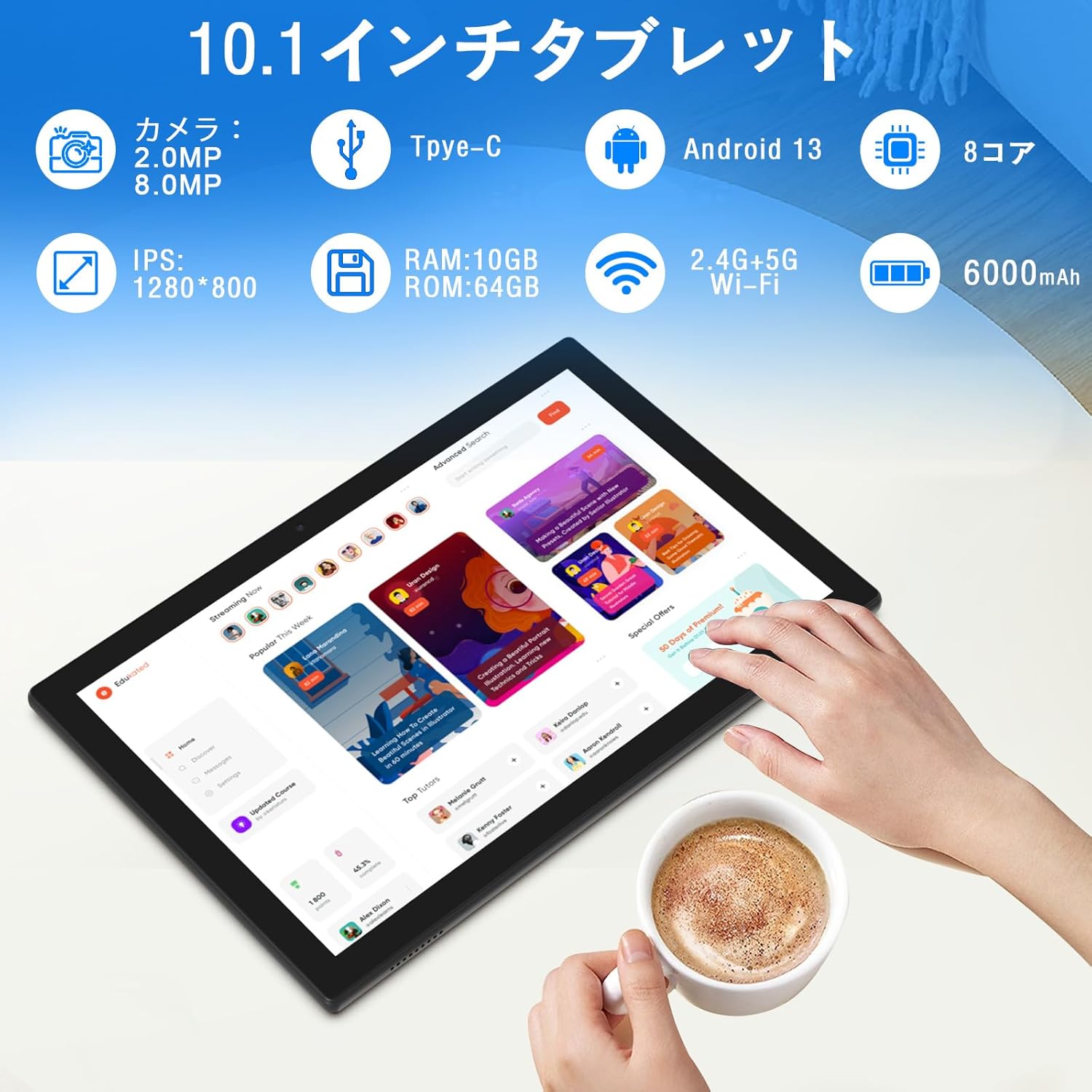
Imaj: Plis paseview of tablet features and specifications.
- Kamera devan: 2MP pou apèl videyo ak selfie.
- Kamera dèyè: 8MP pou pran foto ak videyo.
- Ekspozisyon: 10.1-inch IPS HD screen (1280x800 resolution).
- Oratè: Doub oratè pou yon eksperyans odyo amelyore.
- Pò chaje: Type-C port for charging and data transfer.
- Bouton pouvwa: Located on the side for turning the device on/off and screen lock.
- Bouton Volim: Sitiye sou bò a pou ajiste volim nan.
- MicroSD Kat plas: Pou depo ekspansyon jiska 1TB.

Imaj: Devan ak dèyè view of the CUPEISI YQ11M tablet.
5. Enstalasyon
5.1 Premye pouvwa sou
- Peze epi kenbe bouton pouvwa a jiskaske ekran an limen.
- Swiv enstriksyon yo sou ekran an pou chwazi lang ou, rejyon ou, epi aksepte tèm ak kondisyon yo.
5.2 Koneksyon Wi-Fi
- During the initial setup, select your preferred Wi-Fi network from the list.
- Enter the Wi-Fi password if prompted and tap 'Connect'.
- The tablet supports both 2.4G and 5G Wi-Fi for stable and fast connections.
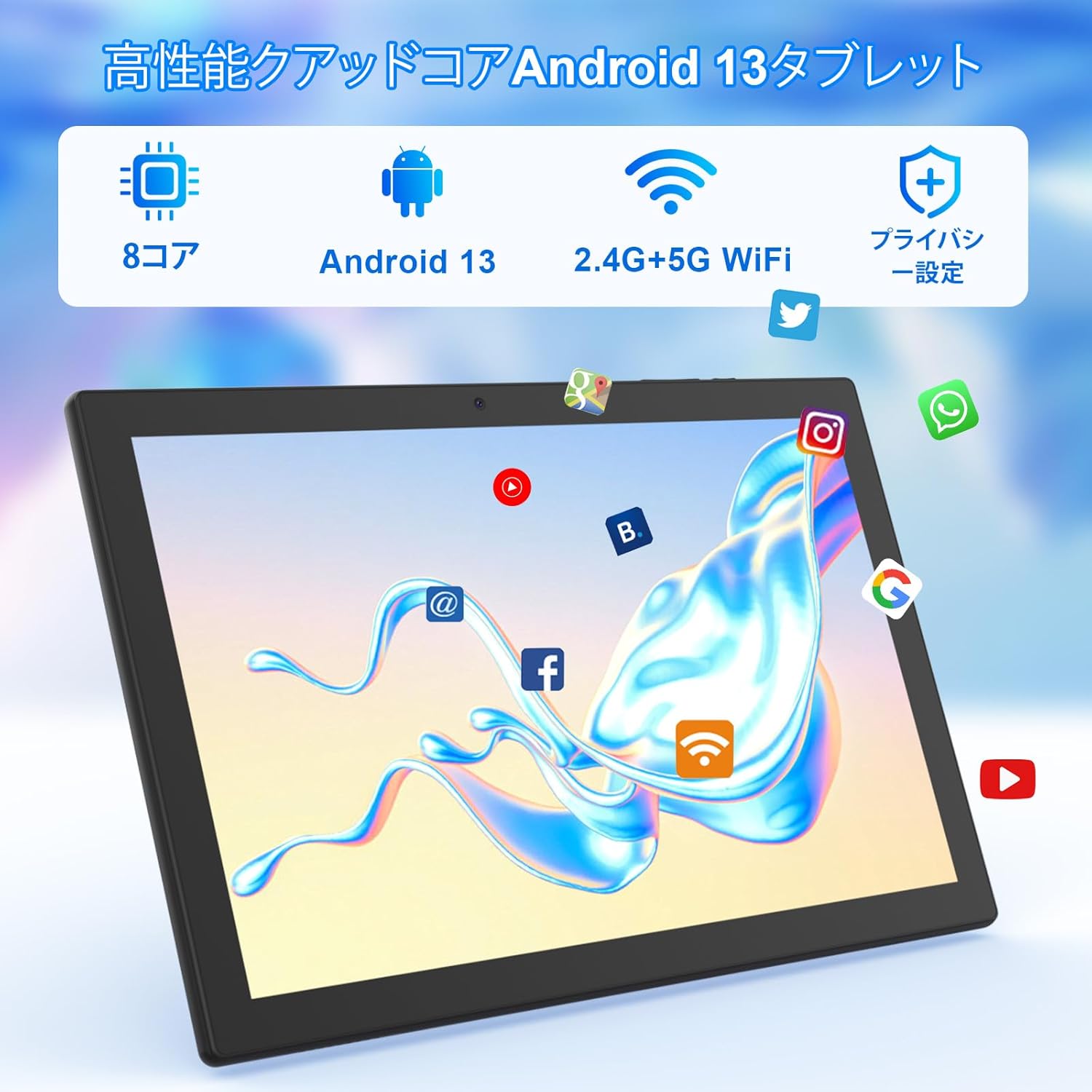
Imaj: Tablet screen showing app icons and connectivity features.
5.3 Konfigirasyon Kont Google
Sign in with your Google account or create a new one to access Google Play Store, Gmail, and other Google services.
5.4 Fim Pwoteksyon
The tablet comes with a simple transparent PET protective film pre-applied. You may choose to keep it on or remove it according to your preference. It is designed for easy application without air bubbles or dust.
6. Operasyon Enstriksyon
6.1 Navigasyon debaz
The CUPEISI YQ11M tablet features a 10.1-inch FHD in-cell touchscreen with wide viewing angles and 1280x800 high resolution, offering a clear and vibrant visual experience.

Imaj: Tablet display features.
- Tape: Chwazi yon atik oubyen aktive yon fonksyon.
- Glise: Navigate through screens or scroll content.
- Zongle: Agrandi oswa diminye imaj yo epi web paj.
6.2 Jesyon Aplikasyon
The tablet comes with Google Play pre-installed, allowing you to download and use popular applications such as Facebook, Twitter, YouTube, Line, and Instagram. To install apps:
- Open the 'Play Store' app.
- Chèche pou the desired app.
- Tap 'Install' to download and set up the app.
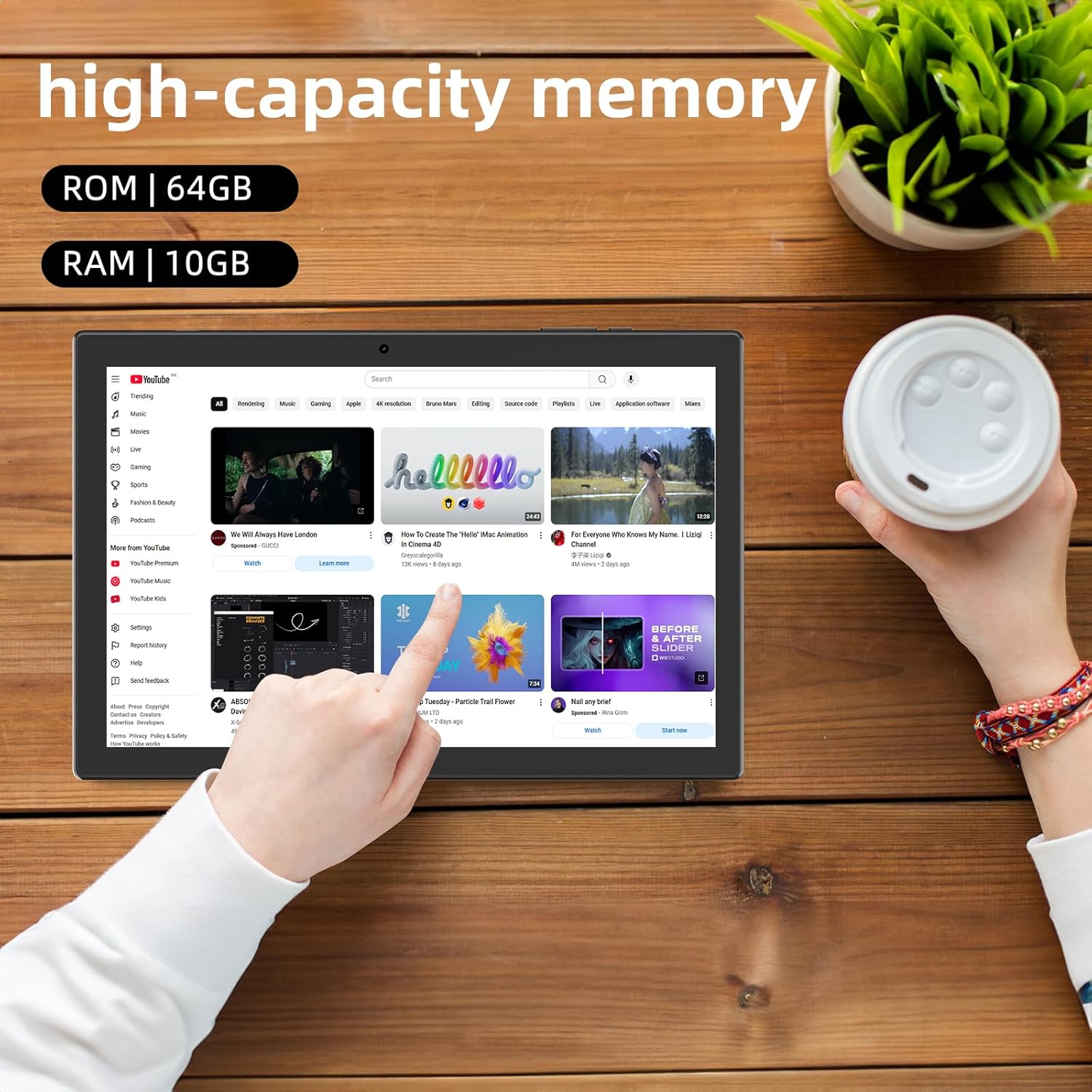
Imaj: Tablet displaying high-capacity memory and app usage.
6.3 Itilizasyon Kamera
The tablet is equipped with an 8MP main camera and a 2MP front camera. You can use them for capturing beautiful moments, participating in web conferences, or online classes.
- Louvri aplikasyon 'Kamera' a.
- Switch between front and rear cameras as needed.
- Tape bouton deklanchè a pou pran yon foto oswa kòmanse anrejistre yon videyo.
6.4 Fonksyonalite GPS
With built-in GPS functionality, you can download offline maps to your tablet and use it for navigation, even without an internet connection.
6.5 Jesyon batri
The tablet features a large 6000mAh battery and AI intelligent power management, allowing for extended use for movies, reading, and browsing.

Imaj: Tablet highlighting its 6000mAh battery capacity.

Imaj: Tablet showing Type-C charging and various entertainment uses.
7. Antretyen
7.1 Netwaye Aparèy la
Use a soft, lint-free cloth to gently wipe the screen and body of the tablet. Avoid using harsh chemicals or abrasive materials.
7.2 Mizajou lojisyèl
Periodically check for system updates in the tablet's settings to ensure optimal performance and security.
7.3 Jesyon Depo
The tablet comes with 64GB of internal storage (ROM) and supports MicroSD cards up to 1TB for additional storage. Regularly manage your files and uninstall unused apps to free up space and maintain smooth operation.
NAN. Depanaj
- Aparèy pa limen: Asire w batri a chaje. Konekte tablèt la nan plato a epi tann kèk minit anvan ou eseye limen l ankò.
- Pwoblèm koneksyon Wi-Fi: Tcheke si Wi-Fi a aktive nan paramèt yo. Rekòmanse routeur ou a ak tablèt la. Asire w ke ou nan zòn siyal Wi-Fi a.
- Pèfòmans ralanti: Close unused applications. Clear cache and data for frequently used apps. Consider uninstalling unnecessary apps or moving large files to a MicroSD card.
- Ekran an pa reponn: Restart the tablet by holding down the power button. If the issue persists, contact support.
9. Espesifikasyon
| Mak | CUPEISI |
| Modèl | YQ11M (Note: Some specifications may refer to CP31 or UMIDIGI G2 Tab, but YQ11M is the primary model for this product.) |
| Sistèm operasyon | Android 13 (GMS sètifye) |
| CPU | MediaTek MTK8768 Octa-core, 2.3 GHz |
| RAM | 10GB (4GB + 6GB Ekspansyon) |
| Depo Entèn (ROM) | 64GB |
| Depo dilatabl | MicroSD up to 1TB |
| Gwosè ekran | 10.1 pous |
| Rezolisyon ekspozisyon | 1280x800 pixels HD IPS |
| Kamera devan | 2MP |
| Kamera dèyè | 8MP |
| Wi-Fi | 2.4G + 5G Dual-band (802.11ac/b/g/n) |
| Bluetooth | Wi |
| GPS | Wi |
| Kapasite batri | 6000mAh (22.8 Watt-èdtan) |
| Port chaje | Kalite-C |
| Moun kap pale | 2 Chanèl Oratè |
| Pwa atik | 516 g |
| Dimansyon pake | 30.9 x 19.3 x 2.9 cm |
10. Garanti ak sipò
Pwodwi sa a vini ak yon yon ane garanti bon jan kalite. In the unlikely event that you encounter any issues or defects with your product, please do not hesitate to contact us via email. We are committed to providing a prompt response within 24 hours to address your concerns.
Returns and refunds are also possible for customer convenience. Please purchase with confidence.
For support inquiries, please refer to the contact information provided with your purchase or visit the official CUPEISI websit.