
Entwodiksyon
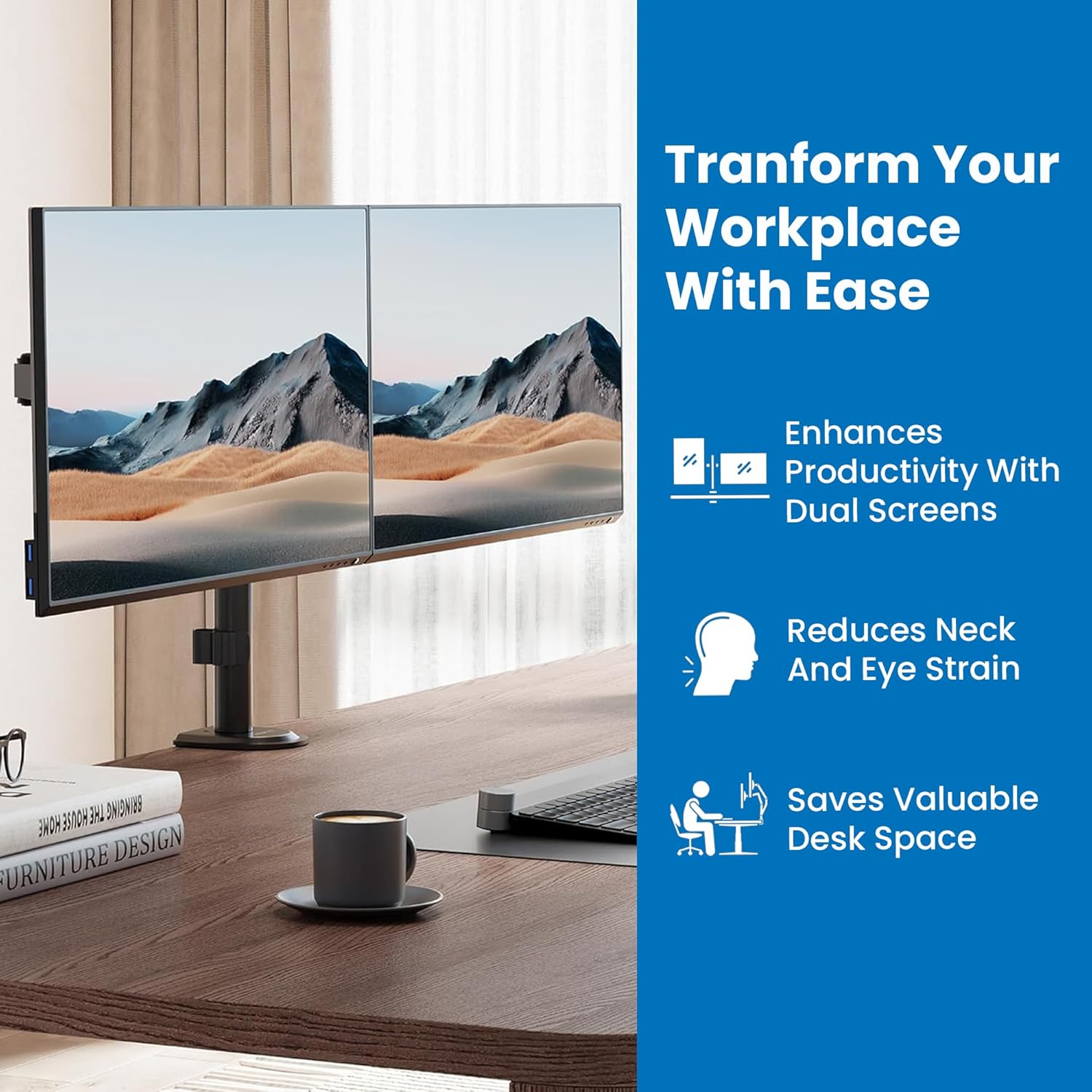
Thank you for choosing the Mount-It! MI-2752 Dual Monitor Arm. This full-motion desk mount is designed to enhance your workspace by providing ergonomic positioning for two monitors, freeing up valuable desk space. This manual provides detailed instructions for safe installation, operation, and maintenance of your monitor arm.
Enfòmasyon sou Sekirite
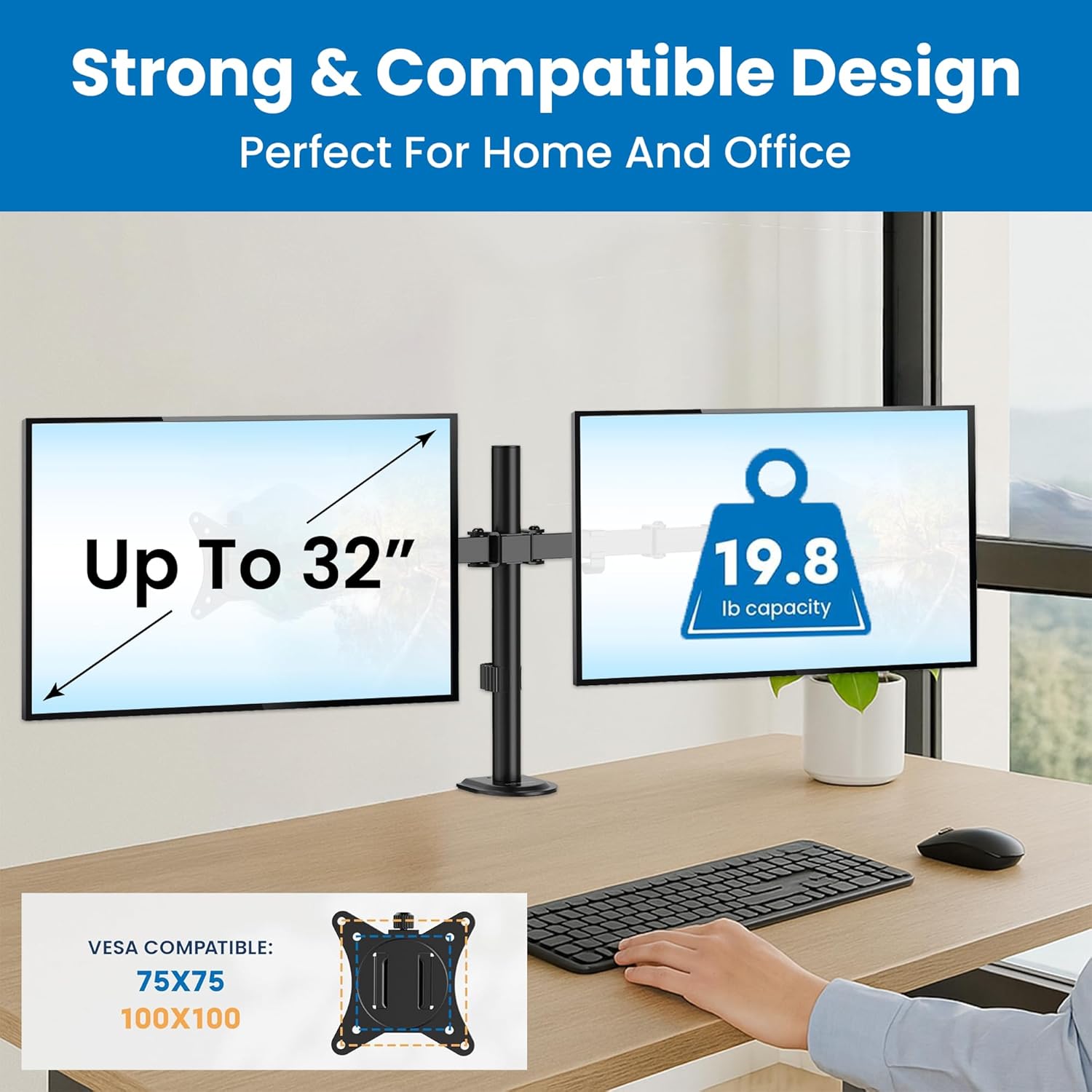
- Kapasite pwa: Do not exceed the maximum weight capacity of 19.8 lbs (9 kg) per monitor. Exceeding this limit may result in instability and potential injury.
- Gwosè monitè: This mount supports monitors from 13 to 32 inches. Ensure your monitors fit within this range.
- VESA konpatibilite: Compatible with VESA patterns 75x75mm and 100x100mm. Verify your monitor's VESA pattern before installation.
- Epesè biwo: Pou C-clamp installation, the desk thickness must be between 0.39 inches (10mm) and 3.3 inches (85mm). For grommet installation, the desk thickness must be between 0.39 inches (10mm) and 1.6 inches (40mm).
- Sifas enstalasyon: Ensure the mounting surface (desk) is structurally sound and can support the combined weight of the mount and monitors. Do not install on drywall-only surfaces.
- Pwen zongle: Be aware of potential pinch points during assembly and adjustment. Keep hands clear of moving parts.
- Timoun: Kenbe ti pati yo lwen timoun yo.
Kontni pake
Verify that all components are present and undamaged before proceeding with installation. If any parts are missing or damaged, contact Mount-It! customer support.

Image: All components of the Mount-It! MI-2752 Dual Monitor Arm laid out, including the pole, arms, VESA plates, C-clamp, grommet base, and hardware.
- Poto prensipal ak biwo Clamp/Grommet Base
- Doub monitè bra
- VESA Monitor Plates (2x)
- Twous pyès ki nan konpitè (vis, rondelles, kle Allen)
- Klip Jesyon Kab
Enstalasyon ak Enstalasyon
Swiv etap sa yo ak anpil atansyon pou yon enstalasyon kòrèk.
Step 1: Choose Mounting Option
The MI-2752 offers two installation methods: C-clamp or Grommet mount. Select the option suitable for your desk.

Image: A visual comparison of the C-clamp mounting option (left) and the grommet mounting option (right) for desk attachment.
- C-Clamp: Ideal for desks without a grommet hole. Attaches to the edge of the desk.
- Grommet: Utilizes an existing hole in your desk for a more flush installation.
Step 2: Attach Mount to Desk
Secure the main pole to your desk using the chosen method. Ensure it is tightened firmly to prevent movement.
Etap 3: Tache plak VESA sou monitè yo
Attach the VESA plates to the back of your monitors using the appropriate screws from the hardware kit. Ensure the screws are not overtightened to avoid damaging the monitor.
Step 4: Mount Monitors to Arms
Slide the monitors (with VESA plates attached) onto the monitor arms. Secure them with the provided locking mechanism.
Imaj: Yon gwo plan view of a monitor securely attached to one of the monitor arms, demonstrating the connection point.
Etap 5: Jesyon kab
Route monitor cables through the integrated cable management clips on the arms and pole for a tidy workspace.
Imaj: A view of monitor cables neatly routed through the integrated cable management clips along the monitor arm and pole.
Enstriksyon Operasyon ak Ajisteman
The Mount-It! MI-2752 offers extensive adjustability for optimal viewing konfò.
Ajisteman Wotè
Monitors can be adjusted vertically along the main pole. Fine-tune individual monitor heights for perfect alignment using the adjustment screws on the VESA plate attachment points.
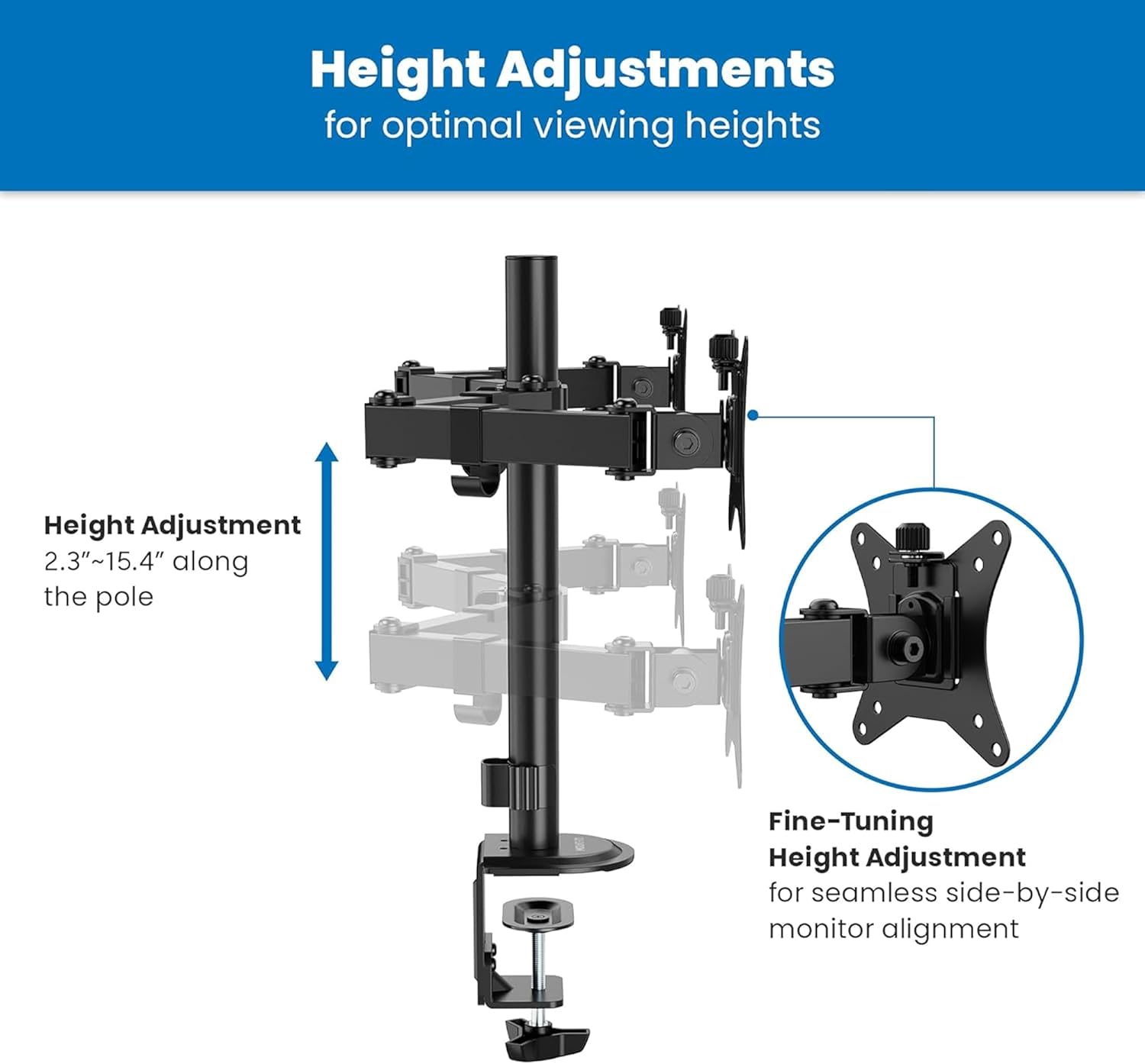
Image: A diagram illustrating the vertical height adjustment range of the monitor arm along the central pole, from 2.3 to 15.4 inches.
Panche, Pivote, ak Wotasyon
Each monitor can be independently tilted, swiveled, and rotated to achieve your desired viewang ang.
- Enklinezon: Adjust the screen angle +90°/-45° to reduce glare and optimize viewing.
- Swivel: Pivot the monitor 180° horizontally.
- Wotasyon: Vire monitè a 360° pou oryantasyon peyizaj oswa pòtrè.

Image: A diagram illustrating the tilt (+90°/-45°), swivel (±90°), and rotation (±180°) capabilities of the monitor arm.
Ajisteman tansyon
If a monitor sags or does not hold its position, adjust the tension of the gas spring arms. Use the provided Allen wrench to turn the hex bolt at the top of the arm. Turn clockwise to increase tension for heavier monitors, and counter-clockwise to decrease tension for lighter monitors.
Antretyen
- Netwayaj: Siye montaj la ak yon twal mou.amp twal. Evite pwodui netwayaj abrazif oswa solvan.
- Tèks Peryodik: Tcheke tout vis ak koneksyon yo detanzantan pou asire yo rete sere epi byen fèm. Sere yo ankò si sa nesesè.
- Lubrifikasyon: Pa gen okenn lubrifikasyon ki nesesè pou pati k ap deplase yo.
Depanaj
Monitor Sags or Does Not Hold Position
- Solisyon: Adjust the gas spring tension. Turn the hex bolt on the arm clockwise to increase tension until the monitor holds its position.
Mount is Unstable or Wobbles
- Solisyon: Asire biwo clamp or grommet base is securely tightened to the desk. Check that all connections on the pole and arms are firm.
Monitors Are Not Level
- Solisyon: Use the fine-tuning height adjustment screws on the VESA plate attachment points to align the monitors.
Espesifikasyon

Image: A detailed technical drawing showing the dimensions and various adjustment ranges of the Mount-It! MI-2752 Dual Monitor Arm.
| Karakteristik | Spesifikasyon |
|---|---|
| Nimewo Modèl | MI-2752 |
| Konpatibilite gwosè monitè a | 13" - 32" (per screen) |
| Kapasite pwa | Up to 19.8 lbs (9 kg) per screen |
| VESA konpatibilite | 75x75mm, 100x100mm |
| Panche Range | +90 ° / -45 ° |
| Ranje Swivel | 180° |
| Wotasyon Range | 360° |
| Epesè Biwo (C-Cl)amp) | 0.39" - 3.3" (10mm - 85mm) |
| Epesè Biwo (Grommet) | 0.39" - 1.6" (10mm - 40mm) |
| Materyèl | Metal |
Garanti ak sipò
The Mount-It! MI-2752 Dual Monitor Arm is backed by a lifetime warranty, reflecting our commitment to quality and durability. For technical assistance, installation questions, or warranty claims, please contact our US-based technical specialists. Our team is available to provide support before, during, and after your installation.
For further assistance, please visit the official Mount-It! websit oswa kontakte sèvis kliyan dirèkteman.