
1. Entwodiksyon
Thank you for choosing the EBTOOLS A9 Magnetic 1080P Mini Camera. This compact and versatile camera is designed for home, office, or courtyard monitoring, offering 1080P high-resolution video recording and Wi-Fi connectivity. This manual provides essential information for setting up, operating, and maintaining your camera to ensure optimal performance.
2. Enfòmasyon sou Sekirite
Avètisman: Do not attempt to disassemble, modify, or repair the product yourself to avoid personal injury or equipment damage.
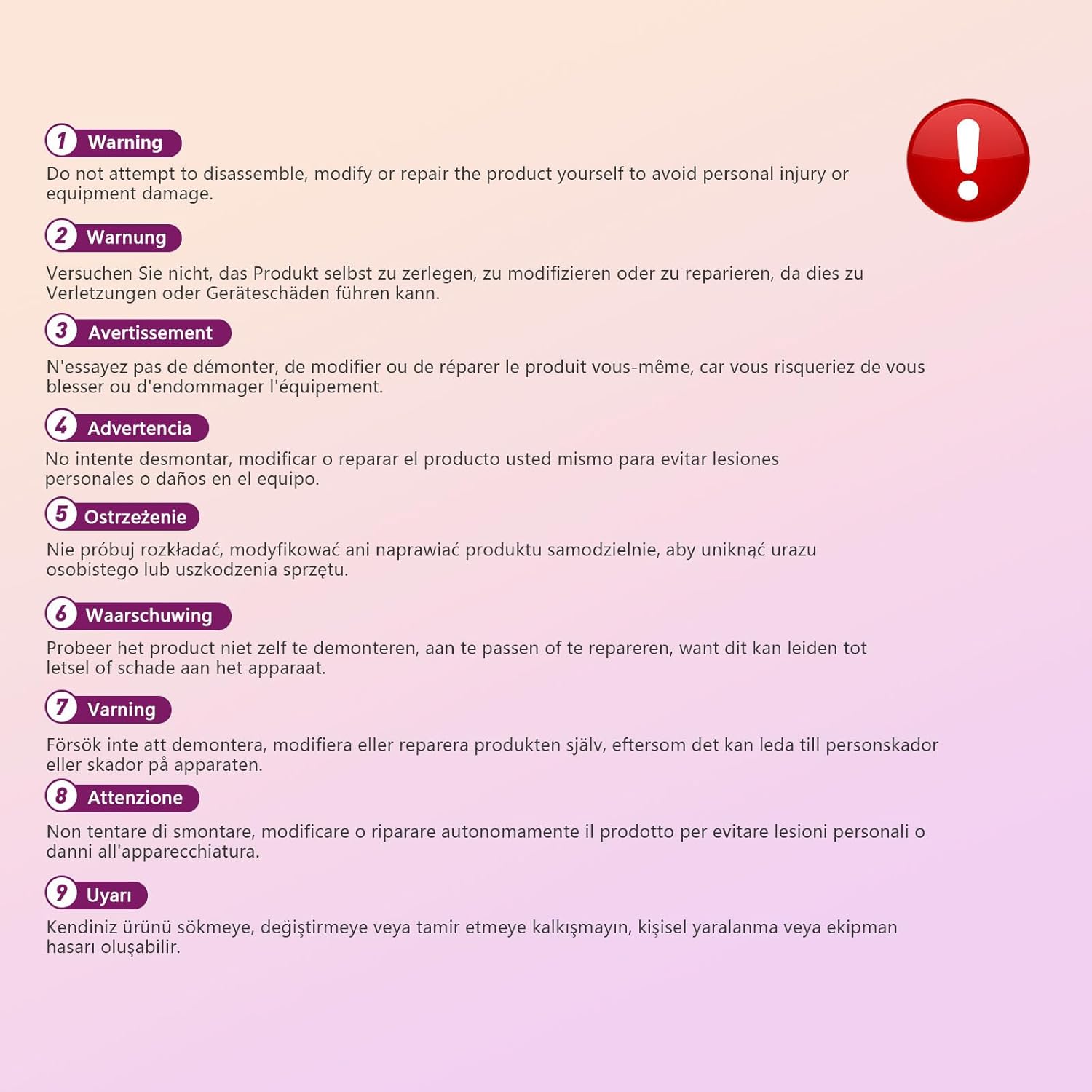
This image displays a warning message in multiple languages, advising users not to disassemble, modify, or repair the product themselves to prevent personal injury or damage to the device.
3. Pake kontni
Tanpri tcheke pake a pou atik sa yo:
- EBTOOLS A9 Mini Camera
- Mayetik mòn
- USB Chaje Kab
- Adhesive Pad (for mount)

This image shows the EBTOOLS A9 Mini Camera, a magnetic mount, and a USB charging cable, which are typically included in the product package.
4. Pwodwi souview
Familyarize w ak konpozan kamera a:

This image displays the front of the EBTOOLS A9 Mini Camera, highlighting the lens, the ON/OFF button, and the MODE button on the top surface.
- Lantiy: The primary camera lens for video capture.
- Bouton ON/OFF: Limen oswa etenn kamera a.
- Bouton MODE: Chanje ant diferan mòd fonksyònman.
- Limyè Endikatè: Provides status feedback (e.g., charging, recording, Wi-Fi status).

Imaj sa a montre yon bò view of the camera, clearly indicating the Micro USB charging port.

This image displays another side view of the camera, highlighting the Micro SD card slot for local storage.
5. Enstalasyon
5.1 Chaje Kamera a
Before first use, fully charge the camera. Connect the supplied USB cable to the camera's Micro USB port and a 5V USB power adapter (not included). The indicator light will show charging status and turn off when fully charged. The built-in 240 mAh battery provides approximately 45 minutes of continuous operation.
5.2 Mete yon kat Micro SD
To store recordings, insert a Micro SD card (up to 128GB, not included) into the Micro SD card slot. Ensure the card is inserted correctly with the contacts facing the camera's front. The camera supports continuous recording and motion-activated recording to the card.

This image shows the EBTOOLS A9 Mini Camera with a Micro SD card partially inserted into its slot, alongside a Wi-Fi signal icon, indicating its storage and connectivity features.
5.3 Enstalasyon Aplikasyon an ak Koneksyon Wi-Fi
The camera connects via Wi-Fi and is controlled using a smartphone app (compatible with Android devices). Refer to the quick start guide or packaging for the specific app name and download instructions. Once the app is installed:
- Pouvwa sou kamera a.
- Louvri aplikasyon an epi swiv enstriksyon ki sou ekran an pou ajoute yon nouvo aparèy.
- Connect the camera to your home Wi-Fi network.
- Yon fwa konekte, ou kapab view viv footage, adjust settings, and access recordings remotely.
6. Operasyon Enstriksyon
6.1 Limen/Etenyen
- Pou limen: Press and hold the ON/OFF button until the indicator light illuminates.
- Pou etenn: Press and hold the ON/OFF button until the indicator light turns off.
6.2 Mòd Anrejistreman
The camera typically supports two main recording modes:
- Anrejistreman kontinyèl: Records video continuously to the Micro SD card.
- Mouvman Deteksyon Anrejistreman: Records only when motion is detected, saving storage space and battery life.
Use the MODE button or the smartphone app to switch between these modes. Refer to the app's instructions for detailed mode configuration.
6.3 Alèt Deteksyon Mouvman
When motion detection is enabled, the camera will send alerts to your smartphone via the app when movement is detected within its field of view. This feature is useful for security monitoring.
6.4 Kontwòl App
The dedicated app allows you to:
- View videyo ap viv nan kamera a.
- Access and playback recorded footage.
- Adjust camera settings (e.g., resolution, recording mode, motion detection sensitivity).
- Receive push notifications for motion alerts.
7. Antretyen
- Netwayaj: Sèvi ak yon twal mou epi sèk pou netwaye lantiy kamera a ak kò a. Evite itilize pwodui netwayaj likid oswa materyèl abrazif.
- Depo: Lè w pa itilize kamera a pou yon bon bout tan, sere l nan yon kote ki fre epi sèk, lwen limyè solèy dirèk ak tanperati ekstrèm.
- Swen batri: Recharge the battery periodically if stored for a long time to maintain its lifespan.
NAN. Depanaj
If you encounter issues with your camera, refer to the following table:
| Pwoblèm | Kòz posib | Solisyon |
|---|---|---|
| Kamera a pa limen | Low battery; Faulty power button | Charge the camera fully; Contact support if issue persists |
| Pa ka konekte ak Wi-Fi | Incorrect Wi-Fi password; Camera too far from router; Router issues | Verify password; Move camera closer to router; Restart router |
| Pa gen anrejistreman sou kat SD | SD card not inserted; SD card full or corrupted; Incorrect recording mode | Insert SD card; Format or replace SD card; Check app settings for recording mode |
| Move kalite videyo | Dirty lens; Low light conditions; App resolution settings | Clean the lens; Ensure adequate lighting; Adjust resolution in app |
| Aplikasyon an pa resevwa alèt | Motion detection off; App notifications disabled; Poor Wi-Fi connection | Enable motion detection in app; Check phone notification settings; Ensure stable Wi-Fi |
9. Espesifikasyon
| Karakteristik | Detay |
|---|---|
| Nimewo Modèl | EBTOOLSzi9gg2t6c1-12 |
| Rezolisyon Capture Videyo | 1080p, 720p |
| Koneksyon Teknoloji | San fil (Wi-Fi) |
| Sous pouvwa | Mache ak pil (240 mAh entegre) |
| Materyèl | Akrilonitrile butadien stirèn (ABS) |
| Kalite aliye | Wall Mount (Magnetic) |
| Metòd kontwòl | App |
| Aparèy konpatib | Smartphone (Android) |
| Kalite Alèt | Mouvman sèlman |
| Itilizasyon Andedan kay la / Deyò | Andedan kay la |
| Pwa atik | 2.08 ons |
10. Garanti ak sipò
For warranty information and technical support, please refer to the product packaging or contact EBTOOLS customer service directly. Keep your purchase receipt for warranty claims.