
Sharp 2TC40EF4UR
Sharp 40-inch Full HD Smart LED Roku TV User Manual
Model: 2TC40EF4UR
Entwodiksyon
This manual provides comprehensive instructions for the installation, operation, maintenance, and troubleshooting of your Sharp 40-inch Full HD Smart LED Roku TV. Please read this manual thoroughly before using your television to ensure proper setup and functionality. Keep this manual for future reference.

Imaj: Devan view of the Sharp 40-inch Full HD Smart LED Roku TV.
Enstalasyon
1. Debale ak Kontni Pakè a
Retire tout konpozan yo nan anbalaj la avèk prekosyon. Verifye ke tout atik ki nan lis anba a yo prezan:
- Sharp 40-inch Full HD Smart LED Roku TV
- Kontwòl remote (li bezwen 2 pil AAA, pa enkli)
- Table Stand with Screws
- Manyèl Itilizatè (dokiman sa a)
- Enfòmasyon sou Garanti
2. Mete Sipò Televizyon an an plas
If you are placing the TV on a table or entertainment unit, you will need to attach the included stand. Place the TV screen-down on a soft, clean surface to prevent scratches. Align the stand legs with the mounting holes on the bottom of the TV and secure them using the provided screws.

Image: The Sharp Roku TV displayed on its table stand in a room.
3. Konekte Aparèy Ekstèn
Your Sharp Roku TV offers various ports for connecting external devices such as cable boxes, gaming consoles, and USB drives.
- Pò HDMI: Connect high-definition devices using HDMI cables. This TV features 3 HDMI inputs.
- Pò USB: Connect USB storage devices for media playback. This TV features 1 USB input.
- Antre Videyo Konpoze: For older devices, use the composite video (AV) input.
- Sòti odyo optik: Pou konekte ak sistèm son ekstèn.

Image: Rear panel of the TV illustrating the power connector and various input/output ports (HDMI, USB, Optical, AV).
4. Koneksyon pouvwa
Connect the power cord to the TV's power input and then plug it into a standard electrical outlet (120V AC, 60Hz).
5. Premye Enstalasyon ak Koneksyon Rezo
Upon first power-on, the TV will guide you through the initial setup process. This includes selecting your language, connecting to your Wi-Fi network, and activating your Roku account. A stable Wi-Fi connection is required to access smart TV features and streaming content.
Enstriksyon Operasyon
1. Fonksyon kontwòl Remote
The included remote control uses infrared technology. Ensure there is a clear line of sight between the remote and the TV's IR receiver. Insert two AAA batteries into the remote control, observing polarity.
2. Roku OS Interface
Your TV operates on the Roku OS, providing a user-friendly interface for accessing streaming channels, live TV, and connected devices. The home screen displays your installed channels and input selections.

Image: The Roku TV home screen interface and a smartphone displaying the Roku mobile app remote control with voice search functionality.
3. Kontwòl vwa
The Sharp Roku TV supports voice control through compatible devices like Amazon Alexa or Google Assistant. You can use voice commands to search for movies, change channels, switch inputs, and more.
4. Difizyon ak Aplikasyon
Access a wide variety of streaming services and applications through the Roku Channel Store. Many popular apps are pre-installed, and you can download additional ones to customize your vieweksperyans nan.
5. Dolby Audio
This television features Dolby Audio technology, which enhances sound quality for a more immersive listening experience. Ensure your audio settings are configured to utilize this feature for optimal performance.
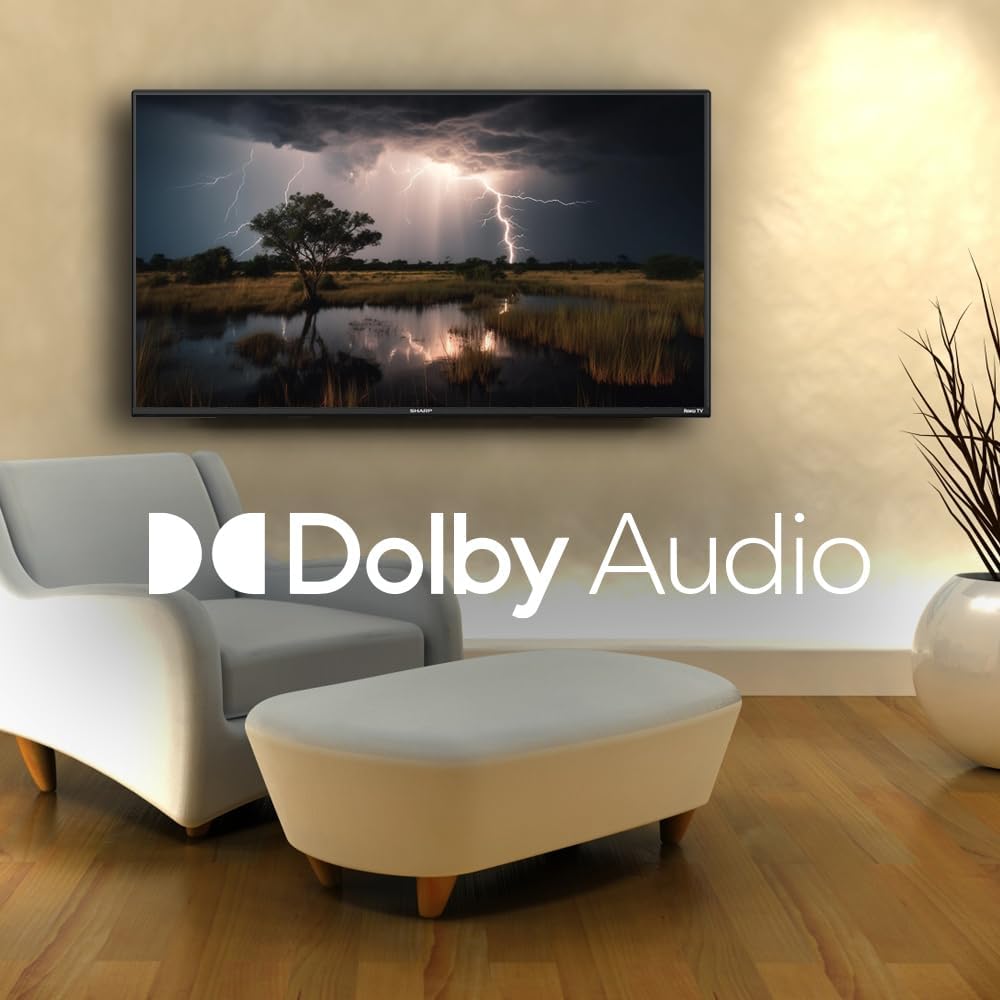
Image: A television screen displaying a dramatic scene with the Dolby Audio logo prominently featured.
Antretyen
1. Cleaning the TV Screen
Pou netwaye ekran an, siye l dousman avèk yon twal mou ki pa gen pousyè. Pou mak ki difisil pou retire, siye l dousman.ampen the cloth with water or a screen-specific cleaning solution. Avoid using harsh chemicals, abrasives, or direct spraying onto the screen.
2. Cleaning the TV Casing
Siye televizyon an casinG avèk yon twal mou epi sèk. Pa sèvi ak pwodui netwayaj likid dirèkteman sou c la.asing.
3. Vantilasyon
Ensure that the ventilation openings on the back of the TV are not blocked. Proper airflow is essential to prevent overheating.
Depanaj
Si w rankontre pwoblèm ak televizyon w lan, gade pwoblèm ak solisyon komen sa yo:
| Pwoblèm | Solisyon posib |
|---|---|
| Pa gen pouvwa | Check if the power cord is securely connected to both the TV and the electrical outlet. Ensure the outlet is functional. |
| Pa gen imaj, men gen son | Verifye ke sous opinyon ki kòrèk la chwazi. Tcheke koneksyon aparèy ekstèn yo. |
| Pa gen son, men imaj la prezan | Check the volume level and mute status. Ensure external audio systems are properly connected and powered on. |
| Remote Control pa travay | Replace the batteries in the remote control. Ensure no obstructions are between the remote and the TV. |
| Pa ka konekte ak Wi-Fi | Verifye modpas Wi-Fi ou a. Rekòmanse routeur ou a ak televizyon an. Asire w ke televizyon an nan zòn rezo Wi-Fi ou a. |
| Fonksyonalite entelijan yo pa reponn | Check your internet connection. Restart the TV by unplugging it for 30 seconds and plugging it back in. |
Espesifikasyon
| Karakteristik | Detay |
|---|---|
| Nimewo Modèl | 2TC40EF4UR |
| Gwosè ekran | 40 pous (102 cm dyagonal vizib) |
| Teknoloji ekspozisyon | dirije |
| Rezolisyon | Full HD (1920 x 1080) |
| Rafrechisman pousantaj | 60 Hz |
| Sistèm operasyon | Roku OS |
| RAM | 512 MB |
| Pouvwa Sòti Audio | 16 Watts (2.0 Dolby) |
| Pò HDMI | 3 |
| Pò USB | 1 |
| Koneksyon | HDMI, USB, Wi-Fi, Composite Video |
| Vwa kontwòl konpatibilite | Amazon Alexa, Google Asistan |
| Konsomasyon Enèji (Mòd Aktive) | 65 Watts |
| Voltage | 120 Vòlt (AC) |
| Dimansyon (ak kanpe) | 99 cm (W) x 12 cm (D) x 57 cm (H) |
| Pwa | 5.7 kg |
| Teknoloji kontwòl remote | Enfrawouj |
| Sipò Bluetooth | Non |

Image: The Sharp Roku TV with its width, depth, and height dimensions indicated.
Garanti ak sipò
Enfòmasyon sou Garanti
Your Sharp 40-inch Full HD Smart LED Roku TV comes with a manufacturer's warranty. Please refer to the warranty document included in your product packaging for detailed terms, conditions, and registration information. Keep your proof of purchase for warranty claims.
Sipò pou Kliyan
For technical assistance, troubleshooting beyond this manual, or warranty service, please contact Sharp customer support. Contact information can typically be found on the Sharp official websit la oubyen nan dokiman garanti ou a.
Ask a question about this manual
Ask about setup, troubleshooting, compatibility, parts, safety, or missing instructions. Manuals+ will review the question and use this page’s manual context to help answer it.