
iJoy DHP2431
iJoy Disney Nightmare Before Christmas Sally Dress Bluetooth Headphones User Manual
Model: DHP2431 | Brand: iJoy
Entwodiksyon

Imaj: The iJoy Disney Nightmare Before Christmas Sally Dress Bluetooth Headphones, showcasing konsepsyon inik yo.
Thank you for choosing the iJoy Disney Nightmare Before Christmas Sally Dress Bluetooth Headphones. These wireless over-ear headphones are designed to provide a rich audio experience with a unique Sally Dress design. They feature a built-in microphone for hands-free calling, a foldable design for portability, and versatile connectivity options. This manual will guide you through the setup, operation, and maintenance of your new headphones.
Enstalasyon
1. Chaje kas ekoutè yo
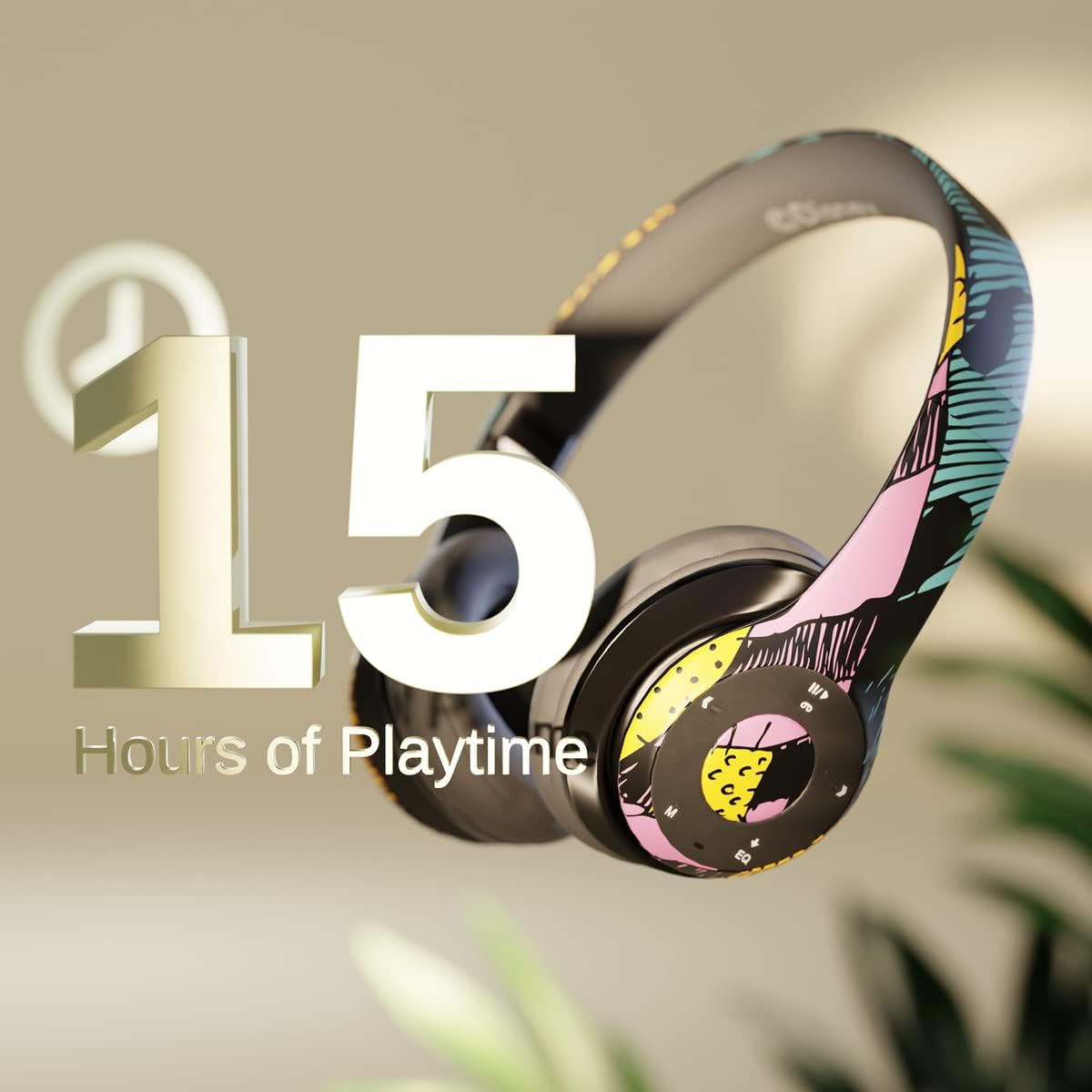
Imaj: Graphic indicating 15 hours of playtime for the headphones, highlighting battery endurance.
Before first use, fully charge your headphones. Connect the provided charging cable to the charging port on the headphones and a USB power source. The LED indicator will show charging status and turn off when fully charged. A full charge provides approximately 15 hours of battery life.
2. Pè Bluetooth

Imaj: The headphones with a graphic illustrating universal compatibility with both Apple and Android devices.
- Asire w ke kas ekoutè yo etenn.
- Peze epi kenbe bouton Pouvwa a jiskaske endikatè LED la flache ble ak wouj, sa ki endike mòd koneksyon an.
- On your Bluetooth-enabled device (smartphone, tablet, computer), go to Bluetooth settings and search for available devices.
- Select "iJoy DHP2431" (or similar name) from the list.
- Yon fwa konekte, endikatè ki ap dirije a ap klere ble tou dousman.
3. Using the Auxiliary Cable
For a wired connection, plug one end of the 3.5mm auxiliary cable into the headphone's audio jack and the other end into your audio device. This allows for continued listening even if the battery is depleted.
4. Lekti Kat Mikwo SD
Insert a Micro SD card with your favorite music into the designated slot on the headphones. The headphones will automatically switch to Micro SD card playback mode. Use the control buttons to manage your music.
Enstriksyon Operasyon
Power On/Off
- Pou limen: Peze epi kenbe bouton Power la jiskaske endikatè LED la limen.
- Pou etenn: Peze epi kenbe bouton Power la jiskaske endikatè LED la etenn.
5-Button Control System
The headphones feature a convenient 5-button control system located on the ear cup for easy management of audio and calls.

Imaj: Detaye view of the 5-button control panel on the headphone ear cup, indicating functions for volume, track navigation, equalizer, and call management.
- Play/Pause/Answer/Hang-up: Press the center button to play or pause music, or to answer/end a phone call.
- Volim moute / Next Track: Press the '+' button to increase volume. Hold the '+' button to skip to the next track.
- Volim desann / Previous Track: Press the '-' button to decrease volume. Hold the '-' button to go to the previous track.
- Revolve: Press the 'EQ' button to cycle through different equalizer presets.
- Selektè mòd: Press the 'M' button to switch between Bluetooth, Micro SD card, and FM Radio modes.
Rele men-gratis
With the built-in microphone, you can make and receive calls directly through your headphones when connected via Bluetooth to your smartphone. Use the center button to answer or end calls.
Reseptè radyo entegre
Switch to FM Radio mode using the 'M' button. The headphones will automatically scan and tune into available radio stations. Use the track navigation buttons to change stations.
Pliable Design

Imaj: The headphones are shown in their folded configuration, highlighting their compact and portable design for easy storage and transport.
The headphones feature a foldable design, allowing for easy storage and portability. Simply fold the ear cups inwards towards the headband to reduce their size for travel or storage in a backpack.
Noise Canceling Design

Imaj: Yon te eksploze view of the headphone's ear cup, illustrating the internal speaker components and the connection point for the auxiliary cable, emphasizing the noise-canceling technology.
The over-ear cup design helps to isolate audio, providing a more immersive listening experience by reducing external noise interference.
Antretyen
- Netwayaj: Sèvi ak yon twal mou epi sèk pou netwaye kas ekoutè yo. Pa sèvi ak pwodui netwayaj abrazif oswa solvan.
- Depo: When not in use, store the headphones in a cool, dry place. Utilize the foldable design for compact storage.
- Swen batri: Pou pwolonje lavi batri a, evite dechaje kas ekoutè yo nèt souvan. Chaje yo regilyèman, menm si w pa itilize yo tout tan.
- Rezistans dlo: Kas ekoutè sa yo pa reziste dlo. Evite kontak ak likid.
Depanaj
- Pa gen pouvwa: Asire w ke kas ekoutè yo byen chaje. Konekte yo nan yon sous kouran epi tcheke endikatè chaj la.
- Pa ka konekte atravè Bluetooth:
- Asire w ke kas ekoutè yo nan mòd koneksyon (LED a ap flache ble ak wouj).
- Asire w ke Bluetooth aktive sou aparèy ou an epi li nan yon distans (jeneralman 10 mèt).
- Bliye aparèy la nan lis Bluetooth telefòn ou an epi eseye konekte li ankò.
- Rekòmanse tou de kas ekoutè yo ak aparèy ou an.
- Pa gen son:
- Tcheke nivo volim nan tou de kas ekoutè yo ak aparèy ki konekte a.
- Ensure the headphones are properly connected via Bluetooth or auxiliary cable.
- If using an SD card, ensure the audio fileyo nan yon fòma konpatib.
- Kalite son pòv:
- Pwoche pi pre aparèy Bluetooth ou a pou evite entèferans.
- Tcheke sous odyo a pou wè si gen pwoblèm kalite.
- Ensure the ear cups are properly positioned over your ears for optimal sound isolation.
Espesifikasyon
| Non modèl | DHP2431 |
| Koneksyon Teknoloji | San fil (Bluetooth) |
| Teknoloji kominikasyon san fil | Bluetooth |
| Konpozan ki enkli | Headphones, Charging Cable, Auxiliary Cable |
| Ranje laj (Deskripsyon) | Adult (suitable for kids) |
| Materyèl | Plastic, Metal, Fabric, Memory Foam |
| Itilizasyon Rekòmande Pou Pwodwi | Mizik, Rele |
| Aparèy konpatib | Aparèy ki pèmèt Bluetooth |
| Kalite kontwòl | Volume Control, Track Navigation, Equalizer, Mode Selector |
| Kab Karakteristik | Retractable, Without Cable (for wireless use) |
| Pwa atik | 0.26 kilogram (9.1 ons) |
| Nivo rezistans dlo | Pa reziste dlo |
| Style | Sally Dress |
| Metòd kontwòl | Bouton |
| Kantite Atik | 1 |
| Lavi batri | 15 èdtan |
| Kalite chofè odyo | Chofè dinamik |
| Fòm ekoutè | Sou-zòrèy |
| Entèfas Materyèl | 3.5mm odyo |
| UPC | 842700197150 |
| Karakteristik espesyal | Built-in Radio Receiver, Foldable and Adjustable headband, Micro SD Card Plug-in, Microphone Included |
| Manifakti | iJoy |
| Dimansyon pake | 6.57 x 6.1 x 3.19 pous |
| Batri | 1 batri ityòm Polymère obligatwa (enkli) |
Garanti
iJoy provides a Garanti echanj 6 mwa for these headphones. If your headset breaks or is damaged for any reason within this period, iJoy will provide you with a free replacement.
Sipò
For further assistance, troubleshooting, or warranty claims, please contact iJoy customer support. You can often find contact information on the product packaging or by visiting the official iJoy websit.
Videyo pwodwi
iJoy Disney Nightmare Before Christmas Headphones Overview
Videyo: Yon prezantasyon videyo pwodwi ofisyèlasing the iJoy Disney Nightmare Before Christmas Headphones, highlighting their design and features.
Ask a question about this manual
Ask about setup, troubleshooting, compatibility, parts, safety, or missing instructions. Manuals+ will review the question and use this page’s manual context to help answer it.