
Hiacinto ES550
Manyèl Itilizatè Andoskop Otofokus Hiacinto ES550
Industrial Borescope Inspection Camera with 5" IPS LCD Screen
1. Entwodiksyon
The Hiacinto ES550 Autofocus Endoscope is a professional industrial inspection camera designed for detailed visual inspection in hard-to-reach areas. Featuring a 5.0 MP HD autofocus lens and a large 5-inch IPS LCD screen, it provides clear, high-resolution images and videos. Its durable, detachable gooseneck probe with adjustable LED lights and IP68 waterproof rating makes it suitable for various applications, including automotive repair, plumbing, HVAC, and general home maintenance.
2. Enfòmasyon sou Sekirite
- Do not use the endoscope in environments with flammable or explosive gases.
- Asire w ke aparèy la byen chaje anvan w itilize li pou evite entèripsyon pandan enspeksyon an.
- Pa eseye demonte oswa modifye aparèy la. Konfye tout antretyen bay pèsonèl kalifye.
- Keep the camera probe clean and free from debris to ensure optimal image quality.
- Avoid direct exposure of the camera lens to strong light sources to prevent damage.
- Store the device and accessories in the provided carrying case when not in use to prevent damage.
3. Pake kontni
Verifye ke tout atik yo prezan epi yo an bon kondisyon lè w ap ouvri pake a:
- Hiacinto ES550 Endoscope Main Unit with 5-inch IPS Screen
- 5-meter (16.5 ft) Detachable Gooseneck Probe with 5.0 MP HD Autofocus Camera
- 32GB TF Card (pre-installed or included separately)
- USB Chaje Kab
- Accessory Kit (includes magnet and hook attachments)
- Ka transpò dirab
- Manyèl itilizatè

Image: The Hiacinto ES550 Endoscope main unit with its 5-inch screen, the coiled 5-meter gooseneck probe, and the included carrying case.
4. Pwodwi souview
4.1 Inite Prensipal
- 5-inch IPS LCD Screen: High-definition display for real-time viewenspeksyon manjetage.
- Kontwòl Panel: Buttons for power, menu navigation, photo/video capture, LED light adjustment, and screen functions.
- Probe Connector: Port for attaching the detachable gooseneck probe.
- Pò chaje: Pò USB pou chaje batri entèn la.
- TF Kat plas: For inserting or removing the 32GB memory card.
4.2 Gooseneck Probe
- 5.0 MP HD Autofocus Camera: Provides clear images and automatically adjusts focus from 3 cm to 100 cm.
- Limyè ki ap dirije reglabl: 10 integrated LED lights with 3 levels of brightness for illuminating dark inspection areas.
- Evalyasyon ki enpèmeyab IP68: Allows the probe to be submerged in water for inspection of pipes and drains.
- Konsepsyon detachable: The probe cable can be easily detached and replaced.

Imaj: Yon imaj detaye view of the 5-inch IPS HD screen, highlighting its clarity and size.

Image: Illustration demonstrating the detachable cable design, allowing for easy replacement or repair.
5. Enstalasyon
5.1 Chaje Aparèy la
- Connect the provided USB charging cable to the charging port on the main unit.
- Branche lòt bout kab USB a nan yon adaptè kouran USB estanda (pa enkli) oubyen nan yon pò USB òdinatè.
- The charging indicator light will illuminate. A full charge typically takes approximately 3-4 hours and provides up to 4 hours of continuous operation.
- Yon fwa li fin chaje nèt, limyè endikatè a ka chanje oswa etenn. Dekonekte kab chaje a.
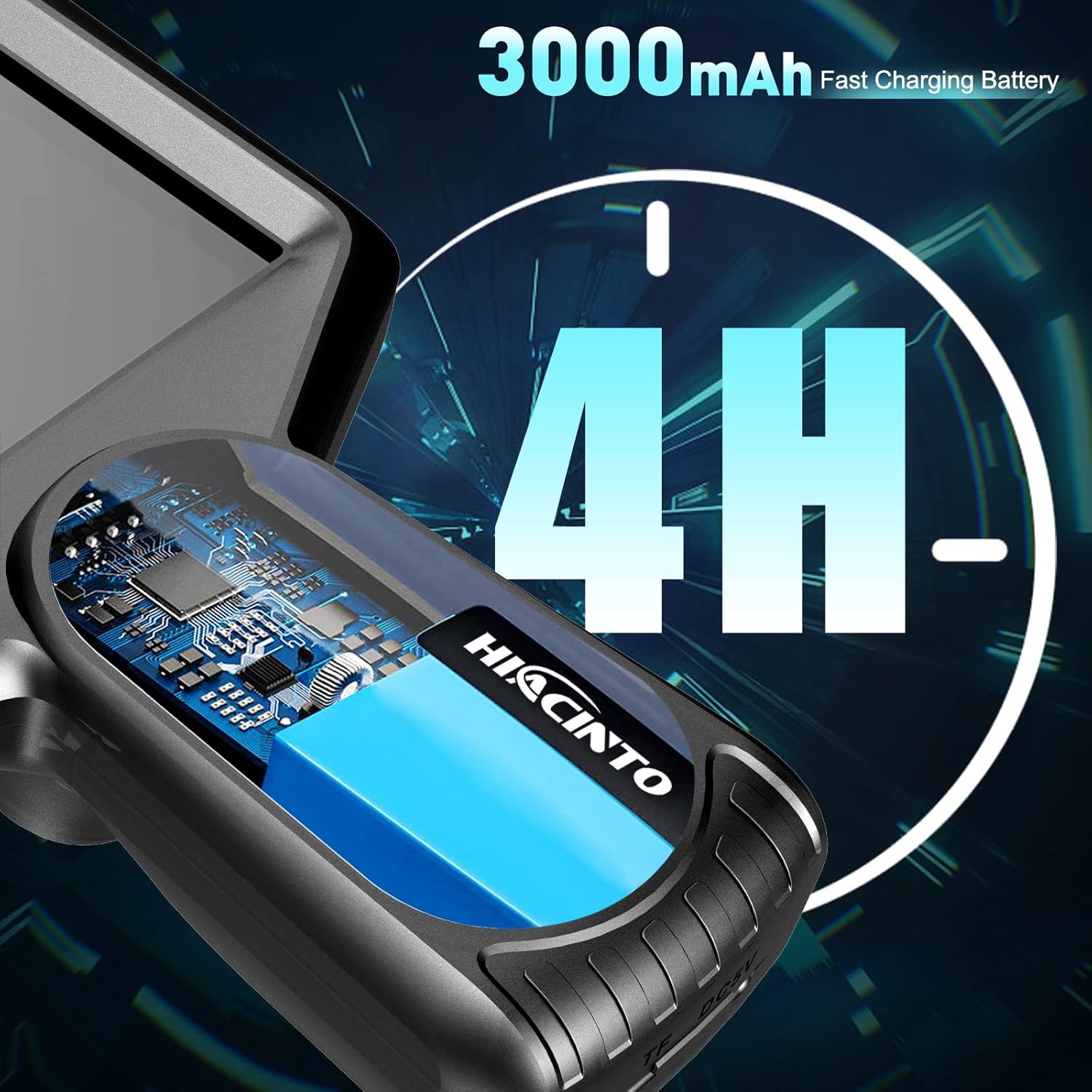
Image: Visual representation of the 3000mAh battery capacity, indicating up to 4 hours of continuous use.
5.2 Attaching the Probe
- Ensure the main unit is powered off.
- Align the connector of the gooseneck probe with the probe port on the main unit.
- Gently push the connector in until it clicks securely into place.
- To detach, press the release button (if present) or pull firmly but carefully on the connector.
5.3 Mete Kat TF la
The device comes with a 32GB TF card for storing photos and videos. If not pre-installed:
- Locate the TF card slot on the side of the main unit.
- Insert the TF card with the metal contacts facing down (or as indicated by a diagram near the slot) until it clicks into place.
- Pou retire li, pouse kat la dousman jiskaske li soti.
6. Operasyon Enstriksyon
6.1 Limen/Etenyen
- Pouvwa sou: Peze epi kenbe bouton pouvwa a (⏻) for a few seconds until the screen illuminates.
- Pouvwa Off: Peze epi kenbe bouton pouvwa a (⏻) again until the screen turns off.
6.2 Ajisteman Limyè LED yo
The probe features 10 LED lights with adjustable brightness:
- Peze bouton Limyè a (☀) repeatedly to cycle through 3 levels of brightness (Low, Medium, High) and Off.
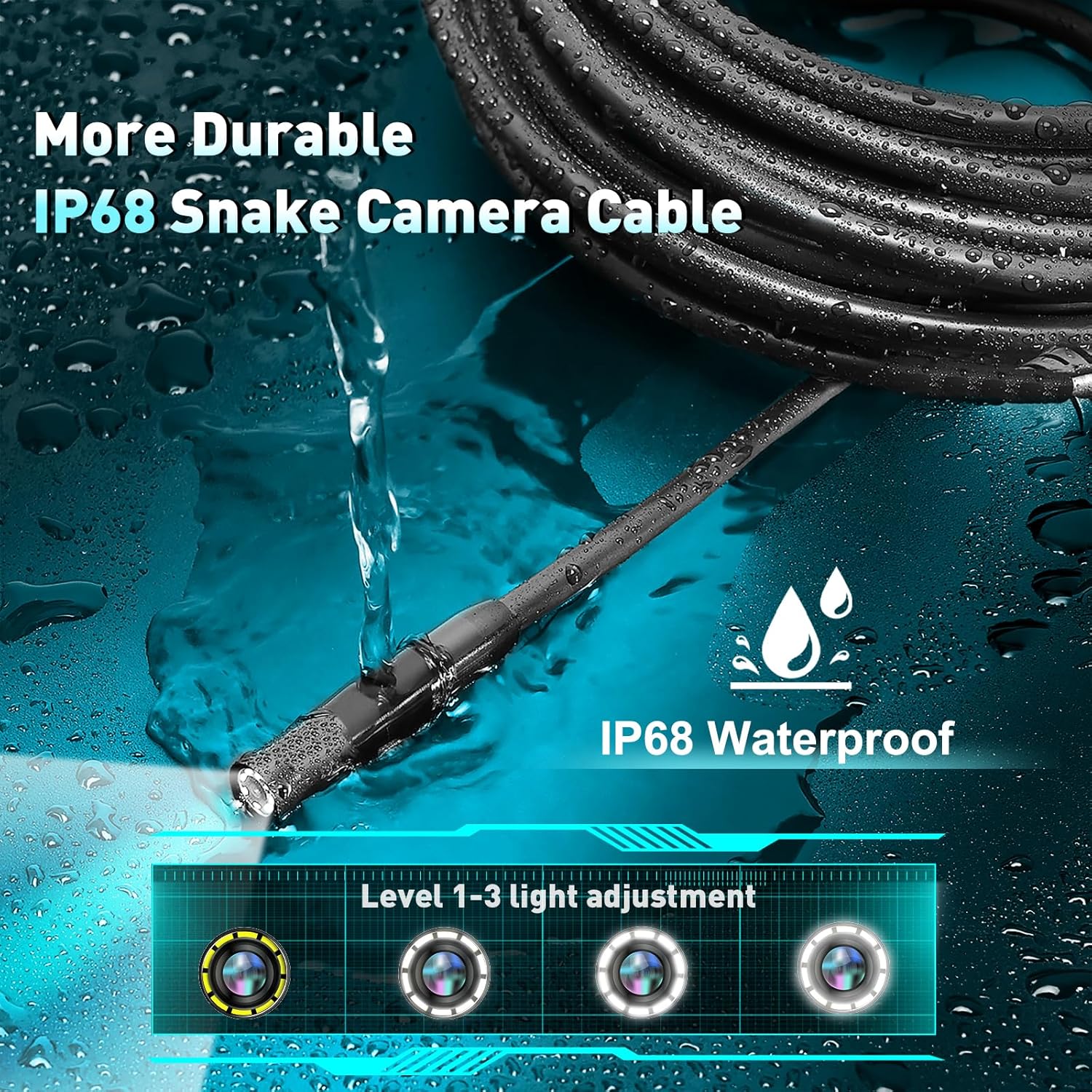
Image: The IP68 waterproof probe tip with its 10 LED lights, illustrating the three levels of light adjustment.
6.3 Pran Foto ak Videyo
- Pran foto: Pandan ke viewing viv footage, press the Photo button (📷) once to capture an image. The image will be saved to the TF card.
- Anrejistre videyo: Press the Video button (●) once to start recording. Press it again to stop recording. Videos are saved to the TF card.
6.4 Screen Functions
The ES550 offers several screen display options:
- Zoom: Use the Up/Down arrow buttons to zoom in or out (up to 3x magnification).
- Screen Reversal: Press the OK button to rotate the image 180 degrees, useful when the probe is inverted.
- Friz imaj: Some models may have a dedicated button or a long press function to freeze the current image on screen. Consult the on-screen icons for specific controls.

Image: A technical diagram illustrating the 5.0 MP HD autofocus lens and its focal distance range of 3cm to 1 meter.
6.5 Itilizasyon Pwodui Akseswa yo
The included magnet and hook attachments can be screwed onto the end of the probe for retrieving small objects:
- Magnèt: Useful for picking up metallic items like dropped screws or keys.
- Hook: Can be used to retrieve non-magnetic items or to maneuver cables.
7. Antretyen
7.1 Netwayaj
- Lantiy kamera: Gently wipe the camera lens with a soft, lint-free cloth. For stubborn dirt, use a small amount of lens cleaning solution.
- Probe Cable: Wipe the probe cable with a damp cloth after use, especially if it has been in dirty or wet environments.
- Inite Prensipal: Clean the main unit with a dry, soft cloth. Avoid using abrasive cleaners or solvents.
7.2 Depo
- Store the endoscope and all accessories in the provided durable carrying case.
- Kenbe aparèy la nan yon kote ki fre epi sèk, lwen limyè solèy dirèk ak tanperati ekstrèm.
- If storing for an extended period, ensure the battery is partially charged (around 50%) to prolong its lifespan. Recharge every 3-6 months.
NAN. Depanaj
| Pwoblèm | Kòz posib | Solisyon |
|---|---|---|
| Aparèy pa limen. | Batri ap vide. | Chaje aparèy la konplètman. |
| Pa gen imaj sou ekran an. | Sond lan pa byen konekte. | Ensure the probe is securely connected to the main unit. |
| Imaj la twoub. | Camera lens is dirty; Object is outside focal range. | Clean the camera lens. Reposition the probe to be within the 3cm-100cm autofocus range. |
| Pa ka sove foto/videyo. | TF card is full or not inserted correctly; TF card is faulty. | Check TF card insertion. Delete old files or replace the TF card. |
| Limyè LED yo pa mache. | Lights are turned off or set to lowest brightness. | Press the Light button to cycle through brightness levels. |
9. Espesifikasyon
| Karakteristik | Detay |
|---|---|
| Nimewo Modèl | ES550 |
| Gwosè ekran | 5-pous IPS LCD |
| Rezolisyon kamera | 5.0 Megapixels HD |
| Fokal Range | 3 cm to 100 cm (Autofocus) |
| Longè sonde | 5 mèt (16.5 pye) |
| Dirije Limyè | 10 LED reglabl |
| Evalyasyon ki enpèmeyab | IP68 (Probe only) |
| Kapasite batri | 3000mAh Lityòm Polymère |
| Tan operasyon | Jiska 4 èdtan |
| Depo | Kat TF 32GB (enkli) |
| Rezolisyon Capture Videyo | 1080p |
| Dimansyon pwodwi | 10 x 9 x 3 inches (Main Unit & Case) |
| Pwa atik | 1.98 liv |
10. Garanti ak sipò
Hiacinto provides a 24-month return policy and helpful customer support for the ES550 Autofocus Endoscope.
- For technical assistance, troubleshooting, or warranty claims, please contact Hiacinto customer support.
- Refer to the product packaging or the official Hiacinto websit la pou jwenn enfòmasyon kontak ki pi resan yo.
Ask a question about this manual
Ask about setup, troubleshooting, compatibility, parts, safety, or missing instructions. Manuals+ will review the question and use this page’s manual context to help answer it.