
Entwodiksyon
This manual provides detailed instructions for the setup, operation, and maintenance of your Sharp SPC483 Digital Alarm Clock. Please read this guide thoroughly to ensure proper use and to maximize the clock's features. This battery-operated alarm clock features a tactile rubberized finish, a clear LCD display with an on-demand blue backlight, and an ascending alarm for a gentle wake-up.
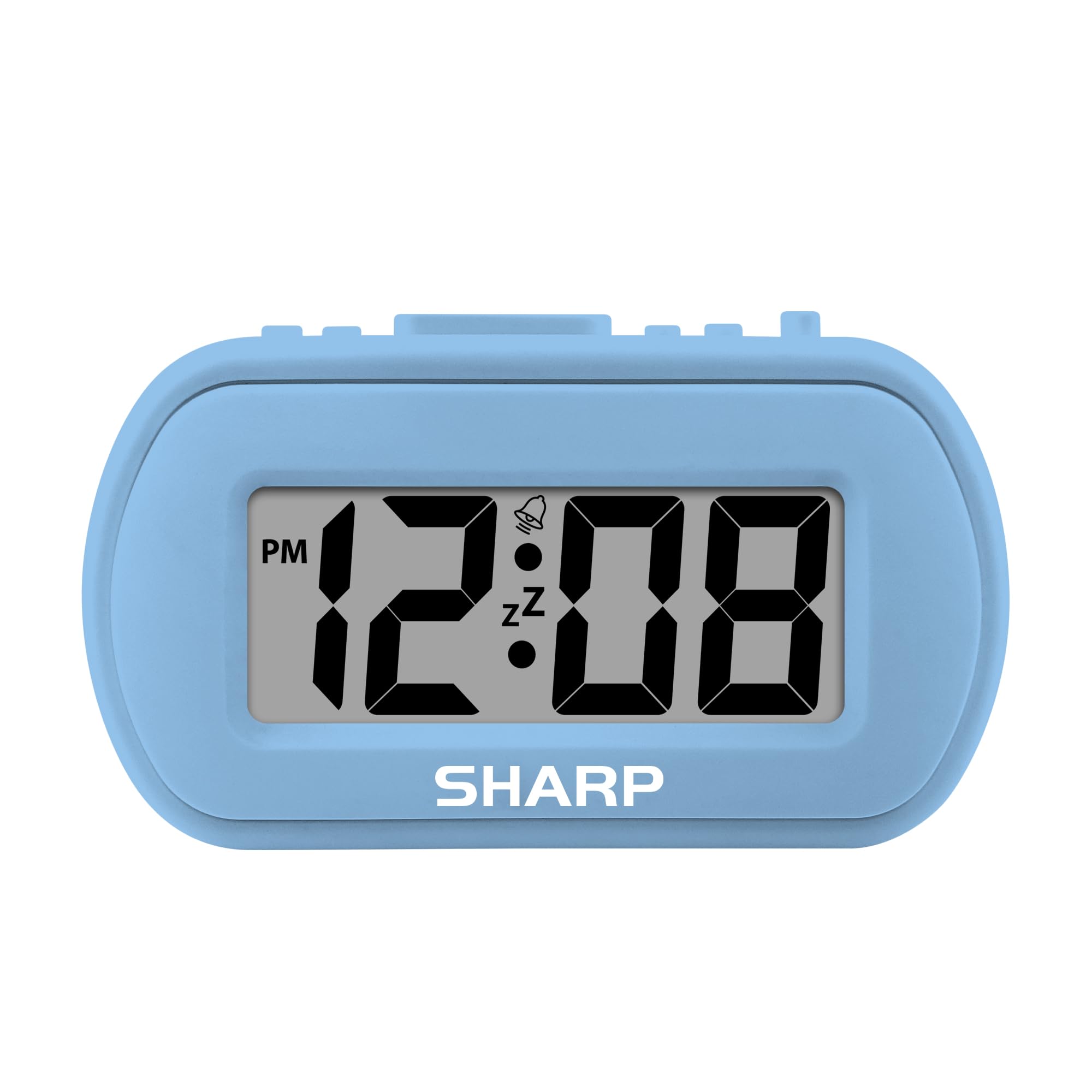
Image: The Sharp SPC483 Digital Alarm Clock, showcasing its compact design and clear digital display.
Pwodwi souview
The Sharp SPC483 Digital Alarm Clock is designed for simplicity and portability. Its key features include:
- Tactile Rubberized Case: Provides a comfortable grip and durable protection.
- Gwo ekran LCD 1 pous: Ensures easy readability from a distance.
- Batri opere: Requires 2 AAA batteries (not included), offering cordless convenience.
- On-Demand Blue Backlight: Illuminates the display for 5 seconds when activated, ideal for night viewing.
- Alam k ap monte: Starts softly and gradually increases in volume.
- Snooze 5 minit: Allows for additional rest before the alarm sounds again.
- Gwosè kontra enfòmèl ant: Measures approximately 4 inches (L) x 1.7 inches (W) x 2.3 inches (H), making it suitable for travel or small spaces.

Image: Key features of the Sharp SPC483 Digital Alarm Clock, including its display, finish, backlight, and alarm type.
Enstalasyon
1. Enstalasyon batri
- Jwenn kouvèti konpatiman pil la sou dèyè revèy la.
- Glise kouvèti a.
- Insert two (2) new AAA batteries, ensuring correct polarity (+ and -) as indicated inside the compartment.
- Ranplase kouvèti lòj batri a.

Image: Top controls of the Sharp SPC483 Digital Alarm Clock, indicating button functions for time and alarm settings.
2. Mete Tan an
- Peze epi kenbe la TAN SET button (labeled 'AL. TIME' on the left side) until the hour digits begin to flash.
- Peze a HR button to adjust the hour. Note the PM indicator for afternoon hours.
- Peze a MIN bouton pou ajiste minit yo.
- Peze a TAN SET Peze bouton an ankò pou konfime lè a epi sòti nan mòd reglaj lè a.
Enstriksyon Operasyon
1. Mete alam la
- Peze epi kenbe la SET ALARM button (labeled 'AL. TIME' on the left side, same button as time set but a short press will show alarm time, long press for setting) until the alarm hour digits begin to flash.
- Peze a HR bouton pou ajiste lè alam la.
- Peze a MIN bouton pou ajiste minit alam lan.
- Peze a SET ALARM bouton an ankò pou konfime lè alam lan.
- Pou aktive alam lan, glise bouton an ALARM ON / OFF switch (on the right side) to the 'ON' position. An alarm icon will appear on the display.
- Pou etenn alam lan, glise bouton an ALARM ON / OFF Chanje l nan pozisyon 'OFF'. Ikòn alam lan ap disparèt.
2. Fonksyon repetisyon
Lè alam lan sonnen, peze gwo bouton an SNOOZE/BACKLIGHT button located on the top center of the clock. The alarm will pause for approximately 5 minutes before sounding again. This can be repeated multiple times.
3. On-Demand Blue Backlight
Pou klere ekran an nan kondisyon ki pa twò klere, peze bouton an SNOOZE/BACKLIGHT button. The blue backlight will activate for 5 seconds and then automatically turn off to conserve battery life.
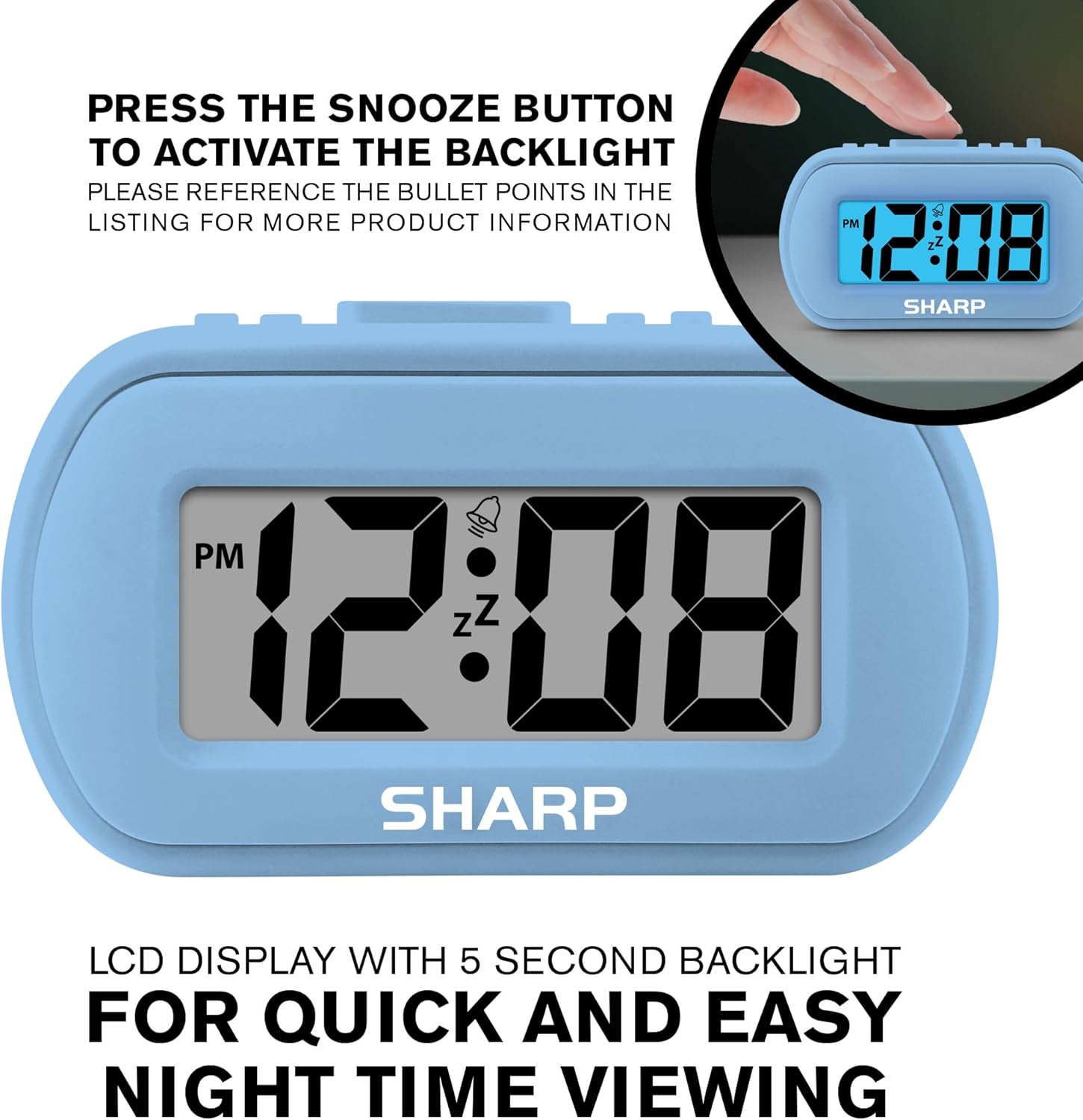
Image: The clock display illuminated by its blue backlight for easy viewnan fè nwa.
4. Videyo pwodwi ofisyèl la
Videyo: Yon prezantasyon videyo pwodwi ofisyèlasing the Sharp Digital Alarm Clock in Light Blue, demonstrating its features and ease of use.
Antretyen
To ensure the longevity and optimal performance of your Sharp SPC483 Digital Alarm Clock, follow these maintenance guidelines:
- Netwayaj: Wipe the clock with a soft, dry cloth. Avoid using abrasive cleaners or solvents, as they may damage the finish or display.
- Ranplasman batri: Replace batteries when the display becomes dim or the clock stops functioning. Always replace both batteries at the same time with new AAA batteries.
- Depo: If storing the clock for an extended period, remove the batteries to prevent leakage and potential damage.
- Anviwònman: Keep the clock away from extreme temperatures, direct sunlight, and high humidity.
Depanaj
| Pwoblèm | Solisyon |
|---|---|
| Ekran an vid oswa li fèb. | Check battery installation. Replace with new AAA batteries if necessary. Ensure correct polarity. |
| Alam lan pa sonnen. | Ensure the ALARM ON/OFF switch is in the 'ON' position. Verify the alarm time is set correctly. |
| Lè a pa kòrèk. | Reset the time using the 'Setting the Time' instructions. Check battery strength. |
| Backlight does not activate. | Ensure batteries are fresh. The backlight is on-demand and only stays on for 5 seconds. |
Espesifikasyon
- Nimewo Modèl: SPC483
- Kalite ekspozisyon: Digital LCD
- Sous pouvwa: Battery Powered (2 x AAA batteries, not included)
- Dimansyon pwodwi: 4 pous (L) x 1.7 pous (W) x 2.3 pous (H)
- Karakteristik espesyal: Ascending Alarm, 5-Minute Snooze, On-Demand Blue Backlight
- Materyèl ka: Kaoutchoute
- Kalite chanm: Bedroom, Travel

Image: Dimensions of the Sharp SPC483 Digital Alarm Clock, illustrating its compact size.
Garanti ak sipò
For warranty information or technical support, please refer to the documentation included with your purchase or visit the official Sharp websit la. Kenbe prèv acha ou a pou nenpòt reklamasyon garanti.