
1. Enfòmasyon sou Sekirite
Your safety is paramount. Please read and understand all safety instructions before operating the WEELMOTION Hoverboard.
UL2272 Certification
Every WEELMOTION hoverboard is UL 2272 certified, having passed rigorous battery and charger safety tests. This certification ensures compliance with electrical safety standards.
Karakteristik Sekirite Kle yo:
- No-Fall Technology: Provides enhanced balance support, making it easier and safer for beginners.
- Pwoteksyon Surchof: Automatically shuts down the device if internal temperatures exceed safe limits.
- Pwoteksyon Kout Awondisman: Anpeche domaj ki soti nan kout kous elektrik.
- Kokiy ki reziste dife: Constructed with materials designed to resist fire.
- Over-Speed Alert: Notifies the rider when exceeding safe speeds.
Nòt Sekirite Enpòtan:
- Always use the original WEELMOTION charger. Using non-compatible or uncertified chargers may prevent charging, damage the battery, or create potential safety risks.
- Wear appropriate safety gear, including a helmet, knee pads, and elbow pads, during operation.
- Do not operate the hoverboard in unsafe conditions, such as on wet surfaces, steep inclines, or in heavy traffic.
- Ensure the hoverboard is fully charged before each use to avoid unexpected power loss.

Image: The WEELMOTION Hoverboard emphasizing its safety features, including advanced chip, smart sensor, no-fall technology, UL2272 certification, overheat protection, non-slip pedal, fire protection shell, and over-speed alert.
2. Pwodwi souview
The WEELMOTION 6.5 Chrome Hoverboard is designed for a smooth and enjoyable riding experience. It combines powerful performance with advanced safety features and entertainment options.
Karakteristik kle:
- Motè doub pwisan: Equipped with dual 200W brushless motors for speeds up to 8 km/h.
- Wou tout-teren: Features 6.5-inch solid shining tires suitable for various terrains.
- Batri ki dire lontan: High-capacity lithium-ion battery provides a range of 6–8 km per charge.
- Vibrant LED Lighting: Includes LED wheel lights, dynamic LED strip lights, and bright front LEDs for visibility and style.
- Integrated Music Speaker: Connects to your device via Bluetooth for music playback during rides.
- Sètifye UL 2272: Ensures electrical safety and peace of mind.

Image: The WEELMOTION 6.5 Chrome Hoverboard, showcasing its sleek design and vibrant chrome lemon finish.
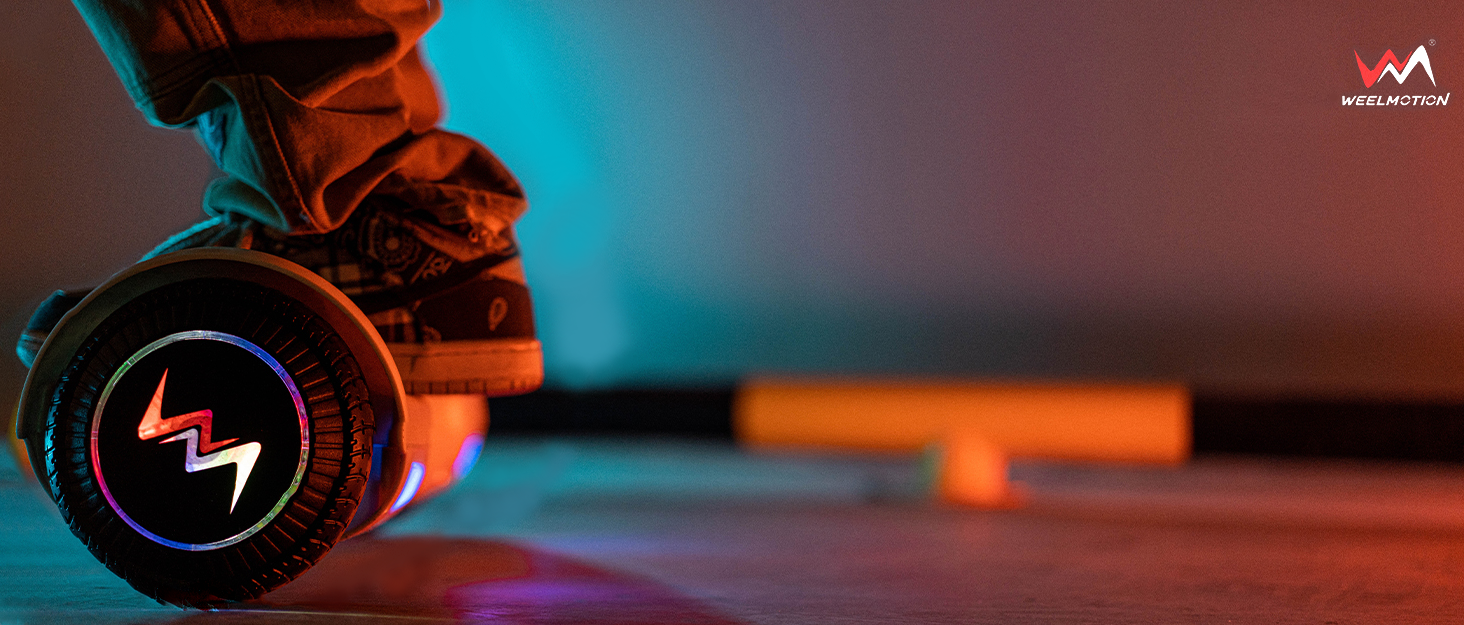
Imaj: Yon eksplozyon view highlighting the 400W dual motor, maximum 220 lbs load capacity, 12-degree climbing angle, and 10 km/h maximum speed.

Image: The hoverboard illuminated by its vibrant LED lights, with musical notes indicating the built-in music speaker feature.
3. Enstalasyon
Debale ak Premye Enspeksyon:
- Ak anpil atansyon retire tout eleman nan anbalaj la.
- Verify that all included components (hoverboard, charger, manual, bag) are present.
- Inspect the hoverboard for any visible damage. Do not use if damaged.
Charging the Hoverboard:
- Jwenn pò chaje a sou hoverboard la.
- Connect the original WEELMOTION charger to the charging port.
- Ploge plato a nan yon priz elektrik estanda.
- Limyè endikatè ki sou plato a ap anjeneral vin wouj pandan y ap chaje epi vèt lè li konplètman chaje.
- Allow the hoverboard to charge completely before its first use. Charging time may vary.
Important: Only use the original WEELMOTION charger provided with your hoverboard.

Image: The hoverboard with an icon representing its 72Wh battery, indicating a riding range of up to 6-8 km.
4. Operasyon Enstriksyon
The WEELMOTION Hoverboard features a built-in gyroscope stabilization system and advanced self-balancing technology for intuitive control.
Riding the Hoverboard:
- Pouvwa sou: Press the power button located on the hoverboard. The indicator lights will illuminate.
- Montaj: Place one foot firmly on a footpad. Once the hoverboard stabilizes, quickly step on with your other foot. Maintain a relaxed posture and keep your body centered.
- Moving Forward/Backward: Lean slightly forward to move forward, and lean slightly backward to move backward.
- Vire: Pou vire agoch, pouse pye dwat ou pi devan. Pou vire adwat, pouse pye gòch ou pi devan.
- Wotasyon 360 degre: To rotate in place, push one foot forward and the other foot backward simultaneously.
- Demonte: Step off the hoverboard one foot at a time, preferably backward, to maintain balance.

Image: A person demonstrating riding the WEELMOTION Hoverboard, highlighting its ease of use.

Image: The hoverboard illustrating its self-balance mode, which is beginner-friendly, and its smart-sensor technology.
Using the Music Speaker:
- Ensure the hoverboard is powered on.
- Aktive Bluetooth sou aparèy mobil ou.
- Chèche pou available Bluetooth devices and select the WEELMOTION Hoverboard.
- Once paired, you can play music through the hoverboard's built-in speaker.
Video: An official WEELMOTION video demonstrating the WM-02 Hoverboard in use, showcasing karakteristik li yo ak bon fonksyònman li yo.
5. Antretyen
Netwayaj:
- Turn off the hoverboard before cleaning.
- Sèvi ak yon mou, damp cloth to wipe down the exterior. Avoid using harsh chemicals or abrasive cleaners.
- Do not spray water directly onto the hoverboard, as this can damage electronic components.
Swen batri:
- Charge the battery regularly, even if the hoverboard is not in frequent use, to maintain battery health.
- Evite vide batri a nèt anvan ou rechaje li.
- Store the hoverboard in a cool, dry place away from direct sunlight and extreme temperatures.
Depo:
- If storing for an extended period, ensure the battery is charged to approximately 50-70%.
- Store in a dry environment to prevent moisture damage.
NAN. Depanaj
If you encounter issues with your WEELMOTION Hoverboard, please refer to the following common solutions:
Planch Hover la pa limen:
- Asire batri a chaje nèt.
- Tcheke bouton pouvwa a pou wè si li byen angaje.
Difikilte pou balanse:
- Ensure you are on a flat, even surface.
- Recalibrate the hoverboard if necessary (refer to specific model instructions for calibration).
- Practice mounting and dismounting in a safe, open area.
Oratè Bluetooth la pa konekte:
- Ensure the hoverboard is powered on and Bluetooth is enabled on your device.
- Move your device closer to the hoverboard.
- Try restarting both the hoverboard and your Bluetooth device.
For more complex issues or if troubleshooting steps do not resolve the problem, please contact WEELMOTION customer support.
7. Espesifikasyon
| Karakteristik | Detay |
|---|---|
| Mak | WEELMOTION |
| Non modèl | Chrome Citron |
| Nimewo Pati | D02 |
| Dimansyon pwodwi | 61.5 x 20.5 x 17 cm |
| Pwa atik | 6.92 kg |
| Gwosè wou | 6.5 pous |
| Vitès maksimòm | 10 Kilometers per Hour |
| Wattage | 200 watts (Dual Motors) |
| Kalite batri | Lityòm-Ion (1 obligatwa, enkli) |
| Rekòmandasyon pwa maksimòm | 220 liv |
| Ranje laj (Deskripsyon) | Granmoun |
| Karakteristik espesyal | LED Light, Light Up Wheel, Long Battery Life, Music Speaker, Rechargeable |
| Materyèl | Plastik, metal, kawotchou |
| Style fren | Rejenerasyon frenaj |
| Konpozan ki enkli | Bag, Charger, Manual |
8. Garanti & Sipò
For warranty information, product support, or any inquiries, please contact WEELMOTION customer service.
Enfòmasyon pou kontakte manifakti: support@weelmotion.co
Please have your model number (D02) and purchase details ready when contacting support.