
1. Entwodiksyon
This manual provides essential information for the installation, operation, and maintenance of your Intenso 2TB M.2 SSD PCIe Premium. Please read these instructions carefully before proceeding with installation to ensure optimal performance and longevity of your device.
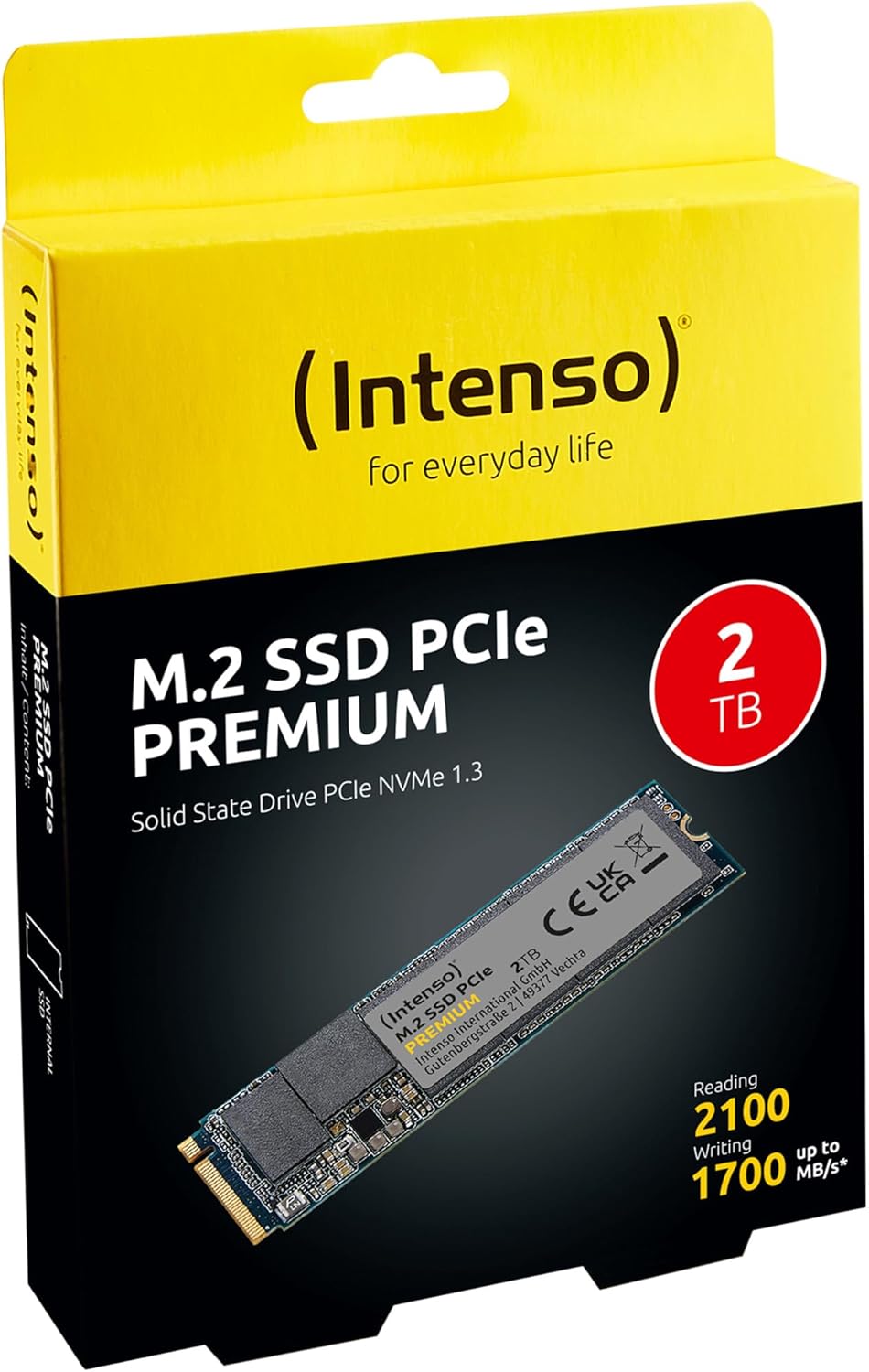
Image 1: Intenso 2TB M.2 SSD PCIe Premium product packaging. The box displays the SSD, capacity, and read/write speeds.
2. Enstalasyon ak Enstalasyon
Proper installation is crucial for the functionality of your M.2 SSD. Follow these steps carefully.
2.1 Lis verifikasyon pre-enstalasyon an
- Konpatibilite: Ensure your motherboard has an available M.2 slot that supports PCIe NVMe SSDs. Refer to your motherboard's manual for specific M.2 slot specifications.
- Elektrisite estatik: Take precautions against electrostatic discharge (ESD). Use an anti-static wrist strap or touch a grounded metal object before handling the SSD.
- Zouti: You may need a small Phillips head screwdriver and a motherboard screw for securing the M.2 drive.
2.2 Enstalasyon Fizik
- Pouvwa Off: Completely shut down your computer and disconnect the power cable.
- Ka Ouvè: Louvri bwat òdinatè w la pou jwenn aksè a kat manman an.
- Jwenn plas M.2 a: Identify an available M.2 slot on your motherboard. It typically looks like a small horizontal slot with a screw stand-off nearby.
- Mete SSD a: Gently insert the Intenso M.2 SSD into the slot at a 30-degree angle. The gold contacts on the SSD should align with the slot. Push it in until it is fully seated.
- SSD an sekirite: Carefully push the SSD down until it is parallel with the motherboard. Secure it with the small screw provided with your motherboard or the SSD.
- Fèmen Ka a: Fèmen bwat òdinatè w la epi konekte kab kouran an ankò.
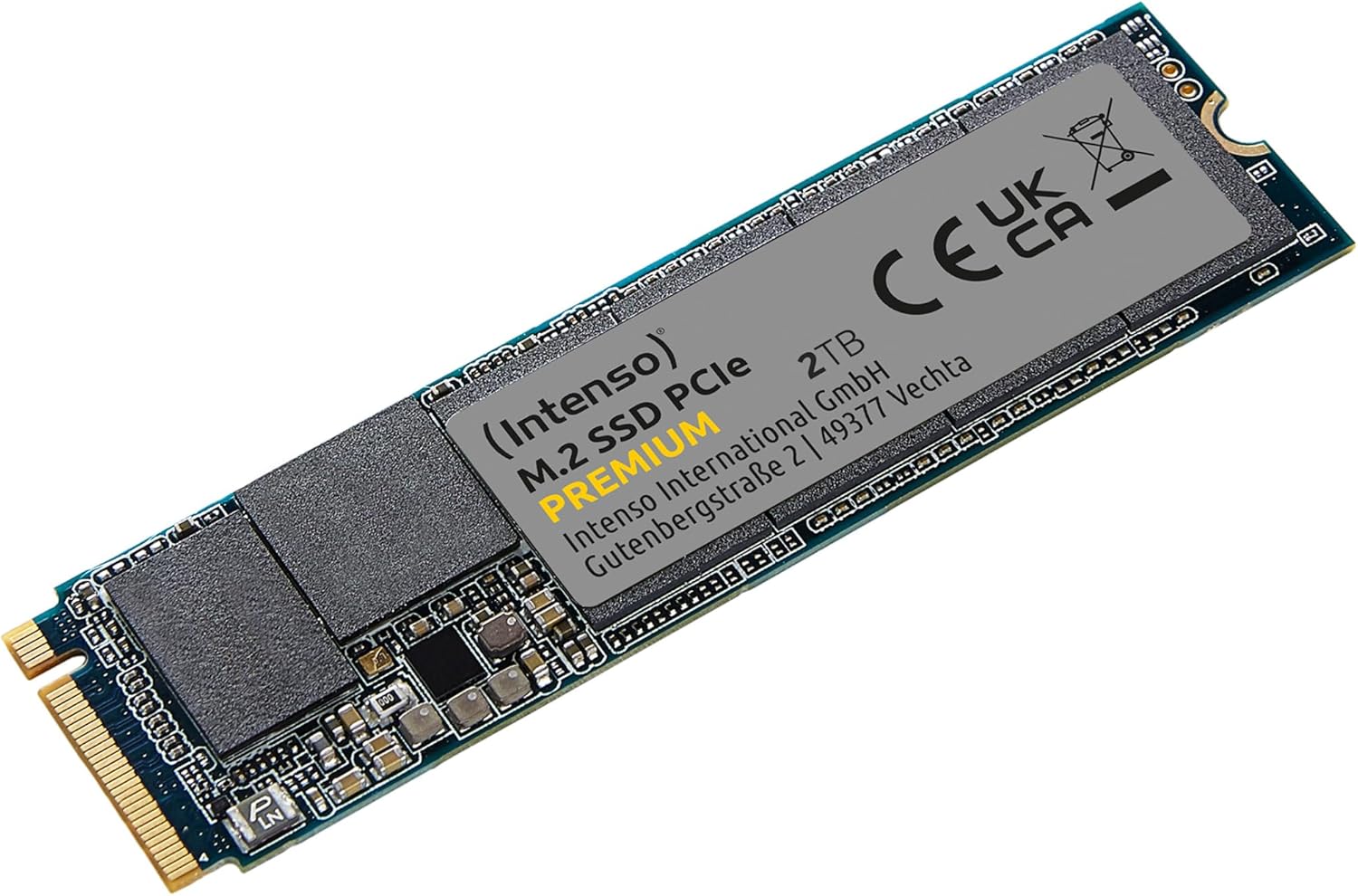
Image 2: The Intenso 2TB M.2 SSD PCIe Premium, showing its compact M.2 2280 form factor and labeling.
2.3 Initial Software Setup (Windows)
- Boot Computer: Kòmanse òdinatè w la.
- Aksè Jesyon Disk: Klike dwa sou bouton Start la epi chwazi 'Jesyon Disk'.
- Inisyalize Disk la: If prompted, initialize the new SSD. Choose GPT (GUID Partition Table) for modern systems.
- Kreye yon nouvo volim senp: Right-click on the unallocated space of your new SSD and select 'New Simple Volume'. Follow the wizard to assign a drive letter and format the drive (NTFS is recommended for Windows).
- Pare pou itilize: Your Intenso M.2 SSD is now ready for use as a storage drive. If you intend to install an operating system, refer to your OS installation guide.
3. Itilizasyon SSD a
The Intenso M.2 SSD PCIe Premium is designed for high-speed data access, making it suitable for various applications from everyday computing to demanding tasks like gaming and graphic design.
- Kondwi bòt: For fastest system startup and application loading, install your operating system on the SSD.
- Storage Drive: Use the SSD to store frequently accessed files, games, or applications that benefit from high read/write speeds.
- Pèfòmans: This SSD offers sequential read speeds up to 2100 MB/s and sequential write speeds up to 1700 MB/s, significantly faster than traditional SATA SSDs.
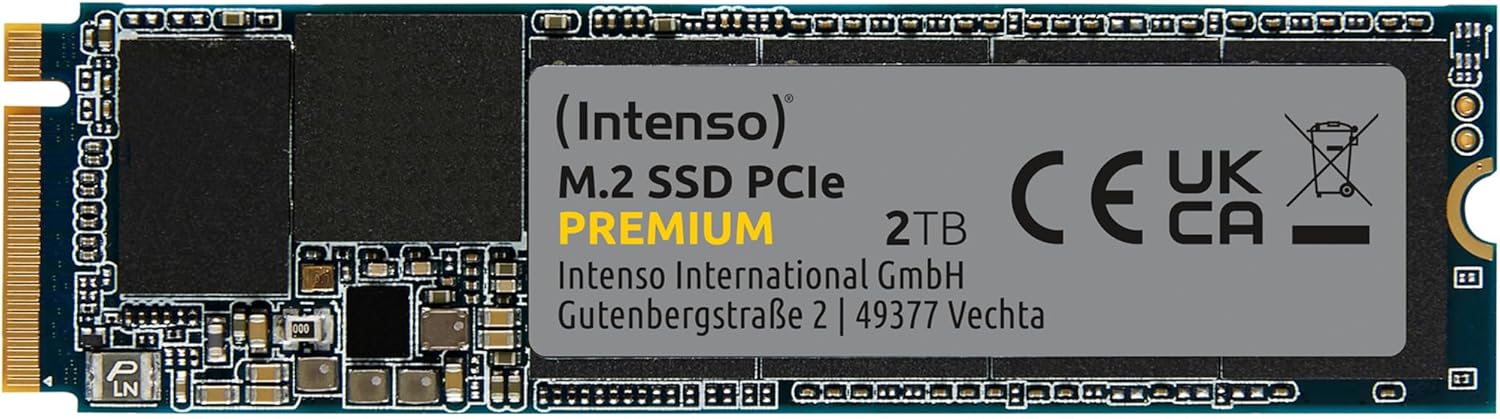
Imaj 3: Yon imaj detaye view of the Intenso 2TB M.2 SSD PCIe Premium, highlighting its internal components and labeling.
4. Antretyen
To ensure the longevity and optimal performance of your Intenso M.2 SSD, consider the following maintenance practices:
- Kòmand TRIM: Ensure your operating system has TRIM enabled. TRIM helps the SSD manage data blocks more efficiently, preventing performance degradation over time. Modern operating systems typically enable TRIM by default.
- Evite defragmantasyon: Unlike traditional hard disk drives (HDDs), SSDs do not benefit from defragmentation. Defragmenting an SSD can reduce its lifespan by causing unnecessary write cycles.
- Mizajou mikrolojisyèl: Periodically check the Intenso official websit la pou nenpòt mizajou firmwèr ki disponib pou modèl SSD ou a. Mizajou firmwèr yo ka amelyore pèfòmans, estabilite ak konpatibilite.
- Siveye Sante Kondwi a: Use S.M.A.R.T. (Self-Monitoring, Analysis and Reporting Technology) tools to monitor the health status of your SSD. Many operating systems and third-party utilities offer this functionality.
- Kenbe espas lib: Avoid filling your SSD to its maximum capacity. Keeping some free space (e.g., 10-15%) allows the SSD's wear-leveling algorithms to function effectively.
NAN. Depanaj
If you encounter issues with your Intenso M.2 SSD, refer to the following common troubleshooting steps:
5.1 SSD Pa Detekte
- Tcheke Koneksyon Fizik: Asire w ke SSD a byen chita nan fant M.2 a epi li byen tache.
- Anviwònman BIOS/UEFI yo: Enter your computer's BIOS/UEFI settings. Verify that the M.2 slot is enabled and configured correctly (e.g., NVMe mode). Some motherboards may disable certain SATA ports when an M.2 drive is in use.
- Enstalasyon chofè: Asire w sistèm operasyon w lan gen chofè NVMe ki nesesè yo. Anjeneral, Windows 10/11 gen sipò natif natal pou NVMe.
- Jesyon Disk: As described in Section 2.3, check Disk Management to see if the drive is detected but uninitialized.
5.2 Pèfòmans Ralanti
- M.2 Slot Speed: Confirm that your M.2 slot supports PCIe Gen.3x4 speeds. Some slots may operate at lower speeds (e.g., Gen.2 or x2 lanes).
- Estati TRIM: Verify that TRIM is enabled on your operating system.
- Firmware: Check for and install any available firmware updates for the SSD.
- Surchof: Ensure adequate airflow within your computer case. Excessive heat can cause performance throttling.
- Kondwi konplè: If the drive is nearly full, performance may decrease. Try to free up some space.
5.3 Pwoblèm Transfè Done
- Cable/Connection: If using an external enclosure, ensure the USB cable and enclosure connection are secure and functioning correctly.
- File Erè Sistèm: Kouri yon zouti pou verifye disk la (pa egzanp,
chkdskin Windows) to scan for and repair any file erè sistèm. - Source/Destination Drive: Ensure the source or destination drive is not experiencing issues that could bottleneck transfer speeds.
6. Espesifikasyon
Key technical specifications for the Intenso 2TB M.2 SSD PCIe Premium:
| Karakteristik | Spesifikasyon |
|---|---|
| Nimewo Modèl | 3835470 |
| Kapasite | 2 TB |
| Entèfas | PCIe Gen.3x4 NVMe 1.3 |
| Faktè fòm | M.2 2280 |
| Vitès Lekti Sekansyèl | Jiska 2100 MB/s |
| Vitès ekriti sekansyèl | Jiska 1700 MB/s |
| Dimansyon (LxWxH) | 3.15 x 0.87 x 0.16 pous |
| Pwa atik | 0.212 ons |
| Platfòm pyès ki nan konpitè | PC |
| Koulè | Nwa |
| Ki sa ki nan bwat la | M.2 SSD PCIe |
7. Garanti ak sipò
For detailed warranty information and technical support, please refer to the official Intenso website or contact their customer service directly. The product is typically covered by a manufacturer's warranty against defects in materials and workmanship.
- Manifakti: Intenso
- Websit: Vizite www.intenso.de pou resous sipò, FAQ, ak enfòmasyon pou kontakte yo.
- Prèv acha: Kenbe resi acha ou a kòm prèv acha pou reklamasyon garanti.