
Entwodiksyon
This manual provides detailed instructions for the setup, operation, maintenance, and troubleshooting of your STEELPLAY Wireless Controller, model LA-0HNY-U4YG. Please read this manual carefully before using the product to ensure proper functionality and to prevent damage.
Enstalasyon
Kontni pake
Verifye ke tout atik yo prezan nan pakè a:
- STEELPLAY Wireless Controller (LA-0HNY-U4YG)
- USB Chaje Kab
- Manyèl Itilizatè (dokiman sa a)
Chaje kontwolè a
Before first use, fully charge the controller. Connect the USB charging cable to the controller's charging port and the other end to a powered USB port (e.g., gaming console, PC, USB wall adapter).
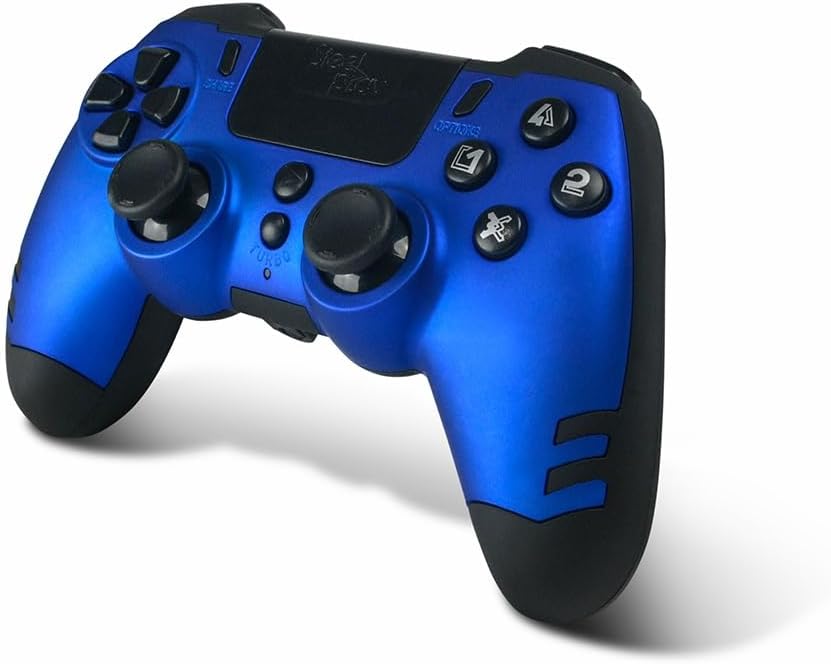
Image: The STEELPLAY Wireless Controller with a charging cable connected. This image illustrates the controller's design and potential charging port location.
Pairing ak yon Aparèy
Follow these steps to pair your wireless controller with your gaming console or PC:
- Asire w ke kontwolè a chaje.
- Turn on your gaming console or PC.
- Sou kontwolè a, peze epi kenbe la PATAJE bouton ak a PS button simultaneously until the light bar begins to flash.
- On your device, navigate to Bluetooth settings and select the "STEELPLAY Wireless Controller" from the list of available devices.
- Once paired, the light bar will stop flashing and remain lit, indicating a successful connection.
Enstriksyon Operasyon
Kontwòl debaz yo
The STEELPLAY Wireless Controller features standard gamepad controls. Familiarize yourself with the button layout:
- Pad direksyonèl (D-Pad): Pou yon antre direksyonèl presi.
- Bwat analogik gòch/dwat: Pou mouvman ak kontwòl kamera.
- Bouton Aksyon (Triyang, Sèk, Kwa, Kare): Pou aksyon nan jwèt la.
- Shoulder Buttons (L1, R1) and Triggers (L2, R2): For various in-game functions.
- Bouton PATAJE: To share gameplay content.
- Bouton OPSYON: To access in-game menus or pause.
- Bouton PS: To access the console's home menu or power on/off the controller.
- Touch Pad: For additional input, often used for navigation or specific game mechanics.
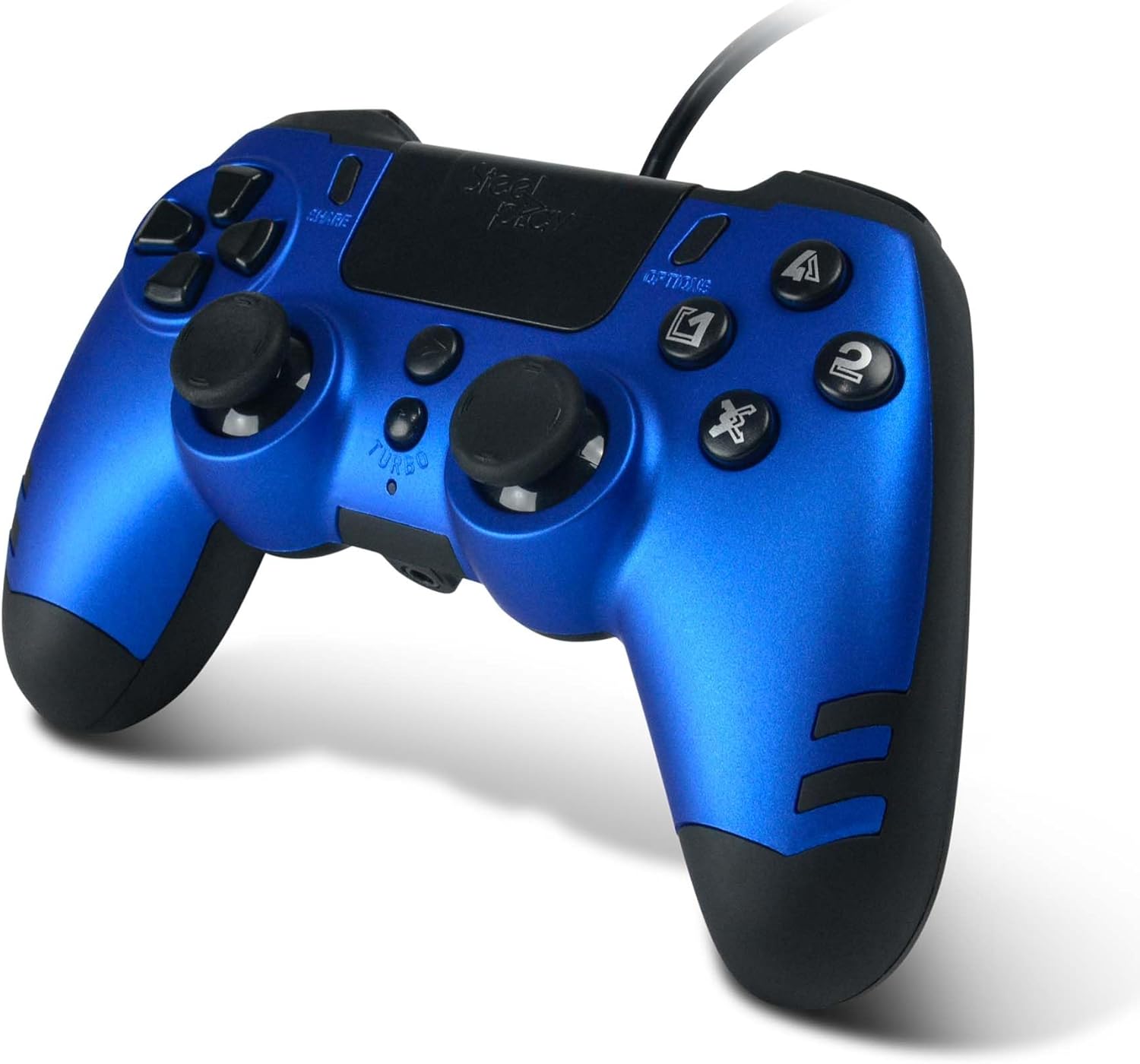
Imaj: Yon imaj detaye view of the STEELPLAY Wireless Controller, highlighting the layout of its 14 buttons, D-pad, and analog sticks.
Limen / Off
- Pou limen: Peze bouton an PS bouton.
- Pou etenn: Peze epi kenbe bouton an PS button for approximately 10 seconds until the controller powers down.
Rekonekte
Once paired, the controller should automatically reconnect to the last paired device when powered on. If it does not, press the PS button to initiate reconnection.
Antretyen
Netwayaj
Pou netwaye kontwolè a, sèvi ak yon twal mou epi sèk. Pou pousyè tè ki difisil pou retire, siye l yon ti kras.ampen the cloth with water. Do not use harsh chemicals, solvents, or abrasive cleaners, as these can damage the controller's finish and internal components.
Depo
Sere kontwolè a nan yon kote ki fre epi sèk, lwen limyè solèy dirèk ak tanperati ekstrèm. Evite mete objè lou sou kontwolè a.
Swen batri
The controller contains a rechargeable battery. To prolong battery life:
- Evite dechaje batri a nèt souvan.
- Charge the controller regularly, even if not in use for extended periods.
- Do not expose the controller to temperatures above 60°C (140°F).
Depanaj
- Kontwolè a pa limen:
- Ensure the controller is fully charged. Connect it to a power source using the USB cable and allow it to charge for at least 30 minutes before attempting to power it on again.
- Controller does not connect or pair:
- Ensure the controller is in pairing mode (light bar flashing).
- Verify that the device you are trying to connect to has Bluetooth enabled.
- Remove any previous pairings of the controller from your device's Bluetooth settings and attempt to pair again.
- Move the controller closer to the device to ensure a strong signal.
- Rekòmanse tou de kontwolè a ak aparèy la.
- Input lag or unresponsive buttons:
- Ensure the controller is fully charged. Low battery can affect performance.
- Reduce interference by moving away from other wireless devices (Wi-Fi routers, other Bluetooth devices).
- If possible, try connecting the controller via a USB cable to see if the issue persists (if wired mode is supported).
Espesifikasyon
| Karakteristik | Detay |
|---|---|
| Non modèl | LA-0HNY-U4YG |
| Brand (Manufacturer) | STEELPLAY |
| Brand (Retail) | Lexip |
| Koneksyon | San fil |
| Kantite bouton | 14 |
| Dimansyon | 17.5 x 13 x 8.3 cm |
| Pwa | 350 g |
| Batri enkli | No (Features an internal rechargeable battery) |
Garanti ak sipò
Specific warranty information is not provided in this manual. Please refer to the retailer's purchase terms or the manufacturer's official website for detailed warranty policies and support contact information.
For further assistance, please contact STEELPLAY customer support through their official channels.