
Entwodiksyon
This manual provides essential instructions for the safe and effective operation of your Andoer 4K Digital Camera Video Camcorder. Please read this manual thoroughly before use and retain it for future reference.
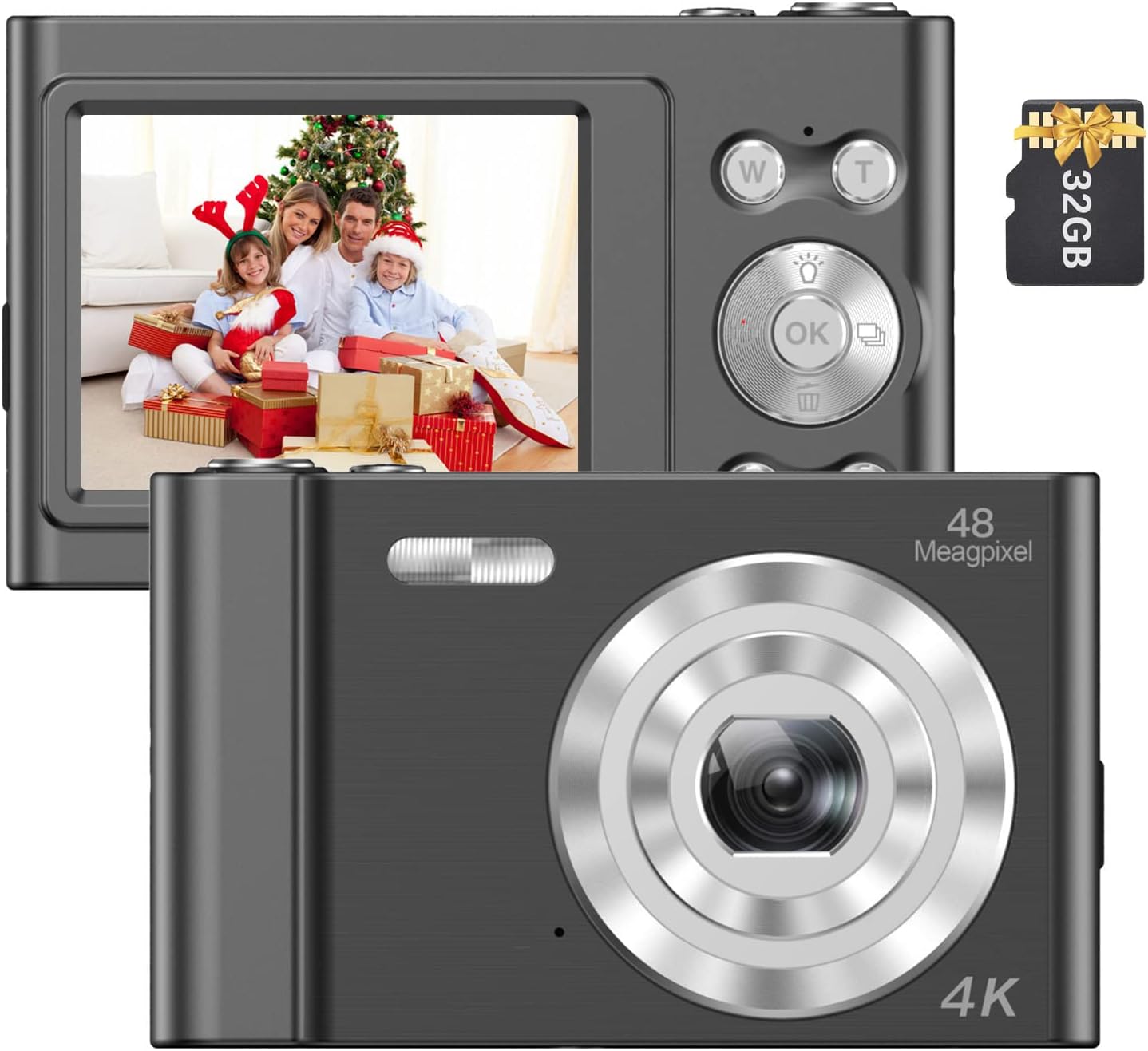
Image: The Andoer 4K Digital Camera, shown with its 2.4-inch IPS screen displaying a family scene and a 32GB memory card.
Kontni pake
Verifye ke tout atik ki nan lis anba a yo enkli nan pakè ou a:
- 1 x Andoer Digital Camera
- 1 x USB Chaje Kab
- 1 x ponyèt braslè
- 1 x pote sak
- 1 x 32GB kat memwa
- 1 x User's Manual (English)
Enstalasyon
1. Enstalasyon ak Chaje Batri
The camera features a built-in lithium battery. Before first use, ensure the battery is fully charged.
- Connect the camera to a USB power source (e.g., computer, wall adapter) using the provided USB charging cable.
- The charging indicator light will illuminate. Once charging is complete, the light will typically change color or turn off.
2. Enstalasyon Kat Memwa
A 32GB memory card is included. The camera supports Class-10 external TF (Micro SD) memory cards up to 128GB.
- Jwenn emplacement kat memwa sou kamera a.
- Insert the memory card into the slot with the gold contacts facing the correct direction (refer to the diagram on the camera body if available) until it clicks into place.
- Pou retire kat la, peze kat la dousman anndan jiskaske li soti.
3. Premye Limen
Press and hold the power button (usually marked with a power symbol) for a few seconds until the screen illuminates.
Enstriksyon Operasyon
Kontwòl debaz yo
Familyarize w ak bouton kamera a ak fonksyon yo:
- Bouton pouvwa: Limen/etenn kamera a.
- Bouton vole: Pran foto oubyen kòmanse/sispann anrejistreman videyo.
- W/T Buttons: Control the 16X digital zoom (W for Wide, T for Telephoto).
- OK bouton: Konfime seleksyon yo nan meni yo.
- Bouton Mòd (M): Switches between different shooting modes (e.g., Photo, Video, Playback).
- Bouton meni: Aksè nan paramèt kamera yo.

Imaj: Yon imaj detaye view of the camera's front, highlighting the lens and the '48 Megapixel' marking, indicating its high-resolution capability.
Foto Mode
Pou pran foto:
- Turn on the camera and ensure it is in Photo Mode (indicated on the 2.4-inch IPS screen).
- Frame your shot using the screen. Use the W/T buttons to adjust the 16X digital zoom.
- Press the Shutter Button halfway to focus, then fully press to take the picture.
Mòd videyo
To record videos:
- Switch to Video Mode using the Mode (M) button.
- Press the Shutter Button to start recording. A recording indicator will appear on the screen.
- Press the Shutter Button again to stop recording.

Image: A hand holding the Andoer camera, displaying a family on a beach on its screen, illustrating its use for capturing memories.
Fonksyon Zoom
The camera features 16X digital zoom. Use the 'T' button to zoom in and the 'W' button to zoom out. Digital zoom magnifies the image electronically, which may affect image quality at higher magnifications.

Image: A visual comparison showing the effect of 1x zoom versus 16x digital zoom, demonstrating the camera's magnification capability.
Lektur mòd
Pou review foto ak videyo ou yo:
- Switch to Playback Mode using the Mode (M) button.
- Use the navigation buttons (often integrated with the OK button) to scroll through your media.
- Peze bouton an OK pou view yon foto oswa jwe yon videyo.
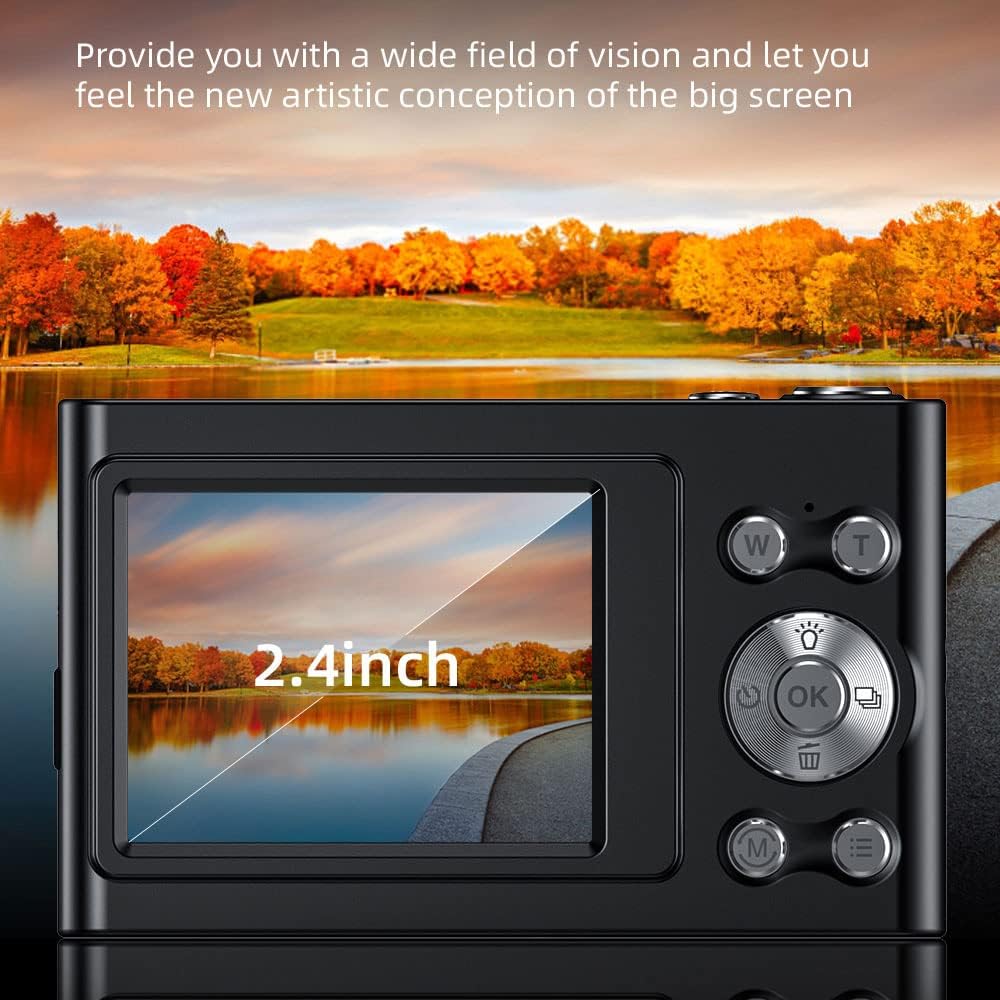
Image: The camera's 2.4-inch IPS screen displaying a vibrant landscape, illustrating the screen size and display quality.
Camera Settings and Features
Access the Menu to adjust various settings:
- Rezolisyon: Set photo resolution up to 48MP and video resolution up to 4K.
- Mòd Fiziyad: Select from Auto, Sport, Night, Portrait, Landscape, Backlight, Party, Beach, High Sensitivity.
- Balans blan: Adjust for Auto, Daylight, Cloudy, Fluorescent, Tungsten.
- Oto-revèy: Options for Off, 2 sec, 5 sec, 10 sec.
- Anti-souke: Estabilizasyon imaj dijital pou diminye flou.
- Face Detect & Smile Capture: Features to assist in portrait photography.
- Bati-an Flash: Bay ekleraj nan kondisyon ki pa twò klere.
- Auto Power Off: Configurable to Off, 1 minute, 3 minutes, 5 minutes, 10 minutes to conserve battery.

Image: A graphic illustrating the camera's image quality enhancement features, including intelligent analysis, color restoration, and fine picture quality.
Antretyen
Netwaye kamera a
- Sèvi ak yon twal mou ki pa gen pousyè pou netwaye kò kamera a.
- Pou lantiy la ak ekran an, sèvi ak yon twal espesyal ak yon solisyon pou netwaye lantiy. Evite materyèl abrazif.
Swen batri
- Evite dechaje batri a nèt souvan.
- Charge the battery regularly, even if the camera is not in use for extended periods.
Depo
- Sere kamera a nan yon kote ki fre epi sèk, lwen limyè solèy dirèk ak tanperati ekstrèm.
- Use the provided carry bag for protection during transport.
Depanaj
Si ou rankontre pwoblèm ak kamera ou a, gade pwoblèm ak solisyon komen sa yo:
| Pwoblèm | Solisyon posib |
|---|---|
| Kamera a pa limen. | Asire w batri a chaje. Konekte l nan yon sous kouran epi eseye ankò. |
| Erè kat memwa. | Reinsert the memory card. Ensure it is a Class-10 TF card and formatted correctly. Try a different compatible memory card. |
| Imaj yo flou. | Ensure the lens is clean. Check lighting conditions. Use the anti-shake function. Hold the camera steady. |
| Flash la pa fonksyone. | Check flash settings in the menu. Ensure the flash is enabled for the current shooting mode. |
| Kamera a bloke oswa li pa reponn. | Remove and reinsert the battery (if accessible) or press and hold the power button for 10 seconds to force a shutdown. |
Espesifikasyon
Detailed technical specifications for your Andoer 4K Digital Camera Video Camcorder:
- Capteur imaj: CMOS Capteur
- Ekspozisyon: 2.4 pous ekran IPS
- Rezolisyon foto: Jiska 48MP
- Rezolisyon videyo: 4K (3840x2160), 2.7K (2688x1520), 1080P (1920x1080), 720P (1280x720)
- Zoom dijital: 16X
- Estabilizasyon imaj: Digital
- Kalite konsantre: Auto Focus (Contrast Detection)
- Depo: Supports Class-10 TF (Micro SD) card up to 128GB (32GB included)
- Koneksyon: USB
- Pwovizyon pou pouvwa: Batri ityòm batri
- Gwosè Atik: 9.5 * 5.8 * 2.5cm / 3.7 * 2.3 * 1in
- Pwa atik: 115g / 4.1oz
- Koulè: Nwa
Enfòmasyon sou Sekirite
Avètisman:
To avoid suffocation hazard, keep this plastic bag away from babies and children.

Image: A warning label in multiple languages advising to keep plastic bags away from children to prevent suffocation.
Garanti ak sipò
For warranty information, please refer to the documentation included with your purchase or contact your retailer. For technical support or further assistance, please reach out to Andoer customer service through their official websit la oswa enfòmasyon kontak ki sou anbalaj pwodwi ou a.