
Entwodiksyon
Thank you for choosing MIDOLA Kids Headphones. These headphones are designed with your child's safety and comfort in mind, featuring volume-limiting technology, a durable foldable design, and versatile connectivity options. Please read this manual carefully to ensure proper use and maintenance of your headphones.
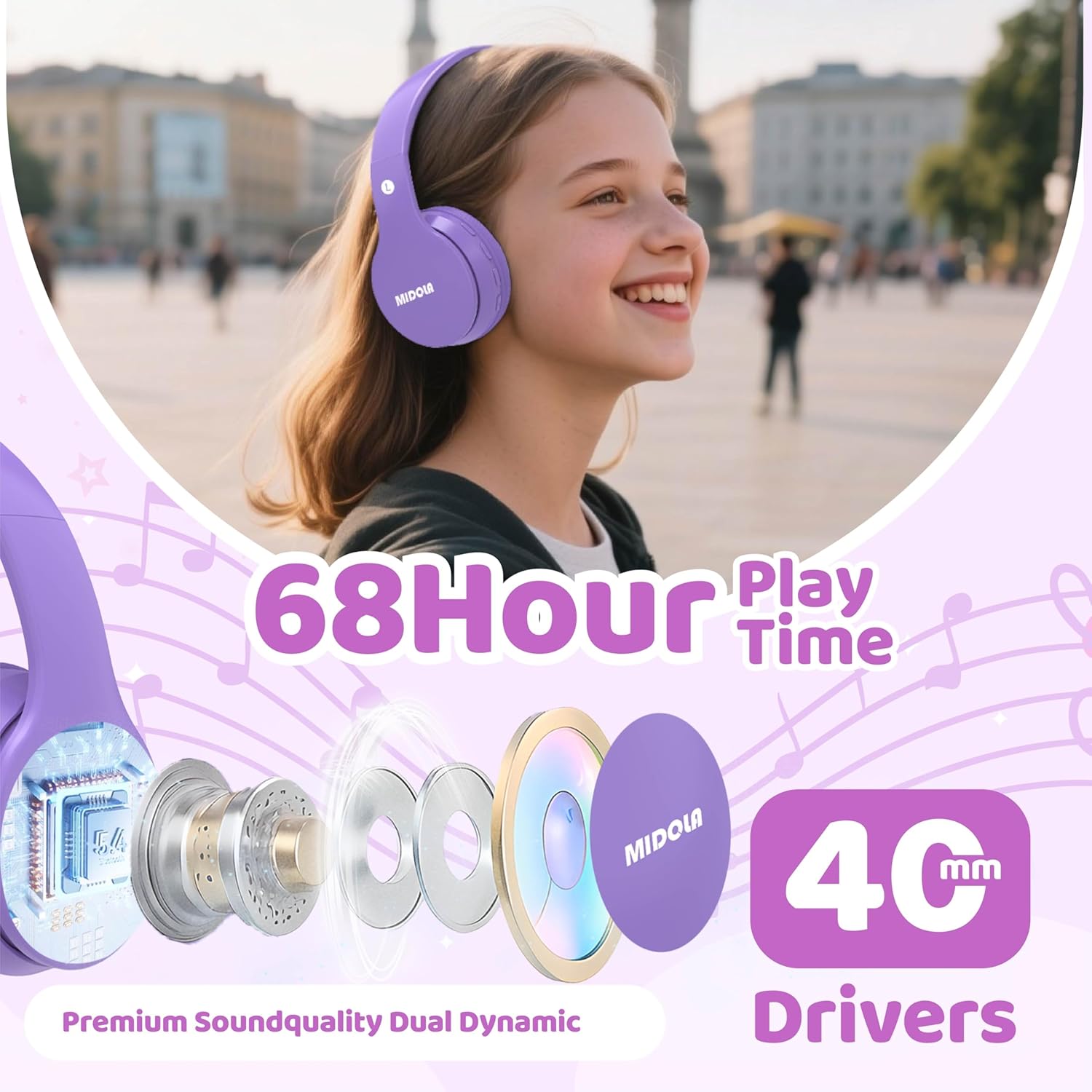
Image: MIDOLA Kids Headphones in Light Purple, showcasing their over-ear design and vibrant color.
Ki sa ki nan bwat la
- MIDOLA Kids Headphones (Model: MIDOLA-B01)
- 3.5 mm Aux cord
- Kalite-C chaje kab
- Manyèl itilizatè
- Avek stickers son dekoratif

Image: MIDOLA Kids Headphones in Light Purple, accompanied by sheets of decorative stickers for personalization.
Enstalasyon
1. Chaje kas ekoutè yo
Before first use, fully charge your headphones. Use the provided Type-C charging cable.
- Connect the Type-C end of the cable to the charging port on the left earcup.
- Connect the USB-A end to a compatible USB power source (e.g., computer, wall adapter).
- Endikatè LED la ap montre eta chaj la. Yon chaj konplè pran apeprè 2 èdtan.
2. Powering On / Off
- To power on, press and hold the Power button on the left earcup until the LED indicator lights up.
- To power off, press and hold the Power button again until the LED indicator turns off.
3. Pè Bluetooth
The headphones will automatically enter pairing mode when powered on for the first time or if not connected to a device. The LED indicator will flash blue.
- Asire w ke Bluetooth aktive sou aparèy ou an (telefòn entelijan, tablèt, òdinatè).
- Chèche pou available Bluetooth devices and select "MIDOLA-B01" from the list.
- Yon fwa pè, endikatè ki ap dirije a ap sispann flache epi li rete solid ble.
4. Koneksyon filaire (opsyonèl)
If the battery runs out or for devices without Bluetooth, you can use the 3.5mm Aux cord.
- Plug one end of the 3.5mm Aux cord into the AUX port on the left earcup.
- Plug the other end into your audio device's 3.5mm audio jack.

Imaj: Yon gwo plan view of the left earcup, showing the USB-C charging port, AUX input, and LED indicator.
Enstriksyon Operasyon
1. Kontwòl Volim
The headphones feature volume control buttons on the left earcup.
- Press the "V+" button to increase volume.
- Press the "V-" button to decrease volume.
2. Track Control
- To skip to the next track, press and hold the "V+" button for 2 seconds.
- To go to the previous track, press and hold the "V-" button for 2 seconds.
3. Jwe/Poz
- Press the Play/Pause button (usually the middle button) once to play or pause audio.
4. Volume Limiting Feature
These headphones offer adjustable volume limits to protect hearing, as recommended by the World Health Organization.
- The default volume limit is 85dB (suitable for kids).
- To switch between 85dB (Kids) and 110dB (Adult), press and hold the Play/Pause button for 3 seconds.
- Additional modes for 74dB (Toddler) and 94dB (Travel) are also available, selectable via the Mode button.

Image: Illustration of the Safe Volume Mode feature, showing 74dB (Toddler), 85dB (Study), and 94dB (Travel) options.

Image: Three children of different ages wearing MIDOLA Kids Headphones, demonstrating suitability for various age groups (2-15 years).
Antretyen
1. Netwayaj
- Siye kas ekoutè yo ak yon twal mou epi sèk.
- Pa sèvi ak pwodwi chimik piman bouk oswa pwodui netwayaj abrazif.
- Ensure no liquid enters the ports.
2. Depo
The headphones feature a foldable design for easy storage and portability.
- Pliye kas ekoutè yo anndan pou minimize espas.
- Sere nan yon kote ki fre, sèk lwen limyè solèy la dirèk ak tanperati ekstrèm.
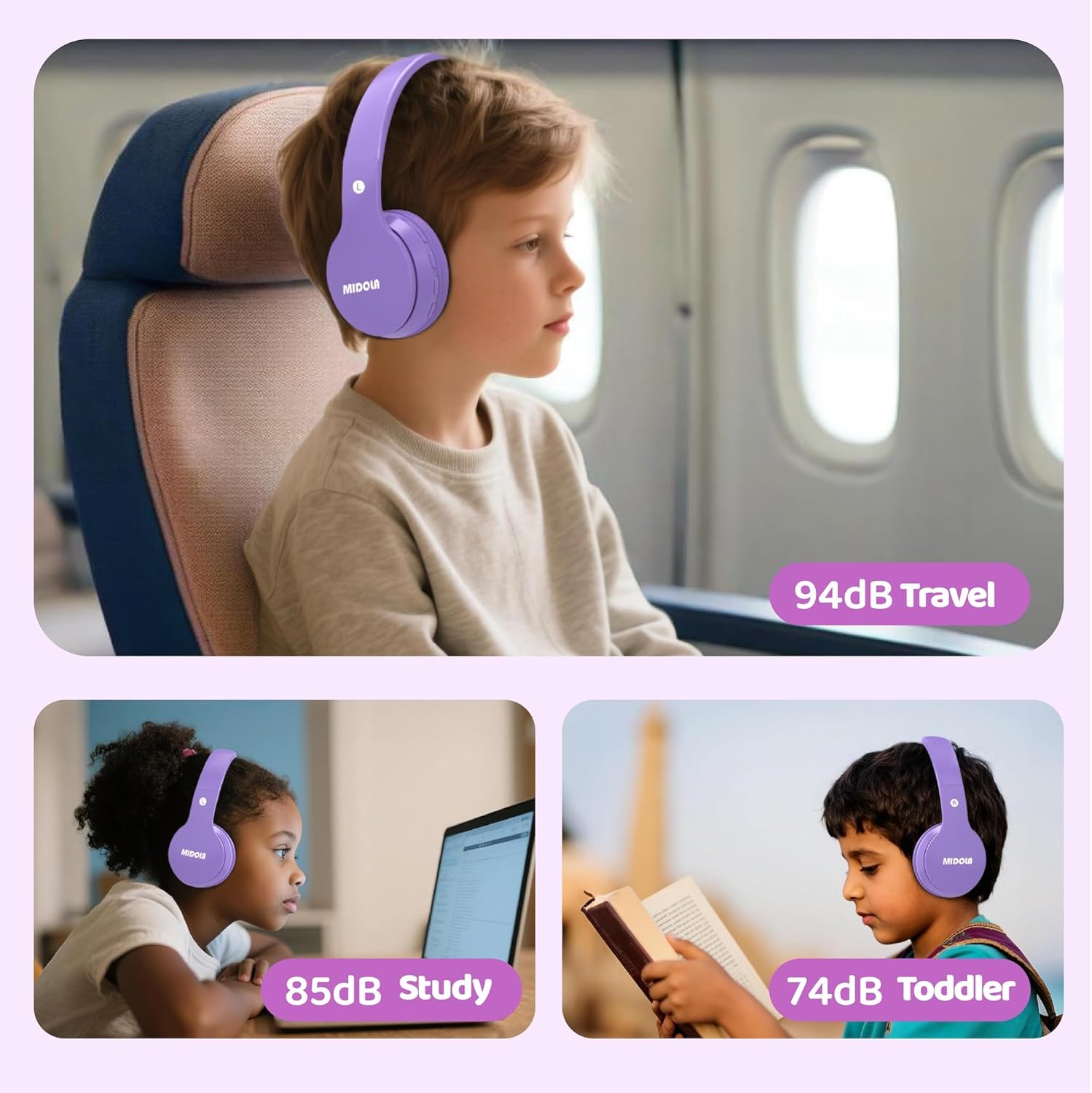
Image: MIDOLA Kids Headphones shown in their compact, folded position, highlighting portability.
Depanaj
- Pa gen pouvwa: Ensure the headphones are charged. Connect to a power source using the Type-C cable.
- Pa ka konekte Bluetooth la: Make sure the headphones are in pairing mode (flashing blue LED). Turn off and on your device's Bluetooth, then try re-pairing. Ensure headphones are not connected to another device.
- Pa gen son: Check the volume levels on both the headphones and your connected device. If using wired mode, ensure the 3.5mm Aux cord is fully inserted into both ports.
- Distòsyon son: Move closer to your Bluetooth device to avoid interference. Ensure the audio source is of good quality.
Espesifikasyon
| Karakteristik | Detay |
|---|---|
| Non modèl | MIDOLA-B01 |
| Koneksyon Teknoloji | Wireless (Bluetooth 5.4) / Wired (3.5mm Aux) |
| Lavi batri | Up to 68 Hours Play Time |
| Tan pou chaje | 2 èdtan (chaje rapid Kalite-C) |
| Volim Limit | 85dB (Kids), 110dB (Adult), 74dB (Toddler), 94dB (Travel) |
| Plasman Zòrèy | Sou Zòrèy |
| Gwosè Chofè Audio | 40 Milimèt |
| Kontwòl bri | Izolasyon son |
| Materyèl | Plastik |
| Pwa atik | 10.2 ons |
| Dimansyon pwodwi | 7.09 x 3.15 x 7.09 pous |
| Aparèy konpatib | Telefòn entelijan, Tablèt, Odinatè pòtab |

Image: Highlights of the headphones' features, including 68 hours of play time and 40mm dynamic drivers for premium sound quality.

Image: Details on the 'Real Over-Ear' design, emphasizing soft and breathable ear-cups for comfort.
Garanti ak sipò
MIDOLA Kids Headphones typically come with a 1-year warranty from the date of purchase. For warranty claims, technical support, or any questions regarding your product, please contact MIDOLA customer service through the retailer where you purchased the headphones or visit the official MIDOLA websit.
Tanpri konsève prèv acha ou a pou rezon garanti.