
1. Entwodiksyon
Thank you for choosing the XTREMTEC Slim Wireless Keyboard and Mouse Combo. This 2.4G USB set offers a quiet, low-profile, and ergonomic design for comfortable and efficient use across various devices. This manual provides detailed instructions to help you set up, operate, and maintain your new wireless combo.
2. Pwodwi Features
- Design kle wonn retro: Vintage typewriter-inspired rounded keycaps provide a unique aesthetic and comfortable typing experience.
- Ultra-mens ak lejè: The keyboard features a slim, low-profile layout made of durable ABS material, making it easy to carry. The thinnest part is approximately 0.15 inches (4mm).
- Operasyon Whisper-Trankil: Noise-reduced scissor-switch keys on the keyboard and a noiseless optical mouse ensure a quiet working environment.
- Durable Keys: Keys are designed for up to 3 million presses and feature UV coating for anti-scratch and anti-fading lettering.
- Plug and Play Wireless Connectivity: A single 2.4G nano USB receiver connects both the keyboard and mouse instantly. Includes a USB-C adapter for broader compatibility.
- Long Battery Life & Auto-Sleep: Both devices enter an auto-sleeping mode after 5-10 seconds of inactivity to conserve energy.
- Sourit reglabl DPI: The ergonomic mouse allows for DPI adjustment between 3 different levels with a single click, and includes a 'Back to previous page' button.
- Lajè konpatibilite: Compatible with Windows XP, Vista, 7, 8, 10, Mac iOS, PCs, Laptops, Smart TVs, desktop computers, notebooks, smartphones, and tablets.
3. Pake kontni
- Wireless klavye
- Sourit san fil
- 2.4G Nano USB Receiver (stored inside keyboard or mouse)
- USB-C pou USB-A adaptè
- Silicone Keyboard Cover
- Netwayaj Bwòs
- Small Notepad
- Manyèl itilizatè
4. Enstriksyon Enstalasyon
4.1. Enstalasyon batri
The keyboard and mouse require batteries (not included). Please refer to the device for specific battery type (e.g., AA/AAA) and quantity. Typically, the keyboard requires 2 AAA batteries and the mouse requires 1 AA battery.
- Jwenn konpatiman batri a anba klavye a ak sourit la.
- Mete pil ki nesesè yo, asire polarite ki kòrèk la (+/-).
- Fèmen kouvèti lòj batri yo byen.
4.2. Konekte Reseptè USB a
The 2.4G nano USB receiver is stored either in the keyboard's battery compartment or the mouse's battery compartment for safekeeping.
- Remove the nano USB receiver from its storage slot.
- Plug the USB receiver into an available USB-A port on your computer. If your device only has USB-C ports, use the provided USB-C to USB-A adapter.
- The system will automatically detect and install the necessary drivers. This is a plug-and-play process, requiring no manual driver installation.
4.3. Limen
- Locate the ON/OFF switch on the back or bottom of both the keyboard and the mouse.
- Slide the switches to the 'ON' position.
- The keyboard and mouse should now be ready for use.

Image: The 2.4G USB receiver connects the keyboard and mouse to your computer.
Video: XTREMTEC Slim Wireless 2.4G Keyboard and Mouse Combo demonstration, highlighting the plug-and-play setup.
5. Operasyon Enstriksyon
5.1. Itilizasyon klavye
The keyboard features retro-rounded, scissor-switch keys designed for quiet and comfortable typing. The ergonomic tilt design further enhances typing comfort.
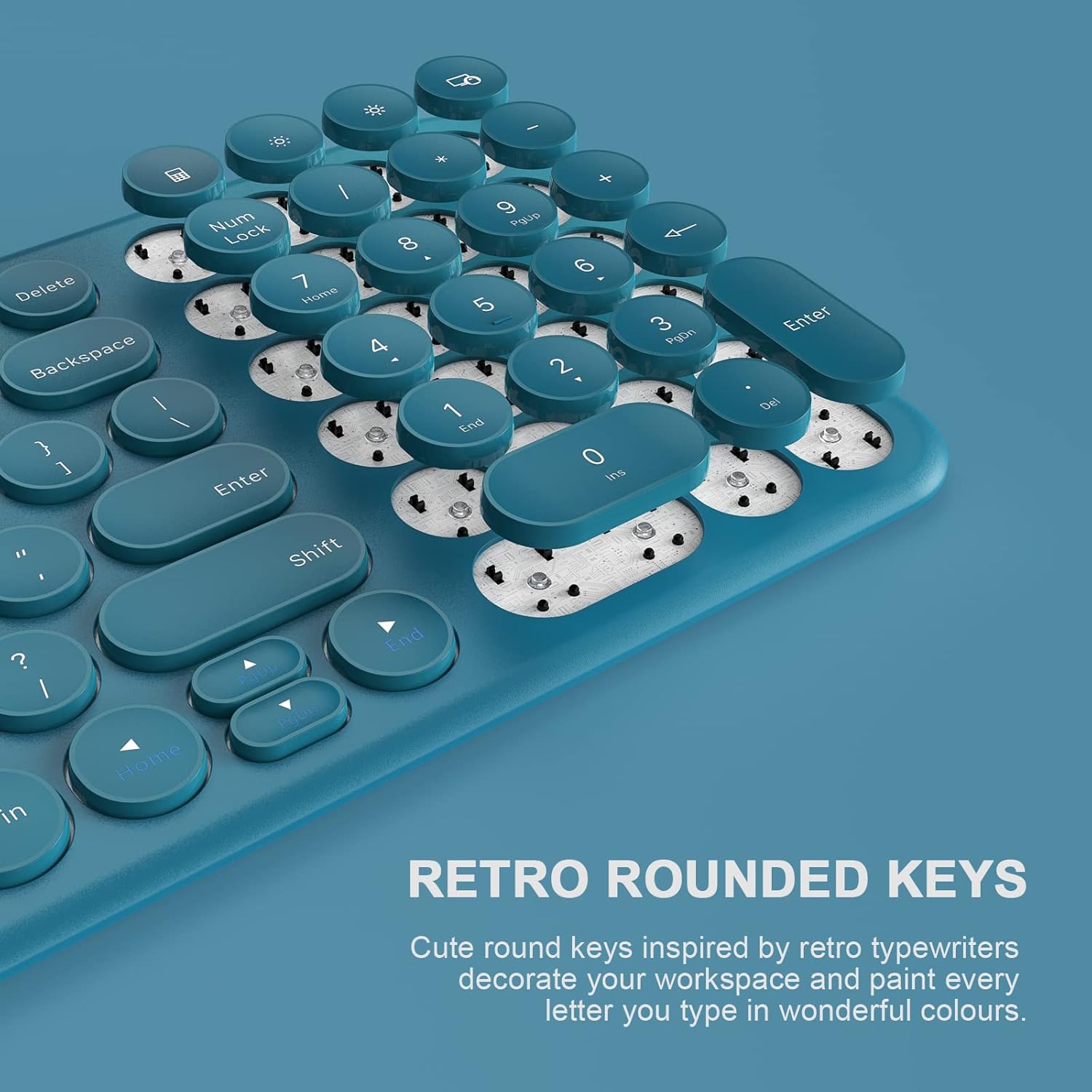
Imaj: Gwo plan view of the retro rounded keys on the XTREMTEC keyboard.
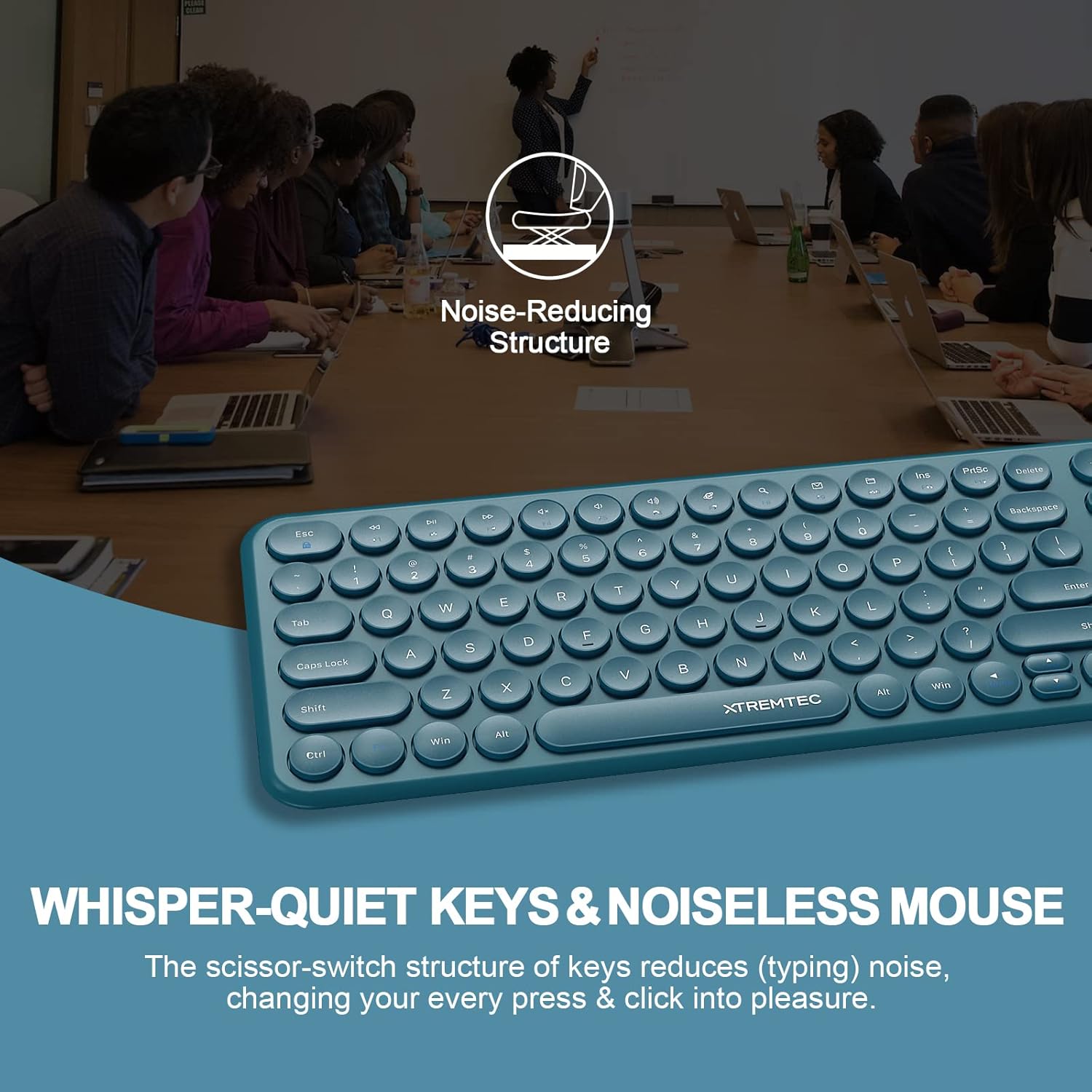
Image: The whisper-quiet keys and noiseless mouse are ideal for quiet environments.
5.2. Itilizasyon Sourit
The ergonomic mouse provides a comfortable grip and noiseless clicks. It includes a scroll wheel and additional buttons for enhanced functionality.
- Ajisteman DPI: Press the DPI button on the mouse to cycle through 3 different sensitivity levels (e.g., 800, 1200, 1600 DPI) to suit your preference.
- Bouton tounen: Use the dedicated 'Back to previous page' button for quick navigation in web navigatè oswa file eksploratè.
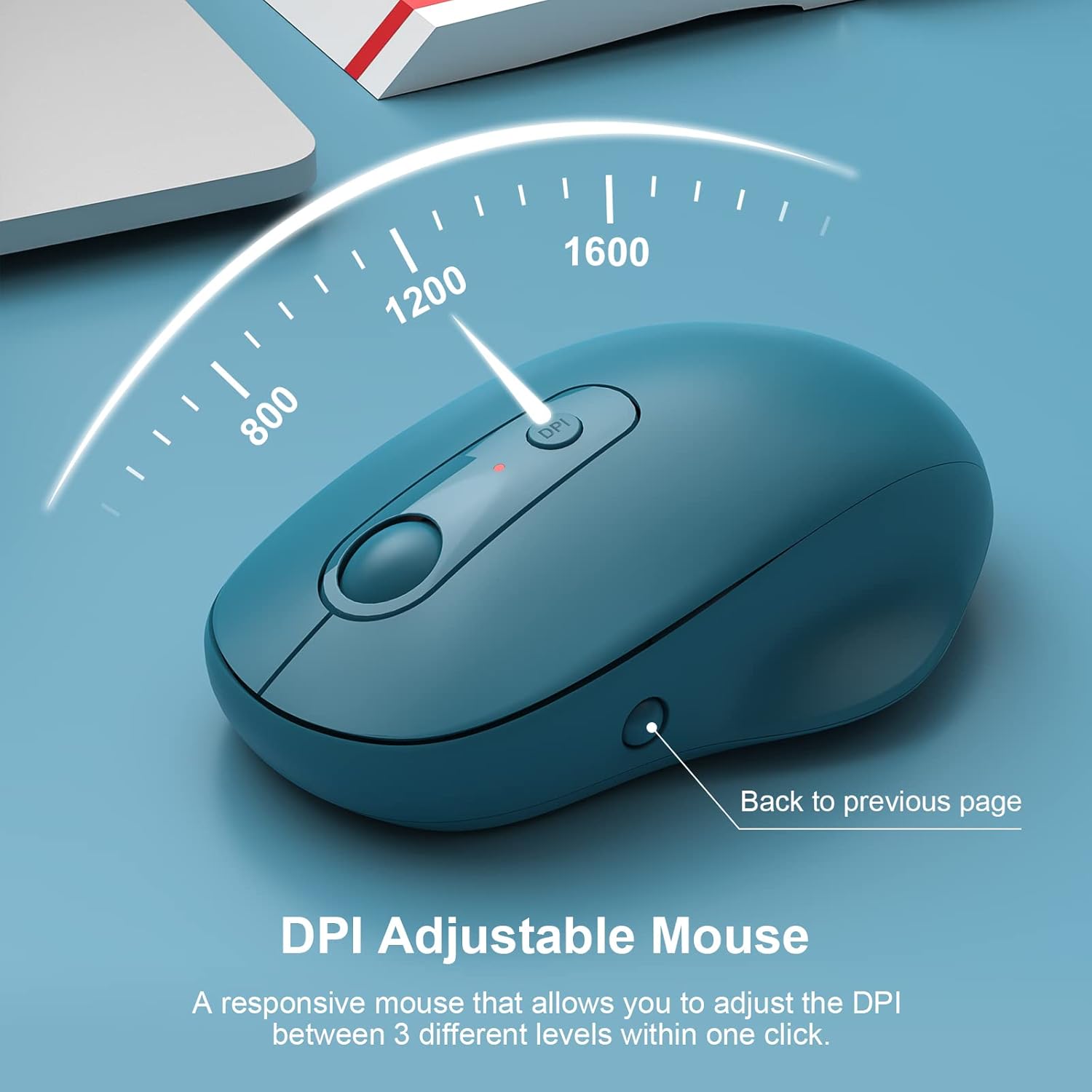
Image: The mouse features adjustable DPI settings for personalized sensitivity.
5.3. Multimedia Shortcuts
The keyboard includes 15 combinations of multimedia shortcuts for quick access to various functions. These are typically accessed by holding the Fn key and pressing the corresponding function key (F1-F12).

Image: The keyboard offers 15 multimedia shortcuts for quick access to common functions.
6. Antretyen
6.1. Netwayaj
To keep your keyboard and mouse clean and extend their lifespan:
- Use the provided cleaning brush to remove dust and debris from between the keys.
- Wipe the surfaces of the keyboard and mouse with a soft, damp twal. Evite pwodwi chimik piman bouk yo.
- Utilize the included silicone keyboard cover to protect against dust, spills, and scratches when not in use.
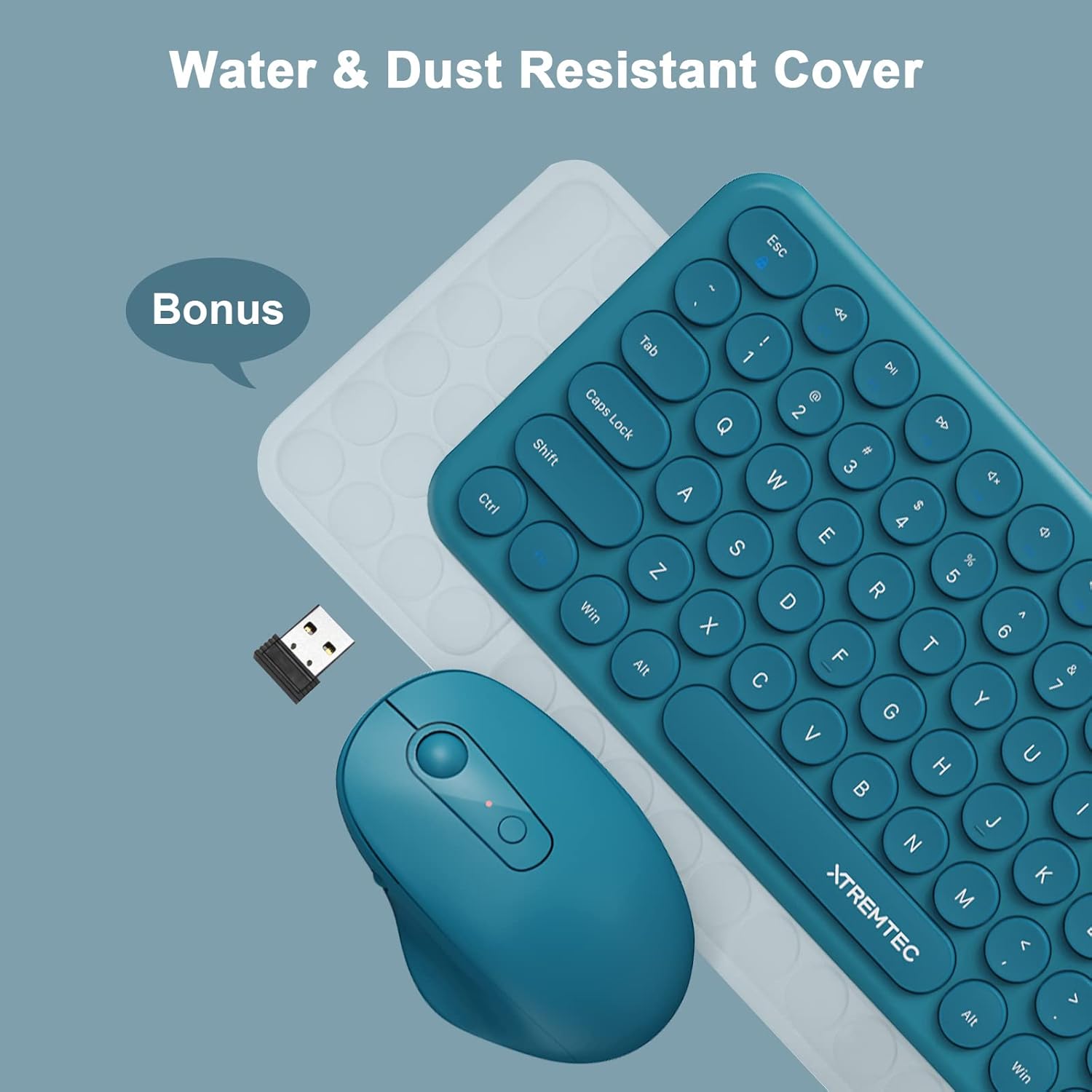
Image: The included silicone cover provides water and dust resistance for the keyboard.
6.2. Ranplasman batri
When the devices stop responding or the indicator light flashes, it's time to replace the batteries. Refer to section 4.1 for battery installation instructions.

Image: The auto-sleep feature helps extend battery life for both the keyboard and mouse.
NAN. Depanaj
- Pa gen repons: Ensure both the keyboard and mouse are powered on and have fresh batteries. Re-insert the USB receiver into a different USB port on your computer.
- Koneksyon tanzantan: Move the devices closer to the USB receiver. Avoid placing the receiver near strong electromagnetic interference sources.
- Kle yo pa anrejistre: Check for any debris under the keys and clean if necessary. Ensure the silicone cover is properly aligned or remove it temporarily to test.
- Mouse Cursor Jumps/Is Erratic: Ensure the mouse is used on a clean, non-reflective surface. Adjust DPI settings if needed.
8. Espesifikasyon
| Dimansyon pwodwi | 14.35 x 4.35 x 1.36 pous |
| Pwa atik | 15.8 ons |
| Nimewo Modèl | K101A |
| Mak | XTREMTEC |
| Koneksyon Teknoloji | 2.4G USB Wireless Technology |
| Aparèy konpatib | Mac OS, Windows, PC, Desktop computer, Laptop, Personal Computer, Smartphone, Tablet |
| Karakteristik espesyal | Ergonomic, Quiet Keys |
| Batri | 2 AA batteries required (for the combo, specific types for each device may vary, typically 2 AAA for keyboard, 1 AA for mouse) |
9. Sipò pou Kliyan
For any questions, technical assistance, or warranty inquiries, please contact XTREMTEC customer support through the retailer's platform or visit the official XTREMTEC websit.