
1. Entwodiksyon
MUB laVIEW Indoor Security Camera 2K, Model PK320, is designed to provide reliable and high-quality surveillance for your home. Featuring 2K Full HD video, two-way audio, human detection, and motion tracking, this camera allows you to monitor your indoor spaces with ease and peace of mind. It supports both 2.4GHz and 5GHz Wi-Fi networks for stable connectivity and offers flexible storage options.

Figure 1: MUBVIEW Indoor Security Camera 2K (Model PK320)
2. Ki sa ki nan bwat la
Tanpri verifye ke tout konpozan yo prezan anvan ou kontinye ak enstalasyon an:
- Indoor Camera with 1.7M Power Cable
- Pet Camera Mounting Bracket
- Dog Camera Screw Kit
- Security Camera Indoor User Manual
- Pet Camera Indoor With Phone App Charger
3. Gid Enstalasyon
3.1 Inisyal Enstalasyon
Swiv etap sa yo pou yon konfigirasyon rapid e fasil:
- Telechaje MUB laVIEW APP: Chèche pou "MUBVIEW" in your mobile device's app store (iOS or Android) and download the official application.
- Power On and Connect to Wi-Fi: Plug the camera into a power outlet using the provided charger. The camera will power on. Open the MUBVIEW app and follow the on-screen instructions to connect the camera to your 2.4GHz or 5GHz Wi-Fi network. Ensure your Wi-Fi password is correct.
- Enjoy Monitoring: Once connected, you can begin monitoring your space, adjust settings, and utilize all camera features through the app.

Figure 2: Quick and Easy Setup Process
3.2 Rezo Koneksyon
MUB laVIEW PK320 supports both 2.4GHz and 5GHz dual-band Wi-Fi for fast and stable connectivity. Ensure your router is configured to allow connections on these frequencies. For optimal performance, place the camera within a reasonable range of your Wi-Fi router.
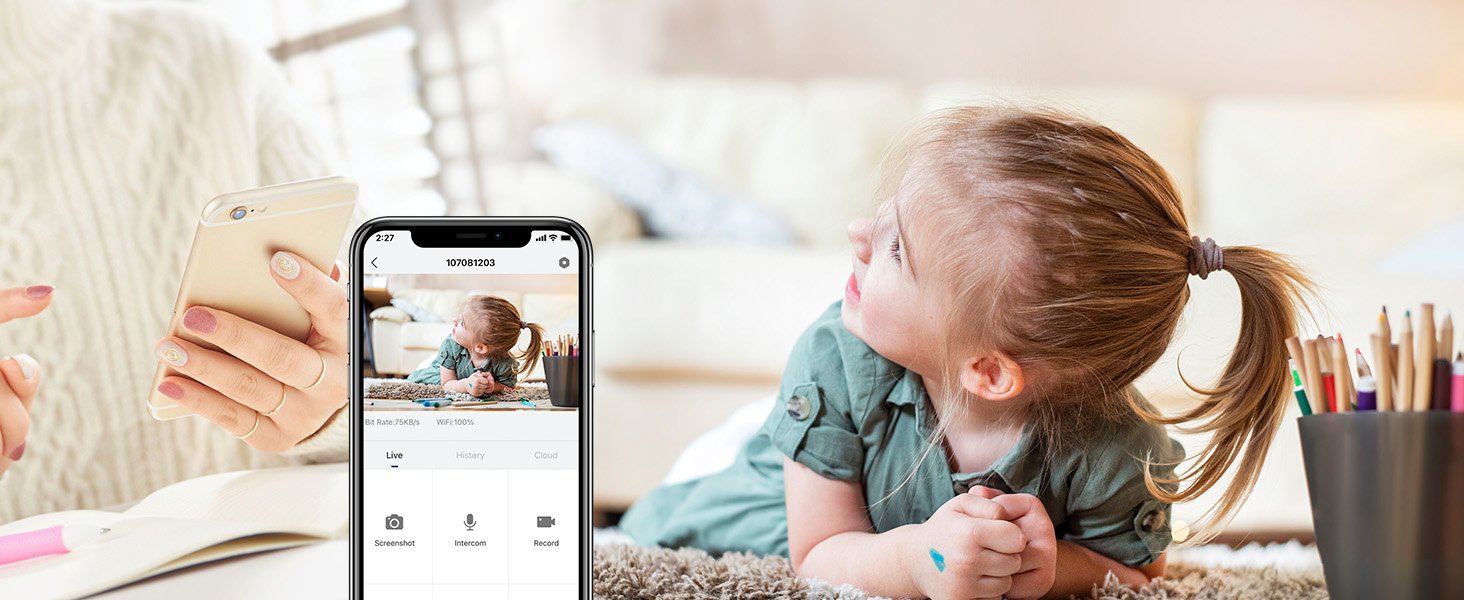
Figure 3: Dual-band Wi-Fi Support
3.3 Enstalasyon Kat SD (Si ou vle)
For local storage of recordings, you can install a Micro SD card (up to 128GB, not included). The SD card slot is typically located near the camera lens or on the side. Gently insert the card until it clicks into place. Format the SD card through the MUBVIEW app settings after insertion.
Figure 4: Location of SD Card Slot and Reset Button
4. Itilizasyon Kamera a
4.1 Viv View and 2K FHD Quality
Access the live feed from your camera anytime, anywhere through the MUBVIEW app. The 2K Full HD resolution provides clear and detailed video, allowing you to see every important moment.

Figure 5: Key Features of PK320 Smart Camera
4.2 Panoramik, Enklinasyon, ak Zoom (PTZ)
Kontwole kamera a viewing angle directly from your phone. Swipe on the live view screen to pan (355 degrees horizontally) and tilt (80 degrees vertically) the camera, ensuring comprehensive coverage of your room. The digital zoom allows you to focus on specific details.

Figure 6: Camera Pan and Tilt Capabilities
4.3 Odyo De-fason
The built-in microphone and speaker enable clear two-way communication. You can listen to what's happening in the room and speak through the camera to comfort a pet, soothe a baby, or communicate with family members.

Figi 7: Odyo Bidireksyonèl an Itilizasyon
4.4 Deteksyon ak Suivi Mouvman
The camera features smart human detection and motion tracking. When motion is detected, the camera can automatically track the moving object and send instant alerts to your phone. This ensures you are always informed of activity in your monitored area.

Figure 8: Auto Tracking in Action

Figure 9: Human Detection Capability
4.5 Vizyon lannwit
Equipped with 4 IR lights, the camera provides clear night vision, allowing you to monitor your space even in low-light or complete darkness. You can see every movement of your baby or pet at night.
4.6 Opsyon Depo
Kamera a ofri solisyon depo fleksib pou anrejistreman ou yo:
- Depo nwaj: Securely save your footage to the cloud. MUBVIEW offers a free 7-day cloud service, with options for extended plans.
- Depo lokal: Store recordings directly on a Micro SD card (up to 128GB, not included).

Figi 10: Opsyon Depo nan Nwaj la ak Kat SD
4.7 Plizyè Aparèy Viewing ak Pataje
MUB laVIEW app allows simultaneous viewing of up to four cameras. You can also easily share camera access with trusted individuals, granting them either 'view only' or 'allow control' permissions. This is ideal for family members or security personnel.

Figure 11: Sharing Camera Access with Multiple Users

Figure 12: Multi-Device Sharing Options in App
4.8 Pwoteksyon Konfidansyalite
MUB laVIEW app includes privacy protection features, allowing you to set schedules for when the camera's lens should be off or to manually turn off the lens for privacy. This ensures your personal moments remain private.
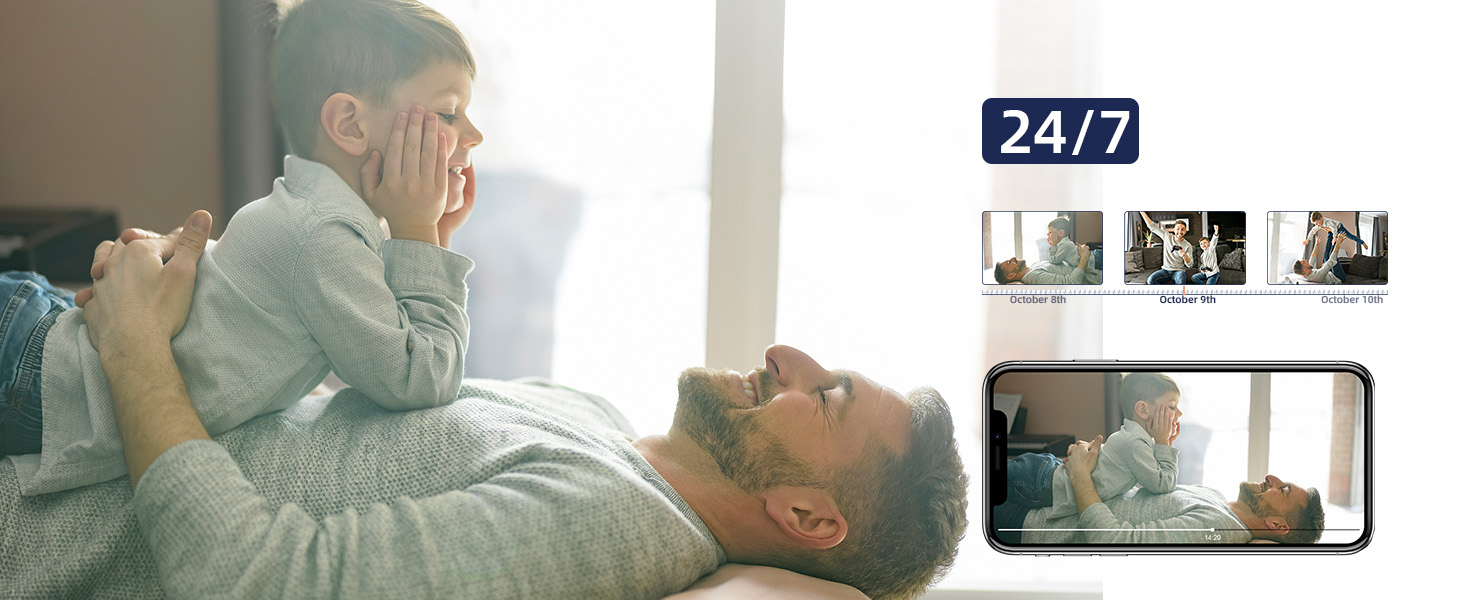
Figure 13: Privacy Protection Features
5. Antretyen
Pou asire pèfòmans optimal ak lonjevite MUB ou aVIEW camera, consider the following maintenance tips:
- Netwayaj: Gently wipe the camera lens and body with a soft, dry cloth. Avoid using harsh chemicals or abrasive materials that could scratch the surface.
- Mizajou mikrolojisyèl: Regularly check the MUBVIEW app for available firmware updates. Updates often include performance improvements, new features, and security enhancements.
- Pwovizyon pou pouvwa: Sèvi sèlman ak adaptè kouran orijinal ki vini ak kamera a pou evite domaj.
- Plasman: Ensure the camera is placed in a stable, dry indoor environment, away from direct sunlight, extreme temperatures, and high humidity.
NAN. Depanaj
Si ou rankontre pwoblèm ak MUB ou aVIEW camera, try the following solutions:
- Kamera pa konekte ak Wi-Fi:
- Ensure your Wi-Fi network is 2.4GHz or 5GHz.
- Tcheke modpas Wi-Fi ou a pou wè si li kòrèk.
- Deplase kamera a pi pre routeur Wi-Fi ou a.
- Rekòmanse routeur ou a ak kamera a.
- Perform a factory reset on the camera using the reset button (refer to Figure 4 for location) and try connecting again.
- Kalite videyo pòv:
- Check your internet connection speed. A stable and fast connection is crucial for 2K streaming.
- Asire w ke lantiy kamera a pwòp epi san pousyè oswa tach.
- Adjust the camera's position to avoid glare or backlighting.
- No Audio or Two-Way Talk Issues:
- Check the volume settings in the MUBVIEW app and on your phone.
- Asire w ke mikwofòn nan ak oratè kamera a pa bloke.
- Verify app permissions for microphone access on your mobile device.
- Deteksyon mouvman pa travay:
- Ensure motion detection is enabled in the MUBVIEW paramèt aplikasyon an.
- Ajiste sansiblite deteksyon mouvman an.
- Tcheke chan kamera a view pou nenpòt obstak.
- Kat SD a pa anrejistre:
- Asire w ke kat SD a byen mete.
- Format the SD card through the MUBVIEW app.
- Verify the SD card is not full or corrupted.
- Ensure continuous recording or event recording is enabled in app settings.
7. Espesifikasyon
| Karakteristik | Detay |
|---|---|
| Non modèl | PK320 |
| Itilizasyon Andedan kay la / Deyò | Andedan kay la |
| Rezolisyon Capture Videyo | 3MP (2K FHD) |
| Pwotokòl Koneksyon | Wi-Fi (2.4GHz ak 5GHz) |
| Sous pouvwa | Corded Electric (5V AC, 5 watts) |
| Kalite kontwolè | CloudEdge, iOS, Mubview, Android App |
| Kalite aliye | Surface Mount, Ceiling Mount, Wall Mount |
| Viewing Ang | 355 degre (panoramik), 80 degre (enklinasyon) |
| Vizyon lannwit Range | 8 mèt |
| To Frame | 15-20fps |
| Materyèl | Akrilonitrile butadien stirèn (ABS) |
| Dimansyon atik (L x W x H) | 3 x 5 x 3 pous |
| Pwa atik | 10.88 ons |
| Max Flash Memory Supported Size | 128 GB |
| Karakteristik espesyal | Smart Tracking, Human Detection, 2-Way Audio, Night Vision, Privacy Protection |
8. Garanti ak sipò
MUBVIEW is committed to providing excellent customer service and product reliability:
- Lifetime Service/Warranty: Your MUBVIEW camera comes with a lifetime service and warranty, ensuring long-term support and confidence in your purchase.
- Repons rapid: MUBVIEW aims for quick responses to all customer inquiries.
- 24/7 Professional Technical Support: Access professional technical support around the clock for any assistance you may need.
For further assistance, please refer to the MUBVIEW app's support section or visit the official MUBVIEW websit.