
Entwodiksyon
The KAGWON Wall Reading Light is a versatile, rechargeable LED light designed for various applications including under cabinet lighting, closet illumination, wall reading, and makeup vanity mirror use. Featuring dimmable brightness and a long-lasting battery, it offers convenient and adaptable lighting solutions for your home.
Kontni pake
- 1 x Rechargeable LED Light Bar
- 1 x Charging Stand with USB-C Cable
- 1 x Magnetic Mount with Nano adhesive tape
- Screws (for more stable screw installation, if needed)
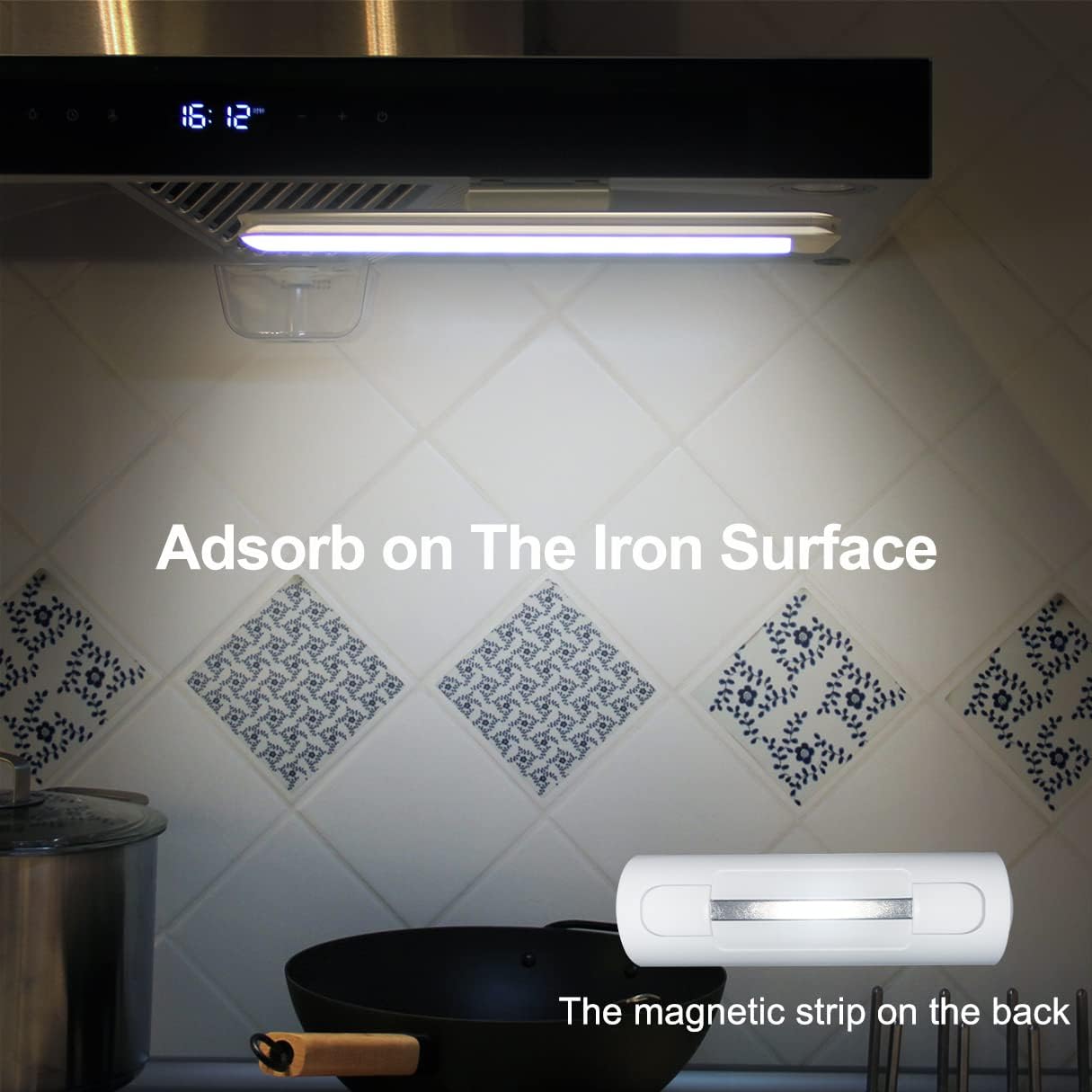
Figure 1: Included components of the KAGWON Wall Reading Light.
Enstalasyon ak Enstalasyon
The KAGWON Wall Reading Light offers flexible installation options using its magnetic base and adhesive tape, or screws for a more permanent fixture.
Magnetic Mounting with Adhesive Tape:
- Clean the desired flat surface thoroughly to ensure it is free of dust and grease.
- Peel off the protective film from the upgraded Nano strong adhesive tape on the magnetic mount.
- Firmly press the magnetic mount onto the cleaned surface. Ensure a secure bond.
- Attach the LED light bar to the magnetic mount. The strong magnets will hold it in place.
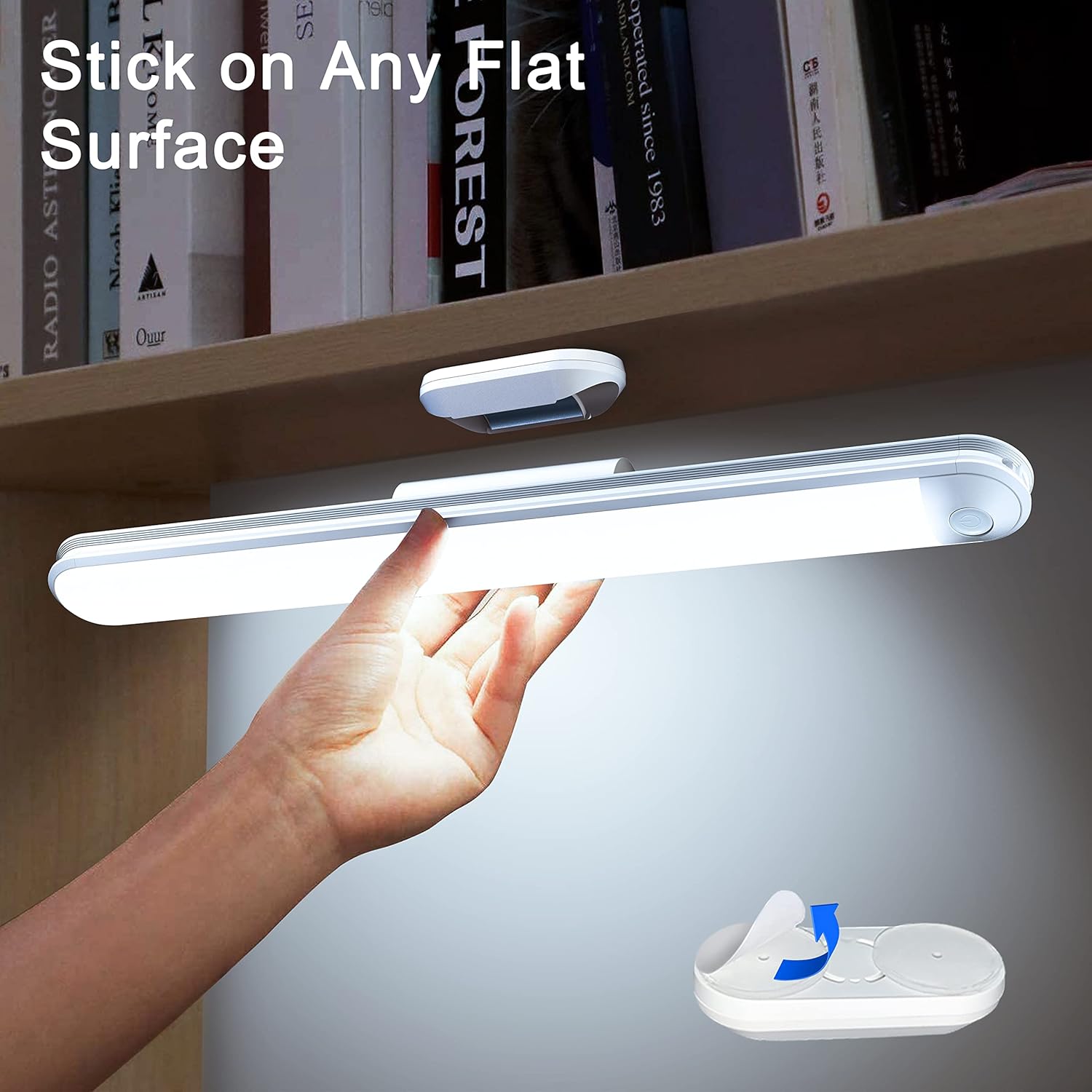
Figure 2: Attaching the light bar to a flat surface using the magnetic mount with adhesive tape.
The Nano tape is reusable and washable. To regain its high stickiness, simply wash it with water and let it air dry.
Screw Installation (Optional):
For more stable installation on various surfaces, screws are provided. Use appropriate tools to secure the magnetic mount using the provided screws.
Chaje limyè a:
The light features a built-in 2600 mAh rechargeable battery. Use the included USB-C cable and charging stand to charge the device. A full charge takes approximately 4-5 hours and provides 5-75 hours of use depending on the brightness setting.

Figure 3: Charging the KAGWON Wall Reading Light using the charging stand.

Figure 4: Charging status indicators (Red: Charging, Green: Fully Charged).
Enstriksyon Operasyon
Power On/Off ak Ajisteman Klate:
- Short Click: Press the touch control button briefly to turn the light ON or OFF.
- Long Press: Press and hold the touch control button to adjust the brightness. The light features step-less dimming, allowing you to find your preferred brightness level.
- Fonksyon memwa: The light remembers your last brightness setting, so there's no need to readjust it every time you turn it on.
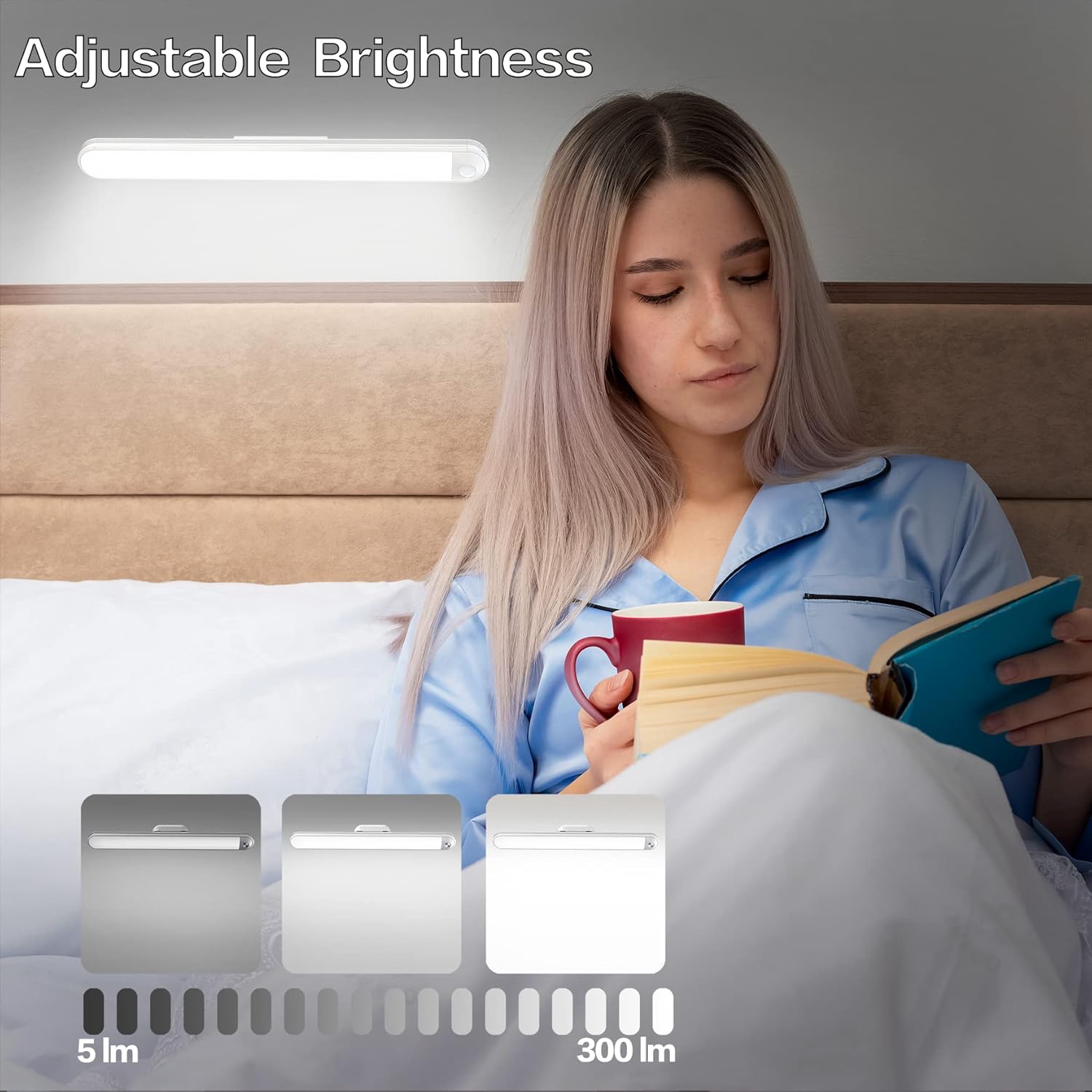
Figure 5: Adjustable brightness levels for comfortable reading and tasks.

Figure 6: Touch control for power and brightness adjustment.
Ang reglabl:
The light bar can be rotated up to 90 degrees on its magnetic base, allowing you to direct the light precisely where needed. This feature is ideal for focused tasks like reading or working.
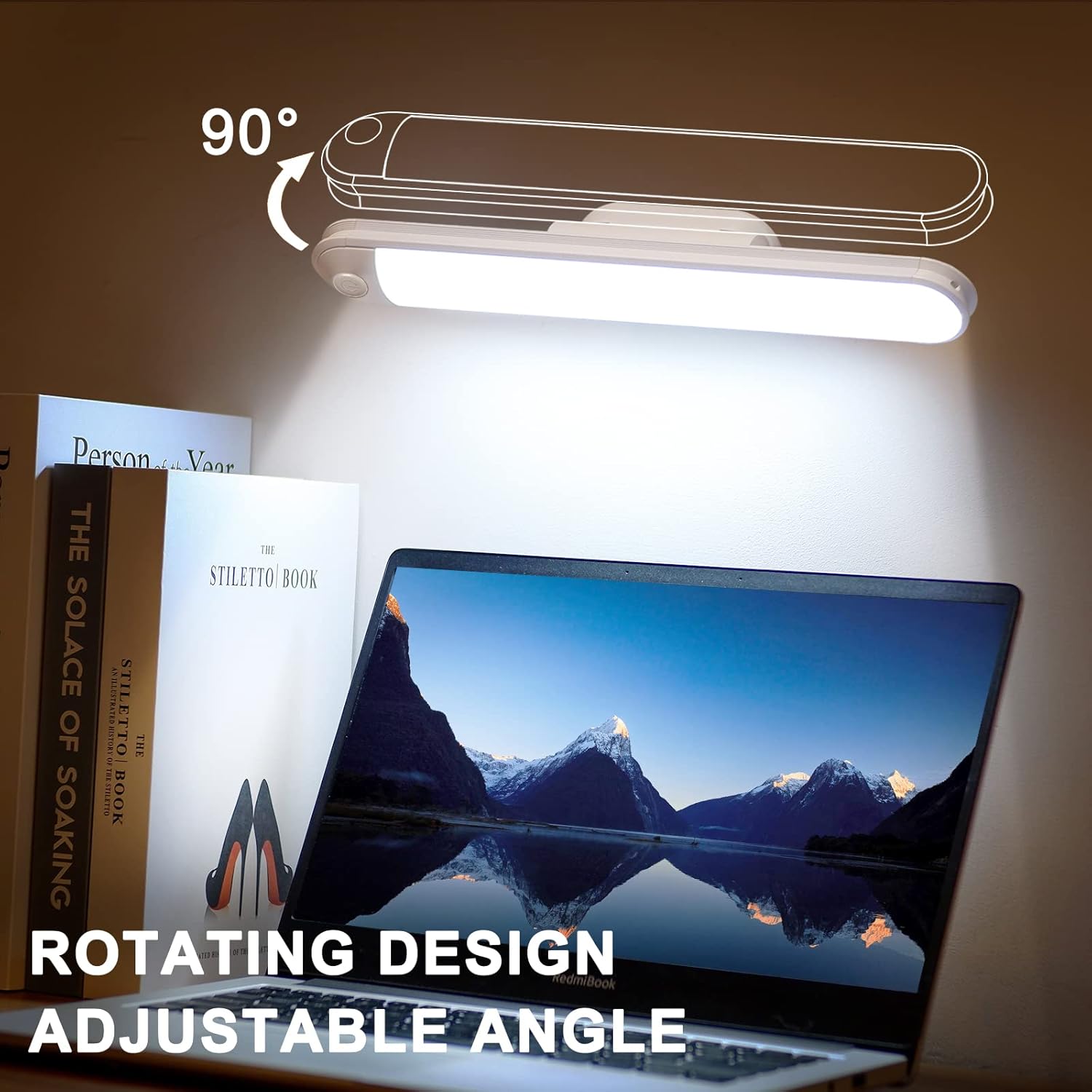
Figure 7: Rotating design for adjustable light angle.
Itilizasyon versatile:
- Wall-Mounted Reading Light: Use with the magnetic base for reading without disturbing others.
- Bedside/Desk Lamp: Place on the charging stand for a neat and convenient light source.
- Flach pòtab: Easily remove the light bar from its base for emergency use or as a portable light.

Figure 8: The light functions as both a stick-on light bar and a desk lamp.
Antretyen
- Netwayaj: Wipe the light bar and charging stand with a soft, dry cloth. Do not use abrasive cleaners or immerse in water.
- Nano Adhesive Tape: If the adhesive tape loses its stickiness, gently wash it with water and allow it to air dry completely. Its stickiness will be restored for reuse.
- Swen batri: To prolong battery life, avoid fully discharging the light frequently. Charge it regularly, especially if it will not be used for an extended period.
Depanaj
- Limyè pa limen: Ensure the battery is charged. Connect to the charging stand and check the indicator light.
- Klète a pa ajiste: Ensure you are performing a long press on the touch control button.
- Light falling from mount: Re-clean the mounting surface and the adhesive tape (if applicable). Ensure the magnetic mount is securely attached. For heavy use or uneven surfaces, consider using the provided screws for installation.
Espesifikasyon
| Mak | KAGWON |
| Non modèl | LED Light Bar (Dimmable Touch Light Bar) |
| Wattage | 6 Watts |
| Kalite sous limyè | LED (26 LED) |
| Tanperati Koulè | 6000 Kelvin (blan fre) |
| Klète | 300 Lumen |
| Kapasite batri | 2600 mAh (Ityòm Ion) |
| Tan pou chaje | 4-5 èdtan |
| Tan Itilizasyon | 5-75 èdtan (selon klète a) |
| Metòd kontwòl | Manyen |
| Kalite enstalasyon | Adhesive / Magnetic / Screws |
| Dimansyon pwodwi | 2.8"L x 16.2"L x 2"H |
| Materyèl | Aliminyòm, Plastik |
| Nivo rezistans dlo | Pa reziste dlo |
Garanti ak sipò
The KAGWON Wall Reading Light comes with a 2-ane garanti. If you encounter any issues with your product, please do not hesitate to contact us. We are committed to providing a refund or replacement for your purchase.
For further assistance or to explore more KAGWON products, please visit the official KAGWON Store: KAGWON Store on Amazon.