
1. Entwodiksyon
Thank you for choosing the Parsonver FF2 Smartwatch. This device is designed to be a comprehensive companion for your daily life, offering advanced fitness tracking, health monitoring, and smart notifications. With its 5ATM water resistance, over 100 sports modes, and a vibrant 1.8-inch HD touchscreen, the FF2 Smartwatch helps you stay connected and active. Please read this manual carefully to understand how to operate your new smartwatch and ensure its optimal performance.
2. Ki sa ki nan bwat la
Upon opening your Parsonver FF2 Smartwatch package, you should find the following items:
- 1x FF2 Smartwatch
- 1x Chaje kab
- 1x manyèl itilizatè
3. Gid Enstalasyon
3.1 Chaje mont entelijan an
Before initial use, fully charge your smartwatch. Connect the magnetic charging cable to the charging contacts on the back of the watch and plug the USB end into a standard USB power adapter (not included) or a computer's USB port. A full charge typically takes approximately 2 hours.

Image: The Parsonver FF2 Smartwatch, its magnetic charging cable, and the user manual included in the box.
3.2 Telechaje Aplikasyon Konpayon an
To unlock all features and synchronize data, download the official Parsonver companion app on your smartphone. Chèche pou "Parsonver Fit" (or similar name as specified in the manual) in the Apple App Store for iOS devices or Google Play Store for Android devices.
3.3 Konekte ak telefòn entelijan ou
- Asire w ke mont entelijan ou an chaje epi li limen.
- Pèmèt Bluetooth sou smartphone ou.
- Open the Parsonver Fit app and follow the on-screen instructions to create an account or log in.
- In the app, navigate to the device pairing section and select your FF2 Smartwatch from the list of available devices.
- Konfime demann koneksyon an sou tou de telefòn entelijan ou ak mont entelijan ou.

Image: A smartphone displaying the Parsonver companion application interface.
4. Operasyon Enstriksyon
4.1 Ekspozisyon ak pèsonalizasyon
The FF2 Smartwatch features a vibrant 1.8-inch HD touchscreen with a resolution of 320x390 pixels. You can adjust the brightness to one of 5 levels for optimal visibility in various lighting conditions. Personalize your watch with over 200 captivating watch faces available through the app, or upload your own photos to create a unique look.
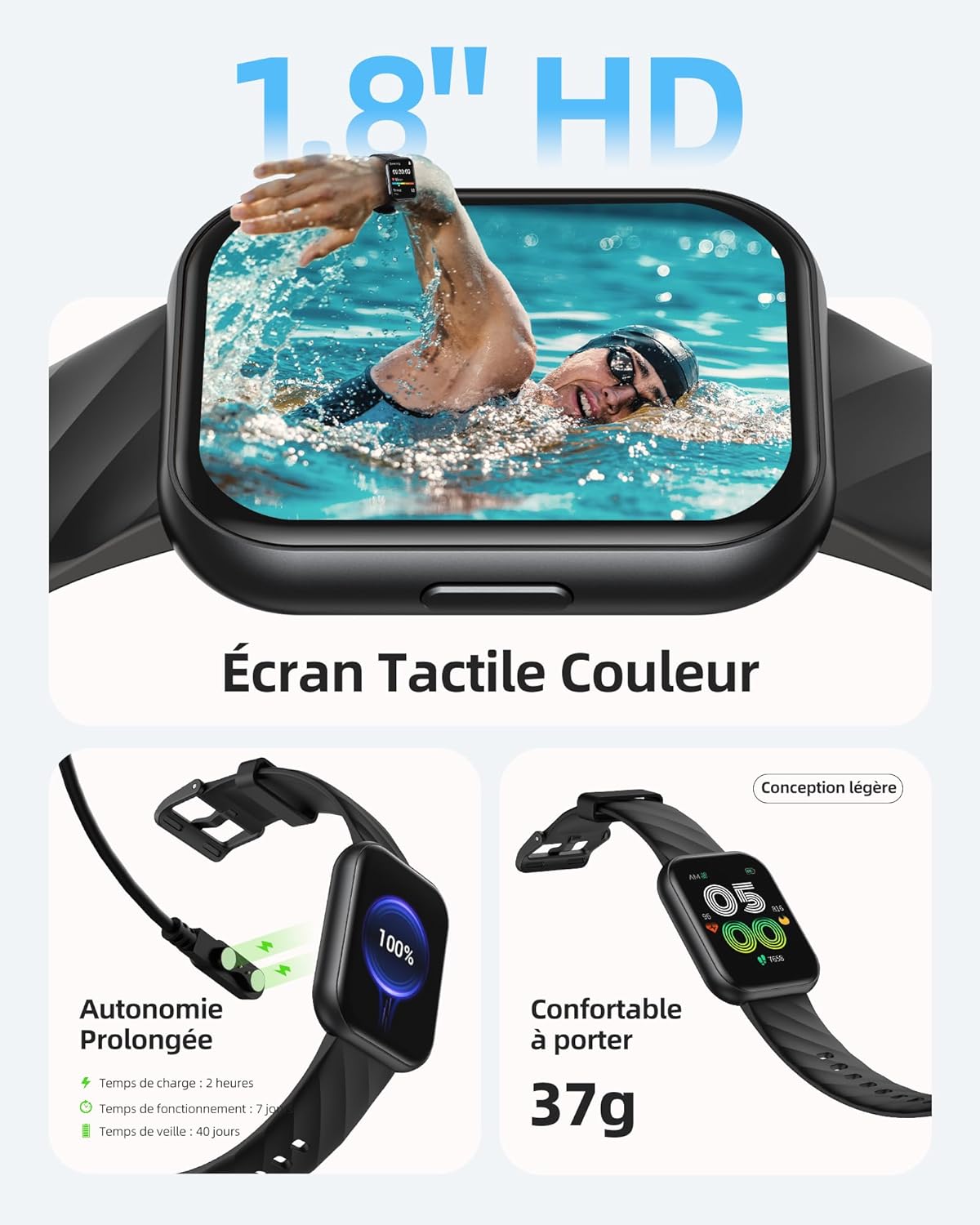
Image: The Parsonver FF2 Smartwatch showcasing a selection of its customizable watch faces.
4.2 Mòd Espò ak Suivi Aktivite
The smartwatch supports over 100 sports modes, including running, cycling, swimming, yoga, and more. It accurately records your activity data such as heart rate, steps, pace, calories burned, and distance. This data is synchronized with the app for detailed analysis and progress tracking.
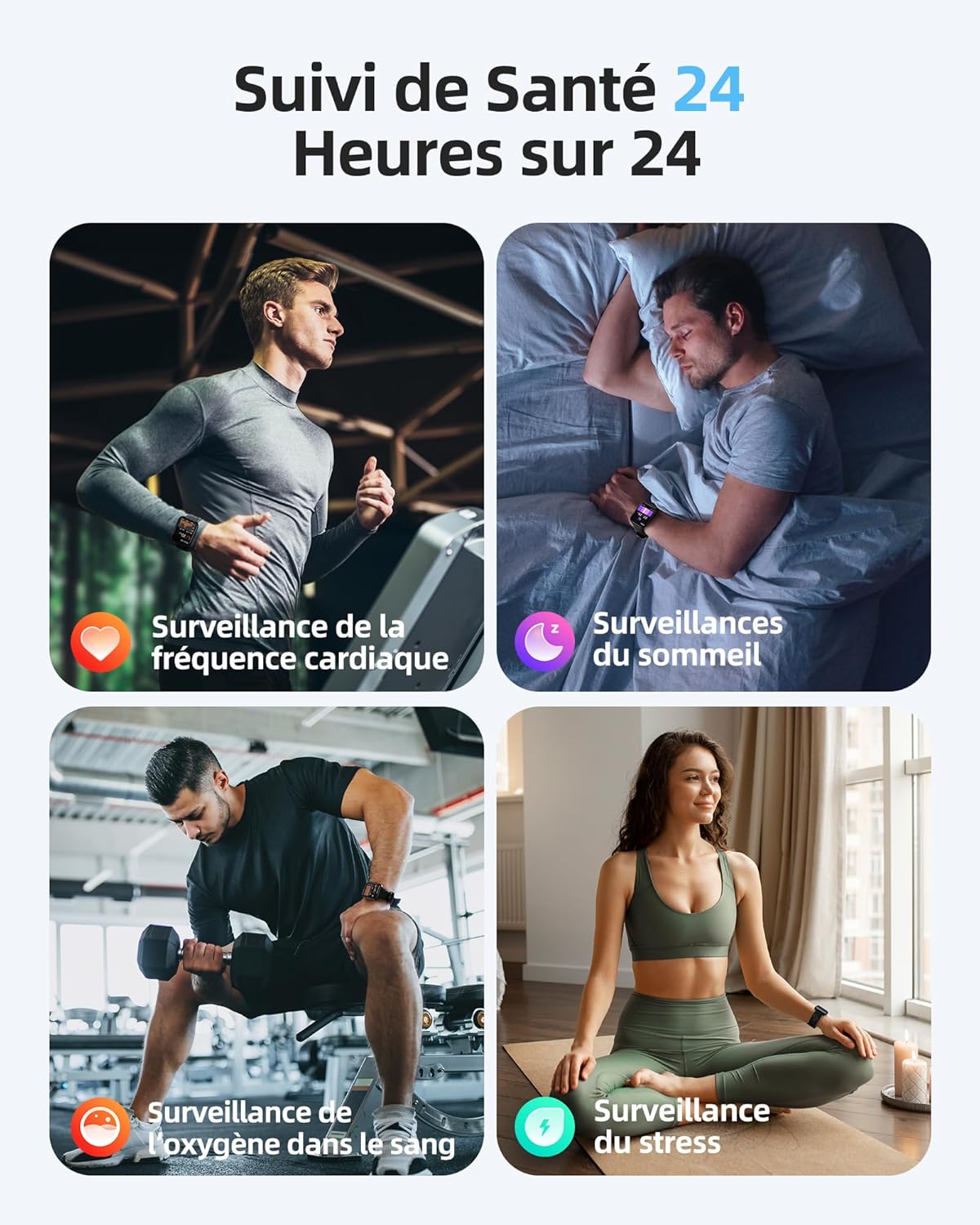
Image: A person engaged in physical activity, with the Parsonver FF2 Smartwatch on their wrist displaying activity metrics.
4.3 Water Resistance and Swimming Tracking
With a 5ATM water resistance rating, the FF2 Smartwatch can withstand water pressure up to 50 meters, making it suitable for swimming. It tracks swimming duration, laps, heart rate, and SWOLF efficiency, providing comprehensive data to help improve your swimming performance.

Image: A swimmer wearing the Parsonver FF2 Smartwatch, with an overlay of swimming activity data.
4.4 Siveyans Sante
The smartwatch offers continuous health monitoring features:
- Siveyans batman kè 24/7: Tracks your heart rate continuously and provides alerts for abnormal readings.
- Suivi dòmi: Kontwole dòmi outages (pwofon, lejè, REM, reveye) pou ede ou konprann epi amelyore kalite dòmi ou.
- Siveyans oksijèn nan san (SpO2): Mezire nivo saturation oksijèn nan san ou.
- Siveyans estrès: Helps you understand and manage your emotional stress levels.
- Suivi Sante Fi: Assists women in predicting and tracking menstrual periods and ovulation.
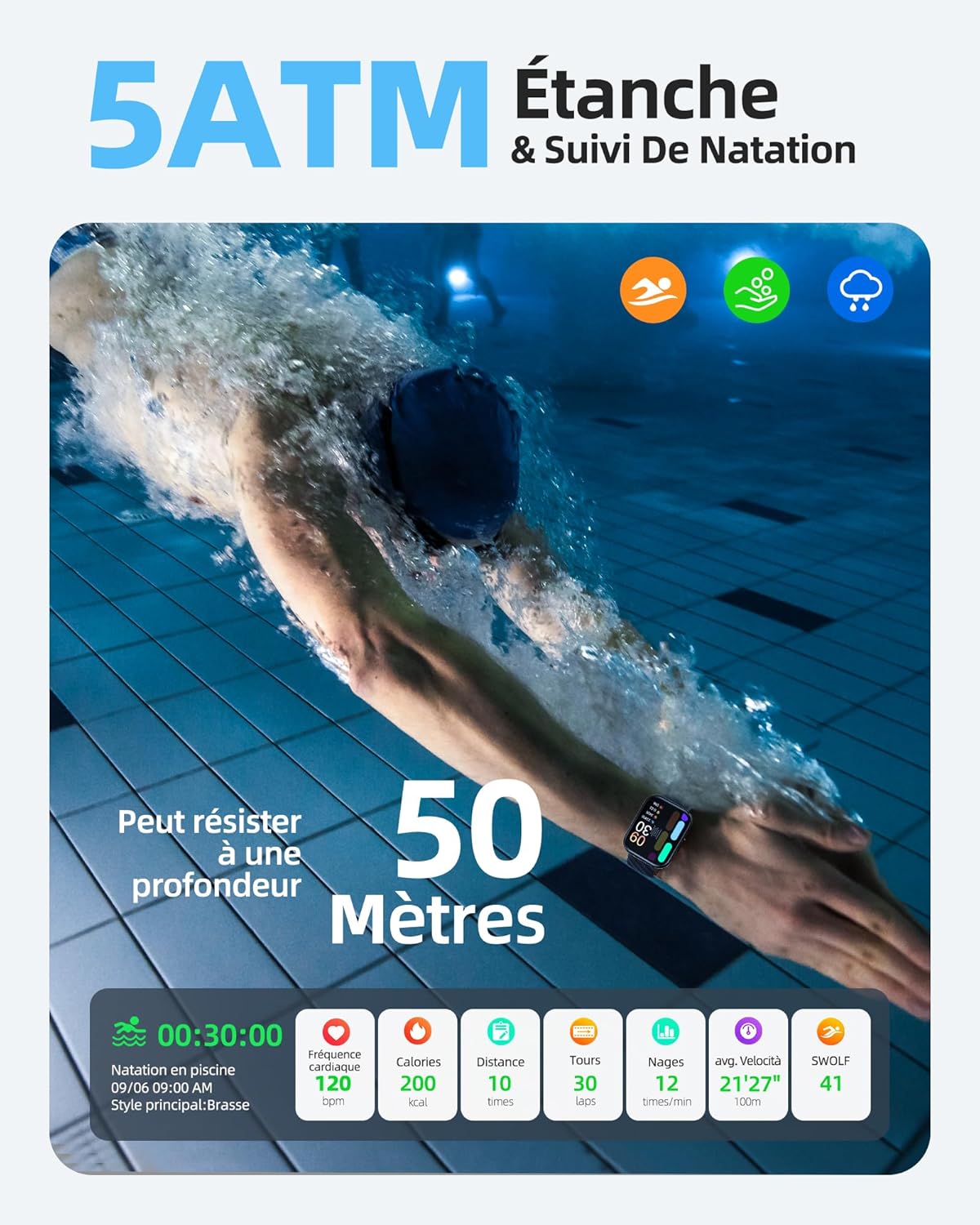
Image: The Parsonver FF2 Smartwatch on a wrist, showing real-time heart rate data.
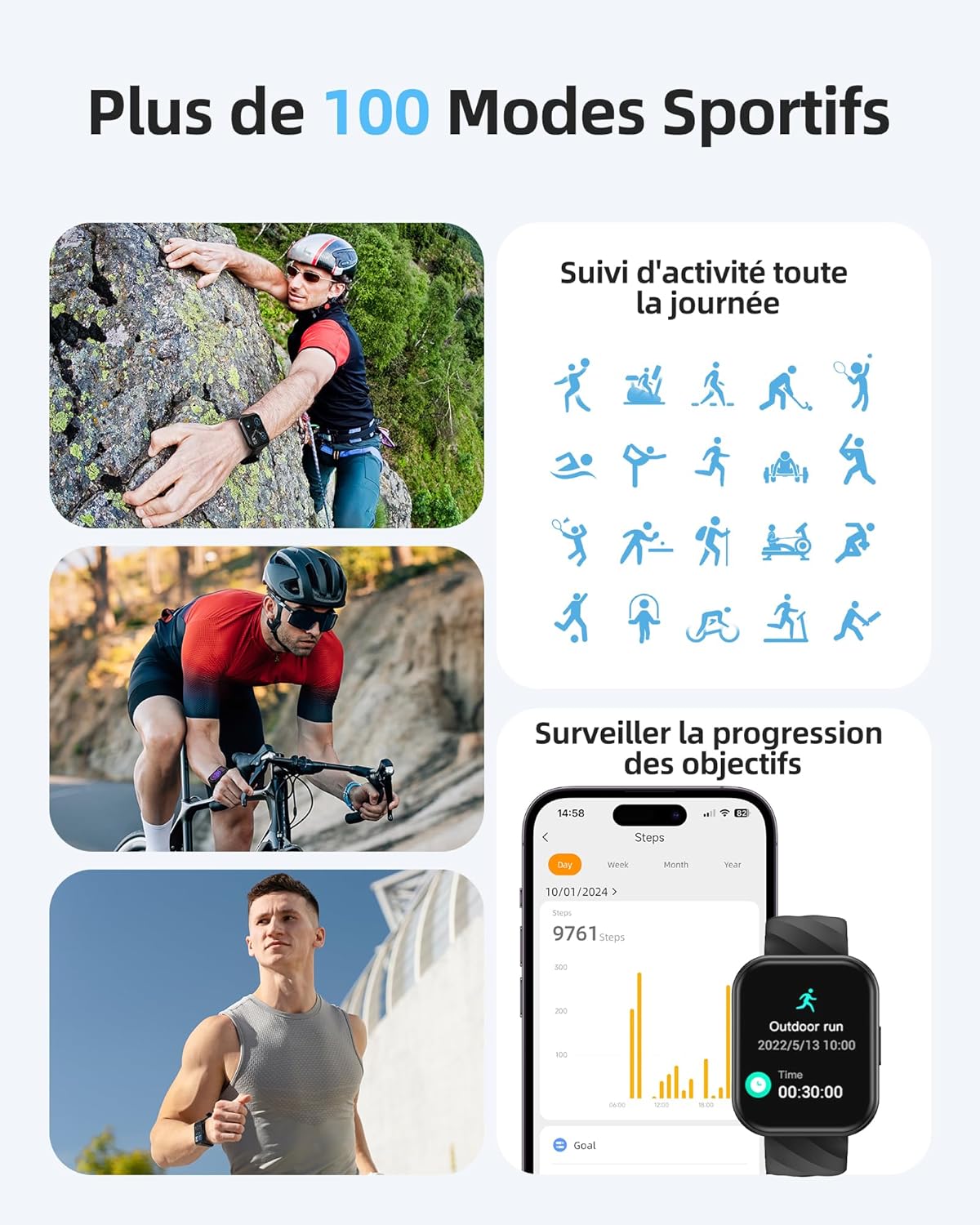
Image: A person sleeping, with the Parsonver FF2 Smartwatch on their wrist displaying sleep tracking information.
4.5 Notifikasyon Entelijan
Stay informed with real-time notifications for incoming calls, SMS messages, emails, and social media alerts (e.g., WhatsApp, Facebook) directly on your wrist. You can decline calls from the watch, but direct answering is not supported.

Image: A person looking at their Parsonver FF2 Smartwatch, which displays various app notification icons.
4.6 Lòt Karakteristik
The FF2 Smartwatch includes several other convenient functions:
- Kontwòl Kamera Remote
- Pwedi tan
- Kontwòl Mizik
- Stopwatch and Alarm Clock
- Rapèl Sedantèr
- Egzèsis pou respire
- Find My Phone function
5. Antretyen
5.1 Netwaye Smartwatch ou a
Regularly clean your smartwatch and strap to prevent skin irritation and maintain device hygiene. Use a soft, damp cloth to wipe the watch face and strap. Avoid using harsh chemicals or abrasive materials.
5.2 Swen Batri
The FF2 Smartwatch offers up to 7 days of typical usage and 40 days of standby time on a single charge. To prolong battery life, avoid extreme temperatures and fully discharging the battery frequently. Charge the watch using the provided magnetic cable.
5.3 Prekosyon pou rezistans dlo
While the FF2 Smartwatch is 5ATM water resistant, it is important to avoid wearing it in hot baths, saunas, or steam rooms. High temperatures and steam can compromise the watch's water resistance and cause damage.
NAN. Depanaj
If you encounter any issues with your Parsonver FF2 Smartwatch, please refer to the following common solutions:
- Mont lan pa limen: Asire w ke mont lan chaje nèt. Konekte l nan plato a pou omwen 30 minit.
- Pa ka konekte ak telefòn nan: Asire w ke Bluetooth aktive sou telefòn ou epi mont lan nan zòn nan. Rekòmanse ni mont lan ni telefòn ou, epi eseye konekte yo ankò atravè aplikasyon an.
- Done ki pa egzak: Ensure the watch is worn snugly on your wrist. For sports tracking, select the correct activity mode.
- Notifikasyon ki pa resevwa: Check app permissions on your phone to ensure the Parsonver Fit app has access to notifications. Verify that notifications are enabled within the app settings.
- Ekran an pa reponn: Try restarting the watch. If the issue persists, contact customer support.
For further assistance, please refer to the support section of the Parsonver Fit app or visit the official Parsonver websit.
7. Espesifikasyon
Here are the technical specifications for the Parsonver FF2 Smartwatch:
| Karakteristik | Spesifikasyon |
|---|---|
| Nimewo Modèl | FF2 |
| Sistèm operasyon | Android (konpatib) |
| Pwa atik | 37 g |
| Dimansyon pwodwi (L x W x H) | 24.69 x 3.81 x 1.19 cm |
| Batri | 1 CR5 (enkli) |
| Koneksyon Teknoloji | Bluetooth |
| GPS | Pa gen GPS |
| Karakteristik espesyal | Notification, Alarm Clock, Activity Tracker, Multisport Tracker, Touchscreen |
| Rezolisyon ekspozisyon | 320x390 piksèl |
| Antre Entèfas Imèn | Touchscreen |
| Koulè | Nwa |
| Kapasite batri | 320 mAh |
| Wireless Kominikasyon Creole | Bluetooth |
| Konpozisyon batri | Lityòm-ion |
| Gwosè ekran | 1.8 pous |

Image: Technical diagram illustrating the dimensions of the Parsonver FF2 Smartwatch.
8. Garanti ak sipò
Your Parsonver FF2 Smartwatch comes with a standard manufacturer's warranty. For details regarding warranty coverage, returns, or technical support, please refer to the warranty information provided in the packaging or contact Parsonver customer service directly. You can usually find contact information on the official Parsonver website or within the companion app.
Videyo: Yon finiview of the Parsonver FF2 Smartwatch features, including its display, sports modes, and health tracking capabilities.