
Entwodiksyon
This manual provides essential information for the proper use and care of your Vansuny 64GB microSDXC Memory Card. Designed for high-speed data transfer and reliable storage, this card is suitable for a wide range of devices, including smartphones, cameras, and gaming consoles. Please read these instructions carefully to ensure optimal performance and longevity of your memory card.
Karakteristik pwodwi
- Kapasite: 64GB for ample storage of photos, videos, and applications.
- Ultra-fast Speed: Class 10 U3 and UHS-I technology, offering up to 90MB/s read speed and 30MB/s write speed.
- Anrejistreman videyo 4K: V30 video speed class supports continuous Full HD and 4K UHD video capture.
- A1 App Performance: A1 app classification (1500 IOPS random read, 500 IOPS random write) for quick app loading and smooth operation.
- Konpatibilite versatile: Ideal for Android smartphones, tablets, action cameras, drones, Nintendo Switch, GPS devices, dashcams, security cameras, and laptops.
- Konsepsyon dirab: Manufactured to high standards, featuring waterproof, shockproof, temperature-proof, and X-ray proof properties.
- Includes SD Adapter: Expands compatibility for use with devices that require a full-size SD card slot.
Enstalasyon ak Enstalasyon
1. Mete Kat Mikwo SD a
Locate the microSD card slot on your device (e.g., smartphone, camera, drone). Gently insert the Vansuny microSD card into the slot with the gold contacts facing down or as indicated by your device's manual. Push until it clicks into place. Do not force the card, as this may cause damage.

Image: The Vansuny 64GB Micro SD card shown next to its included SD adapter. The micro SD card is small and blue, while the adapter is black with "Adapter" printed on it.
2. Sèvi ak adaptè SD a
For devices that use a standard SD card slot (e.g., some digital cameras, laptops), insert the Vansuny microSD card into the provided black SD adapter. Ensure the microSD card is fully seated within the adapter. Then, insert the adapter into your device's SD card slot.

Image: A close-up of a Vansuny micro SD card being inserted into a black SD adapter.
3. Fòma Kat Memwa a
Upon first use, or if you encounter issues, it is recommended to format the memory card using your device's internal formatting function. This ensures compatibility and optimal performance. Refer to your device's user manual for specific instructions on how to format a memory card. Avètisman: Fòmataj la ap efase tout done ki sou kat la. Fè yon kopi enpòtan files anvan fòma.
Enstriksyon Operasyon
Data Transfer and Speed
The Vansuny 64GB microSDXC card offers high-speed data transfer, with read speeds up to 90MB/s and write speeds up to 30MB/s. This allows for quick transfer of large files, such as 4K videos and high-resolution photos, to and from your compatible devices.

Image: A Vansuny Micro SD card with speed ratings (U3, V30, A1, C10, UHS-I) overlaid on a graphic of a race car, illustrating high-speed data transfer. Read speed up to 90MB/s, Write speed up to 30MB/s.
Anrejistreman videyo 4K
With its V30 video speed class rating, this memory card is optimized for capturing and storing continuous Full HD and 4K UHD videos. Ensure your recording device is set to the appropriate video quality settings to utilize the card's full capabilities.
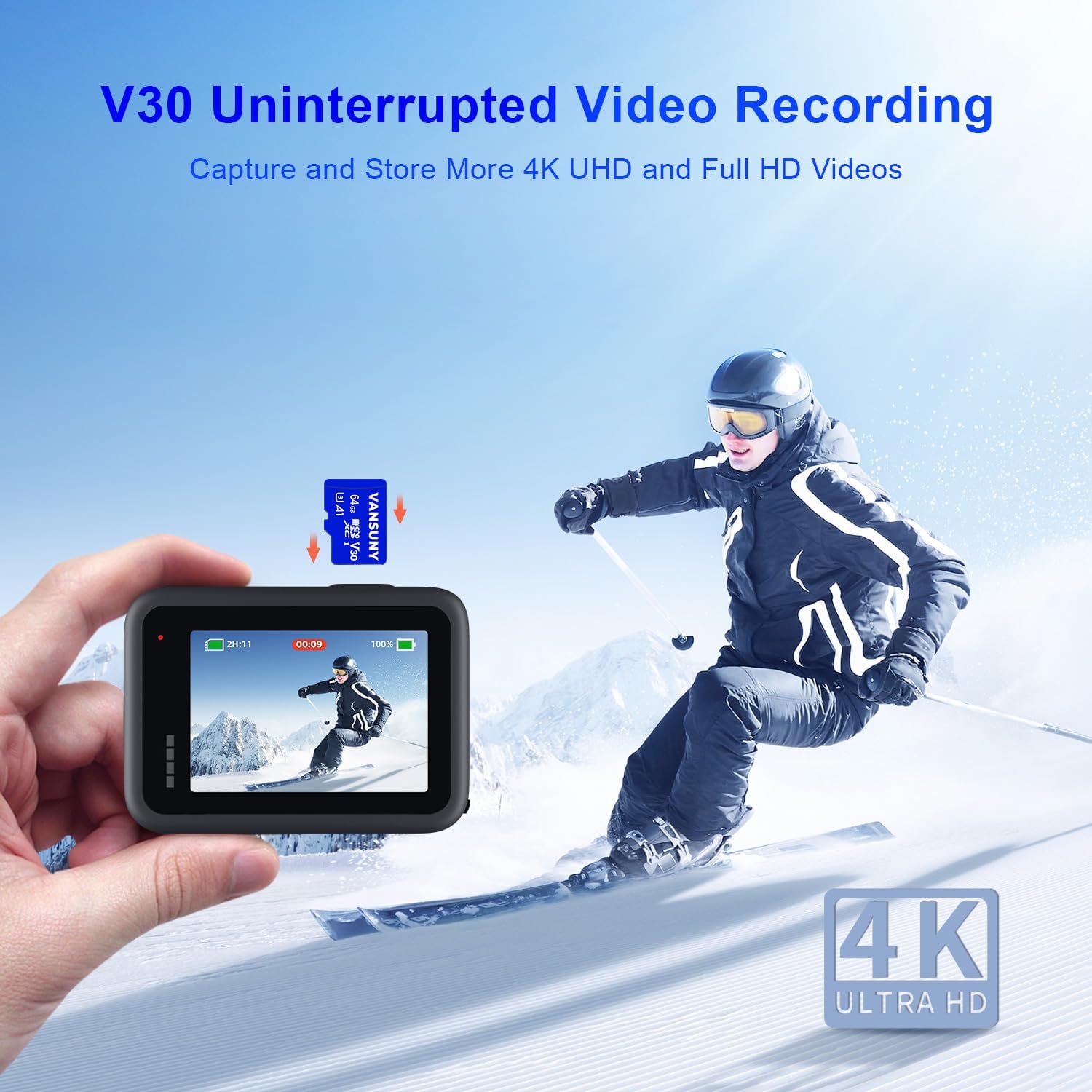
Image: A person skiing, with an action camera in the foreground displaying a recording. A Vansuny Micro SD card is shown floating above the camera, indicating V30 Uninterrupted Video Recording for 4K UHD.
A1 App Performance
The A1 app classification ensures quick application loading and a smooth user experience when running apps directly from the memory card on compatible Android smartphones and tablets. This is achieved through optimized random read (1500 IOPS) and random write (500 IOPS) performance.

Image: A hand interacting with a smartphone screen displaying various app icons. A Vansuny Micro SD card is shown in the foreground, highlighting A1 Rated App Performance with 1500 IOPS Read and 500 IOPS Write.
Aparèy konpatibilite
This microSD card is designed to work with a wide array of devices. Always ensure your device supports microSDXC cards and the specified capacity (64GB). For optimal performance, use the card with devices that support UHS-I speeds.

Imaj: Yon imaj ayeryen view of a city with a drone flying, and icons representing compatible devices: Drones, Surveillance Cameras, Switch, Action Cameras, and Android Smartphones. The text states "Work for Various Devices".
Antretyen
The Vansuny microSD card is built for durability. It is:
- Enpèmeyab: Fèt pou reziste ekspozisyon aksidantèl nan dlo.
- Antichok: Resistant to impacts and drops.
- Rezistan a tanperati: Fonksyone avèk fyab nan tanperati ekstrèm.
- Prèv radyografi: Pwoteje kont eskanè radyografi ayewopò yo.
To maintain optimal performance, avoid exposing the card to excessive bending, crushing, or direct contact with corrosive materials. Keep the gold contacts clean and free from dust and debris. When not in use, store the microSD card in its adapter or a protective case to prevent loss or damage.

Image: A Vansuny Micro SD card submerged in water, surrounded by bubbles. Icons below illustrate its waterproof, shockproof, temperature-proof, wearproof, magnet-proof, and X-ray proof features.
Depanaj
- Kat la pa rekonèt:
- Asire w kat la byen antre nan fant lan.
- Try inserting the card into a different compatible device or using the SD adapter.
- Tcheke si kat la bloke (si w ap itilize adaptè SD a, asire w ke switch bloke a nan pozisyon 'debloke').
- Attempt to format the card (see Setup section), but only after backing up any accessible data.
- Pèfòmans Ralanti:
- Ensure your device supports UHS-I speeds for optimal performance. Older devices may not achieve maximum speeds.
- Verify that the card is not nearly full, as this can impact write speeds.
- Avoid running multiple demanding applications simultaneously when using the card for app storage.
- Pèt Done:
While Vansuny cards are designed for reliability, data loss can occur due to improper ejection, power failures, or device malfunctions. Regularly back up important data to another storage medium.
Espesifikasyon
| Mak | Vansuny |
| Kalite memwa flash | Mikwo SDXC |
| Kapasite Depo memwa | 64 GB |
| Li vitès | Jiska 90 MB/s |
| Vitès ekri | Jiska 30 MB/s |
| Klas Vitès Asosyasyon Dijital Ansekirite | Klas 10, U3 |
| Klas Vitès Videyo | V30 (for 4K UHD video) |
| Klas Pèfòmans Aplikasyon an | A1 (1500 IOPS Random Read, 500 IOPS Random Write) |
| Koneksyon Materyèl | microSDXC |
| Karakteristik adisyonèl | Temperature Proof, X-Ray Proof, Waterproof, Shockproof |
| Dimansyon atik (L x W x H) | 0.6" x 0.44" x 0.03" |
| Pwa atik | 10 gram |
Garanti ak sipò
The Vansuny 64GB microSDXC Memory Card comes with a 1-ane garanti nan men manifakti a. Garanti sa a kouvri domaj nan materyèl ak nan fabrikasyon anba itilizasyon nòmal. Tanpri konsève prèv acha ou pou reklamasyon garanti.
For technical support, warranty claims, or further inquiries, please visit the official Vansuny website or contact their customer service. Contact information can typically be found on the product packaging or the Vansuny brand store on Amazon.
Nòt: The warranty does not cover damage caused by misuse, accidents, unauthorized modifications, or data loss. Always back up your data.