
YQSAVIOR YQ10S
Manyèl Itilizatè Tablèt YQSAVIOR 10" Android 14
Model: YQ10S | Brand: YQSAVIOR
1. Entwodiksyon
This user manual provides comprehensive instructions for the YQSAVIOR 10" Android 14 Tablet (Model: YQ10S). It covers essential information regarding product setup, operation, maintenance, and troubleshooting. Please read this manual thoroughly before using your tablet to ensure proper functionality and to maximize your user experience.
2. Enfòmasyon sou Sekirite
- Sekirite batri: Do not attempt to replace the battery yourself. Use only the provided charger and cable. Avoid exposing the tablet to extreme temperatures or direct sunlight.
- Rezistans dlo: This tablet is not water-resistant. Avoid exposure to liquids.
- Netwayaj: Disconnect the tablet from power before cleaning. Use a soft, dry cloth. Avoid abrasive cleaners or solvents.
- Dispozisyon: Dispose of the tablet and its accessories responsibly according to local regulations. Do not dispose of electronic waste in household trash.
- Timoun: Kenbe ti pati ak materyèl anbalaj lwen timoun yo pou anpeche danje toufe.
3. Pake kontni
Verifye ke tout atik yo prezan nan pakè ou a:
- 1x YQ10S tablet
- 1x Chargeur
- 1x Kalite C kab
- 1x Manyèl Itilizatè (dokiman sa a)
4. Pwodwi souview
Familiarize yourself with the physical features and components of your YQSAVIOR 10" Android 14 Tablet.

Figi 4.1: Devan ak dèyè view of the YQSAVIOR 10" Android 14 Tablet in Pink. The tablet features a sleek design with a textured pink back panel and a black front display.
4.1. Eleman kle yo
- Ekspozisyon: 10-inch IPS Touch Screen with 1280x800 resolution for vibrant colors and clear visuals.
- Kamera devan: 2.0MP camera, typically located above the screen for video calls and selfies.
- Kamera dèyè: 8.0MP camera, located on the back panel for capturing photos and videos.
- Bouton pouvwa: Usually on the side, used to turn the tablet on/off or put it to sleep/wake.
- Bouton Volim: Typically located near the power button, used to adjust audio volume.
- USB Kalite-C Port: Pou chaje ak transfè done.
- MicroSD Kat plas: Allows for storage expansion up to 1TB.
- Doub Oratè: Located on the sides or bottom for audio output.

Figi 4.2: The tablet supports 5G/2.4G WiFi and Wi-Fi 6, ensuring fast and stable network connectivity for browsing and streaming.
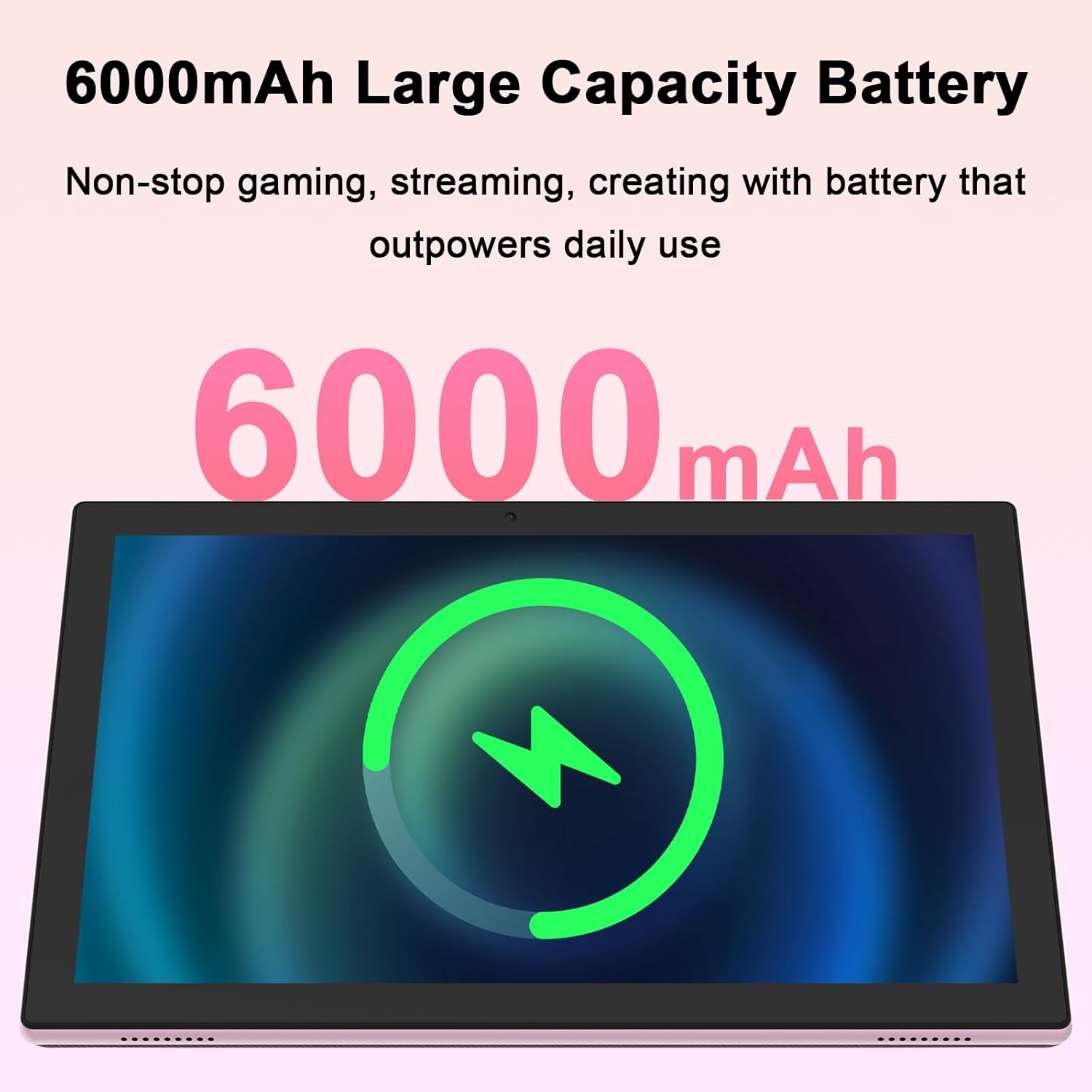
Figi 4.3: Equipped with a 6000mAh large capacity battery, the tablet provides extended usage time for various activities.
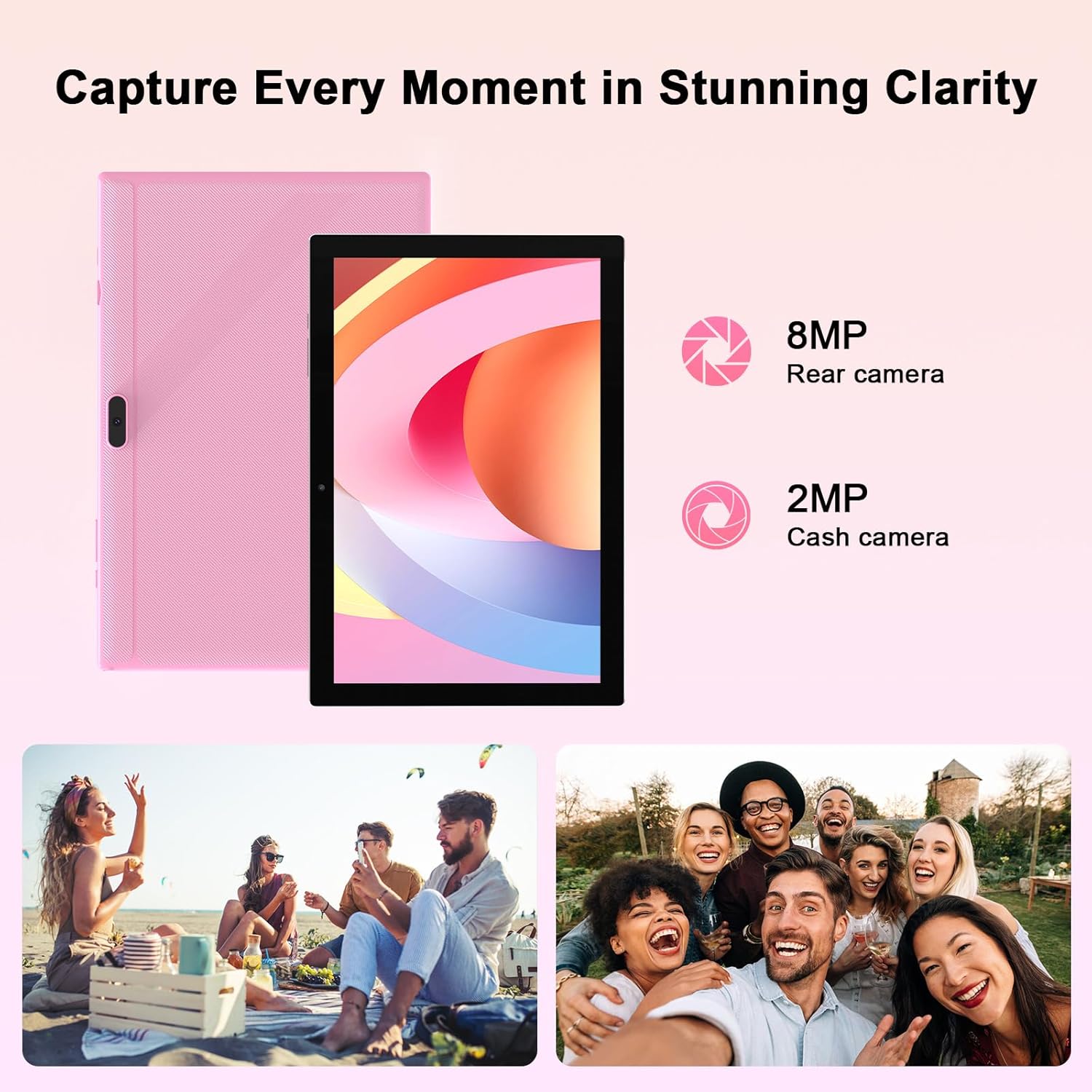
Figi 4.4: The tablet features an 8MP rear camera and a 2MP front camera, suitable for capturing moments and video calls.

Figi 4.5: The tablet's powerful quad-core processor and 8GB RAM (4+4GB) ensure smooth performance for gaming and multimedia consumption.

Figi 4.6: With 64GB ROM and support for up to 1TB expandable storage via TF card, the tablet offers ampespas pou aplikasyon, foto ak videyo.
Videyo 4.1: Yon prezantasyon videyo pwodwi ofisyèlasing the YQSAVIOR 10-inch tablet's features, including its display, speakers, and overall design. This video highlights the tablet's suitability for various uses.
5. Enstalasyon
5.1. Chaje tablèt la
Before first use, fully charge your tablet. Connect the provided Type-C cable to the tablet's charging port and the other end to the charger. Plug the charger into a power outlet. The battery indicator on the screen will show charging status. A full charge typically takes several hours.
5.2. Powering On / Off
- Pou limen: Press and hold the Power button until the YQSAVIOR logo appears on the screen.
- Pou etenn: Peze epi kenbe bouton Power la jiskaske yon meni pou etenn parèt. Chwazi "Power off" epi konfime.
- Pou dòmi/reveye: Briefly press the Power button to put the tablet to sleep or wake it from sleep mode.
5.3. Inisyal Enstalasyon
Lè w limen tablèt la pou premye fwa, li pral gide w nan yon pwosesis konfigirasyon inisyal. Swiv enstriksyon ki parèt sou ekran an pou:
- Chwazi lang ou.
- Konekte nan yon rezo Wi-Fi.
- Konekte avèk kont Google ou (oswa kreye youn).
- Konfigire blokaj ekran an (Kòd PIN, modèl, modpas).
- Review epi aksepte tèm ak kondisyon yo.
5.4. Konekte ak Wi-Fi
Pou konekte ak yon rezo Wi-Fi:
- Ale nan Anviwònman > Rezo ak entènèt > Wi-Fi.
- Limen Wi-Fi.
- Chwazi rezo ou vle a nan lis la.
- Antre modpas la si yo mande w epi tape Konekte.
6. Operasyon Enstriksyon
6.1. Navigasyon debaz
The YQSAVIOR tablet uses a touch-sensitive screen for navigation:
- Tape: Pou chwazi yon atik oubyen louvri yon aplikasyon.
- Manyen epi kenbe: Pou jwenn aksè nan meni kontèksyal yo oubyen deplase atik yo.
- Glise: Pou defile nan ekran oswa lis.
- Zoom-pou-Zoom: Pou agrandi oswa diminye imaj yo ak web paj.
6.2. Jesyon App
As a GMS Certified Tablet, you can download and install a wide variety of applications from the Google Play Store.
- Enstale aplikasyon: Louvri a Jwe magazen aplikasyon an, chèche aplikasyon ou vle a, epi tape Enstale.
- Dezenstalasyon aplikasyon yo: Touch and hold the app icon on the home screen or app drawer, then drag it to "Uninstall" or select "App info" and choose "Uninstall".
6.3. Jesyon Depo
Your tablet comes with 64GB of internal storage. You can expand this by inserting a MicroSD card (up to 1TB).
- Mete kat MicroSD: Locate the MicroSD card slot, gently insert the card until it clicks into place.
- Jesyon Depo: Ale nan Anviwònman > Depo pou view itilizasyon depo ak jesyon files.
6.4. Itilizasyon kamera
Use the built-in cameras to capture photos and videos.
- Louvri a Kamera app.
- Switch between front (2MP) and rear (8MP) cameras using the camera switch icon.
- Tape bouton deklanchè a pou pran yon foto oswa pou kòmanse/sispann anrejistreman videyo.
6.5. Bluetooth Koneksyon
Connect your tablet to Bluetooth devices like headphones or speakers.
- Ale nan Anviwònman > Aparèy ki konekte > Bluetooth.
- Limen Bluetooth.
- Chwazi aparèy ou an nan lis aparèy ki disponib pou konekte.
7. Antretyen
7.1. Netwaye Tablèt ou a
Pou kenbe tablèt ou a nan pi bon kondisyon:
- Sèvi ak yon twal mou ki pa gen pousyè pou siye ekran an ak kò a.
- Pou tach ki difisil pou retire, yon ti kras dampRense twal la avèk dlo oswa yon pwodui netwayaj ekran ki fèt pou aparèy elektwonik.
- Avoid spraying liquids directly onto the tablet.
7.2. Mizajou lojisyèl
Tcheke epi enstale mizajou lojisyèl yo regilyèman pou asire tablèt ou a gen dènye karakteristik yo, patch sekirite yo, ak amelyorasyon pèfòmans yo.
- Ensure your tablet is connected to Wi-Fi.
- Ale nan Anviwònman > Sistèm > Aktyalizasyon sistèm lan.
- Swiv enstriksyon ki sou ekran an pou tcheke epi enstale nenpòt mizajou ki disponib.
NAN. Depanaj
This section addresses common issues you might encounter with your YQSAVIOR tablet.
| Pwoblèm | Kòz posib | Solisyon |
|---|---|---|
| Tablèt la pa limen. | Batri fèb; lojisyèl la kraze. | Charge the tablet for at least 30 minutes. Perform a forced restart by holding the Power button for 10-15 seconds. |
| Tablèt la ap mache dousman oswa li bloke. | Twòp aplikasyon k ap kouri; espas depo ki pa ase; lojisyèl ki pa ajou. | Close unused apps. Clear cache. Free up storage space. Check for system updates. Restart the tablet. |
| Pa ka konekte ak Wi-Fi. | Modpas ki pa kòrèk; pwoblèm ak routeur la; Wi-Fi a enfim. | Ensure correct password. Restart your Wi-Fi router. Toggle Wi-Fi off and on in tablet settings. |
| Batri vide byen vit. | Klète ekran ki twò wo; aplikasyon ki an background; siyal ki fèb. | Reduce screen brightness. Close background apps. Disable unused features like Bluetooth/GPS. |
| Apps crashing or not installing. | Insufficient storage; app incompatibility; corrupted data. | Clear app cache/data. Free up storage. Ensure app is compatible with Android 14. Reinstall the app. |
If problems persist, consider performing a factory data reset (Anviwònman > Sistèm > Reyajiste opsyon > Efase tout done (reset faktori)). Note: This will erase all data on your tablet, so back up important files premye.
9. Espesifikasyon
| Karakteristik | Detay |
|---|---|
| Mak | YQSAVIOR |
| Non modèl | YQ10S |
| Sistèm operasyon | Android 14 |
| Gwosè ekran | 10 pous |
| Rezolisyon ekran | 1280x800 IPS |
| Processeur | 1.6 GHz Quad-core (ARM Rockchip) |
| RAM | 8GB (4+4GB) |
| Depo Entèn (ROM) | 64 GB |
| Depo dilatabl | Up to 1TB MicroSD |
| Kamera dèyè | 8 MP |
| Kamera devan | 2 MP |
| Kalite san fil | 802.11n (2.4G WiFi), Bluetooth |
| Kapasite batri | 6000mAh |
| Mwayèn lavi batri | 10 èdtan (itilizasyon melanje) |
| Pwa atik | 14.1 ons (apeprè 400g) |
| Dimansyon pwodwi (LxWxH) | 10 x 4.6 x 0.3 pous |
| Koulè | Woz |
10. Garanti ak sipò
YQSAVIOR products are designed and manufactured to the highest quality standards. For information regarding warranty coverage, technical support, or service inquiries, please refer to the warranty card included with your product or visit the official YQSAVIOR website. Please have your product model number (YQ10S) and purchase details ready when contacting support.
Ask a question about this manual
Ask about setup, troubleshooting, compatibility, parts, safety, or missing instructions. Manuals+ will review the question and use this page’s manual context to help answer it.