
1. Entwodiksyon
This manual provides instructions for the installation, operation, and maintenance of your WiZ Smart LED Imageo Spotlight Plate. This smart lighting system offers versatile illumination with adjustable white and colored light, motion detection via SpaceSense technology, and voice control capabilities.

Figi 1: WiZ Smart LED Imageo Spotlight Plate with three GU10 bulbs and its product packaging.
2. Pake kontni
- 1x WiZ Smart LED Imageo Spotlight Plate (White)
- 3x GU10 5W Smart LED Bulbs
- Installation Hardware (screws, wall plugs)
- Manyèl Itilizatè (dokiman sa a)
3. Enfòmasyon sou Sekirite
- Asire w ke pouvwa a dekonekte anvan enstalasyon oswa antretyen.
- Si ou pa sèten, se yon elektrisyen kalifye ki ta dwe fè enstalasyon an.
- Pa ekspoze pwodwi a nan dlo oswa imidite twòp.
- Use only GU10 bulbs as specified.
4. Enstalasyon
- Pouvwa Off: Koupe ekipman pou kouran prensipal la nan disjonktè a anvan ou kòmanse enstalasyon an.
- Mounting the Plate: Secure the circular ceiling plate to your desired location using the provided screws and wall plugs. Ensure the mounting surface is suitable to support the fixture's weight.
- Fil elektrik: Connect the electrical wires from your ceiling to the terminal block on the spotlight plate. Follow local electrical codes and ensure proper grounding.
- Mete anpoul: Gently insert the three GU10 smart LED bulbs into the spotlight sockets.
- Ajiste Pwojektè yo: Adjust the direction of each spotlight as needed.
- Pouvwa sou: Restore power at the circuit breaker. The lights should turn on.

Figi 2: Visual guide for installing WiZ smart lights and downloading the app.
5. Premye Enstalasyon ak Koneksyon Aplikasyon an
- Telechaje aplikasyon WiZ la: Download the WiZ app from the Apple App Store or Google Play Store.
- Kreye yon kont: Open the app and follow the on-screen instructions to create a new WiZ account or log in to an existing one.
- Peyaj: In the app, select "Add Device" and follow the pairing process. Ensure your Wi-Fi network is active and your phone is connected to the 2.4GHz band during setup.
- Room Assignment: Assign your new spotlight plate to a room within the app for organized control.
6. Operating Your WiZ Smart LED Spotlight
6.1. Basic Control (WiZ App)
- On/Off: Limen oubyen etenn limyè yo dirèkteman nan aplikasyon an.
- Dimming: Adjust the brightness level using the dimmer slider in the app.
- Ajisteman Limyè Blan: Change the white light from warm (yellowish) to cool (bluish) tones to suit your preference or time of day.
- Seleksyon koulè: Choose from millions of colors to create various ambiances.
- Sèn Predefini: Utilize pre-programmed lighting scenes for different activities or moods.

Figi 3: The WiZ spotlight plate can produce light from warm white to cool white.

Figi 4: The WiZ spotlight plate offers millions of color options for personalized lighting.
6.2. SpaceSense Motion Detection
The WiZ SpaceSense technology uses Wi-Fi signals to detect movement in a room without requiring additional sensors. This allows your lights to turn on automatically when you enter and off when you leave.
- Aktivasyon: Enable SpaceSense in the WiZ app for the desired room.
- Ajisteman sansiblite: Adjust the sensitivity settings in the app to fine-tune motion detection. You can set it to detect all movement or only human movement, ignoring pets.
- No Extra Sensors: This feature works using the existing WiZ lights and your Wi-Fi network, eliminating the need for separate motion sensors or batteries.
Videyo 1: Demonstration of WiZ SpaceSense technology, showing lights automatically turning on and off based on movement detection.
6.3. Kontwòl vwa
The WiZ Smart LED Spotlight Plate is compatible with popular voice assistants, allowing for hands-free control.
- Platfòm ki sipòte: Works with Amazon Alexa, Apple HomeKit, and Google Home.
- Enstalasyon: Link your WiZ account to your preferred voice assistant app (e.g., Alexa app, Google Home app).
- Kòmandman: Use voice commands such as "Alexa, turn on the living room lights," "Hey Google, dim the kitchen spotlights to 50%," or "Siri, set the bedroom lights to blue."
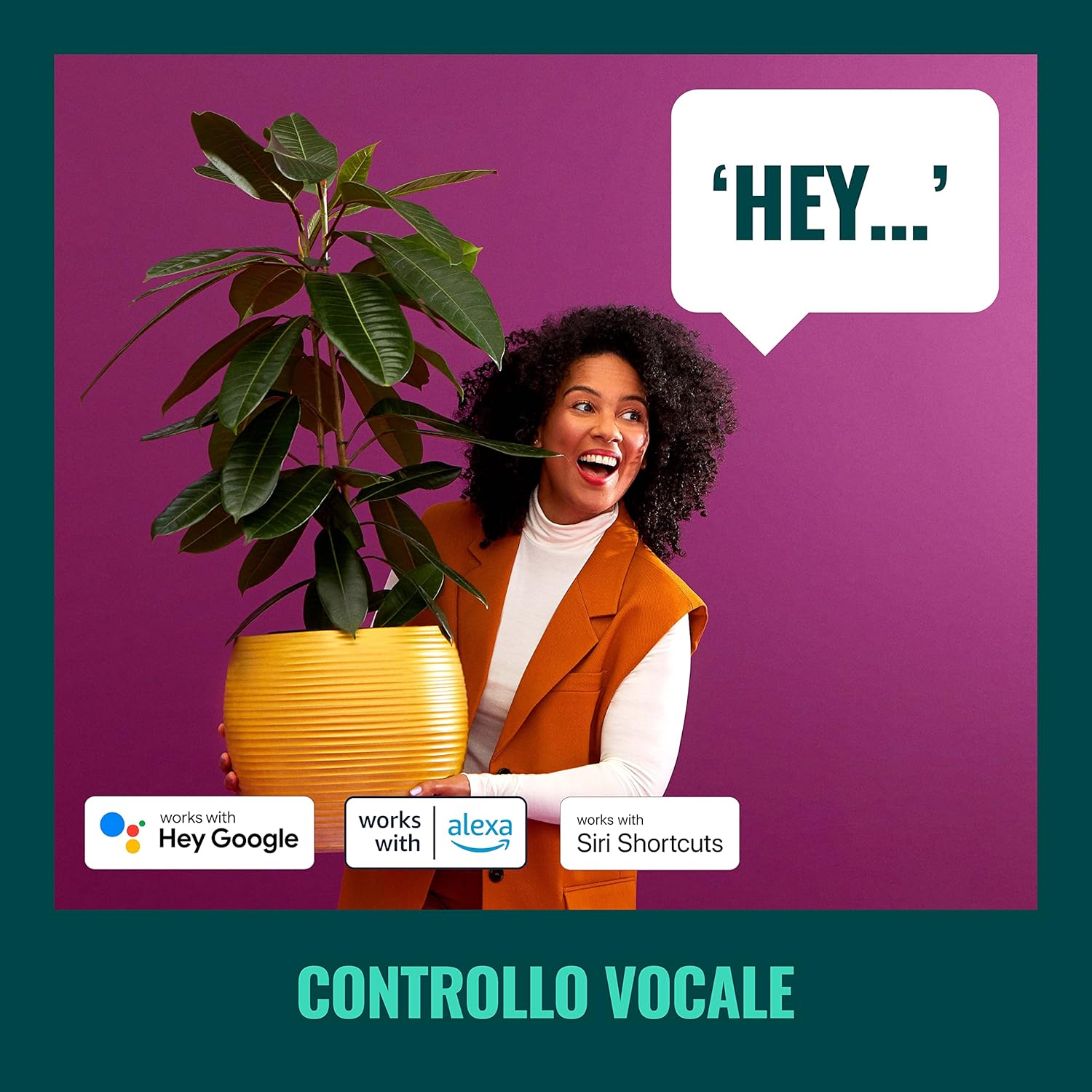
Figi 5: The WiZ system supports voice control via popular smart home platforms.
6.4. Schedules and Routines
Automate your lighting to fit your daily routine.
- Orè: Set specific times for lights to turn on/off, change brightness, or alter color.
- Ritm sikadyen: Enable Circadian Rhythm to automatically adjust light color and brightness throughout the day to mimic natural light patterns, promoting well-being.

Figi 6: Plis paseview of advanced control features including scene personalization, remote control, scheduling, and circadian rhythm.
7. Antretyen
- Netwayaj: Dekonekte kouran an anvan ou netwaye li. Siye aparèy la avèk yon twal mou epi sèk. Pa sèvi ak pwodui netwayaj abrazif oswa solvan.
- Ranplasman anpoul: Ensure power is off. Allow bulbs to cool before handling. Twist and pull to remove old GU10 bulbs, then insert new ones by aligning and twisting.
- Mizajou lojisyèl: Regularly check the WiZ app for firmware updates to ensure optimal performance and access to new features.
NAN. Depanaj
- Limyè yo pa reyaji:
- Check if the main power switch is on.
- Asire w ke rezo Wi-Fi ou a aktif epi stab.
- Verify that the WiZ app is connected to the correct Wi-Fi network.
- Try power cycling the spotlight plate (turn off for 10 seconds, then on).
- Difikilte pou konekte:
- Ensure your phone is connected to a 2.4GHz Wi-Fi network during pairing.
- Pwoche pi pre routeur Wi-Fi ou a.
- Reset the bulbs by turning them on/off three times (on for 1-2 seconds, off for 1-2 seconds) until they flash.
- SpaceSense Not Detecting Movement:
- Increase the sensitivity setting in the WiZ app.
- Ensure there are at least two WiZ lights in the room for optimal detection.
- Check for obstructions that might block Wi-Fi signals.
- Pwoblèm kontwòl vwa:
- Confirm that your WiZ account is correctly linked to your voice assistant.
- Tcheke koneksyon entènèt ou an.
- Ensure the device name in the WiZ app matches the name used in voice commands.
9. Espesifikasyon
| Karakteristik | Spesifikasyon |
|---|---|
| Mak | WiZ |
| Nimewo Modèl | 929003210801 |
| Dimansyon pwodwi | 12 x 11 x 26 cm |
| Pwa | 1 kg |
| Koulè | Blan |
| Materyèl | Metal (fixture), Plastic (shade) |
| Style | Haitian |
| Kantite limyè | 3 |
| Kalite anpoul | dirije |
| Baz anpoul | GU10 |
| Wattage (pa anpoul) | 5 Watt |
| Flux lumineux | 1350 lumens (total) |
| Voltage | 230 Vòlt (AC) |
| Evalyasyon IP | IP20 |
| Viv Mwayèn | 15,000 èdtan |
| Karakteristik espesyal | Dimmable, Energy Saving, SpaceSense Technology, Voice Control |
10. Garanti ak sipò
For warranty information and technical support, please refer to the official WiZ websit la oubyen kontakte sèvis kliyan yo. Kenbe resi acha w la kòm prèv acha.
Resous sou entènèt: Vizite la WiZ Brand Store pou plis enfòmasyon sou pwodwi ak sipò.